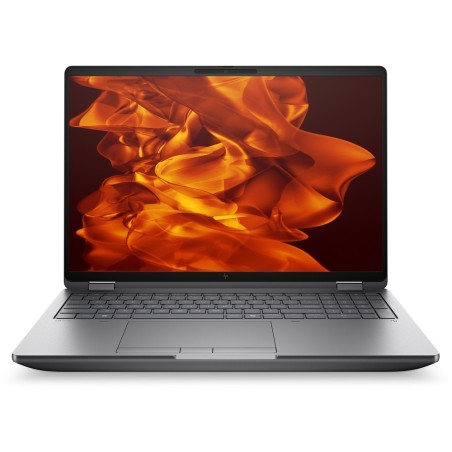
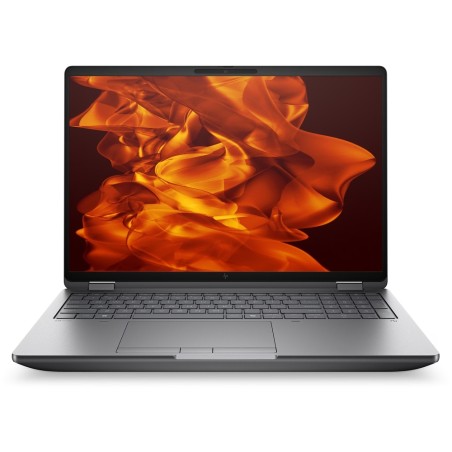
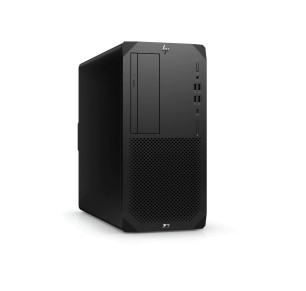
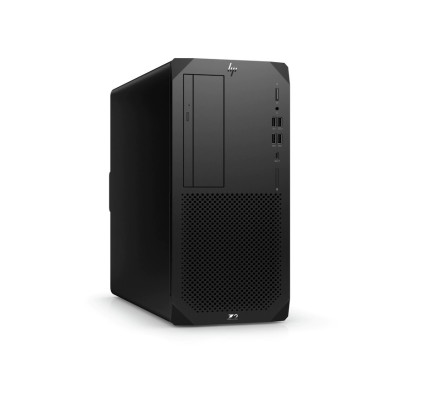
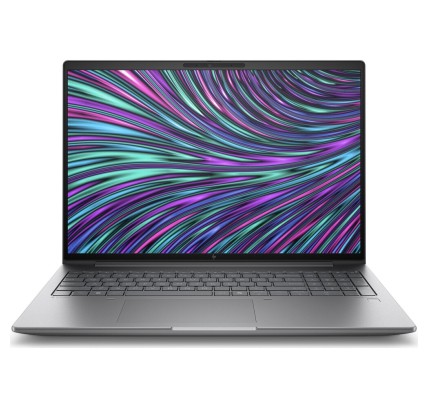
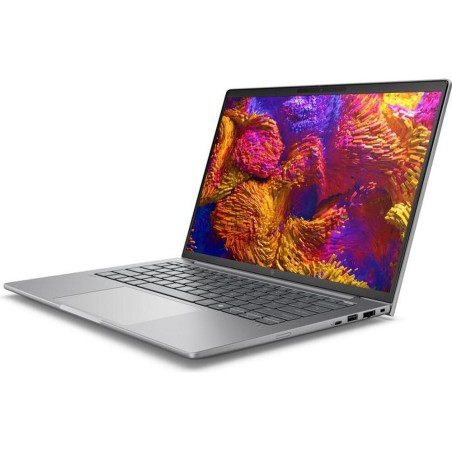
Manufacturer-certified refurbished workstations
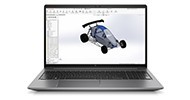
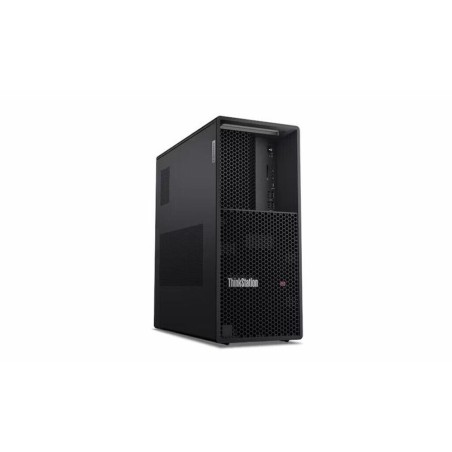
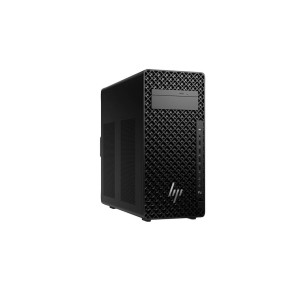
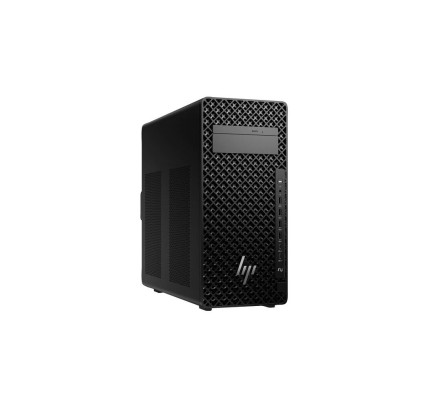
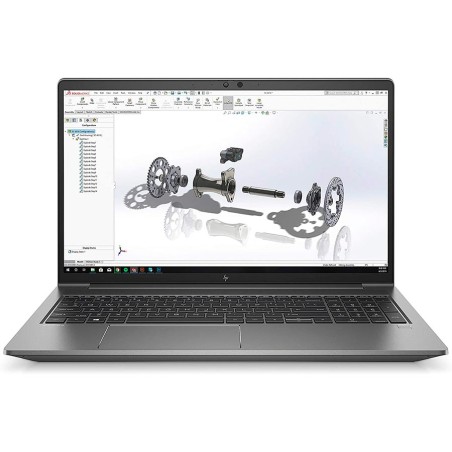
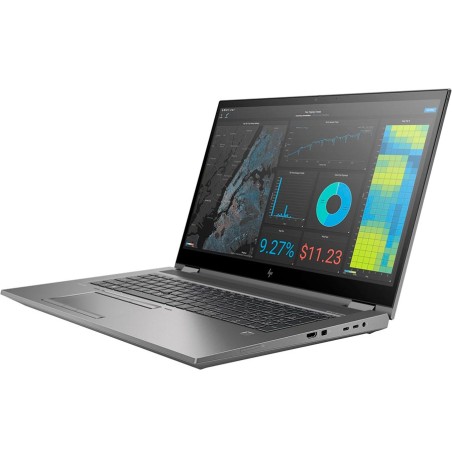
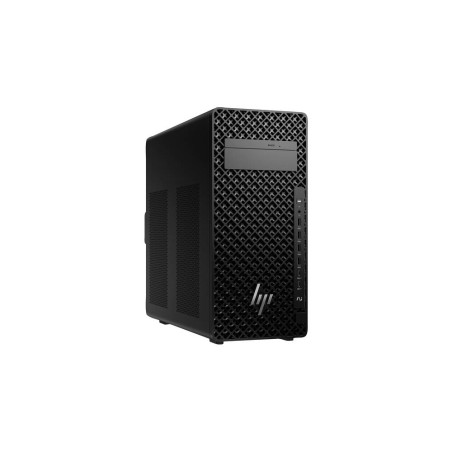
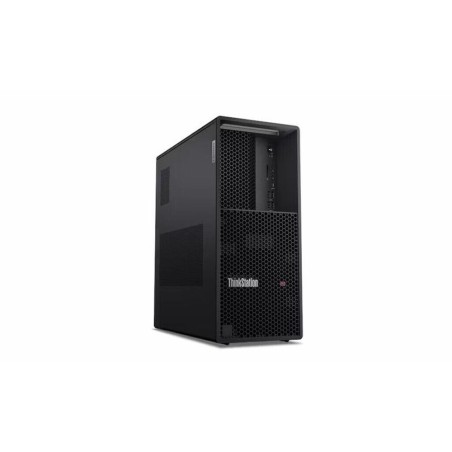
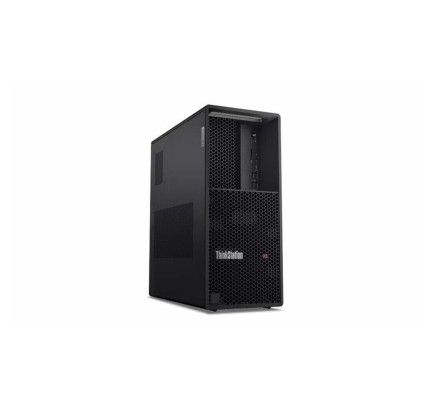
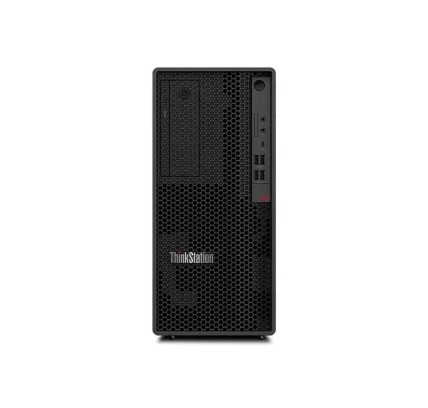
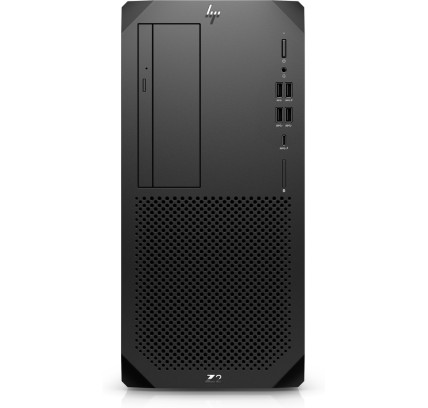
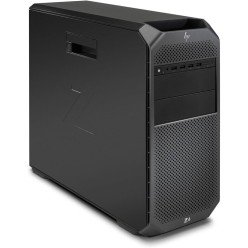
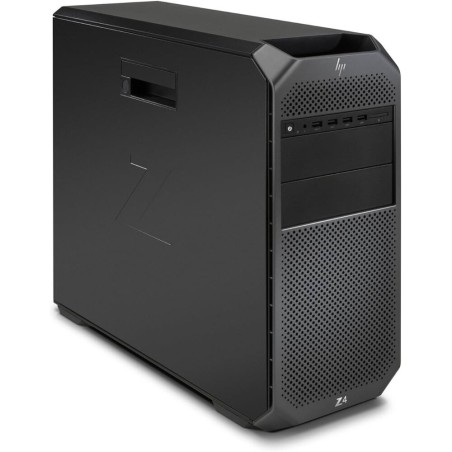
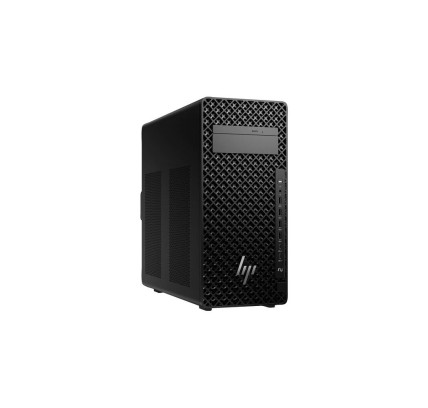
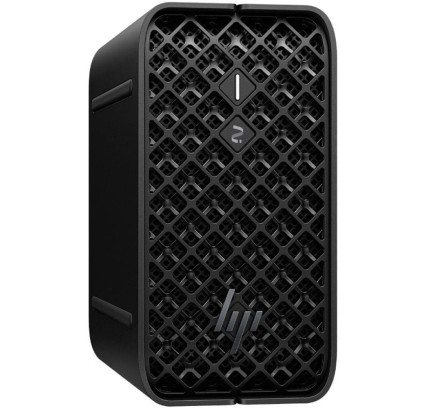
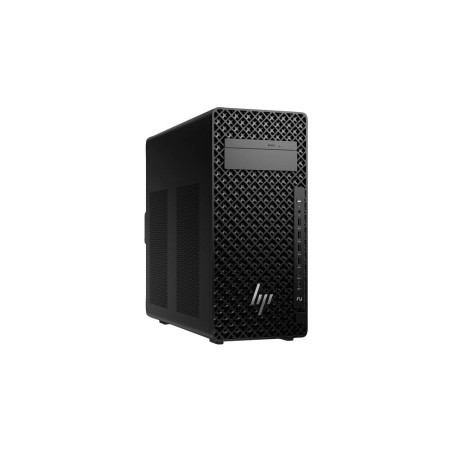
A refurbished workstation is designed for demanding tasks such as CAD, 3D modelling and rendering, editing and design. Here you will find desktop workstations and, subject to availability, systems with configurations geared towards professional performance (always check the product page for CPU, RAM, SSD/HDD, GPU, condition/grade and warranty). If you need mobility, you can go directly to refurbished mobile workstations.
How to choose your refurbished workstation
- Define your main use: CAD/3D and video usually benefit more from a GPU; virtualisation and large projects generally require more RAM and a CPU with strong sustained performance.
- CPU: prioritise a balance between cores/threads and per-core performance (subject to availability). For CPU rendering and advanced multitasking, more cores usually help.
- RAM: as a guide, 16 GB can be enough for moderate professional workloads; 32 GB is usually more comfortable for large scenes and timelines; 64 GB+ makes sense for VMs, complex scenes or heavy projects (depending on software).
- Storage: an SSD improves load times and responsiveness. If you work with large files, consider higher capacity or a second drive (if the system supports it and this is stated on the product page).
- GPU: key for acceleration, rendering and certain CAD/3D/video workflows. Check the graphics model and memory (VRAM) when listed on the product page.
- Ports and displays: check DisplayPort/HDMI, USB/USB-C, Ethernet and, where applicable, Wi-Fi/Bluetooth (depending on model). If you are going to use two monitors, check the number of video outputs.
- Form factor: desktop = more room for upgrades and cooling; mobile = mobility with thermal and noise compromises (depending on the system).
- Condition/Grade and warranty: compare the cosmetic condition and warranty terms of each unit.
Workstations by use case
CAD, engineering and BIM
For AutoCAD, SolidWorks, Revit or other technical environments, look for a balanced configuration: a capable CPU, enough RAM and, where applicable, a suitable GPU. If you work with large assemblies or BIM projects, increasing RAM is usually advisable. Also check ports for dual monitors and peripherals (depending on model).
3D and rendering
In 3D, priorities depend on the engine and workflow: some projects scale very well with CPU performance (more cores), while others benefit more from the GPU (model and VRAM). A fast SSD helps with caches, textures and scene loading. Before deciding, always check the GPU and RAM on the product page.
Video, photo and design editing
For editing and design, a “balanced” approach usually works well: a solid CPU, enough RAM and fast storage. If you work with 4K/6K, consider SSD capacity and the listed GPU for acceleration (depending on software and configuration).
Business and daily production
If the workstation is going to be your main tool, prioritise stability, connectivity and upgrade headroom. In professional environments, a workstation can help maintain consistent performance during long sessions (depending on configuration).
Mobile workstation (if you need mobility)
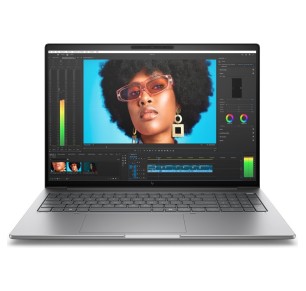
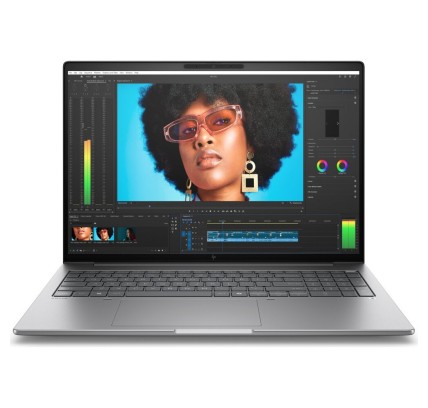
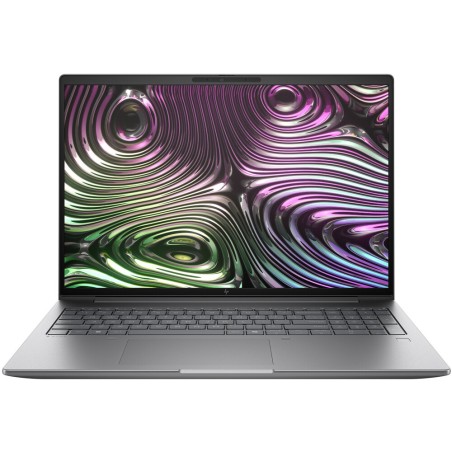
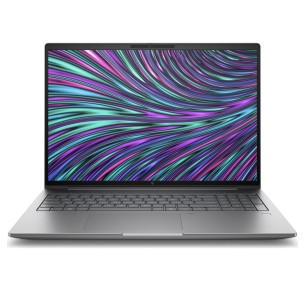
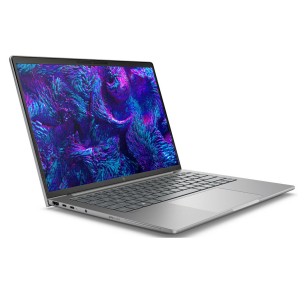
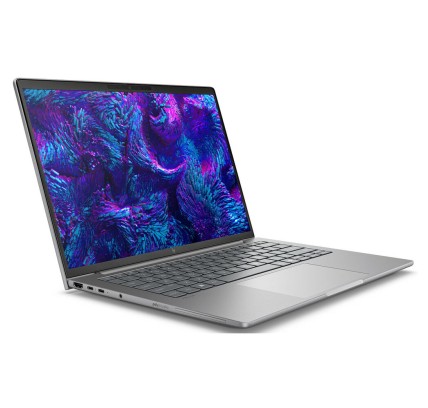
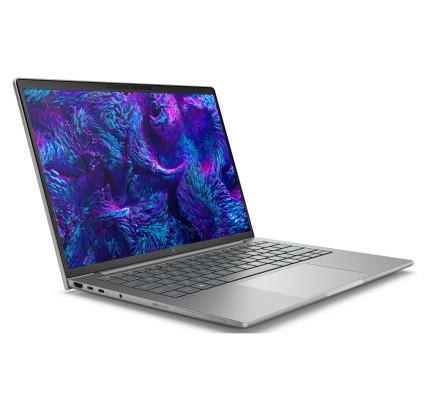
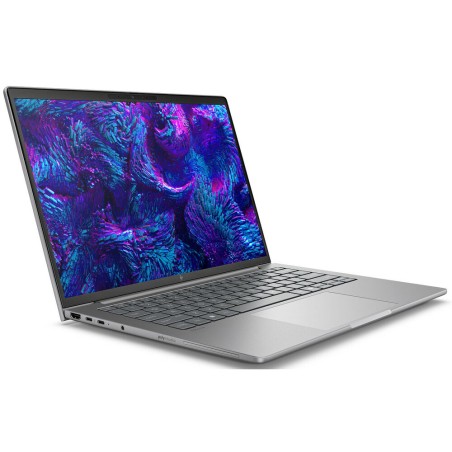
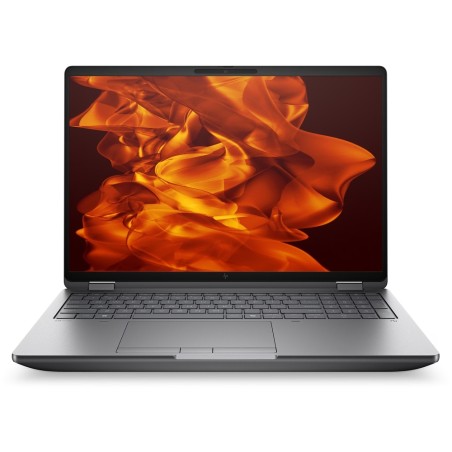
If you work in different locations or need a system for field work, check the category of refurbished mobile workstations. They retain the focus on performance, but it is worth checking cooling, battery life and ports on each product page (depending on model).
What “manufacturer-certified” means
“Manufacturer-certified” should be understood as refurbishment carried out according to the manufacturer’s standards (or by an authorised service provider). In practice, the important thing is what can be verified: that it is stated on the product page and that clear specifications and conditions are provided. If it is not explicitly shown, decide based on the configuration, condition/grade and warranty of that specific unit.
Benefits and trust
- Buy based on real performance: compare product pages by CPU, RAM, SSD and GPU to choose according to your software.
- Warranty: category reference of up to 3 years directly from the manufacturer (depending on product).
- Variable stock: as these are refurbished/used products, units and configurations change subject to availability.
Frequently asked questions
What is the difference between a powerful PC and a workstation?
A workstation is designed for professional workloads (CAD, 3D, editing) and sustained performance. Even so, the real difference comes down to the configuration of each unit. That is why it is worth comparing CPU, RAM, SSD and GPU exactly as listed on the product page.
How much RAM do I need for CAD, 3D or editing?
It depends on the size of the project and the software. As a guide: 16 GB may be enough for moderate professional use; 32 GB is usually better for large scenes and timelines; 64 GB+ can be useful for VMs or complex projects. Always check the exact RAM and whether the model can be upgraded (depending on the product page).
SSD or HDD in a refurbished workstation?
For professional work, an SSD improves responsiveness and reduces loading times for projects and caches. If you need a lot of capacity, a second drive may be useful for storage, provided the system supports it. Check the exact type and capacity on the product page (subject to availability).
Do I need a dedicated GPU for a workstation?
For CAD/3D and video acceleration, a dedicated GPU is usually important. For more CPU-focused tasks (certain CPU renders, compilation or advanced office work), it may not be essential. The key factors are your software and the specific GPU listed on the product page.
Desktop workstation or mobile workstation?
A desktop usually offers better cooling and more upgrade options; a mobile workstation provides mobility. If you render for many hours, a desktop is usually more suitable; if you travel, a mobile workstation may be the better choice. Check the specific ports and features on the model’s product page (subject to availability).
Is “manufacturer-certified” the same for all products?
Not necessarily. The important thing is that the certification is explicitly stated on the product page and that clear details are provided. If it is not shown, assess the system based on its configuration, condition/grade and the warranty stated for that specific unit.
Is the warranty the same on all refurbished workstations?
It may vary by product. As a category reference, up to 3 years directly from the manufacturer is stated (depending on product). Always confirm the exact warranty on the product page of the system you are going to buy.
Ready to choose? Filter by CPU, RAM, SSD and GPU to find the refurbished workstation that suits your workload.
You may also be interested in