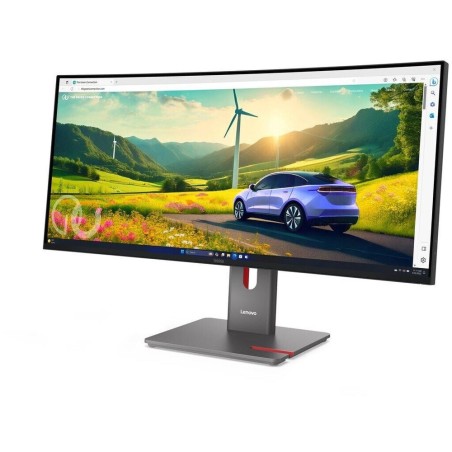
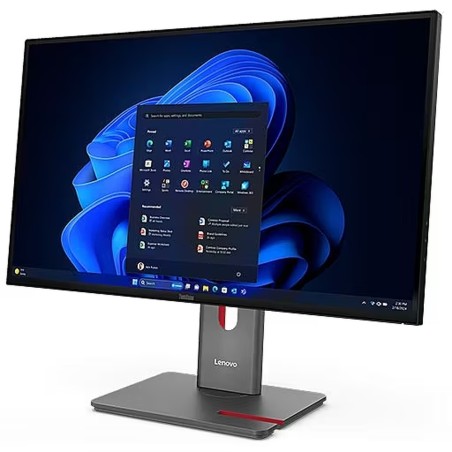
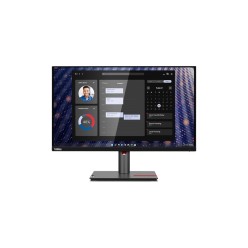
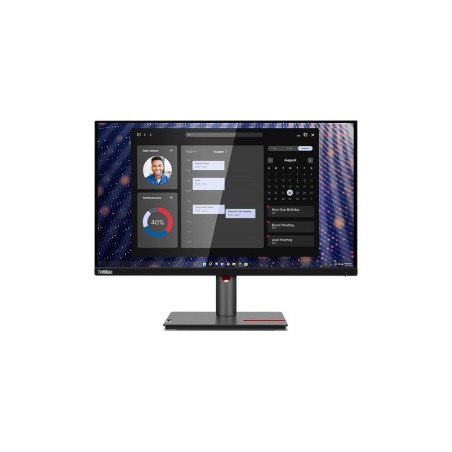
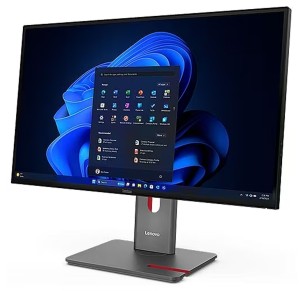
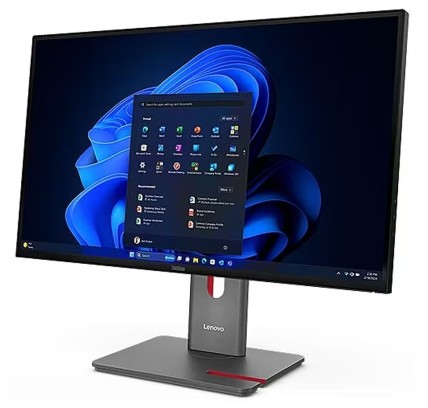
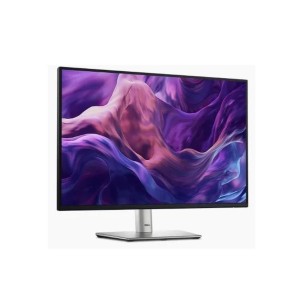
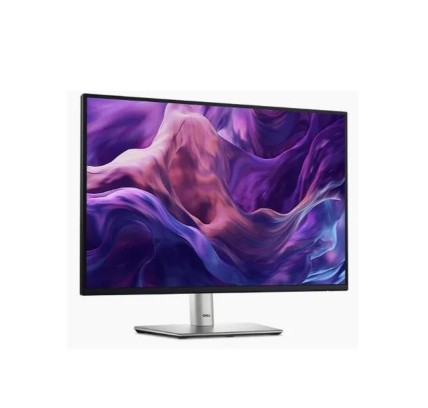
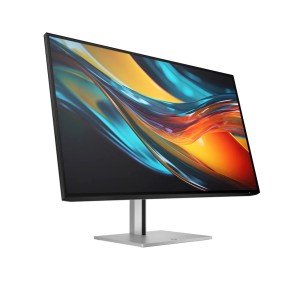
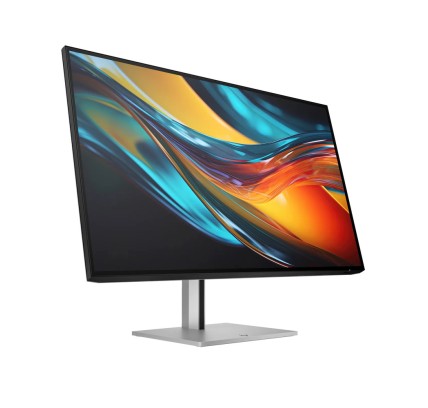
Refurbished monitors for home, work and gaming
Well-chosen refurbished monitors can greatly improve your experience: more workspace, easier reading and, for gaming, smoother performance. In this category you will find monitors for study, business, editing and gaming, with models and specifications that may vary subject to availability. To choose with confidence, use the filters and always check the specific product page: screen size, resolution, panel type, refresh rate (Hz), connections, ergonomics, condition/grade and warranty.
How to choose your refurbished monitor
- Size (inches): 22–24" for a small desk; 27" as a balanced option; 32"+ if you want more workspace (depending on stock).
- Resolution: 1080p (basic), 1440p (sharper at 27"), 4K (maximum detail; requires more graphics power for gaming) (depending on model).
- Panel type: IPS usually prioritises colour/viewing angles; VA often stands out for contrast; TN may focus on response time (depending on the product page).
- Refresh rate (Hz) and response: for competitive gaming, look for higher refresh rates; for office use, 60–75 Hz is usually enough (depending on product).
- Connections: check HDMI/DisplayPort/USB-C (if applicable) and whether you need adapters for your PC/laptop.
- Ergonomics: height/tilt adjustment and VESA compatibility if you are going to use a monitor arm (depending on the product page).
- Colour and creative use: if you edit photo/video, prioritise panels and specifications geared towards colour when stated.
- Condition/Grade and accessories: check whether the stand, cables or extras are included; if not specified, consider them “subject to availability”.
Monitors by use (choose quickly)
For study and office (comfort and readability)
For documents, classes and remote work, a 24–27" monitor with suitable resolution and good ergonomics usually works very well. If you spend hours in front of the screen, consider height adjustment and a panel that is comfortable for reading (depending on the product page). If you use a laptop, check connections and adapters.
For gaming (smoothness and response)
For gaming, the goal is to match Hz and resolution with your GPU. If you play competitively, prioritise a high refresh rate. For AAA games, increasing resolution and screen size may be worthwhile. Always check the model’s actual refresh rate and the required inputs (HDMI/DP) to take advantage of it (depending on the product page).
For editing (photo, video and design)
If you edit, the key is a panel that performs well in colour and viewing angles, with specifications geared towards colour accuracy when available. Also check resolution and size for working with timelines or full-screen tools (depending on model).
For dual-screen setups and productivity
If you work with multiple windows, two monitors can be more efficient than one large monitor. Make sure your computer has enough outputs and the correct type (HDMI/DP/USB-C, depending on configuration). If not, you may need an adapter or dock (depending on your setup).
For small spaces (compact setup)
On smaller desks, a 22–24" monitor usually fits better. Prioritise stable stands and, if you want to save space, VESA compatibility for a monitor arm (depending on the product page).
Benefits and trust
- Buy based on the product page: each unit may vary; the product page is the reference for size, resolution, panel, Hz, connectivity and warranty.
- Limited stock: with refurbished/used products, there may be unique units and changing configurations.
- Warranty: check the warranty stated on the product page of the selected monitor (it may vary by product).
Frequently asked questions
Which monitor size is best: 24”, 27” or 32”?
It depends on your viewing distance and available space. 24" usually works well on smaller desks and for 1080p. 27" is a popular balance and works particularly well with 1440p. 32" or larger provides more workspace, but requires more viewing distance and may make more sense with 4K. Check the exact size and resolution on the product page.
1080p, 1440p or 4K: which resolution should I choose?
For 22–24", 1080p is usually enough. At 27", 1440p usually provides a clear improvement in sharpness. 4K stands out for detail and editing, but requires more graphics power for gaming. The ideal choice combines screen size, use (office/gaming/editing) and what your system can handle. Always check the resolution on the product page.
Which panel should I choose: IPS, VA or TN?
As a general guide: IPS usually offers good viewing angles and colour performance for creative work; VA often stands out for contrast in multimedia; TN may prioritise response time in some competitive-focused models. Not all panels perform the same, so check the panel type and specifications of the specific monitor on its product page.
How many Hz do I need for gaming?
For office and study, 60–75 Hz is usually enough. For competitive gaming, a higher refresh rate can provide smoother motion, as long as your PC can reach those FPS. The connection also matters: some refresh rates are only supported through specific DisplayPort or HDMI versions. Check the refresh rate and inputs of the model on the product page.
Which connections should I check (HDMI, DisplayPort, USB-C)?
Check which outputs your PC/laptop has and which inputs the monitor offers. DisplayPort is common in desktop and gaming setups; HDMI is common on laptops and consoles; USB-C can be useful on some systems (if the model includes it). If ports are missing, you may need an adapter or dock depending on your setup. Always check the product page.
What should I look for in a monitor for photo or video editing?
Prioritise a panel geared towards colour (often IPS), a comfortable size and a resolution that helps you see detail. If the product page provides colour information or related specifications, use them as criteria. For serious work, calibration and the working environment also matter, so base your decision on what is clearly stated for the specific product.
What does VESA mean and why does it matter?
VESA is the mounting standard used for monitor arms or wall mounts. If you want to save space or adjust height precisely, VESA compatibility is very useful. Before buying, check on the product page whether the monitor supports VESA and the exact mounting pattern size (depending on model).
What should I check on a refurbished monitor before buying?
Check the condition/grade, which accessories are included (stand, cables) and the exact specifications (size, resolution, panel, Hz, connections). If any key information is missing, consider it “subject to availability” and prioritise complete product pages. Also confirm the warranty stated for that unit on the product page.
You may also be interested in



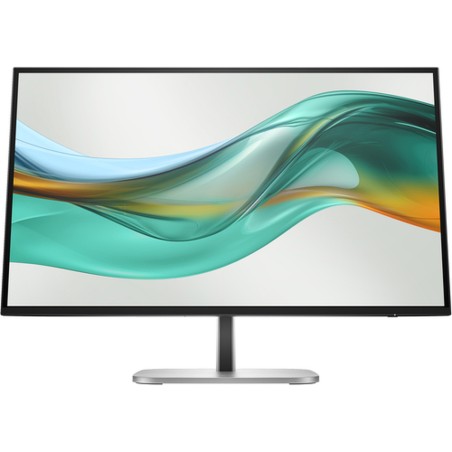
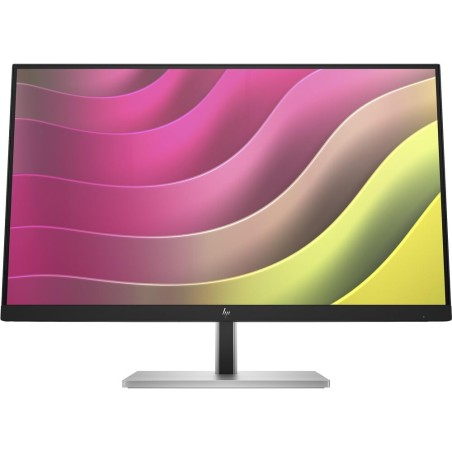
![HP S5 Pro 524pn 24" IPS WUXGA 16:10 Monitor Bl, Sl (1920x1200), HA, TI, SW, PI, H DMI, DP, VESA [Nuevo] HP - 1](https://www.segundamanopc.com/3476239-home_default/hp-s5-pro-524pn-24.jpg)
![HP S5 Pro 524pn 24" IPS WUXGA 16:10 Monitor Bl, Sl (1920x1200), HA, TI, SW, PI, H DMI, DP, VESA [Nuevo] HP - 1](https://www.segundamanopc.com/3476239-medium_default/hp-s5-pro-524pn-24.jpg)