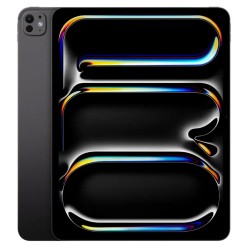
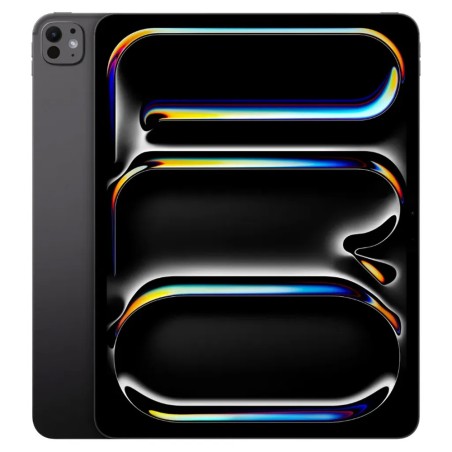
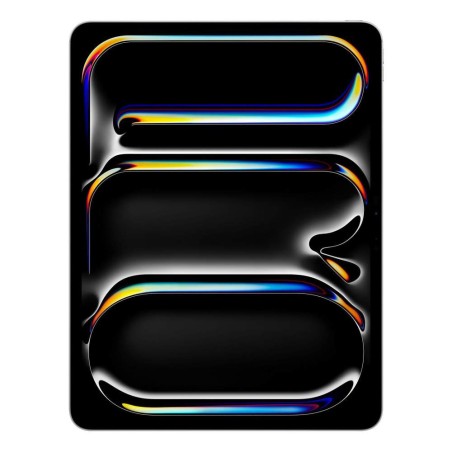
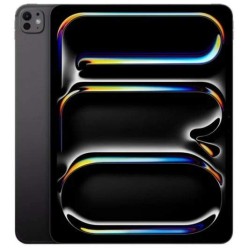
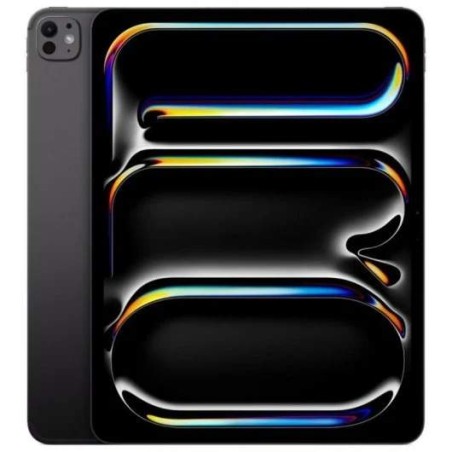
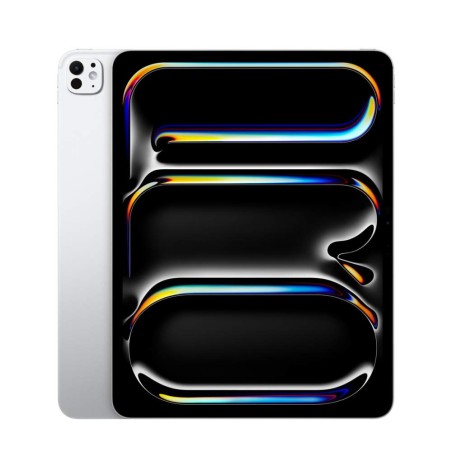
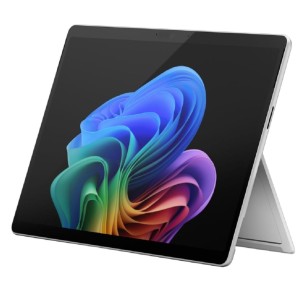
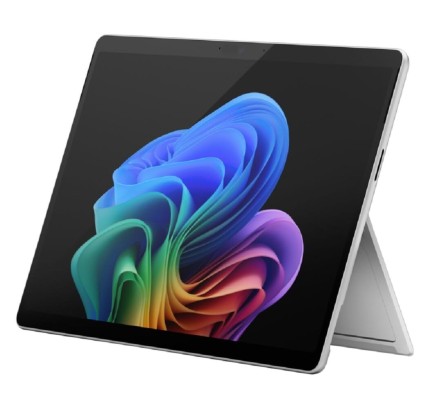
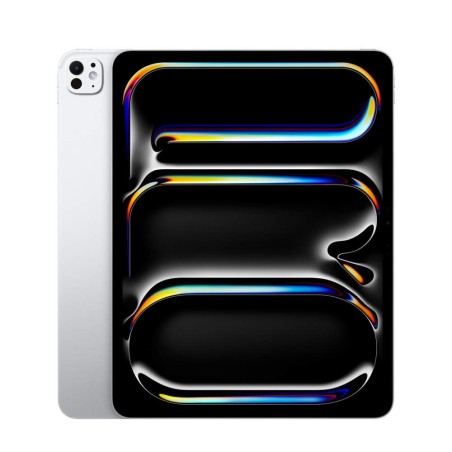
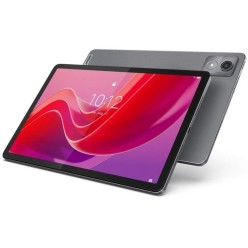
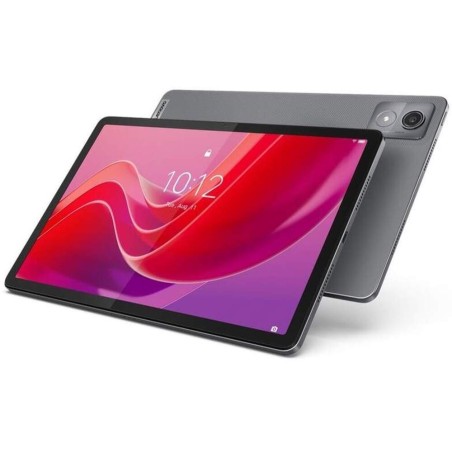
Refurbished tablets: iPad, Surface and Lenovo by use
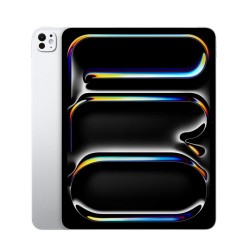
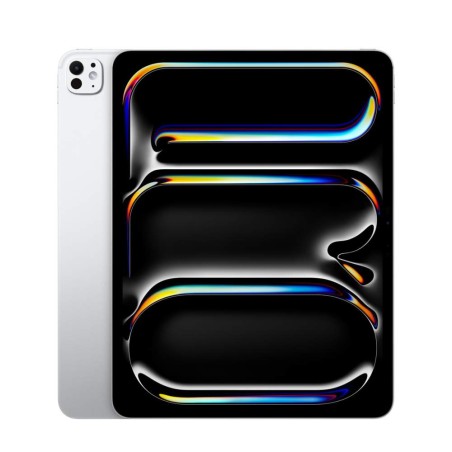
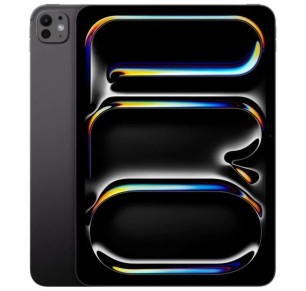
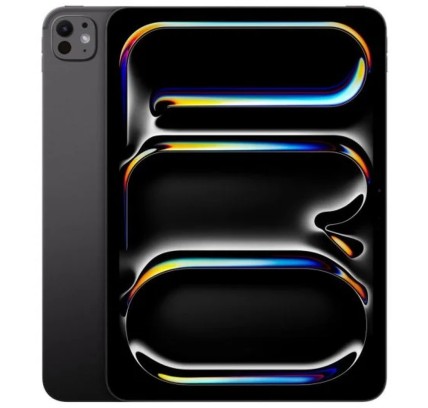
Refurbished tablets are a convenient option for studying, travelling light or having a second device at home for reading, streaming and video calls. In this category you can find models such as Apple iPad, Microsoft Surface and Lenovo tablets, with configurations that may vary subject to availability. To choose the right one, always check the product page for each unit: exact model, display, storage, connectivity, compatible accessories (keyboard/stylus), condition/grade and the stated warranty.
How to choose your refurbished tablet
- System and focus:
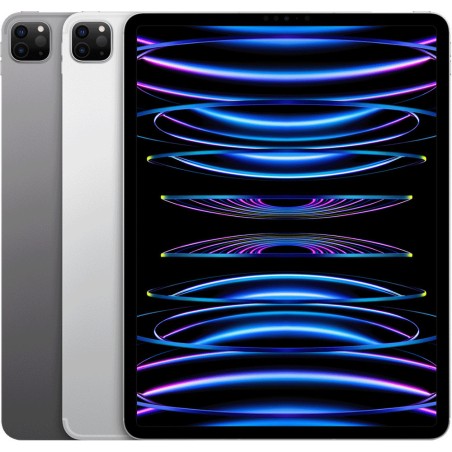
- iPad: ideal for media, study and creative apps (depending on model and compatibility).
- Surface: hybrid approach; it may suit you if desktop apps and a keyboard are a priority (depending on model).
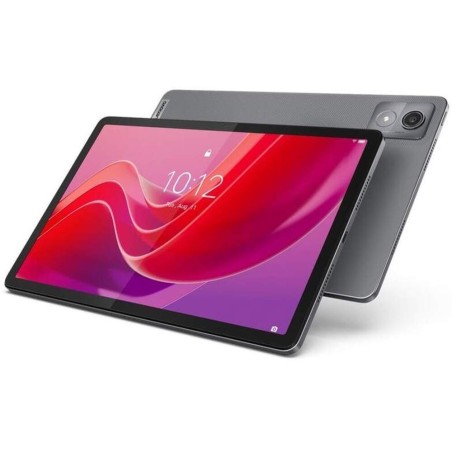
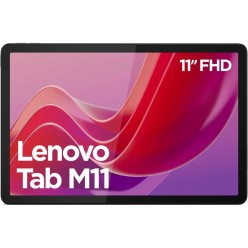
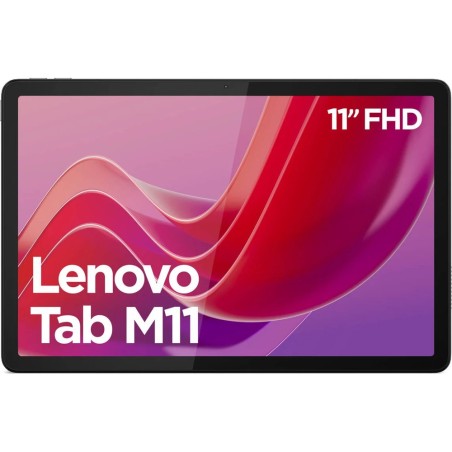
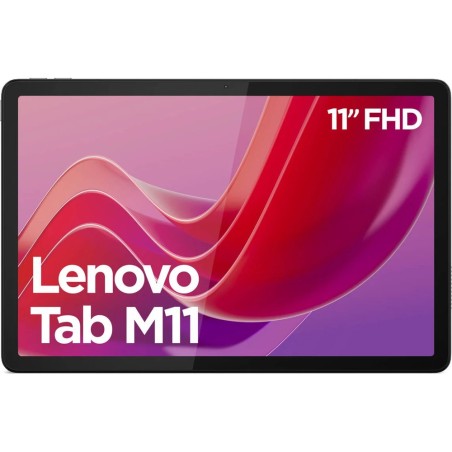
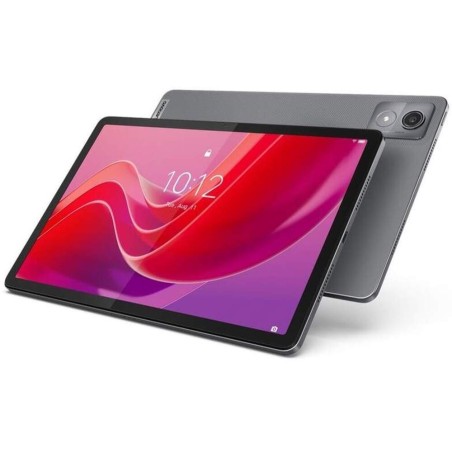
- Lenovo (and others): good for home use/light study, depending on range and specifications.
- Screen size: 8–10" for maximum mobility; 11–13" for working/studying with more space (depending on the product page).
- Storage: choose capacity according to your apps, notes and files. If you use cloud storage, you may not need as much; if you store videos/photos, you may need more.
- Connectivity: check whether it is Wi-Fi or LTE/4G/5G (if applicable). For video calls away from home, LTE can be important.
- Accessories: check compatibility with a keyboard and stylus, and whether they are included or not (depending on product).
- Ports and charging: USB-C, Lightning or others (depending on model). This matters if you use hubs, monitors or external storage.
- Performance: consider the processor/chip and the model generation. With tablets, the exact model is usually more useful than a “generic CPU”.
- Condition/Grade and battery: condition may vary by unit. If the product page includes battery information, use it as a criterion; if not, treat it as “subject to availability”.
Tablets by use
For students (notes, reading and online classes)
If your goal is studying, prioritise a comfortable display (10–11" is usually a good balance), enough storage for documents and good connectivity. If you are going to take handwritten notes, check stylus compatibility and whether accessories are included or not (depending on product). If you type a lot, a compatible keyboard or a 2-in-1 may be worthwhile.
For light mobility (travel, sofa and everyday use)
If you want to carry it around, look for compact sizes and check weight and connectivity. If you will use it away from home, check whether there is an LTE/4G/5G version (if applicable). For everyday use, responsiveness depends heavily on the model and generation: compare product pages and choose according to the apps you normally use.
For hybrid work (keyboard, multitasking and office use)
If you want the tablet to work more like a laptop, prioritise keyboard compatibility and ports (USB-C/hubs, video outputs if applicable). In this scenario, a Surface or convertible may be a better fit, depending on the type of applications you use and what is stated on the product page.
For home and family (multimedia and video calls)
For streaming, browsing and video calls, look for a good screen size and suitable storage. If it is for multiple users, consider ease of use and accessories such as a case/stand (subject to availability).
For creativity (drawing and light editing)
If you are going to draw or edit, stylus compatibility and model generation matter. Also check storage capacity if you save projects locally. For heavy editing, you may want to compare it with a laptop or workstation depending on your needs.
Benefits and trust
- Buy based on the product page: each unit may vary; the product page is the reference for model, capacity, connectivity, condition and warranty.
- Limited stock: as these are refurbished/used products, there may be unique units and changing configurations (subject to availability).
- Choose based on actual use: filter by display, storage and connectivity to avoid paying too much or falling short.
Frequently asked questions
Which refurbished tablet is right for me: iPad, Surface or Lenovo?
It depends on how you will use it. iPad is usually a very good fit for study, multimedia and creative apps (depending on model and compatibility). Surface is more interesting if you prioritise a keyboard and desktop applications (depending on model). Lenovo and other tablets can be a practical option for home use and light mobility. The key is to compare product pages by display, storage, connectivity and compatible accessories.
How much storage do I need on a tablet?
For notes, browsing and streaming, moderate capacity may be enough. If you store photos, videos, games or drawing/editing projects, more storage is advisable. If you use cloud storage, you can balance local capacity with online services. Always check the exact capacity on the product page (subject to availability).
Wi-Fi or LTE/4G/5G: which should I choose?
If the tablet will mainly be used at home, Wi-Fi is usually enough. If you need a connection away from home (classes, travel, work), an LTE/4G/5G version may be more convenient. Check the product page to see whether the model supports mobile data and whether it is compatible with SIM/eSIM where applicable.
Does the tablet include a charger, keyboard or stylus?
It depends on the product. With refurbished devices, included accessories may vary by unit. Before buying, check the “included” section or the product description. If it is not stated, treat it as “subject to availability” and prioritise product pages that clearly specify what comes with the tablet.
How do I know if it is compatible with a keyboard or stylus?
Compatibility depends on the exact model and generation. Look for the full model on the product page and, if stated, compatibility with accessories. If your purchase depends on using a keyboard or stylus, choose units where compatibility is clear or ask before completing the order.
Can a tablet replace a laptop?
For browsing, email, light office work and classes, many tablets can cover everyday needs. If you need specific desktop software, heavy multitasking or advanced connectivity, a laptop or 2-in-1 may be more suitable. Before deciding, check your usual software and the model’s keyboard/port options (depending on the product page).
What should I check about condition and battery on a refurbished tablet?
Check the stated condition/grade and any details about wear. If the product page includes battery information, use it as a criterion; if not, consider that information “subject to availability”. If battery life is critical for you, prioritise product pages with more complete information or ask before buying.
You may also be interested in