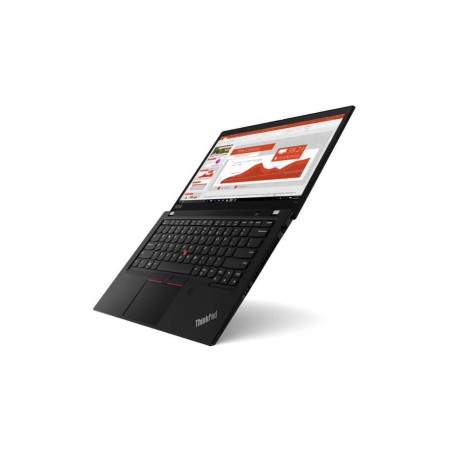
Certified refurbished laptops for studying and working
Refurbished laptops are a practical alternative if you need mobility for home, study or work without buying a brand-new device. Here you will find models from different brands, sizes and configurations that may vary subject to availability. To make the right choice, first decide on your actual use (classes, remote work, travel, editing) and check the key specifications on each product page: CPU, RAM, SSD/HDD, display, GPU, keyboard, condition/grade and warranty. If you are looking for certified laptops, prioritise products that explicitly state this on their product page.
How to choose your refurbished laptop
- CPU (processor): choose the range and generation according to what you will use it for (office work/study vs. professional multitasking) (subject to availability).
- RAM: 8 GB for basic use; 16 GB as a balanced option; 32 GB+ if you do editing/design work or use VMs (depending on software).
- SSD/HDD: prioritise an SSD for better responsiveness. If you need more storage, consider a higher-capacity drive or a second drive only if the model supports it.
- Display: 13–14" for mobility; 15–16" as a balance; 17" if you will mainly use it at a desk (depending on the product page).
- Graphics (GPU): integrated graphics for office work; dedicated graphics if you will be doing 3D, CAD or hardware-accelerated editing (depending on the product page).
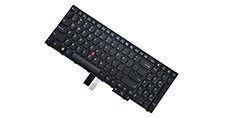
- Keyboard and language: check whether it is ES or the exact language. If you need a replacement, check compatible keyboards (depending on the model).
- Ports and connectivity: HDMI/DP, USB-C, Wi-Fi/Bluetooth, SD card reader… depending on your setup (depending on the model).
- Condition/Grade and warranty: check the condition description and the warranty stated on the product page (these may vary by unit).
Laptops by use
For students and classes (lightweight and simple)
If you will be carrying it every day, look for a laptop that is easy to transport (13–14"), with an SSD and enough RAM for browsing, documents and video calls. If you usually have many tabs and apps open, prioritise 16 GB of RAM (subject to availability) and a mid-range CPU.
For remote work and business (multitasking + connectivity)
For full-day use, a device with 16 GB of RAM, an SSD and clear connectivity options for monitors and peripherals is usually worthwhile. If you work with an external display, check the type of output (HDMI/DP/USB-C) and compatibility with docks (depending on the model).
For professionals (editing, design and demanding projects)
If you work with photo/video or demanding tools, aim for more RAM, higher SSD capacity and, where applicable, dedicated graphics. If you need sustained performance for long workloads, you may want to compare it with a refurbished workstation.
2-in-1 convertibles (touchscreen and versatile)
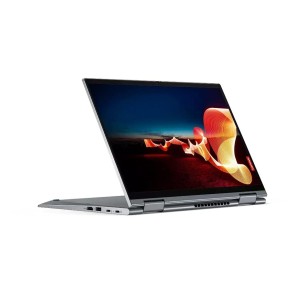
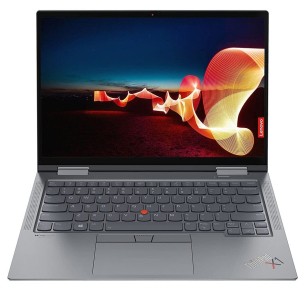
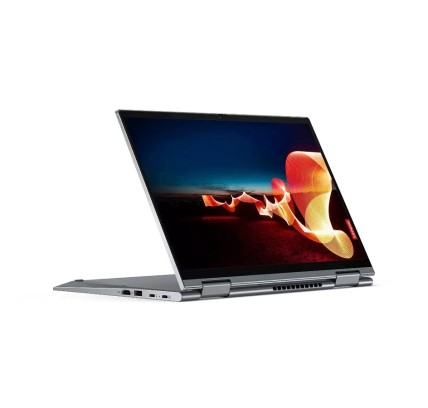
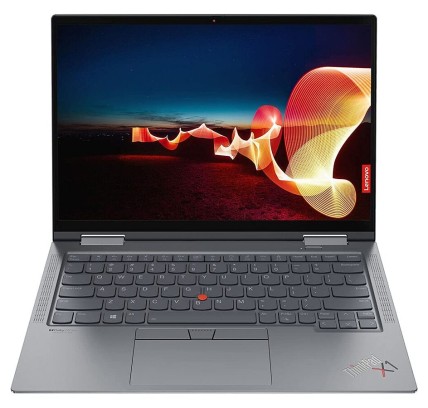
For taking notes, presentations or switching between laptop and tablet mode, a 2-in-1 is a good option. Check the weight, hinge and display type (depending on the model) and compare directly in its category: refurbished 2-in-1 laptops.
Cheap laptops (tight budget)
If you are looking for a functional device for browsing and office work, narrow your search by price without falling short on RAM/SSD for everyday use. You can explore the cheap refurbished laptops category.
What “certified” means for a refurbished laptop
With refurbished products, “certified” should be supported by verifiable information on the product page (for example, if it states the type of refurbishment or certification). If this is not explicitly shown, treat it as a standard refurbished product and base your decision on what is clearly stated: configuration (CPU/RAM/SSD), condition/grade and the warranty indicated for that unit.
Benefits and trust
- Buy based on real specifications: each product page is the reference for CPU, RAM, SSD, display, keyboard, condition and warranty.
- Limited stock: as these are refurbished/used products, units and configurations may change subject to availability.
- Financing: financing options may be available subject to conditions (check during the checkout process).
Frequently asked questions
Which refurbished laptop is best for studying?
For studying, a 13–14" device is usually a very good choice for mobility, with an SSD and enough RAM for browsing, office work and video calls. If you do a lot of multitasking (many tabs and apps), prioritise 16 GB of RAM (subject to availability) and a mid-range CPU. Always check the weight, battery life if stated, and ports on the product page.
How much RAM do I need for remote work and everyday use?
For documents, email, browsing and video calls, 8 GB may be enough for basic use, but 16 GB is usually the most balanced option for smoother multitasking. If you use demanding software (editing, CAD, virtual machines), aim for 32 GB or more, depending on your tools. Check the exact RAM and whether it is upgradeable on the model’s product page.
Why is it so important for a laptop to have an SSD?
An SSD reduces boot times, opens programs faster and improves overall responsiveness. In refurbished laptops, upgrading to an SSD is usually one of the most noticeable improvements in everyday use. If you need a lot of storage, consider a higher-capacity drive or combining it with an HDD only if the model supports it and this is stated on the product page.
Which screen size is best for me: 13”, 14”, 15” or 17”?
For real mobility, 13–14" is usually the most comfortable option. 15–16" balances workspace and portability, while 17" is suitable if you will mainly use it at a desk. Before deciding, check the resolution and panel type (if specified) and think about your routine: backpack, travel or a fixed desk.
Do I need a dedicated GPU for editing or design?
It depends on the software and the type of projects you work on. For office work and general use, integrated graphics are usually enough. For 3D, CAD and certain hardware-accelerated editing workflows, a dedicated GPU can make a difference. The important thing is to check the exact GPU model on the product page and compare it with the recommended requirements of your software.
How do I know whether the keyboard is Spanish or another language?
Check the keyboard language/layout on the product page. If you need a replacement, you can search for a compatible keyboard in the laptop keyboard category (subject to availability and model). Before buying a keyboard, confirm the exact brand and model of the laptop.
Can I upgrade the RAM or SSD later?
It depends on the model: some allow upgrades (accessible slots), while others may have soldered RAM or access limitations. If upgrading matters to you, prioritise models that clearly state this and check compatibility and maximum capacity (if specified). If in doubt, choose a configuration that already meets your needs.
You may also be interested in



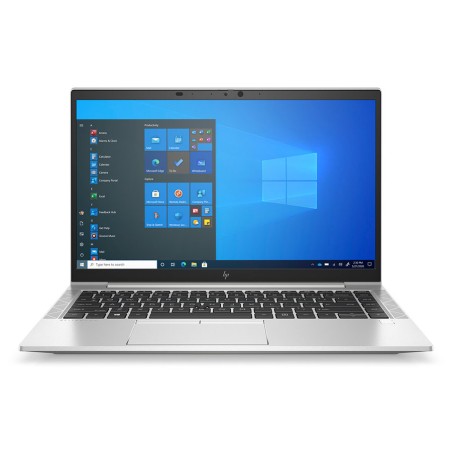
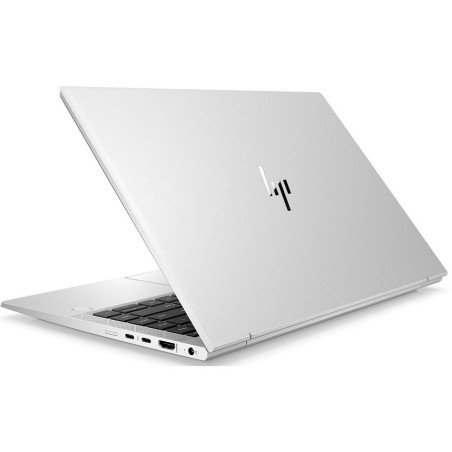


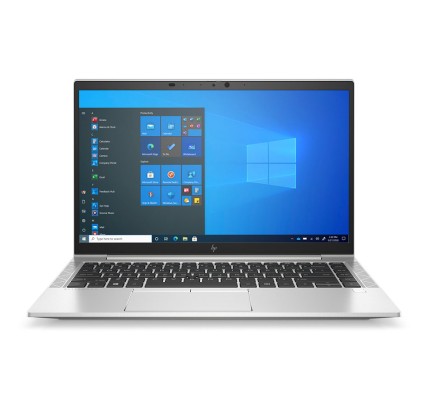
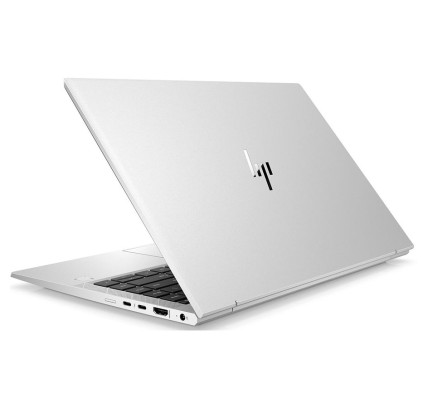
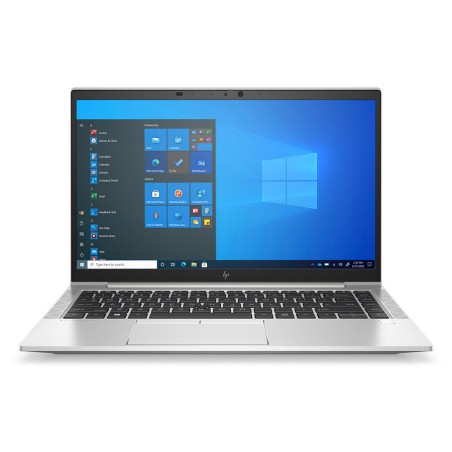
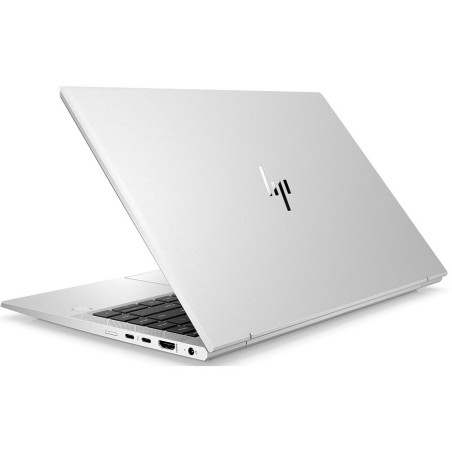
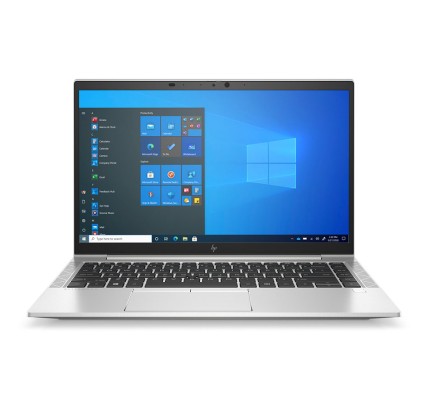
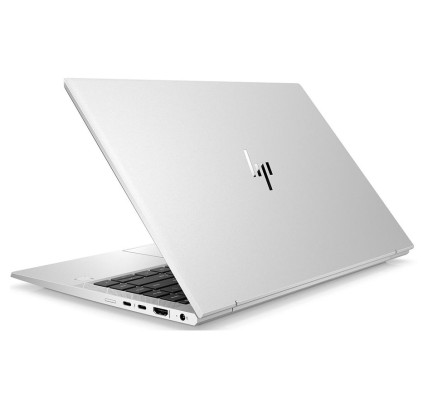
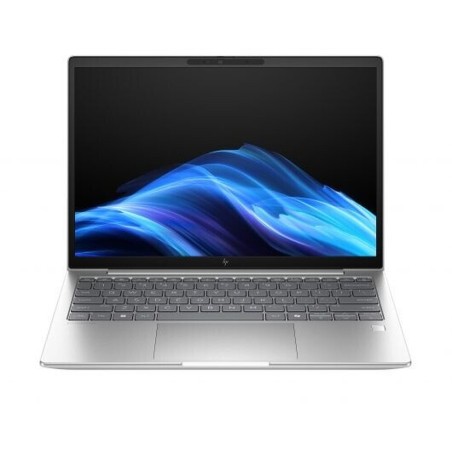
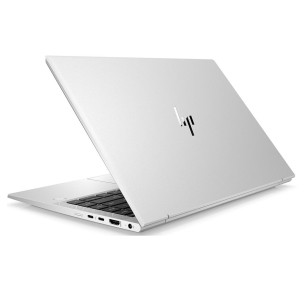
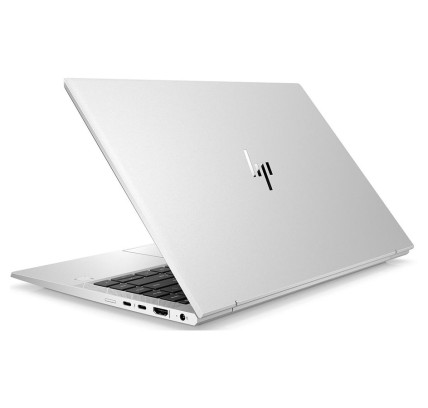
![HP EliteBook 840 G8 i5-1145G7, 16GB, 256GB-NVMe, 14"FHD, W11P COA WLAN, BT, CAM, Smartcard reader [Reacondicionado Grado B] HP -](https://www.segundamanopc.com/3511728-home_default/hp-elitebook-840-g8-i5-1145g7-16gb-256gb-nvme-14-fhd-w11p-coa-wlan-bt-cam-smartcard-reader.jpg)

![HP EliteBook 840 G8 i5-1145G7, 16GB, 256GB-NVMe, 14"FHD, W11P COA WLAN, BT, CAM, Smartcard reader [Reacondicionado Grado B] HP -](https://www.segundamanopc.com/3511728-medium_default/hp-elitebook-840-g8-i5-1145g7-16gb-256gb-nvme-14-fhd-w11p-coa-wlan-bt-cam-smartcard-reader.jpg)
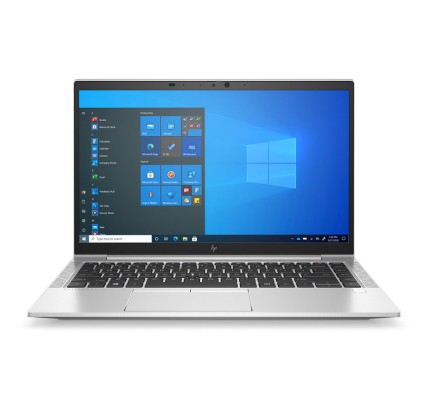
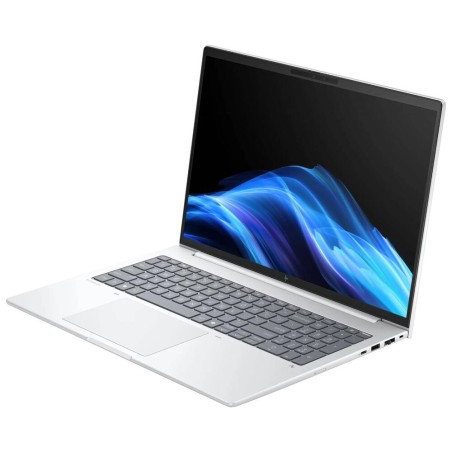
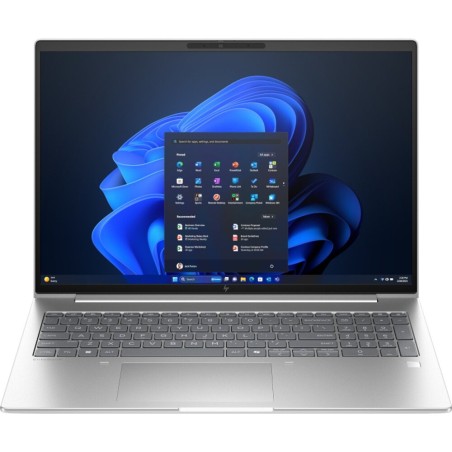
![HP EliteBook 840 G8 i5-1145G7, 16GB, 256GB-NVMe, 14"FHD, W11P CMAR WLAN, BT, CAM, Smartcard reader [Reacondicionado Grado A] HP](https://www.segundamanopc.com/3508134-home_default/hp-elitebook-840-g8-i5-1145g7-16gb-256gb-nvme-14-fhd-w11p-coa-wlan-bt-cam-smartcard-reader.jpg)
![HP EliteBook 840 G8 i5-1145G7, 16GB, 256GB-NVMe, 14"FHD, W11P CMAR WLAN, BT, CAM, Smartcard reader [Reacondicionado Grado A] HP](https://www.segundamanopc.com/3508134-medium_default/hp-elitebook-840-g8-i5-1145g7-16gb-256gb-nvme-14-fhd-w11p-coa-wlan-bt-cam-smartcard-reader.jpg)