PC Outlet: deals on laptops, desktops, monitors and more
In the PC Outlet you will find computer deals with rotating stock: laptops, desktop computers, monitors and tablets, among other products, subject to availability. It is a practical way to find equipment for studying, working or setting up a complete workstation without relying on a single model. To choose well, the key is to filter by your actual use (CPU, RAM, SSD, display, graphics and form factor) and check the product page for each unit to confirm the exact configuration, condition/grade, included accessories and applicable warranty.
How to choose in the PC Outlet
- Define your use: study, office work, remote work, gaming, editing or an all-round computer.
- Choose the form factor: laptop if you need mobility; desktop if you want a fixed workstation; monitor/tablet if you already have a computer.
- CPU: compare generation and range according to your software (office work, multitasking, specific software).
- RAM: 8 GB may suit basic tasks; 16 GB is usually more comfortable for multitasking.
- SSD/HDD: prioritise SSD for responsiveness; consider extra capacity if you store many files.
- Display: on laptops/monitors, check screen size and resolution when stated.
- GPU: if you do gaming/editing, check whether there is a dedicated graphics card and which one (depending on the product page).
- Condition and terms: check the refurbished grade, what each unit includes and the exact warranty on its product page.
PC Outlet by product type and use
Laptop outlet for studying and remote work
If you need mobility, filter by RAM, SSD and screen size to find a balanced laptop. For classes and office work, the priority is usually SSD + enough memory. Before buying, check the keyboard, ports and included charger on the product page for each unit.
Desktop outlet for office and fixed workstations
With desktops, it is usually easier to set up a complete workstation with a monitor and peripherals. Check CPU, RAM and SSD, and confirm ports/video outputs if you are going to use one or two monitors. The product page is the reference for compatibility.
Monitor outlet to expand your workspace
If you already have a computer, a monitor can be the most direct upgrade for productivity. Check size, resolution and available connections (depending on the product page) to ensure compatibility with your PC or laptop and avoid relying on unnecessary adapters.
Tablet outlet for light mobility
For content consumption, light study or a second device, tablets can be a good fit. Check capacity, connectivity and included accessories if specified. As outlet stock changes, compare several units before deciding.
Outlet for gaming and content creation
If you are looking for performance for gaming or editing, focus on the CPU + RAM + SSD combination and check the GPU where applicable. Avoid buying “blind”: in an outlet, each unit may vary, so the product page and exact specifications are what matter.
Benefits and trust
- Opportunities with rotating stock: different models and configurations may appear subject to availability.
- Shop using filters: choosing by CPU/RAM/SSD/display helps you make a better decision than choosing only by price.
- Transparency by unit: condition, included accessories and terms are confirmed on the product page.
- Quick comparison: compare several units to find the best fit for your actual use.
- Careful decision: if information is missing (ports, display, keyboard), treat it as “pending” and decide based on the product page.
Frequently asked questions
What is the PC Outlet and what type of products can I find?
The PC Outlet is a deals section with variable stock where laptops, desktops, monitors, tablets and other products may appear subject to availability. It is best to filter by use and check the product page for each unit to confirm specifications, condition, included accessories and exact warranty.
What is the difference between an “outlet” product and a refurbished product?
“Outlet” usually groups opportunities by price and stock rotation, while “refurbished” describes the condition of the product (inspection, grade, etc.) where applicable. In practice, on this store the product page is the reference: there you will see the condition/grade, what is included and the terms that apply to that unit.
What minimum configuration do you recommend for studying or basic remote work?
For classes, office work and browsing, it is usually useful to prioritise an SSD and enough RAM for multitasking. 8 GB may be sufficient in many cases; 16 GB usually provides more comfort if you make video calls and use several apps at the same time. Always check the product page to confirm the exact configuration available.
What should I check for gaming or editing in the PC Outlet?
Check CPU, RAM and SSD as a base, and check the GPU if your use depends on graphics performance (games, 3D, editing). It is also important to confirm the display and connectivity if you work with an external monitor. As stock changes, compare several product pages and decide based on actual requirements, not assumptions.
Can I find out whether a charger, keyboard or accessories are included?
You should not assume they are included. Included items may vary by unit and product type (laptop, AIO, desktop, etc.). The correct approach is to check the product page for that unit: it states what is included and which conditions apply. If an accessory is essential for you, confirm this before buying.
What does “rotating stock” mean in an outlet category?
It means that available products can change frequently: units come and go, and the same configurations are not always repeated. That is why it is useful to filter by specifications (CPU, RAM, SSD, display) and, if you find a unit that suits you, check its full product page to confirm the details before deciding.
Where can I check the warranty and returns for PC Outlet products?
Warranty and return conditions should be checked on the product page and on the store’s current legal/commercial pages. As they may vary by unit or product type, avoid generalising and use the information confirmed on the product page as the main reference.
You may also be interested in



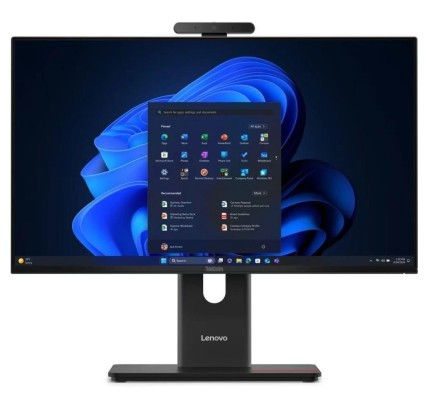
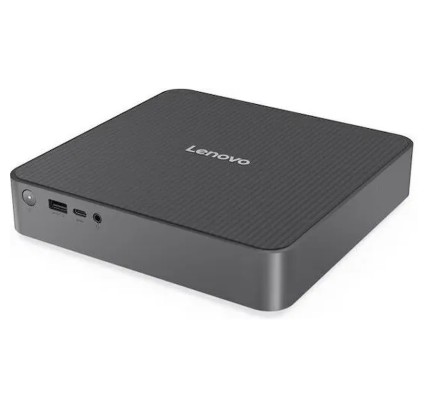
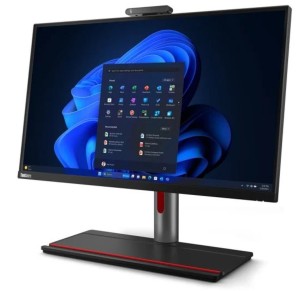
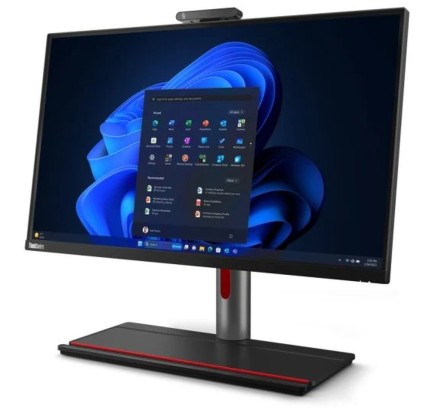
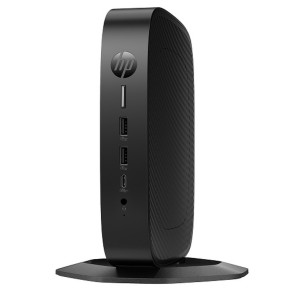
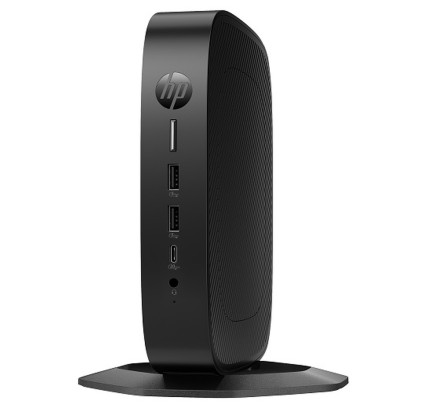
![HP EliteDisplay E243i 24"FHD LED DisplayPort, VGA, HDMI 5ms [Reacondicionado Grado A] HP - 1](https://www.segundamanopc.com/3582465-home_default/hp-elitedisplay-e243i-24-fhd-led-displayport-vga-hdmi-5ms-reacondicionado-grado-a.jpg)
![HP EliteDisplay E243i 24"FHD LED DisplayPort, VGA, HDMI 5ms [Reacondicionado Grado A] HP - 1](https://www.segundamanopc.com/3582465-medium_default/hp-elitedisplay-e243i-24-fhd-led-displayport-vga-hdmi-5ms-reacondicionado-grado-a.jpg)
![K17a Cn-05fddv USB 3.0 Docking Station K17a001 [Nuevo] - 1](https://www.segundamanopc.com/3484727-home_default/k17a-cn-05fddv-usb-30-docking-station-k17a001-reacondicionado-grado-a-.jpg)
![K17a Cn-05fddv USB 3.0 Docking Station K17a001 [Nuevo] - 1](https://www.segundamanopc.com/3484727-medium_default/k17a-cn-05fddv-usb-30-docking-station-k17a001-reacondicionado-grado-a-.jpg)
![ThinkPad Ultra Dock Type 40A2 SD20F82750 00hm917 L460 L560 X250 T460 T450 [Nuevo] - 1](https://www.segundamanopc.com/3484728-home_default/thinkpad-ultra-dock-type-40a2-sd20f82750-00hm917-l460-l560-x250-t460-t450-nuevo.jpg)
![ThinkPad Ultra Dock Type 40A2 SD20F82750 00hm917 L460 L560 X250 T460 T450 [Nuevo] - 1](https://www.segundamanopc.com/3484728-medium_default/thinkpad-ultra-dock-type-40a2-sd20f82750-00hm917-l460-l560-x250-t460-t450-nuevo.jpg)