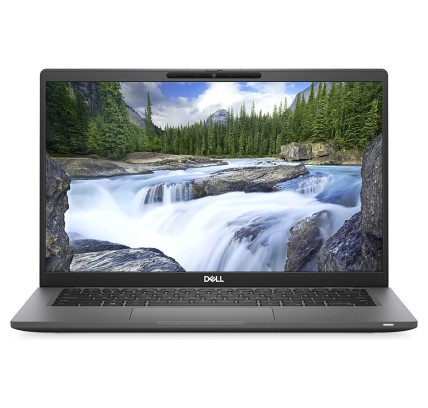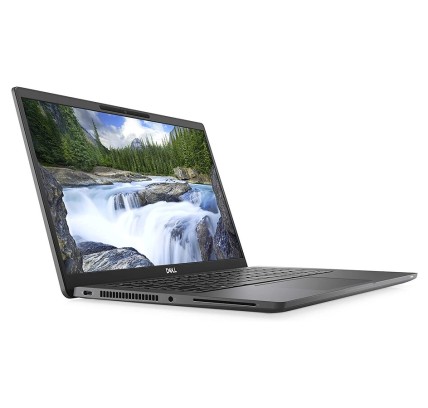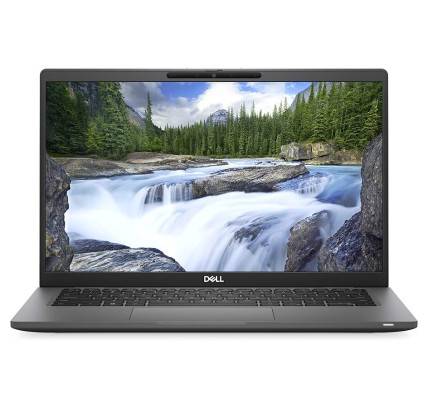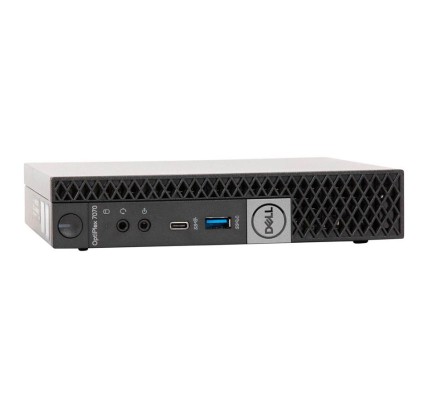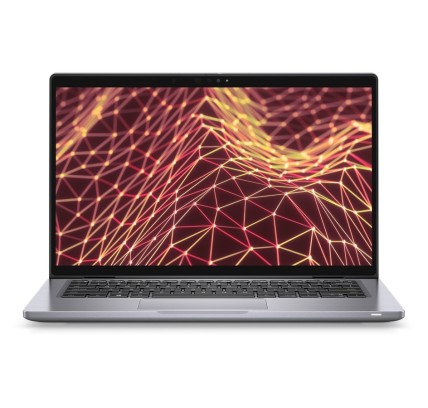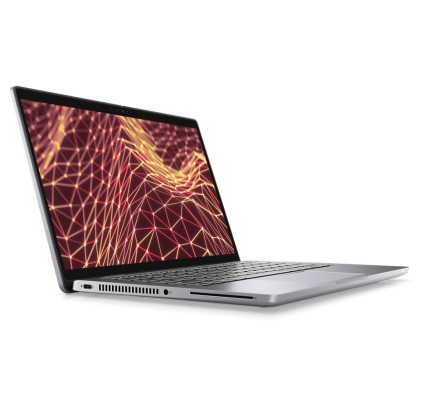
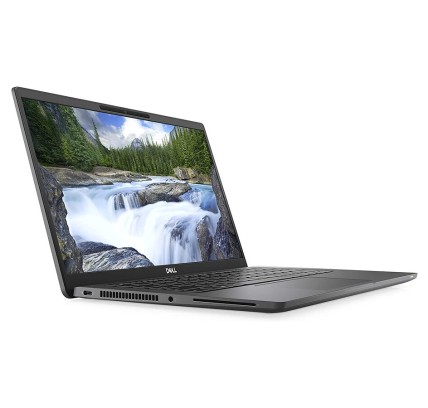
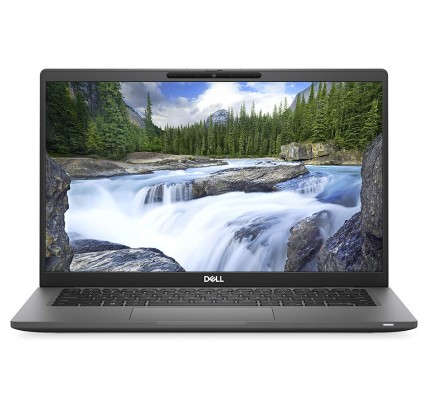
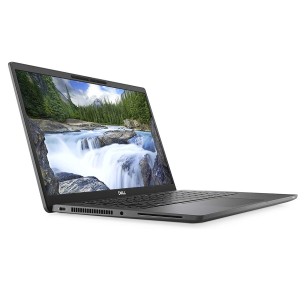
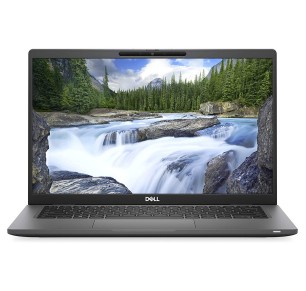
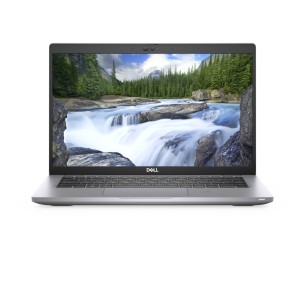
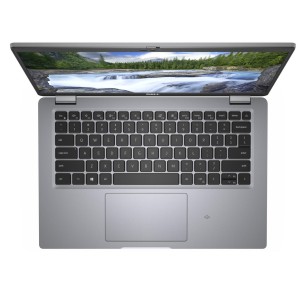
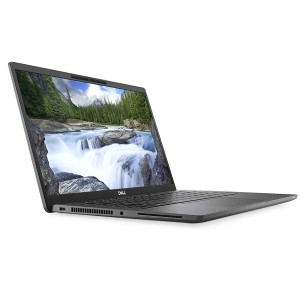
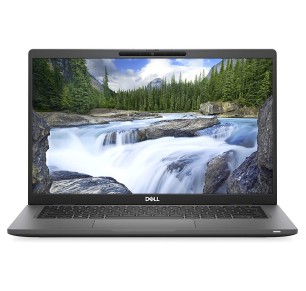
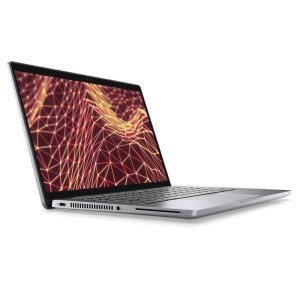
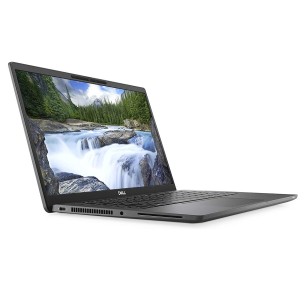
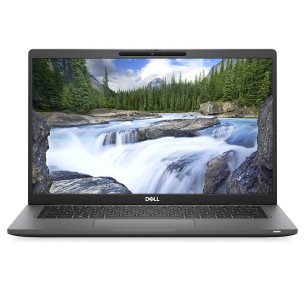
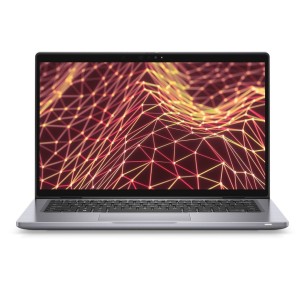
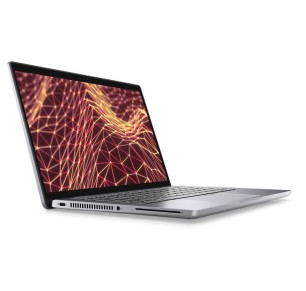
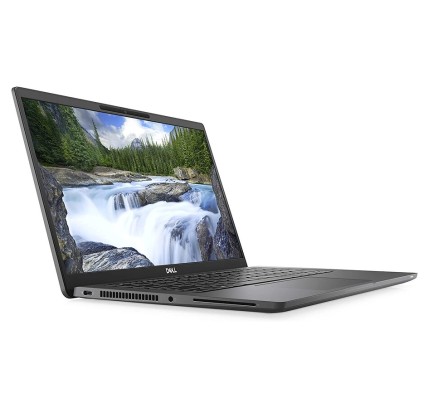
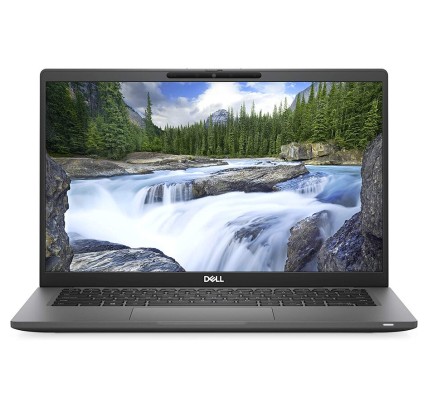
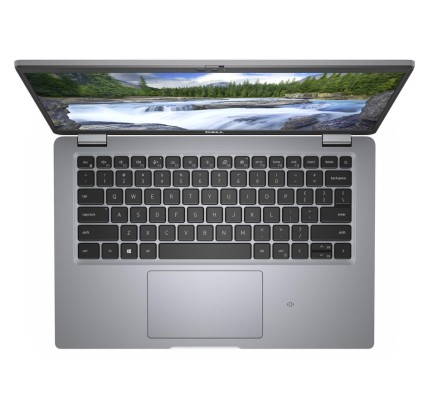
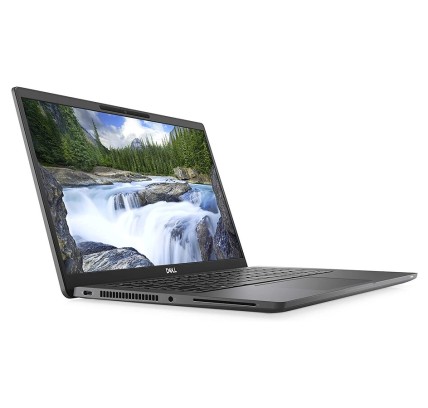
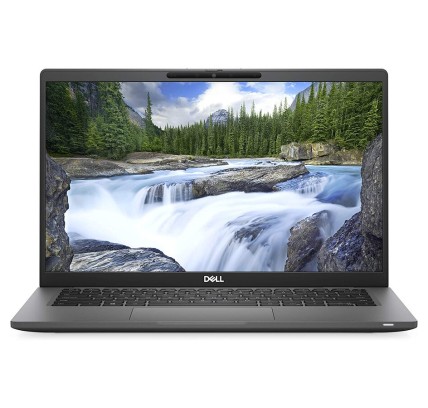
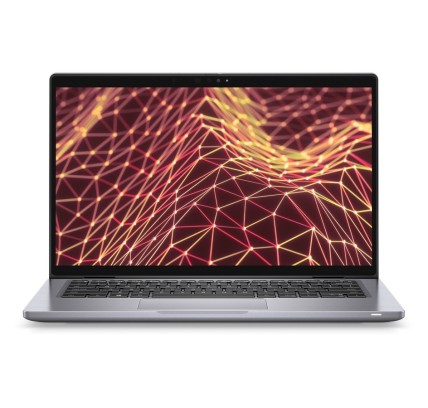
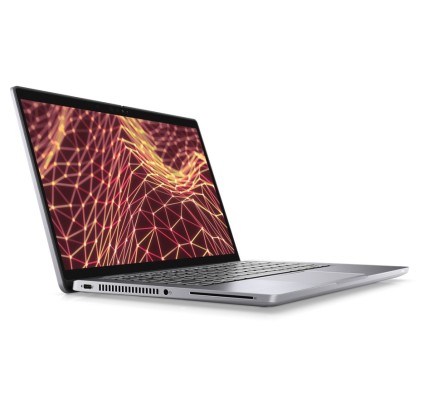
Teclado original: AZERTY en Francés DELL Latitude 7420 es un portátil reacondicionado de alto rendimiento diseñado para profesionales que buscan productividad y movilidad sin...
€524.20Price
ENVIAMOS A TODA EUROPA CONTINENTAL
163 products
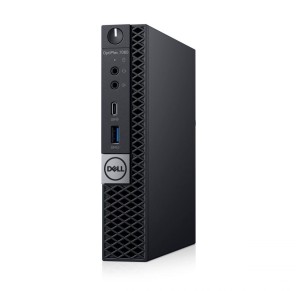
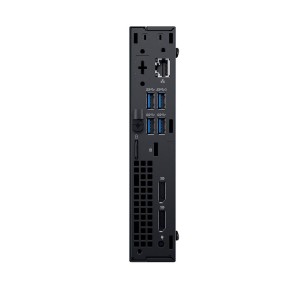
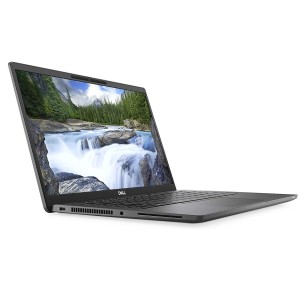
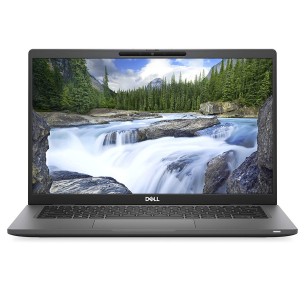
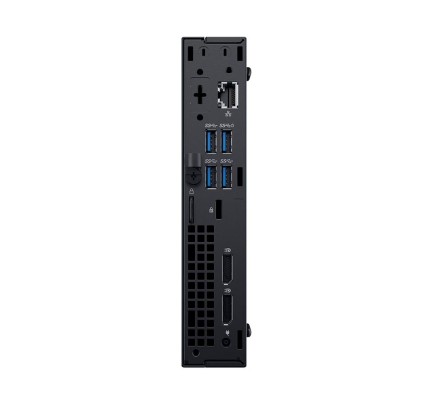
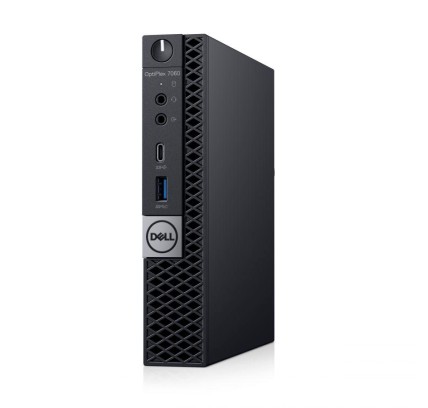
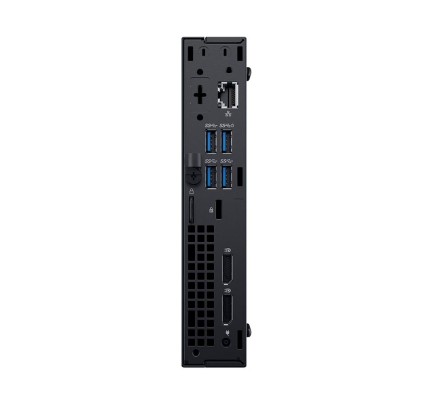
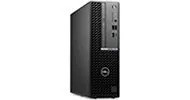
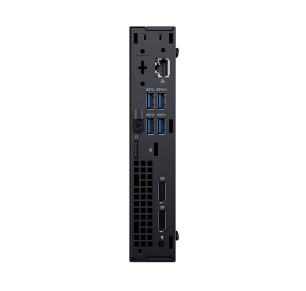
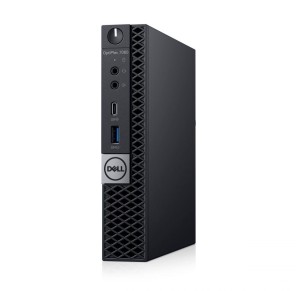
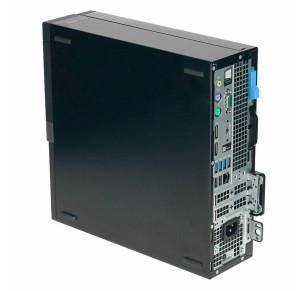
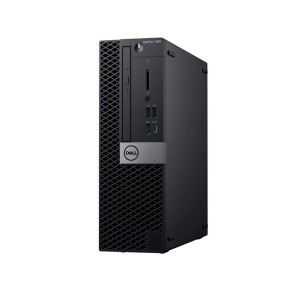
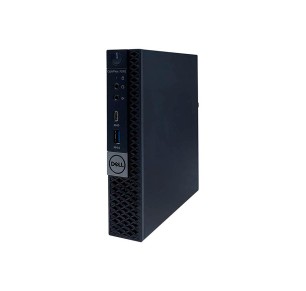
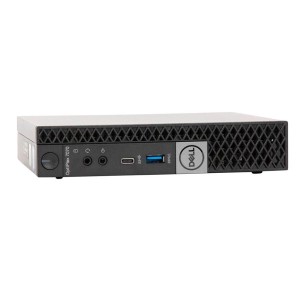
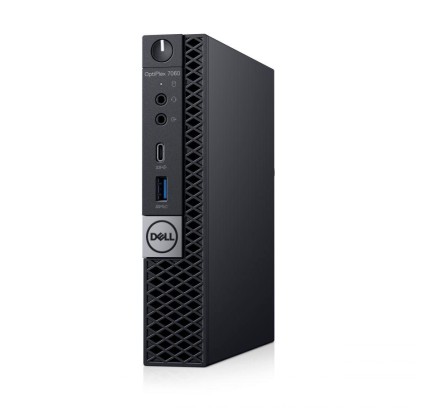
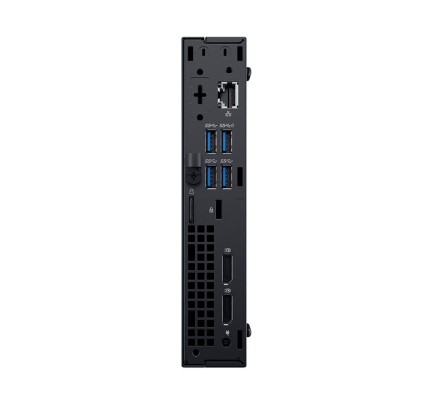
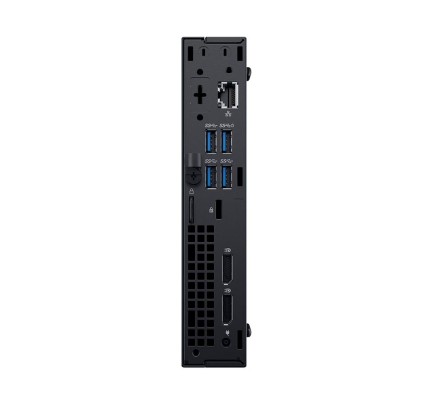
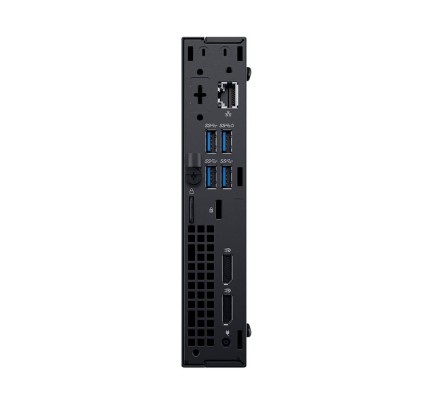
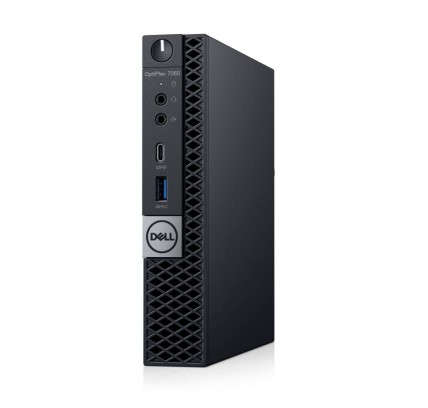
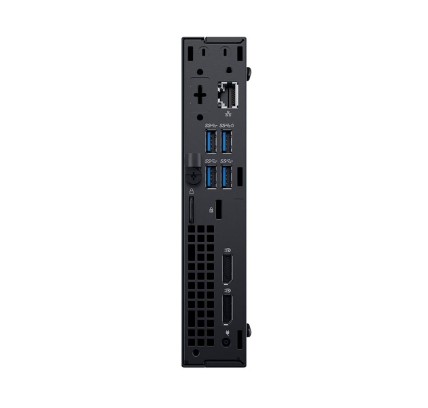
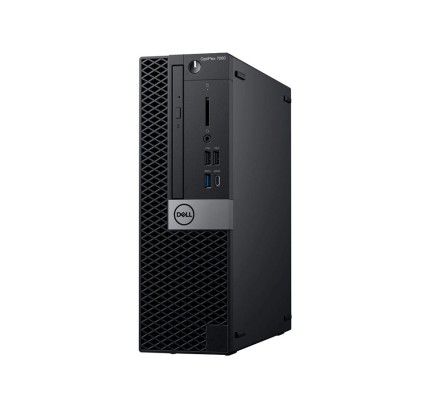
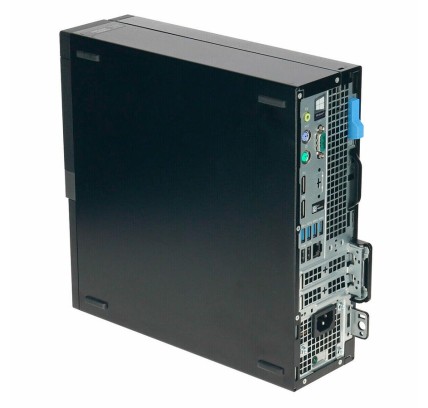
![Dell OptiPlex 7060 MFF i5-8500T, 8GB, 256GB-SSD, W11P COA VGA Port [Reacondicionado Grado A] Dell - 1](https://www.segundamanopc.com/3487986-home_default/dell-optiplex-7060-mff-intel-core-i5-8500t-8gb-256gb-ssd-nvme.jpg)


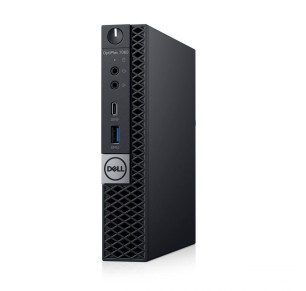
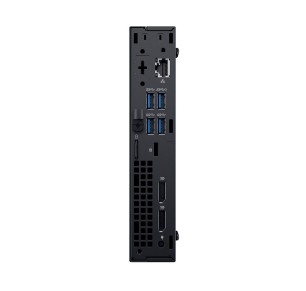
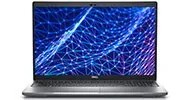
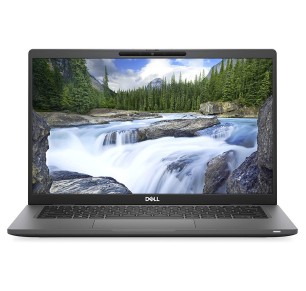
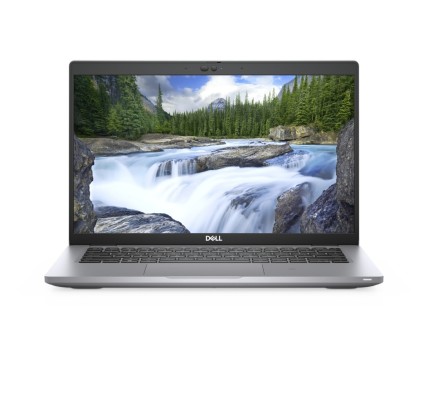
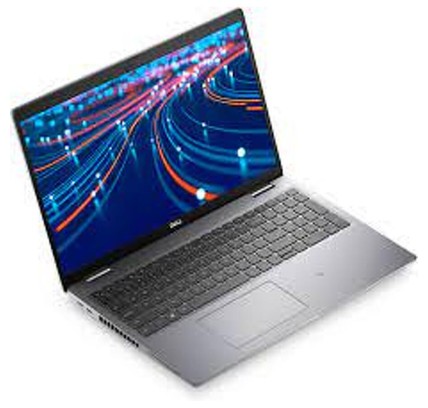
![Dell Latitude 5520 i5-1135G7, 16GB, 256GB, 15.6"FHD, W11P COA WLAN, BT, CAM, FPR, Single Point, NVMe [Reacondicionado Grado B] D](https://www.segundamanopc.com/3488817-home_default/dell-latitude-5520-intel-core-i5-1135g7-16gb-256gb-ssd-nvme-156-wlan-bt-cam-fpr.jpg)
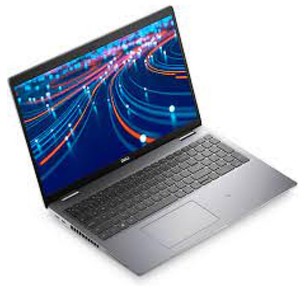
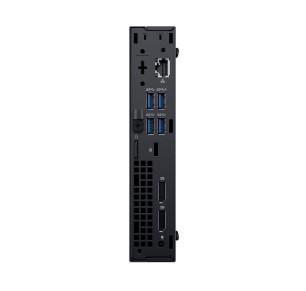
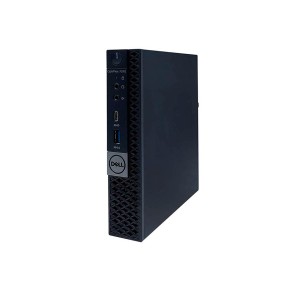
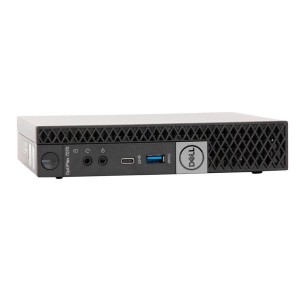
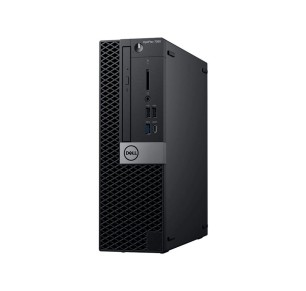
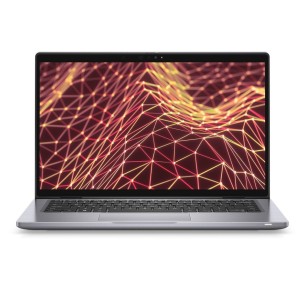
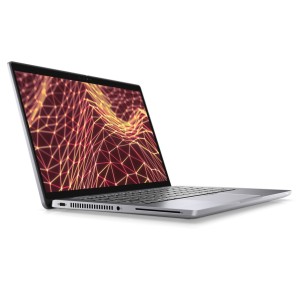
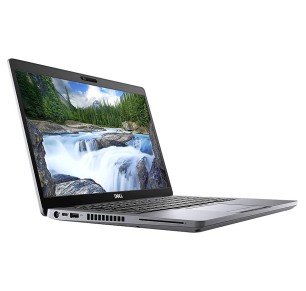
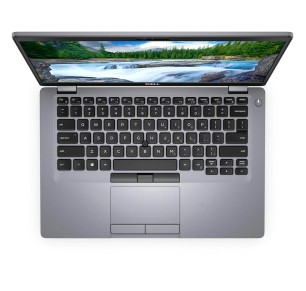
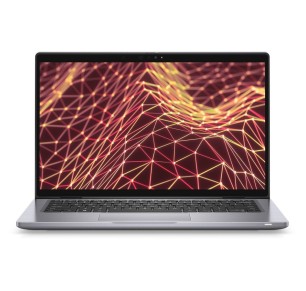
![Dell Latitude 7420 i7-1185G7, 32GB, 256GB-NVMe, 14"FHD, W11P TS, WLAN, BT, CAM, Single Point, CMAR [Reacondicionado Grado A] Del](https://www.segundamanopc.com/3481215-home_default/dell-latitude-7420-intel-core-i7-1185g7-32gb-256gb-ssd-nvme-14-wlan-bt-cam-fpr-ts.jpg)


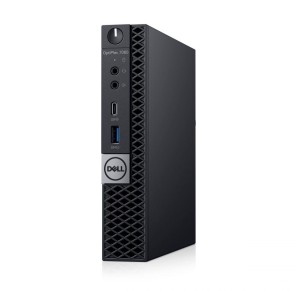
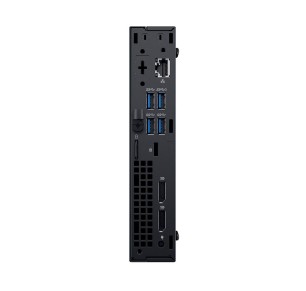
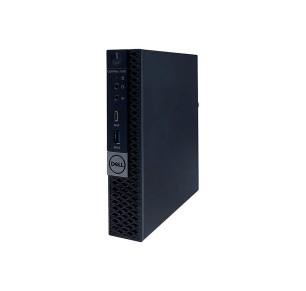
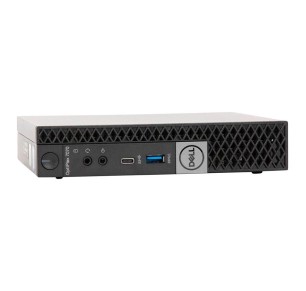

A refurbished Dell machine is a practical way to get hold of robust equipment for studying, working from home or fitting out an office, keeping your budget under control without losing sight of what matters: the real configuration and verifiable terms. In this category you can find, subject to availability, Dell laptops, Dell desktops, Dell workstations and Dell monitors. To choose well, always compare by each unit listing: CPU, RAM, SSD/HDD, screen, GPU (where applicable), connectivity, keyboard, condition/grade and the stated warranty.
Go for a Dell with an SSD and enough RAM for everyday multitasking (documents, video calls and plenty of tabs). If you are going to study with several windows open, moving up to 16 GB usually pays off when it is available. Filter by screen size and weight if you are going to carry it often.
For office work, look for a balanced configuration with an SSD and, if your day is intense, 16 GB of RAM. If you connect two monitors, review the video outputs and the ports. At fixed desks, a desktop can give you more room for upgrades (depending on model) and a very solid cost-to-performance ratio.
If your software is demanding, what counts is CPU plus RAM and, where appropriate, a dedicated GPU. Before buying, check the program requirements against the real listing. When sustained performance matters, consider workstation-oriented machines (subject to availability) and configurations with more RAM.
Gaming depends mainly on the GPU. If you want to play with confidence, filter for machines with a clearly stated dedicated graphics card and review the CPU/RAM/SSD together. For light eSports, some configurations can be enough, but it is worth checking the game requirements against the machine listing.
With monitors, set the size and resolution first. If you work with text and spreadsheets, comfort usually comes from a good diagonal and a suitable resolution. For editing, prioritise image features only when they are specified in the listing (it is not advisable to assume the panel or the colour coverage).
With Dell it is common to find families geared to different uses. Subject to availability, you may see laptops for work/study, corporate desktops or workstation-oriented ranges. Use them only as a guide: the final decision should be based on the exact configuration and the warranty stated in each listing.
Subject to availability, you can find Dell laptops, Dell desktops, Dell workstations and Dell monitors. The configuration can vary from unit to unit (CPU, RAM, SSD, screen and GPU where applicable), so it is always best to decide by the specific product listing.
A laptop if you need mobility; a desktop if you work in one place and want more room for upgrades (depending on model); a workstation if your software demands more RAM, a powerful CPU and sometimes a dedicated GPU. If you are unsure, decide on your real use and your program requirements.
For basic tasks, 8 GB can be enough. If you make video calls, use several apps and plenty of tabs, 16 GB is usually the most balanced point. For editing, CAD or virtualisation, 32 GB or more can make sense, depending on your software.
An SSD improves start-up, program loading and overall smoothness. If you need a lot of capacity, look for more GB or a second drive only when it is stated in the listing. Avoid buying on the assumption of upgrades that are not confirmed.
Check the video outputs (HDMI/DisplayPort/USB-C or others), the number of available ports and, where it is stated, the supported resolution. If ports are missing, it may need adapters or a compatible dock, depending on the configuration.
It depends on the game and the GPU. To play with confidence, look for machines with a clearly stated dedicated graphics card and pair it with a matching CPU/RAM/SSD. For light eSports, some configurations can serve, but it is worth checking the game requirements against the listing.
Not necessarily. The warranty can vary by unit or by category, so you should check the warranty stated in the product listing before completing your purchase.
![Dell OptiPlex 7060 MFF i5-8500T, 8GB, 256GB-SSD, W11P COA VGA Port [Reacondicionado Grado A] Dell - 1](https://www.segundamanopc.com/3487986-medium_default/dell-optiplex-7060-mff-intel-core-i5-8500t-8gb-256gb-ssd-nvme.jpg)


![Dell Latitude 5520 i5-1135G7, 16GB, 256GB, 15.6"FHD, W11P COA WLAN, BT, CAM, FPR, Single Point, NVMe [Reacondicionado Grado B] D](https://www.segundamanopc.com/3488817-medium_default/dell-latitude-5520-intel-core-i5-1135g7-16gb-256gb-ssd-nvme-156-wlan-bt-cam-fpr.jpg)
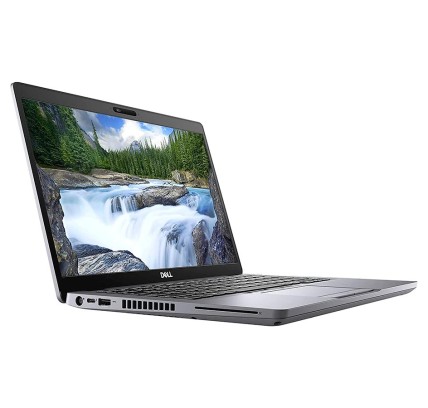
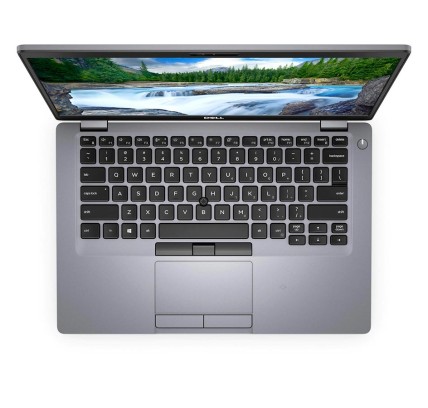
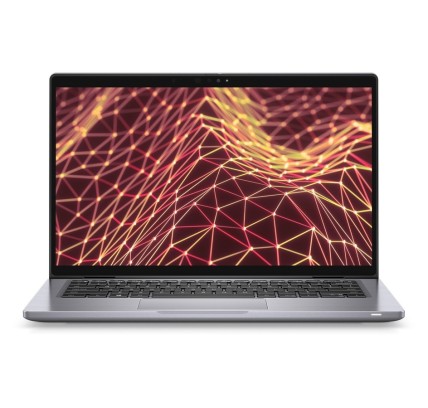
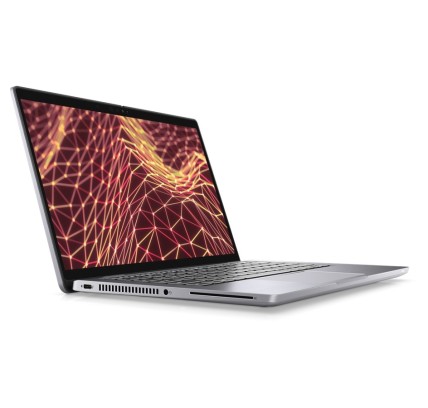
![Dell Latitude 7420 i7-1185G7, 32GB, 256GB-NVMe, 14"FHD, W11P TS, WLAN, BT, CAM, Single Point, CMAR [Reacondicionado Grado A] Del](https://www.segundamanopc.com/3481215-medium_default/dell-latitude-7420-intel-core-i7-1185g7-32gb-256gb-ssd-nvme-14-wlan-bt-cam-fpr-ts.jpg)