Laptop keyboards: compatible replacements by model and layout
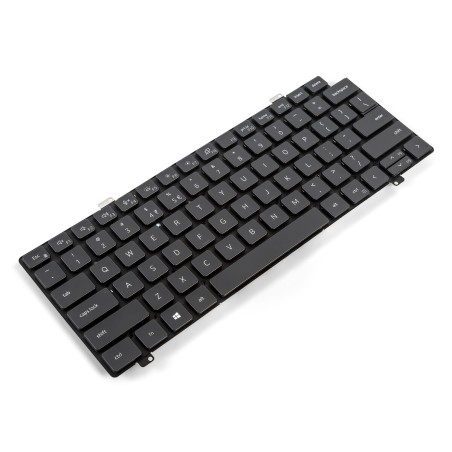
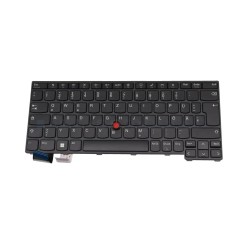
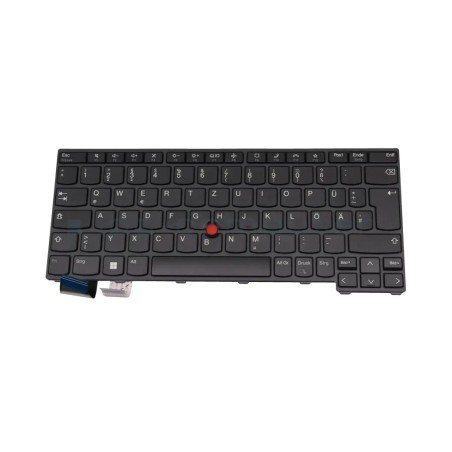
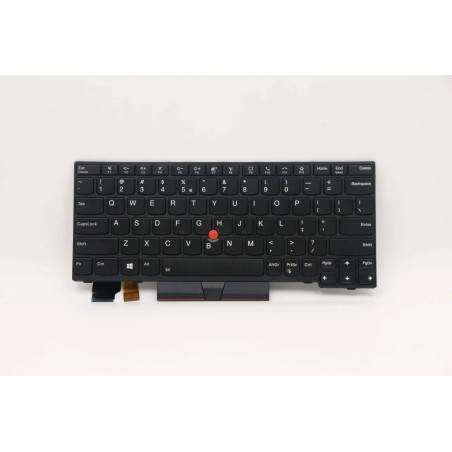
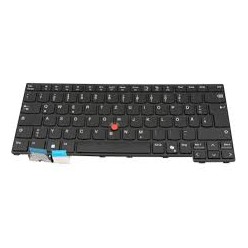
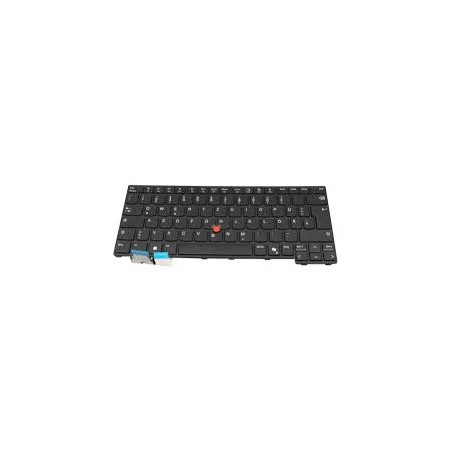
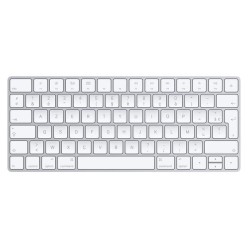
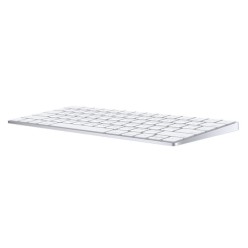
A replacement laptop keyboard is the answer when keys fail, liquid is spilled or you need to get everyday use of the machine back without changing laptop. In this category you will find keyboard replacements (subject to availability) and variants that can differ a great deal even within the same brand. To get it right, always buy on exact compatibility: the laptop model, the keyboard part number, the layout (ES/US/others), the type of connector/flex cable and, where applicable, the backlighting. The key is what is verifiable: review the photos, the description and the warranty stated in the listing of the replacement part.
How to choose your laptop keyboard (a quick checklist)
- The exact laptop model: use the commercial name and the model code (on the base of the machine or in the BIOS/Windows), not just the brand plus series.
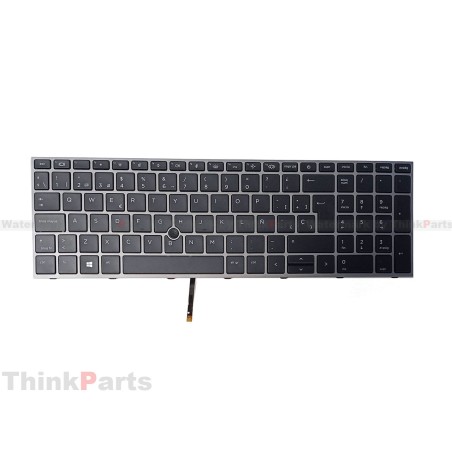
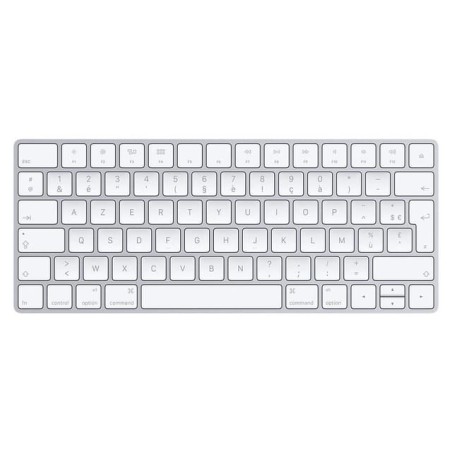
- Layout / language: ES (with the N-tilde) versus US (without it) or others. The layout affects the keys, the symbols and the size of the Enter key.
- Keyboard part number: if you have it, this is the most reliable detail. If not, compare by photos and description.
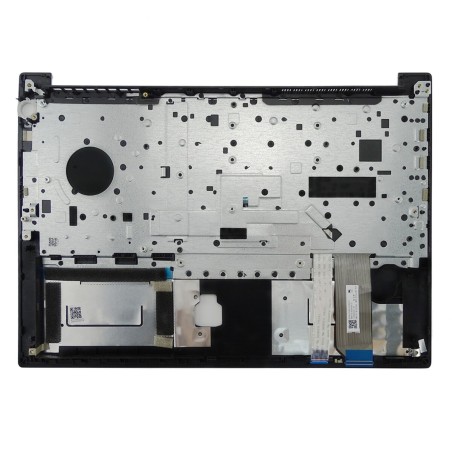
- Connector (flex cable) and pins: the position and type of ribbon/connector must match. If it is not stated, treat it as Pending and confirm before buying.
- Backlighting: some keyboards have a backlight and others do not, even when the laptop is similar. Verify this in the listing.
- Colour and finish: black/silver, with the frame included or the keyboard only. Confirm what the replacement includes (depending on the product).
- Compatibility across generations: in some ranges, keyboards from very similar models are not interchangeable. Give priority to an exact match.
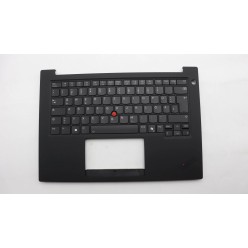
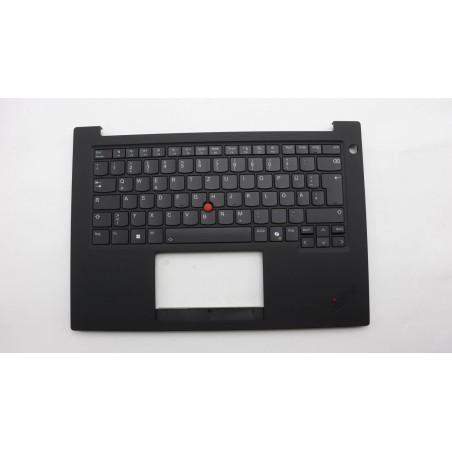
- Mounting: some keyboards are riveted or integrated with the upper casing. If you are not sure, review the type of mounting on your laptop.
Replacements by use case
Business (work laptops with heavy use)
In office environments, the keyboard suffers from hours of typing, dirt and wear. If you need to minimise downtime, prioritise a replacement with confirmed compatibility and, if you work in Spanish, the ES layout. Also verify whether you need backlighting for working in low light.
Home (a family laptop and study)
If the laptop is used for everyday tasks, the aim is to recover the functionality without complications. Make sure of the right layout and review whether the keyboard includes the frame or just the part itself. If there has been a spill, as well as the keyboard it may be necessary to check for internal damage (depending on the case).
Loose keys or some keys failing
When several keys fail or the keyboard stops responding, it usually pays to replace the whole assembly. If it is only one key, some users look for keycaps, but on laptops that is not always viable because of the mechanism. Consider a complete replacement if you need reliability.
Changing the layout (from US to ES, for example)
If you want to move to a Spanish keyboard, confirm that the laptop accepts that exact keyboard and that the layout is the one you are after (the N-tilde, the arrangement and the shape of the Enter key). Also review whether it affects the backlighting or the compatibility of the flex cable.
Laptops with the keyboard integrated into the palmrest
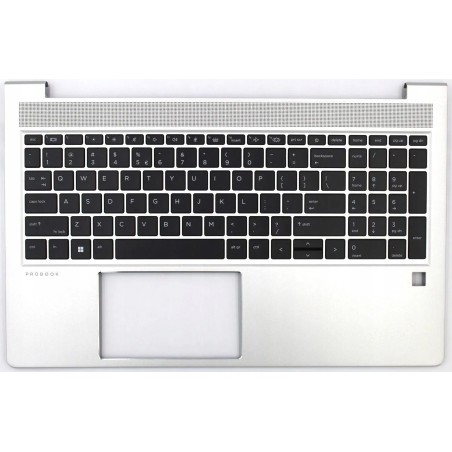
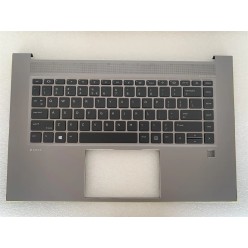
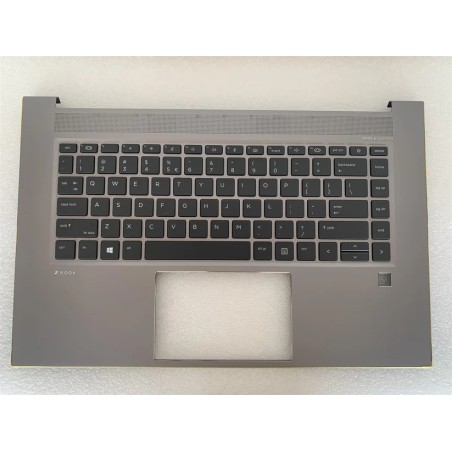
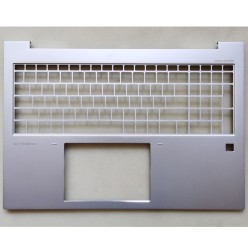
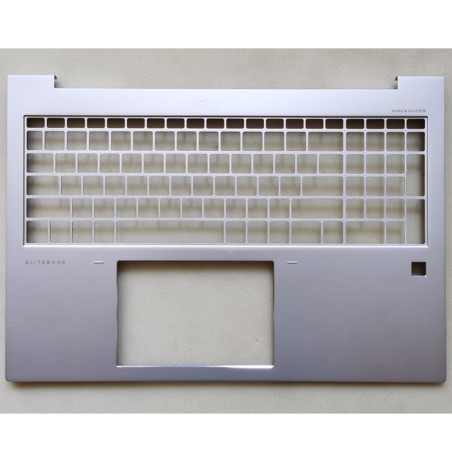
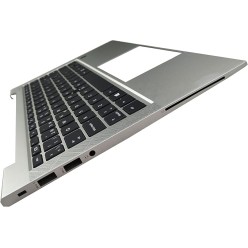
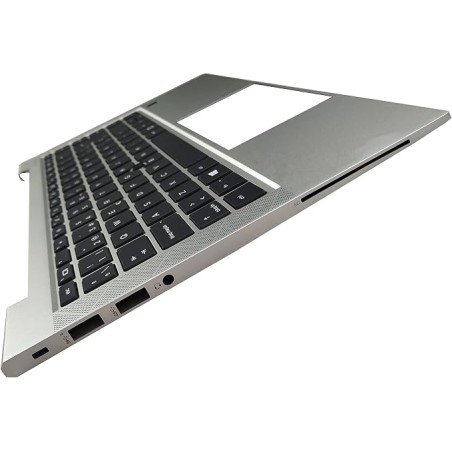
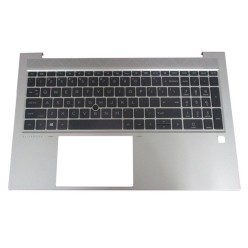
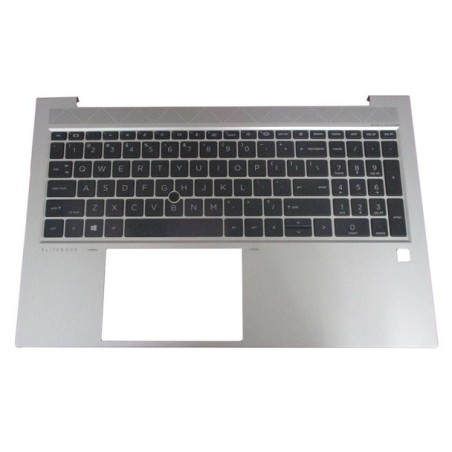
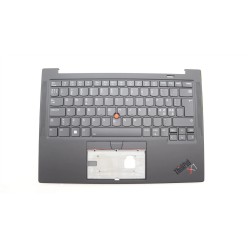
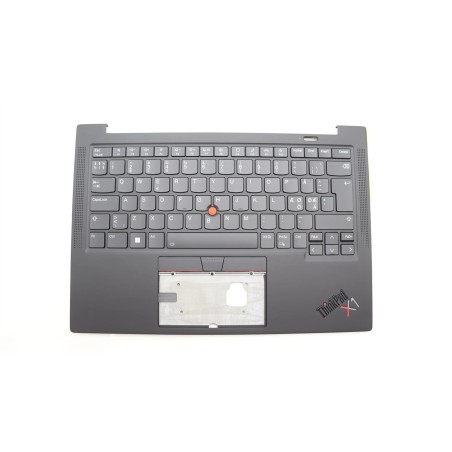
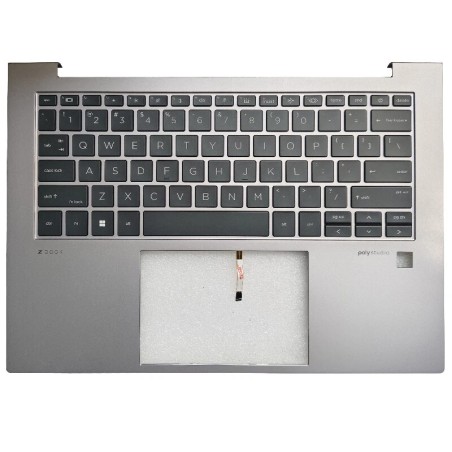
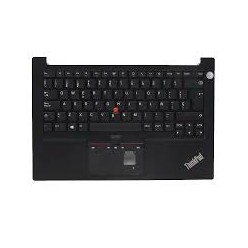
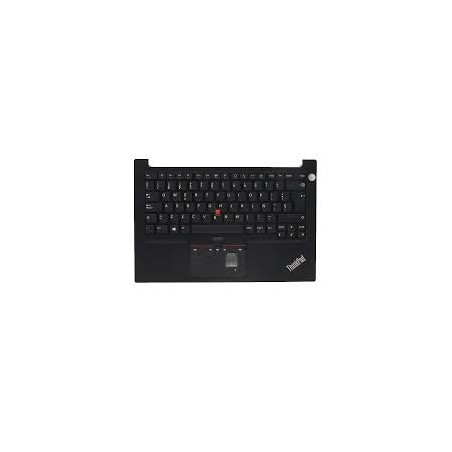
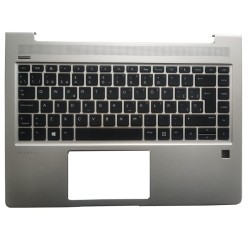
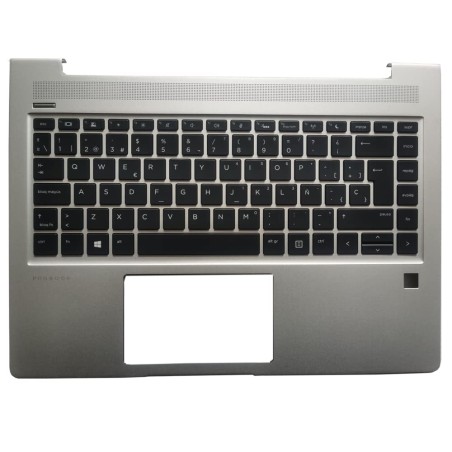
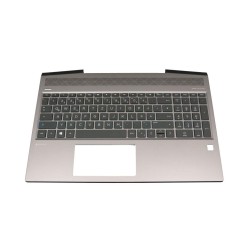
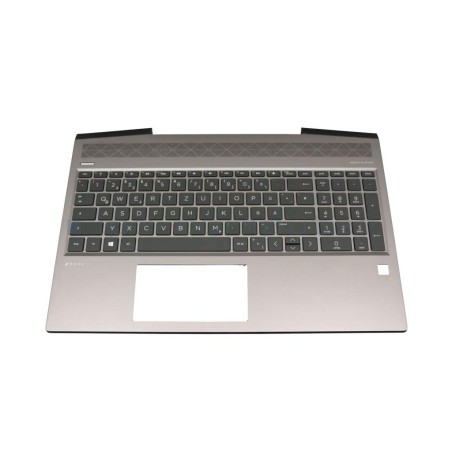
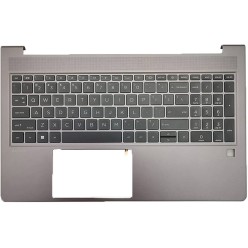
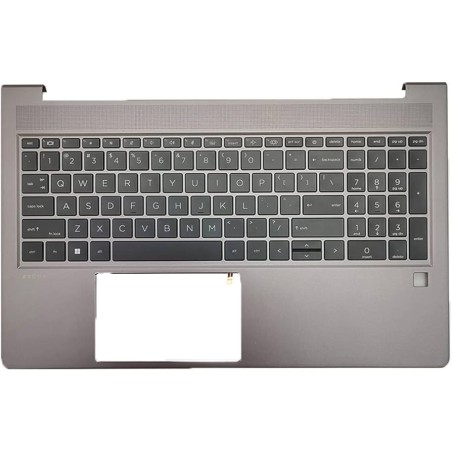
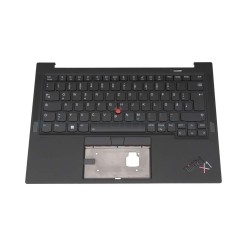
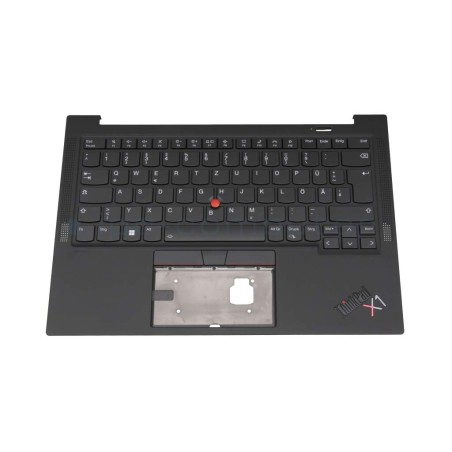
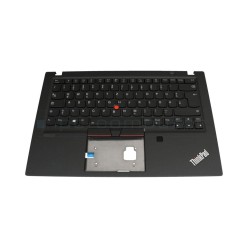
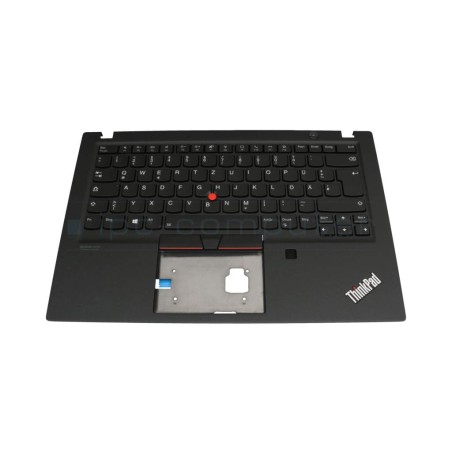
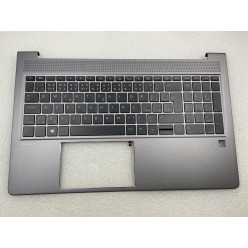
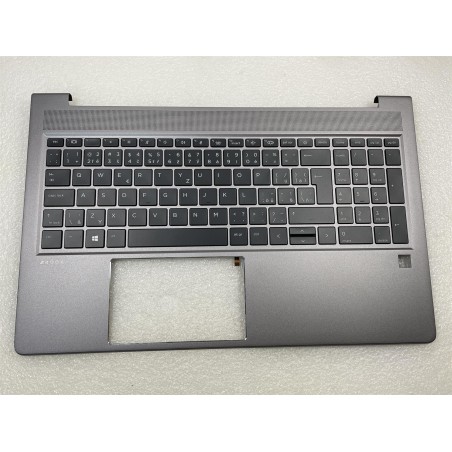
On certain models, the keyboard comes attached to the upper casing (palmrest/topcase). In those cases, the replacement can be different and the fitting more complex. Check in the listing exactly what the product includes and compare it with your laptop.
Benefits and confidence
- Buy on real compatibility: the exact model, the layout and the connector are what prevent returns and mistakes.
- Limited stock: with spare parts and refurbished items, the availability varies by model and batch.
- Warranty: check the warranty stated in the listing of the replacement part (it can vary by product).
- Finance: where it exists, it applies subject to the terms during the purchase process.
Frequently asked questions
How do I know which keyboard is compatible with my laptop?
The most reliable approach is the exact laptop model (the model code) and, if possible, the part number of the original keyboard. Then compare the layout (ES/US), the type of connector (flex cable) and whether it has backlighting. If the listing does not show some key detail (the connector, for example), treat it as “Pending” and confirm before buying.
What is the difference between an ES keyboard and a US keyboard?
The ES layout includes the N-tilde and changes the position of symbols and some keys; the size of the Enter key and the general arrangement can also differ. The US one does not have the N-tilde and usually has a different arrangement of symbols. If you write in Spanish every day, the ES keyboard is usually more comfortable, but what matters is that it is compatible with your model.
Are all the keyboards in the same laptop series the same?
Not necessarily. Within the same series there can be variations in the chassis, the connector, the backlighting or the fixings. That is why it is worth buying by the exact model and, where one exists, by the keyboard part number. If you are torn between two options, give priority to the one that matches on photos, connector and description.
What is backlighting, and can I fit a backlit keyboard if my laptop did not have one?
Backlighting is the light under the keys. It cannot always be added if the laptop is not prepared for it: the wiring, connectors or board support may be missing. If you need a backlight, buy a replacement that states it explicitly and confirm that your model supports it. If the listing does not specify it, treat it as “Pending”.
Does the replacement include the frame/palmrest or just the keyboard?
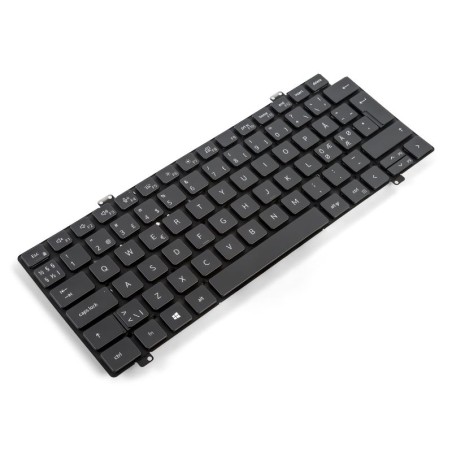
It depends on the product. Some replacements are the keyboard only, and others come with the upper casing (topcase/palmrest) integrated. Before buying, review the description and the photos to confirm exactly what is included. If it is not stated, treat it as “Pending” and check the listing of the specific item.
Is changing the keyboard easy? Do I need tools?
It varies a great deal by model. On some laptops you get in from underneath and the keyboard comes out with screws; on others it is riveted or integrated and the process is more complex. If you do not have experience, it is worth reviewing the type of mounting on the model and considering professional installation to avoid damaging the connector or the casing.
What should I check when the keyboard arrives?
Check that the layout matches (ES/US), that the connector/flex cable is the same as the original and that the keyboard fits physically. Once fitted, test all the keys, the shortcuts and, where applicable, the backlighting. If there is any discrepancy with the product listing, review the warranty stated for that unit.
You may also like