Sales and deals on refurbished computers and electronics
In sales and deals you can find computer deals (subject to stock availability) to get the equipment you need at a lower cost: laptop deals, desktop computers, monitors, Apple products and accessories. As these are refurbished/used products, availability is limited and configurations may vary by unit. To buy well when shopping a deal, filter by your actual use and decide based on what can be verified on each product page: CPU, RAM, SSD/HDD, display, connectivity, condition/grade and the stated warranty.
How to choose a deal without wasting time
- Start with your use: study/office, remote work, gaming, editing or mobility. The “best price” is no use if it does not meet your needs.
- Prioritise SSD: in most computers, an SSD makes a clear difference in responsiveness and loading times (depending on the product page).
- Minimum RAM: 8 GB may be enough for basic use; 16 GB is usually the balanced option for multitasking (depending on software).
- CPU and generation: compare range and generation when stated on the product page; avoid deciding based only on the model name.
- Display: for laptops and monitors, choose based on screen size and resolution (and panel type only if stated).
- Connectivity: check ports (HDMI/DP/USB), Wi-Fi/Bluetooth and Ethernet depending on model.
- Condition/Grade: expect cosmetic variation; consider the grade if it affects your decision (according to each product description).
- Warranty: confirm the warranty on the product page of the discounted product; it may vary by unit/category.
Deals by category and goal
Laptop deals (study and remote work)
If you are looking for a discounted laptop, prioritise an SSD and suitable RAM. For video calls and light multitasking, a balanced configuration is usually enough. If you need to connect a monitor or peripherals, check ports and connectivity on the product page. Remember: when it comes to deals, stock can sell out quickly.
Desktop computer deals (home or office)
With desktops, the advantage is usually the performance-to-price ratio and, depending on model, greater upgrade potential. Decide based on CPU, RAM and storage. If you plan to use two monitors or a work setup with peripherals, check video outputs and the number of available ports (depending on the product page).
Monitor deals (productivity and gaming)
For comfortable working, filter by screen size and resolution. For gaming, also check the refresh rate and response times only if stated. Check connections (HDMI/DisplayPort) and compatibility with your system. Do not assume technologies that are not listed on the product page.
Refurbished Apple deals (Mac, iPad, iPhone)
With Apple products, small differences (storage, RAM on Mac, model/generation) can make a big difference in use. Decide based on the specific product page and pay attention to included accessories and the stated warranty. On mobile devices, battery information may vary by unit (depending on product).
Accessory deals (complete your setup)
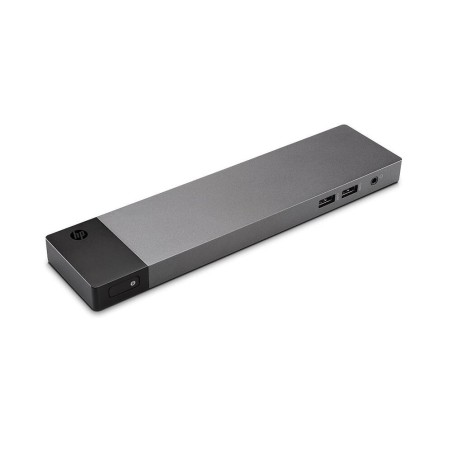
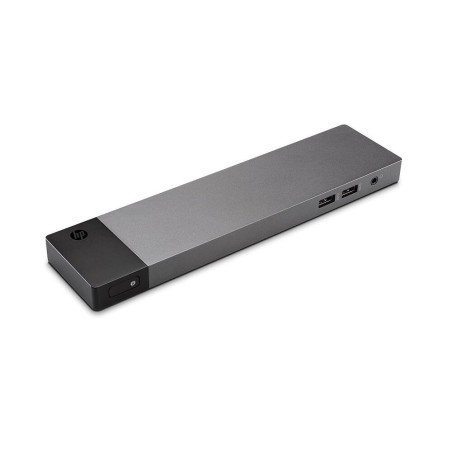
Take the opportunity to complete your setup: docks, cables, keyboards, mice, external storage or peripherals. Check compatibility (USB-C/Thunderbolt, HDMI/DP, etc.) only when specified by the product.
Benefits and trust
- Lower prices: limited-time deals on limited stock of refurbished/used products.
- Informed buying: decide based on specifications and conditions that can be verified on the product page.
- Real and variable stock: there may be unique units; deals can change without notice.
- Warranty: check the warranty stated on each product page before completing your purchase.
Frequently asked questions
Do the deals change every day?
There may be frequent changes because refurbished products usually depend on limited stock and specific units. The most reliable approach is to check the listings and the product page at the time of purchase. If you find a configuration that suits you, compare it quickly and decide based on confirmed information.
What should I check first in a laptop deal?
Start with the SSD (it greatly improves responsiveness) and RAM (8 GB for basic use; 16 GB is more comfortable for multitasking). Then check CPU/generation when stated, display (size and resolution) and connectivity. Finally, confirm the condition/grade and the warranty stated on the product page.
How do I compare two deals without getting lost in the specifications?
Use a fixed order: (1) main use, (2) CPU, (3) RAM, (4) SSD/HDD, (5) display, (6) ports and connectivity, (7) condition/grade and accessories, (8) warranty. If a detail is not listed, treat it as “pending” and do not assume it when comparing.
Does a refurbished deal mean less warranty?
Not necessarily. Warranty may vary by category and unit and should be confirmed on the product page. Before buying, check the stated warranty and decide based on that information rather than assuming the same terms apply to every deal.
Which deal is best for remote work?
For remote work, a computer with an SSD and 16 GB of RAM usually works well if you multitask. Check the webcam and connectivity if you rely on video calls, as well as ports for a monitor/peripherals. If you work with several displays or specific software, prioritise CPU and connectivity according to the product page.
How do I choose a monitor deal for work and gaming?
For work, prioritise size and resolution. For gaming, also check refresh rate and response time only if stated on the product page. Check connections (HDMI/DP) and compatibility with your PC/laptop. Avoid assuming panel or synchronisation technologies if they are not confirmed.
Why do some deals last such a short time?
Because there may be unique units or small batches. With refurbished products, availability changes quickly and a specific configuration may sell out. If you need a particular specification (RAM/SSD/GPU), it is worth filtering and comparing at the time so you do not miss the available unit.
Recommended links







![Lenovo Essential Ratón Óptico 1600 DPI Negro [Nuevo] Lenovo - 1](https://www.segundamanopc.com/3472084-home_default/lenovo-essential-raton-optico-1600-dpi-negro-nuevo-.jpg)
![Lenovo Essential Ratón Óptico 1600 DPI Negro [Nuevo] Lenovo - 1](https://www.segundamanopc.com/3472084-medium_default/lenovo-essential-raton-optico-1600-dpi-negro-nuevo-.jpg)


![Dell Latitude 7300, i5-8365U, 16GB RAM, 512GB-SSD, 13.3"FHD, W10P [Reacondicionado Grado B] Dell - 1](https://www.segundamanopc.com/3620319-home_default/dell-latitude-7300-i5-8365u-16gb-ram-512gb-ssd-133-fhd-w10p-reacondicionado-grado-b.jpg)
![Dell Latitude 7300, i5-8365U, 16GB RAM, 512GB-SSD, 13.3"FHD, W10P [Reacondicionado Grado B]](https://www.segundamanopc.com/3620320-home_default/dell-latitude-7300-i5-8365u-16gb-ram-512gb-ssd-133-fhd-w10p-reacondicionado-grado-b.jpg)
![Dell Latitude 7300, i5-8365U, 16GB RAM, 512GB-SSD, 13.3"FHD, W10P [Reacondicionado Grado B] Dell - 1](https://www.segundamanopc.com/3620319-medium_default/dell-latitude-7300-i5-8365u-16gb-ram-512gb-ssd-133-fhd-w10p-reacondicionado-grado-b.jpg)
![Dell Latitude 7300, i5-8365U, 16GB RAM, 512GB-SSD, 13.3"FHD, W10P [Reacondicionado Grado B]](https://www.segundamanopc.com/3620320-medium_default/dell-latitude-7300-i5-8365u-16gb-ram-512gb-ssd-133-fhd-w10p-reacondicionado-grado-b.jpg)
![HP EliteDisplay E243i 24"FHD LED DisplayPort, VGA, HDMI 5ms [Reacondicionado Grado A] HP - 1](https://www.segundamanopc.com/3582465-home_default/hp-elitedisplay-e243i-24-fhd-led-displayport-vga-hdmi-5ms-reacondicionado-grado-a.jpg)
![HP EliteDisplay E243i 24"FHD LED DisplayPort, VGA, HDMI 5ms [Reacondicionado Grado A] HP - 1](https://www.segundamanopc.com/3582465-medium_default/hp-elitedisplay-e243i-24-fhd-led-displayport-vga-hdmi-5ms-reacondicionado-grado-a.jpg)
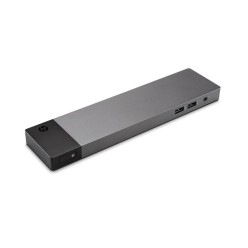
![K17a Cn-05fddv USB 3.0 Docking Station K17a001 [Nuevo] - 1](https://www.segundamanopc.com/3484727-home_default/k17a-cn-05fddv-usb-30-docking-station-k17a001-reacondicionado-grado-a-.jpg)
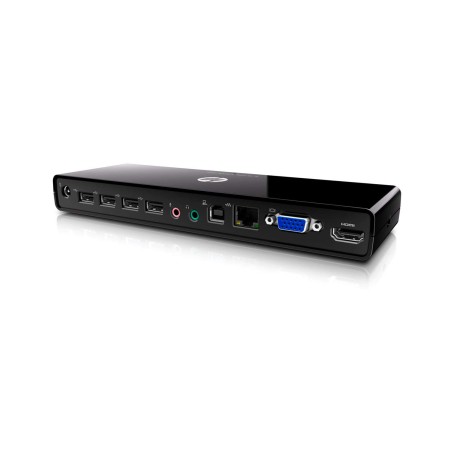
![K17a Cn-05fddv USB 3.0 Docking Station K17a001 [Nuevo] - 1](https://www.segundamanopc.com/3484727-medium_default/k17a-cn-05fddv-usb-30-docking-station-k17a001-reacondicionado-grado-a-.jpg)
![ThinkPad Ultra Dock Type 40A2 SD20F82750 00hm917 L460 L560 X250 T460 T450 [Nuevo] - 1](https://www.segundamanopc.com/3484728-home_default/thinkpad-ultra-dock-type-40a2-sd20f82750-00hm917-l460-l560-x250-t460-t450-nuevo.jpg)
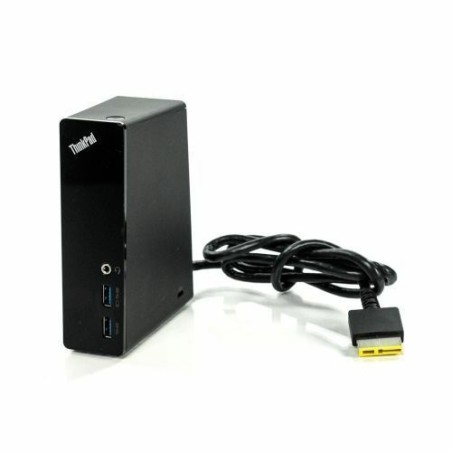
![ThinkPad Ultra Dock Type 40A2 SD20F82750 00hm917 L460 L560 X250 T460 T450 [Nuevo] - 1](https://www.segundamanopc.com/3484728-medium_default/thinkpad-ultra-dock-type-40a2-sd20f82750-00hm917-l460-l560-x250-t460-t450-nuevo.jpg)