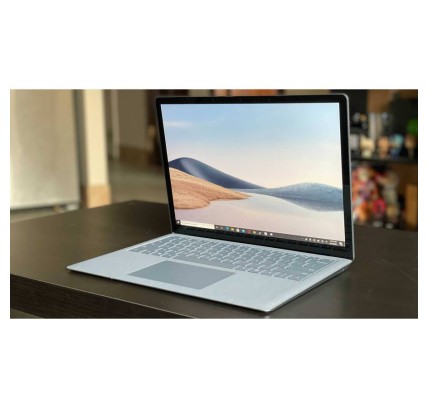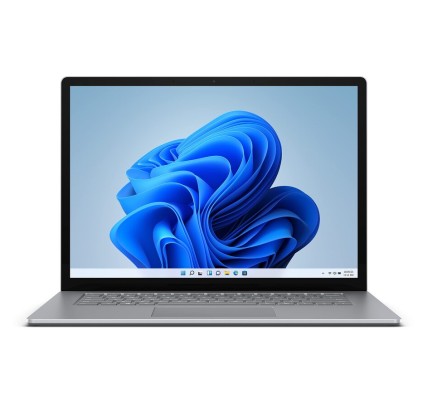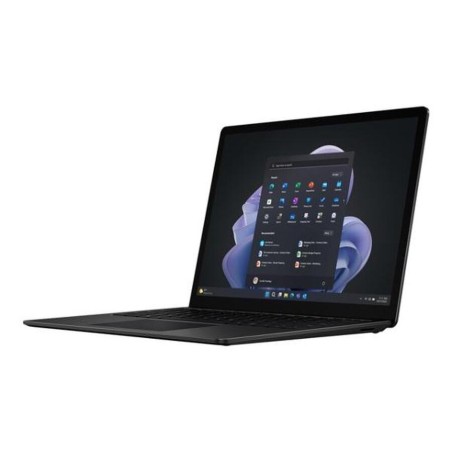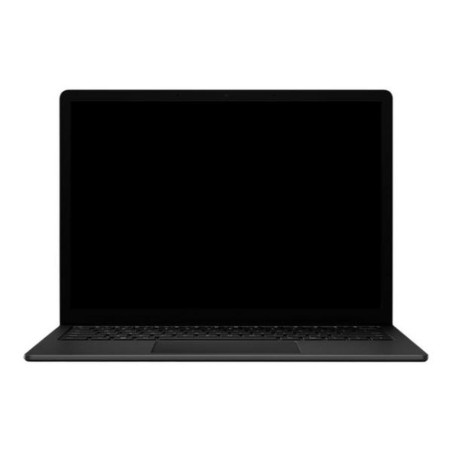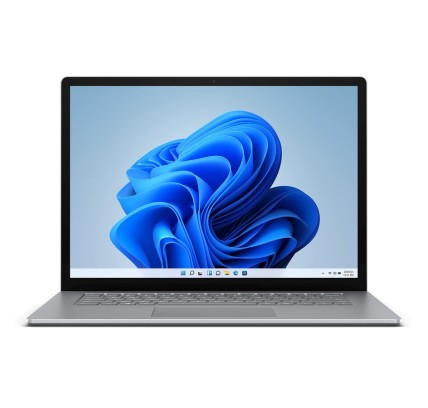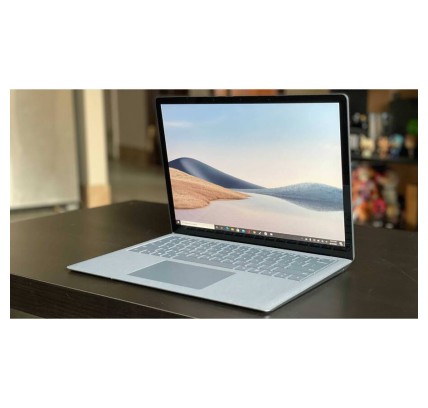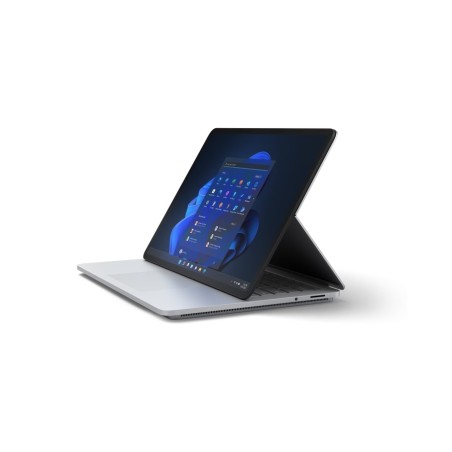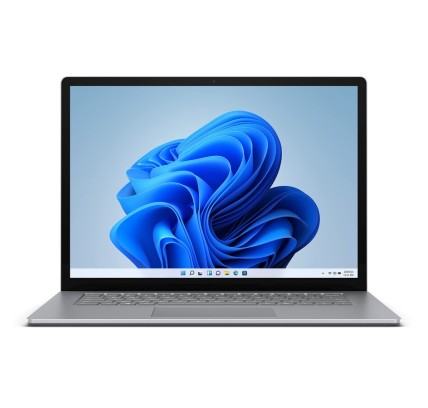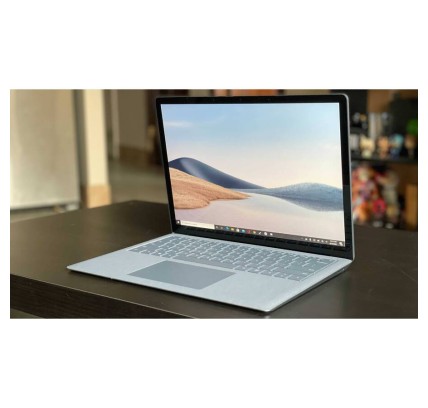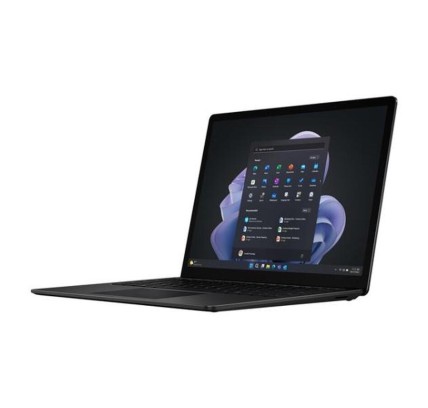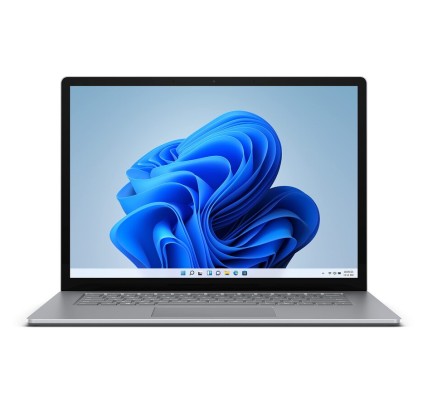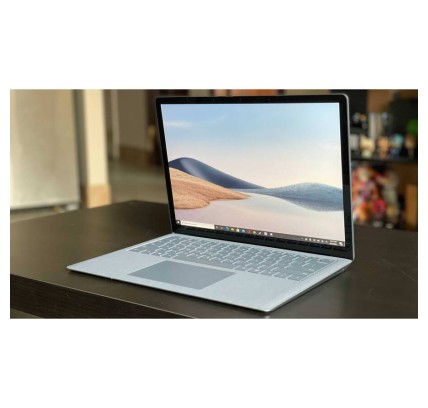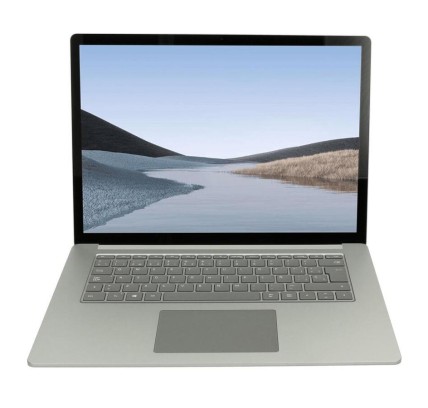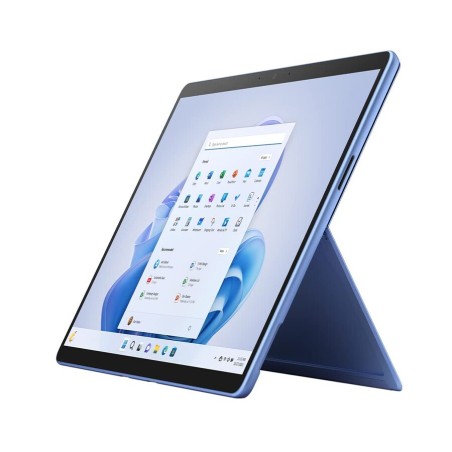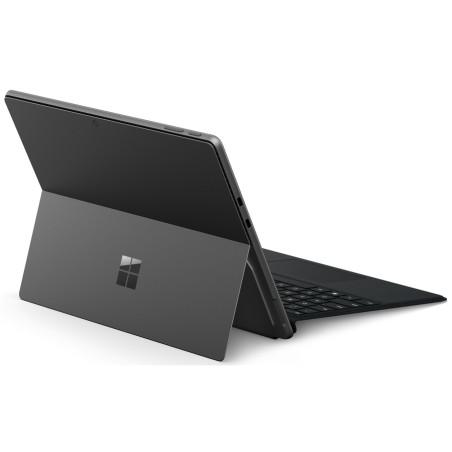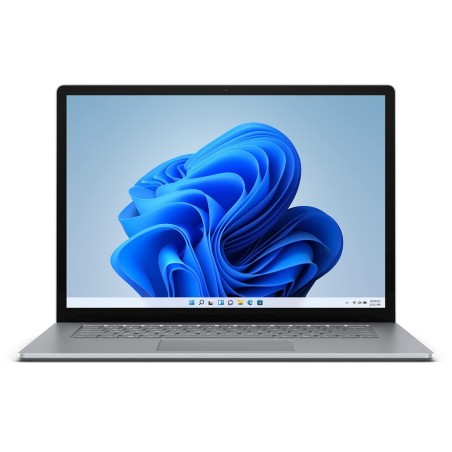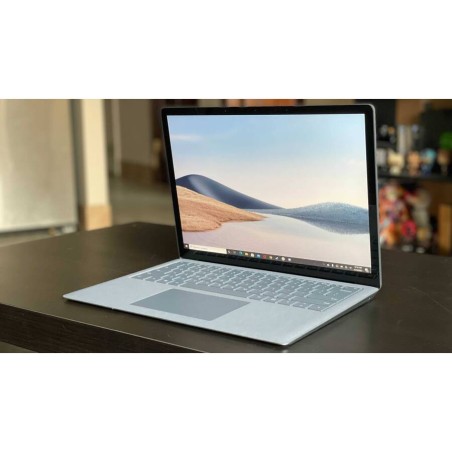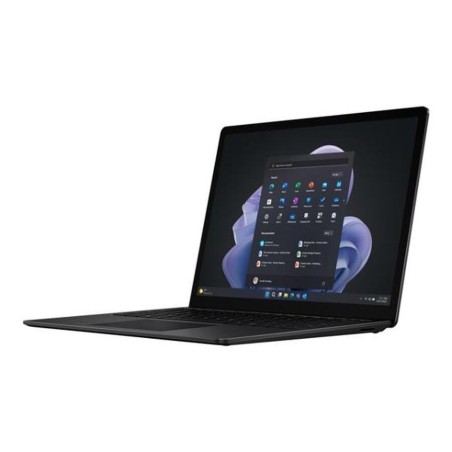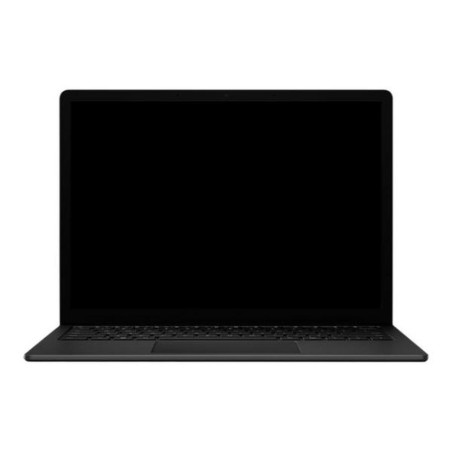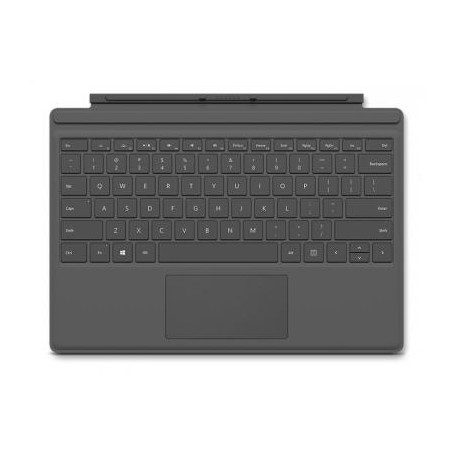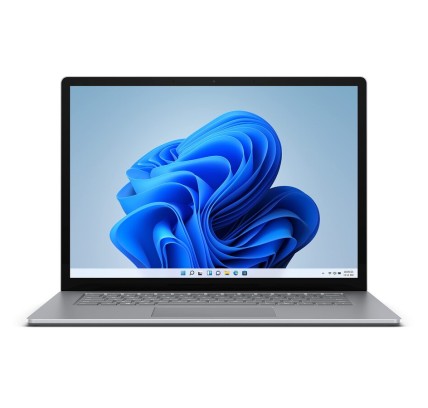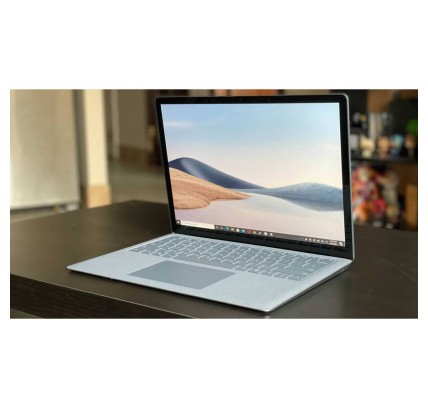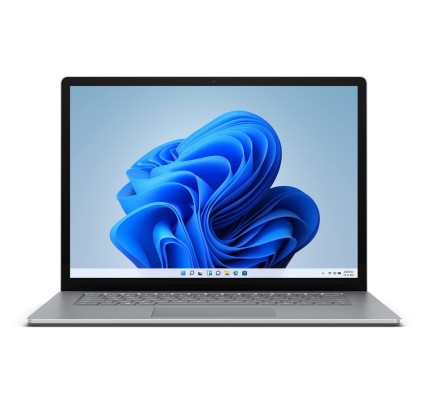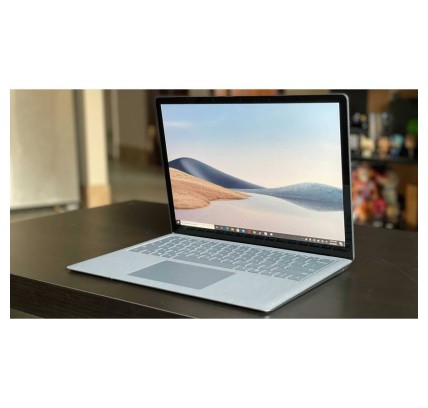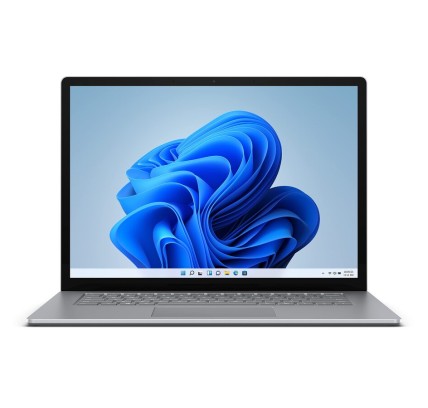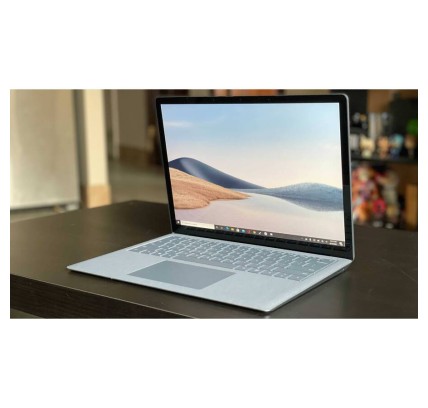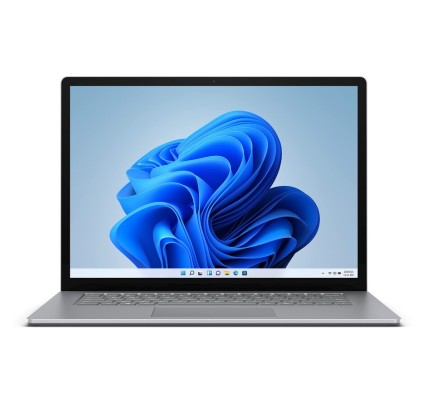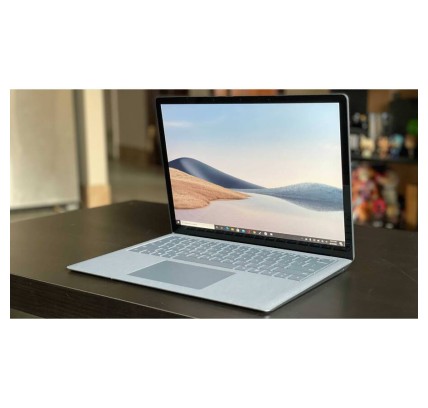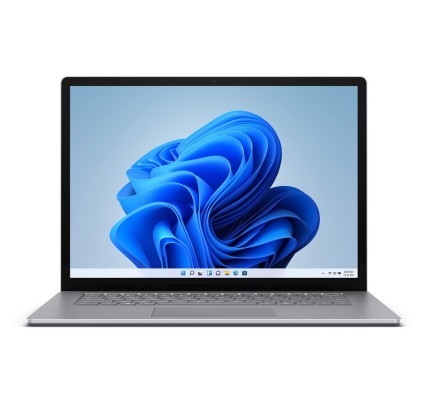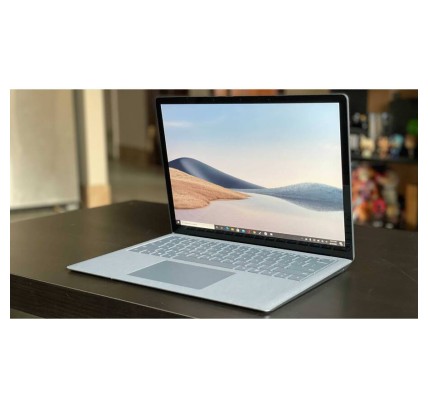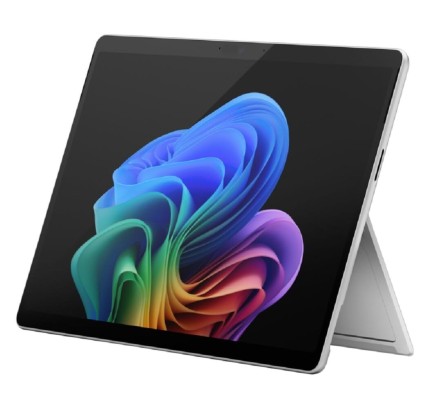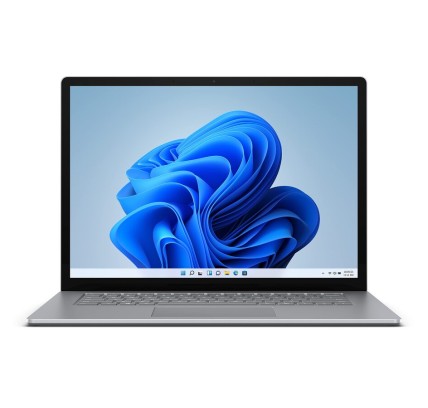
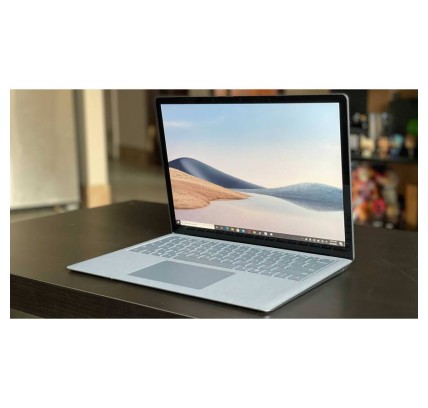
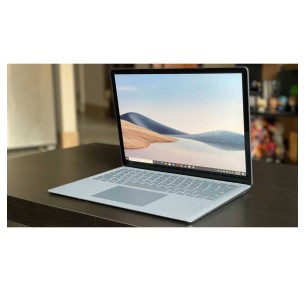
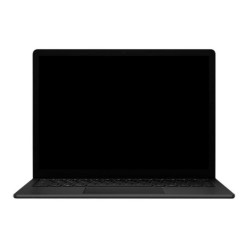
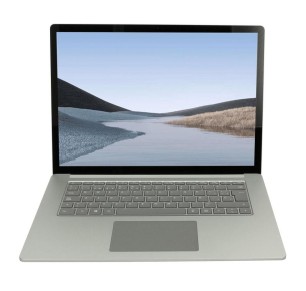
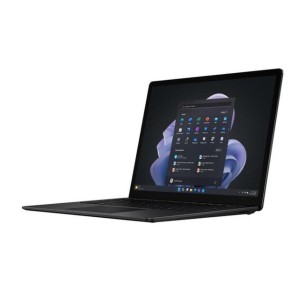
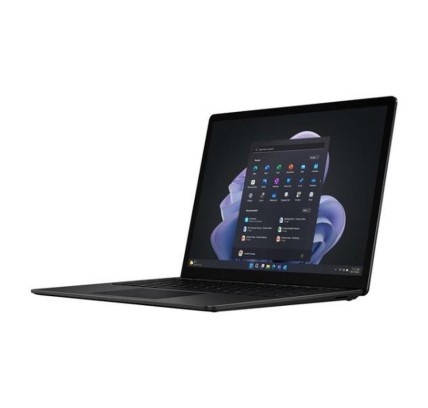
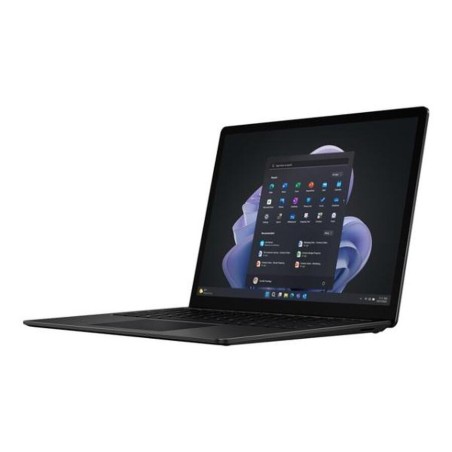
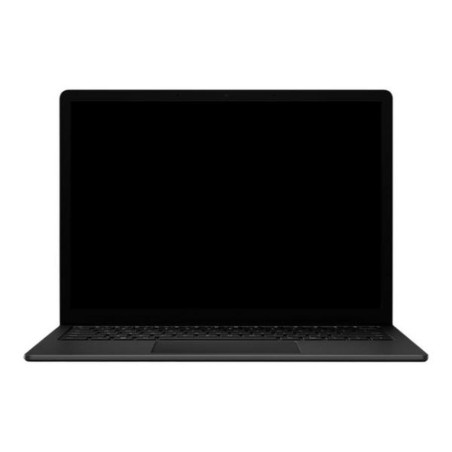
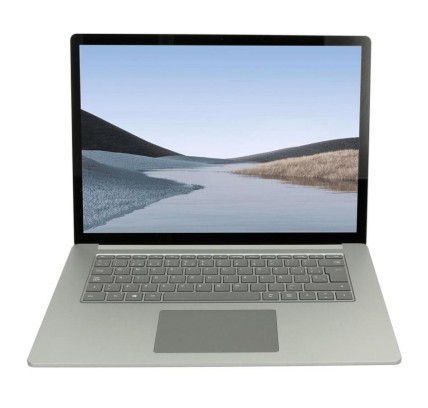
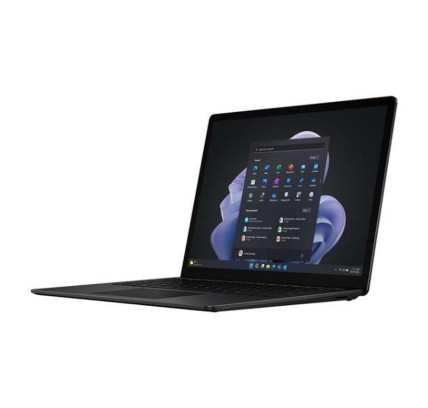
Original keyboard: QWERTY in US English Microsoft Surface Laptop 4 is a laptop ideal for professionals and demanding users who seek performance, elegant design and efficiency in a...
€630.97Price
ENVIAMOS A TODA EUROPA CONTINENTAL
33 products
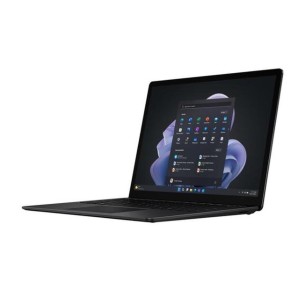
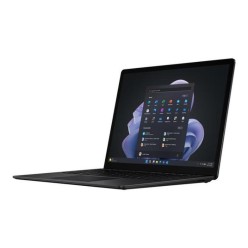
![Microsoft Surface Laptop 4 i7-1185G7, 16GB, 512GB, 13.5", COA (2256x1504), TS, WLAN, BT, CAM, Platinum [Reacondicionado Grado B]](https://www.segundamanopc.com/3502095-home_default/microsoft-surface-laptop-4-intel-core-i7-1185g7-16gb-512gb-ssd-nvme-135-wlan-bt-cam-ts.jpg)
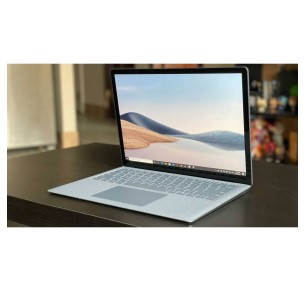
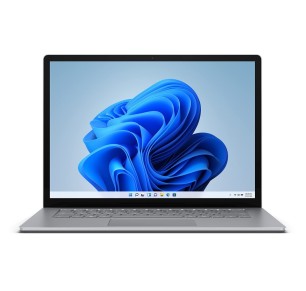
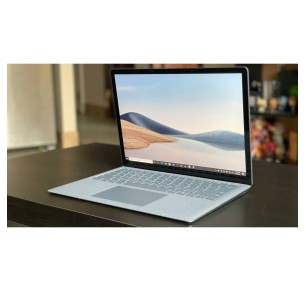
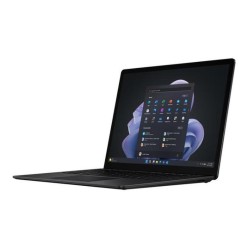
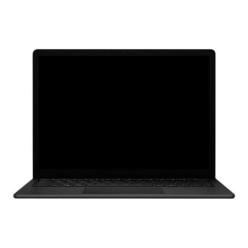
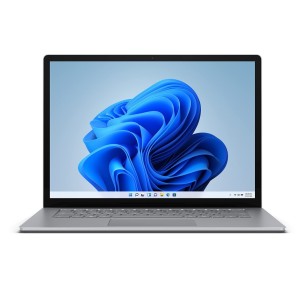
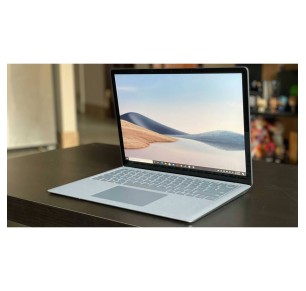
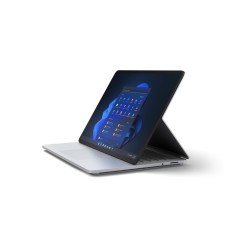
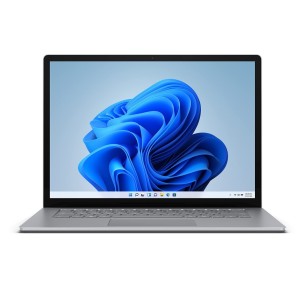
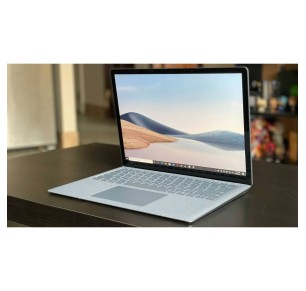
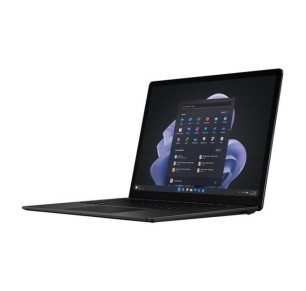
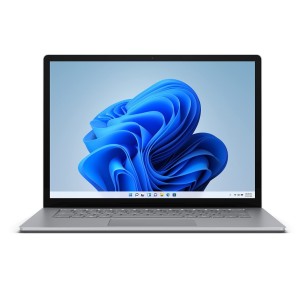
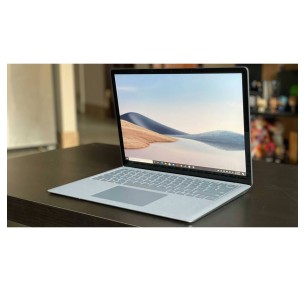
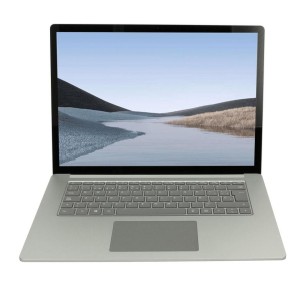
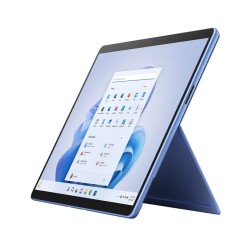
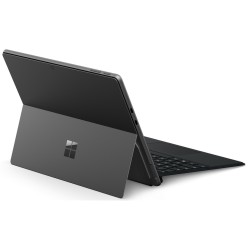
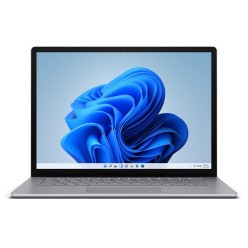
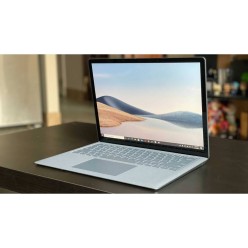
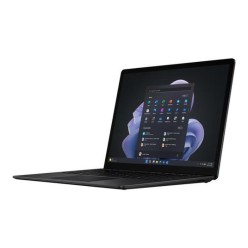
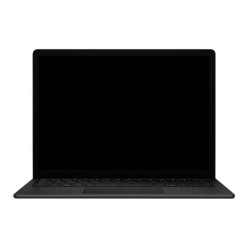
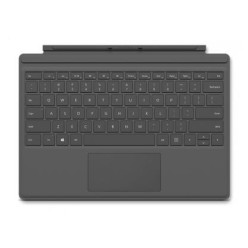
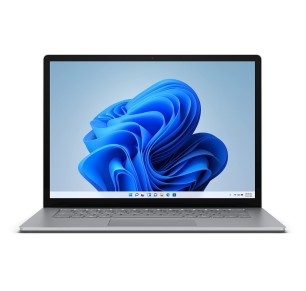
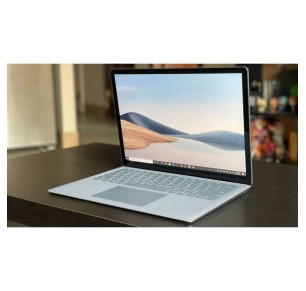
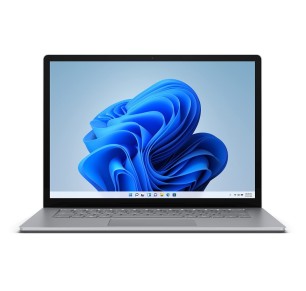
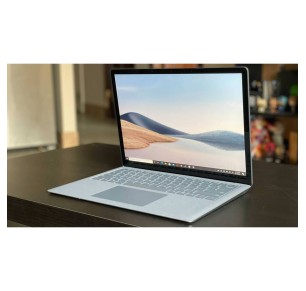
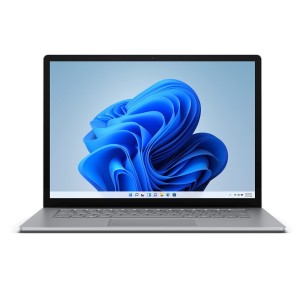
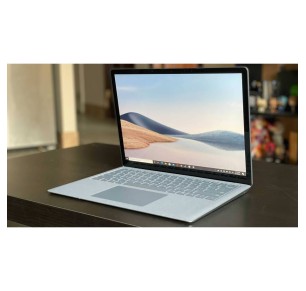
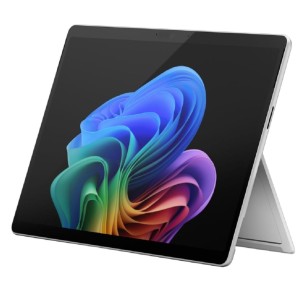

In this category you will find refurbished Microsoft Surface machines aimed at productivity, study and professional use with mobility. Subject to availability, you may see laptop and 2-in-1 formats, or Surface machines with a touch focus. The key to choosing well is to review each product listing: model, processor, RAM, SSD, screen, whether a keyboard is included, condition/grade and warranty. That way you compare real performance and buy more sensibly, without paying extra for features you do not need.
If you need a light machine for notes, video calls, documents and browsing, a refurbished Surface can be a good option for its size and portability. Prioritise an SSD, enough RAM and a screen that is comfortable to read. If you travel a lot, review the weight, the format and the stated battery life (where given).
For office work, online meetings and productivity tools, look for a balanced configuration with 16 GB of RAM and an SSD where possible. If you are going to use an external monitor, review the ports and compatible adapters. In business environments, it is worth confirming the operating system/licence and the exact connectivity in the listing.
If you work with many applications open, heavy spreadsheets, light design or sales management on the move, prioritise a more capable processor, more RAM and a generous SSD. With a Surface, the value usually lies in the balance between performance and portability, but it is always worth validating the exact model before buying.
A Surface 2-in-1 can bring flexibility for writing, presenting or working in touch mode. If your use involves heavy typing at a fixed desk, you may prefer a Surface in a format closer to a conventional laptop. Review the type of hinge, the keyboard and the real use you are going to make of it.
If you want to use your Surface as your main machine, verify the video outputs, the USB/USB-C ports and compatibility with docks or adapters. That way you can connect it to a monitor, keyboard and mouse without surprises. This point is especially important on compact models.
Explore the category and compare Surface models according to your real use. If you need more options, you can also look at related categories of refurbished laptops, tablets and convertibles.
For study or remote work, the most important thing is to balance the RAM, the SSD and the format. If you are after mobility and video calls, a light Surface with an SSD and a comfortable screen is usually a good fit. Always review the product listing to confirm the processor, memory, storage and whether a keyboard/charger is included.
It depends on the use. A 2-in-1 format brings flexibility for touch use, presentations and mobility, while a format closer to a laptop can be more comfortable if you type for long hours. The decision should be based on the way you work and on the specific features of the available model.
For basic tasks (office software, email, browsing), 8 GB can be enough. If you work with many tabs, multitasking or professional tools, 16 GB is usually a more balanced option. Check the exact RAM in the listing, because on refurbished machines the configuration varies from unit to unit.
Review the exact model, processor, RAM, SSD, screen size, condition/grade, ports, whether a charger is included, whether a keyboard is included (where applicable) and the warranty. If you are going to use an external monitor or a docking station, confirm the connectivity and compatibility. It is also worth reviewing the operating system/licence when that is a requirement for your company.
Not always. On some models or formats, the keyboard may be sold separately and the contents can vary from unit to unit. That is why it is key to review the specific product listing to confirm what is included (keyboard, charger and other accessories) before placing your order.
Yes, in many cases you can, but it depends on the model and its ports. Before buying, check whether it has USB-C, a video output or whether it requires an adapter/docking station. If you are going to work with a monitor, keyboard and mouse, prioritise connectivity that is clear and confirmed in the product listing.
The warranty can vary by product, category and the commercial terms in force. It is not advisable to assume a standard duration without verifying it. Always check the exact warranty stated in the listing of the Surface machine you are going to buy, and also review the returns terms if you need them.
![Microsoft Surface Laptop 4 i7-1185G7, 16GB, 512GB, 13.5", COA (2256x1504), TS, WLAN, BT, CAM, Platinum [Reacondicionado Grado B]](https://www.segundamanopc.com/3502095-medium_default/microsoft-surface-laptop-4-intel-core-i7-1185g7-16gb-512gb-ssd-nvme-135-wlan-bt-cam-ts.jpg)