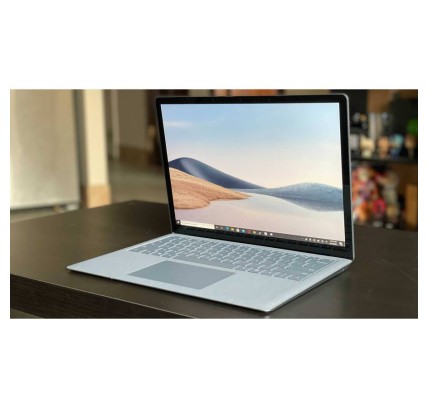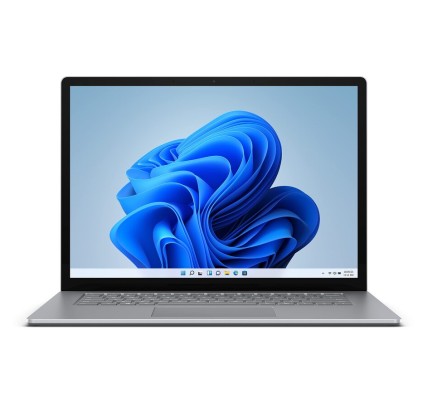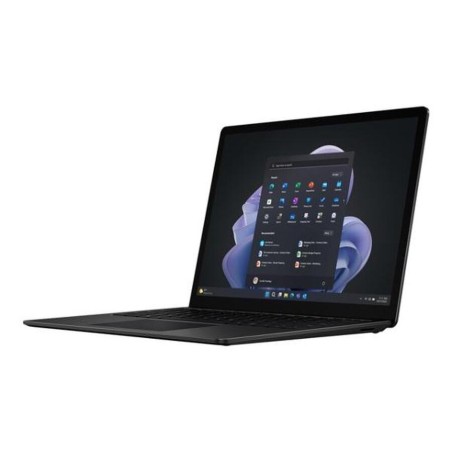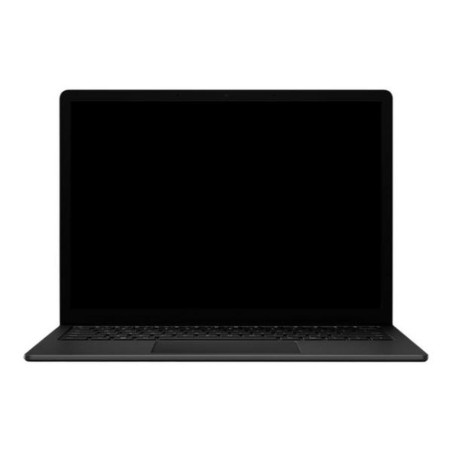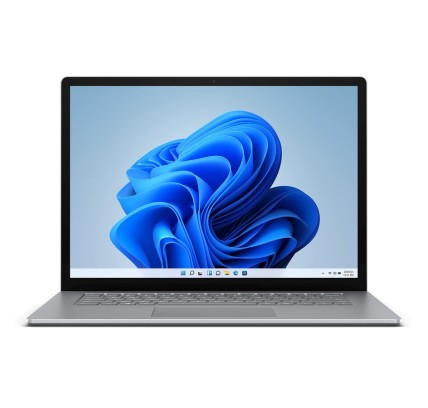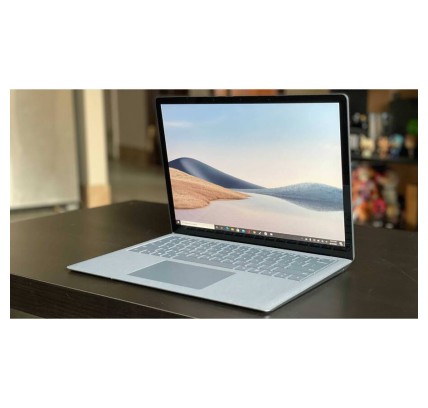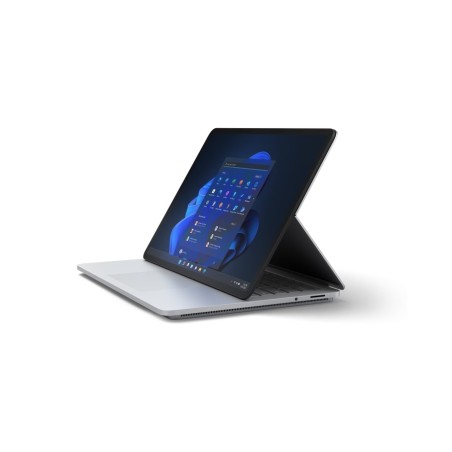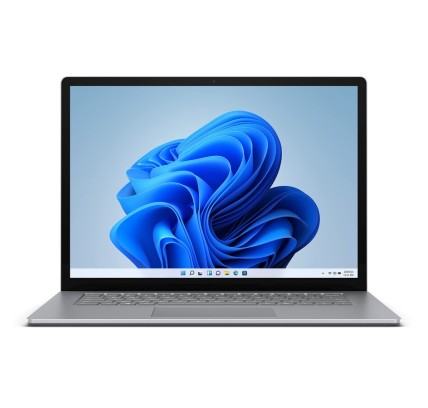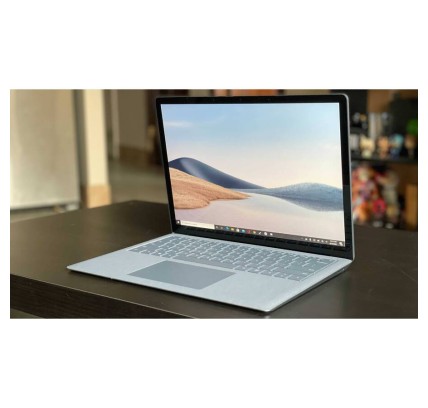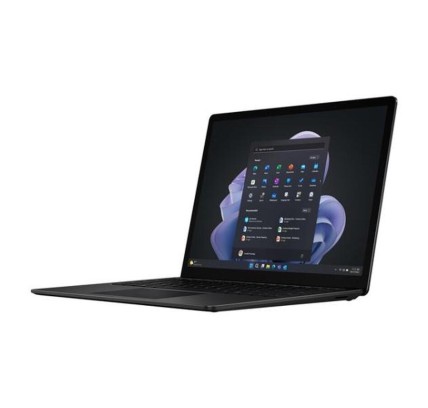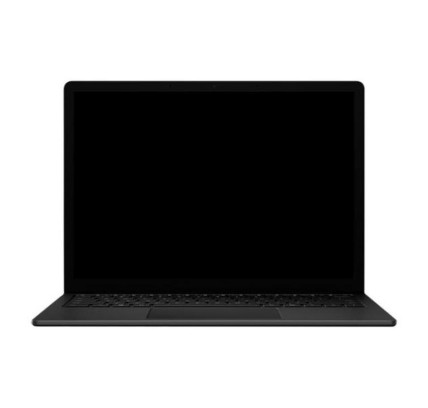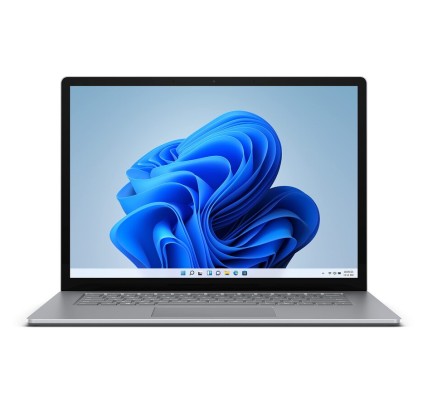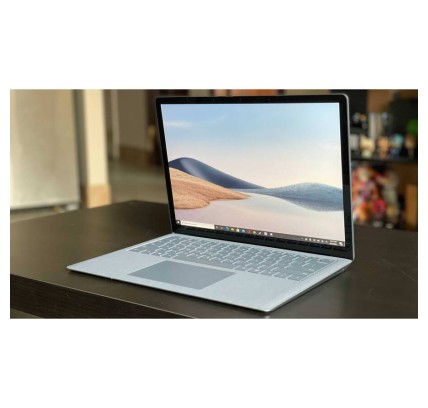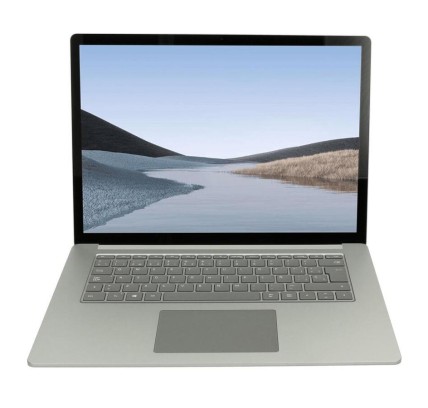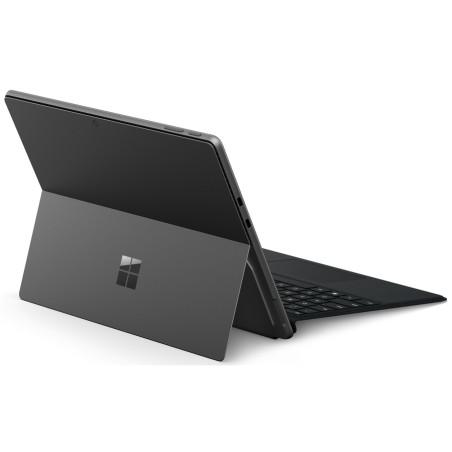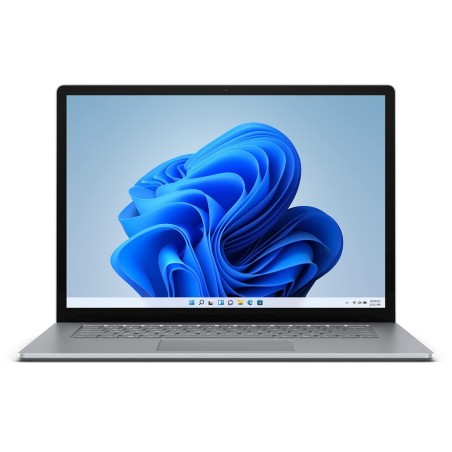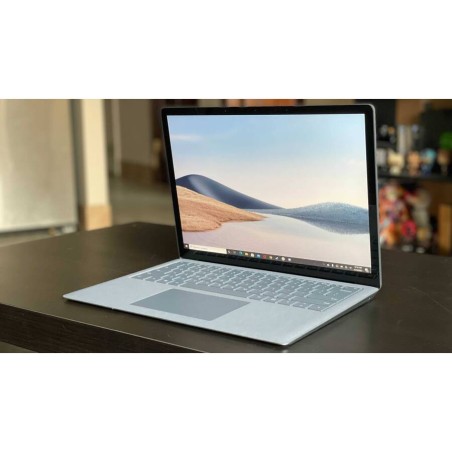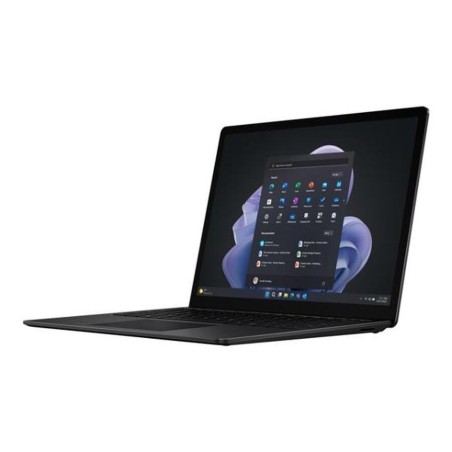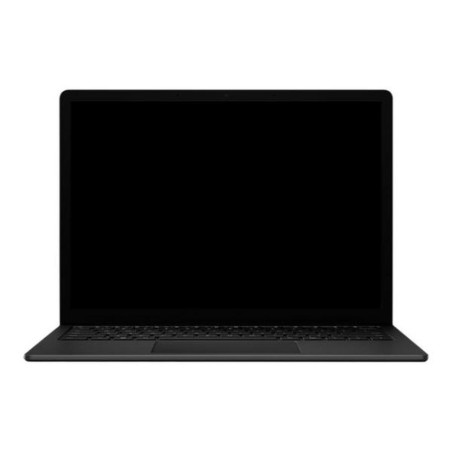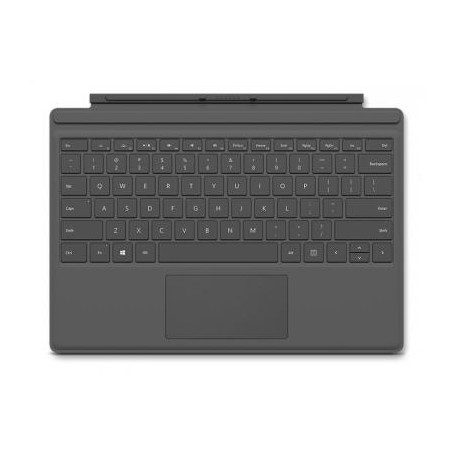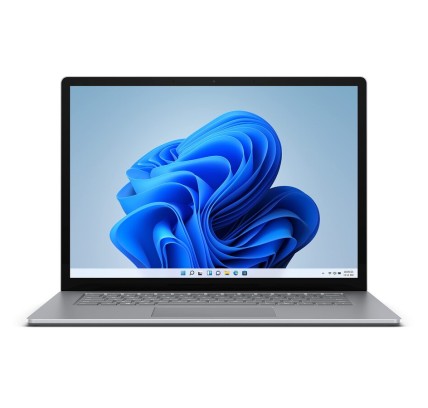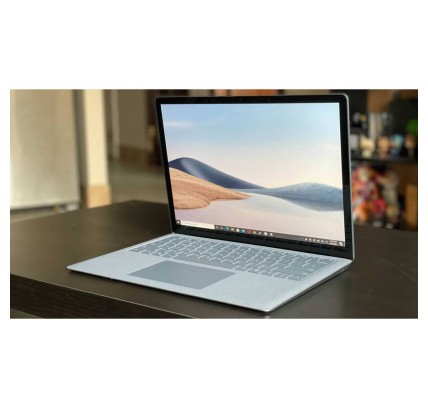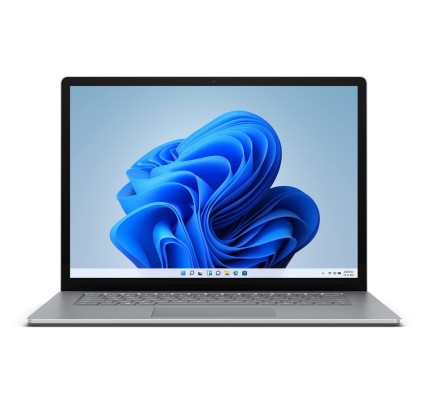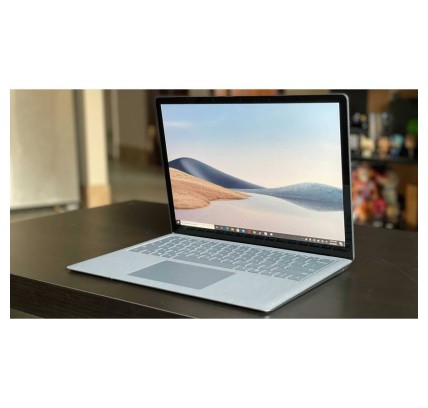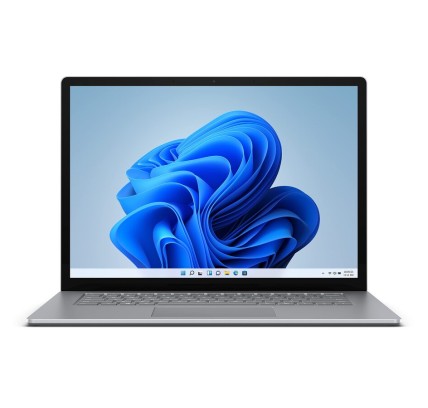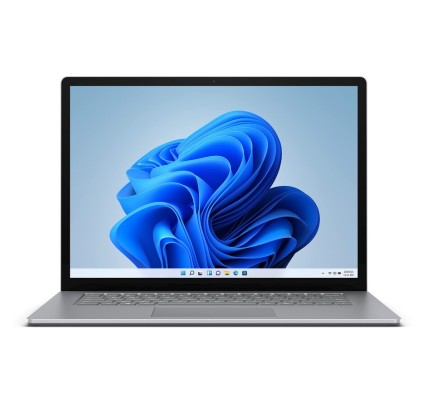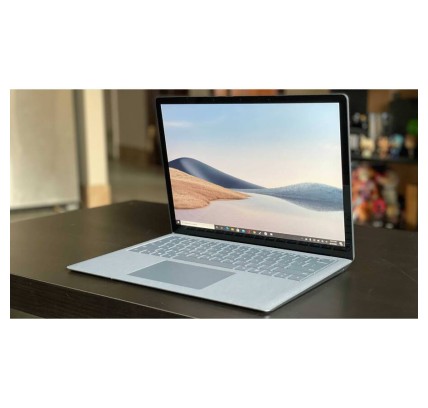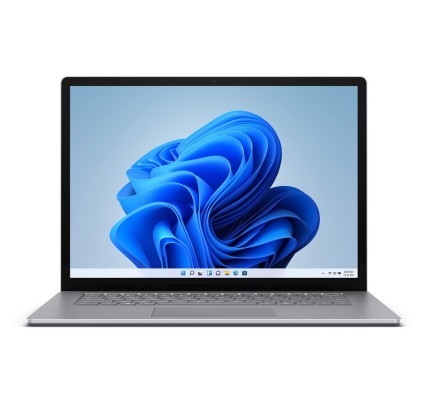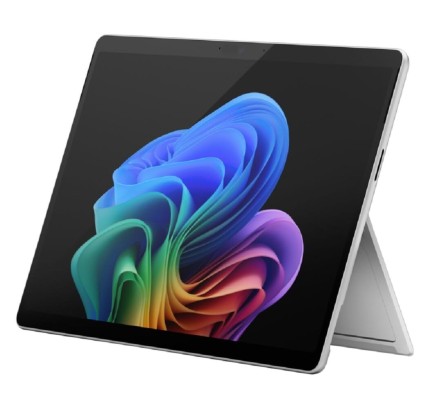
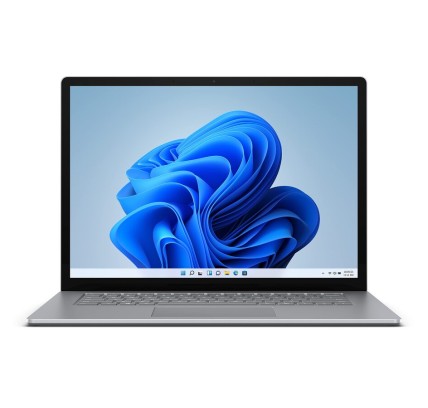
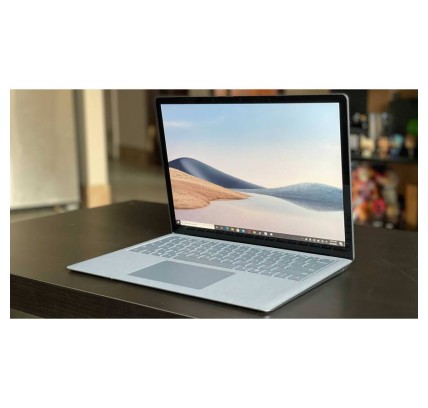
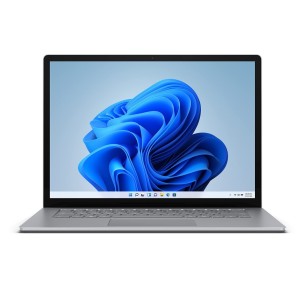
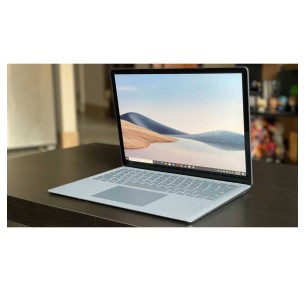
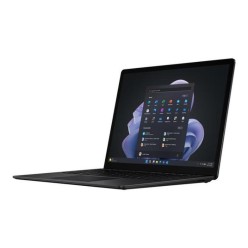
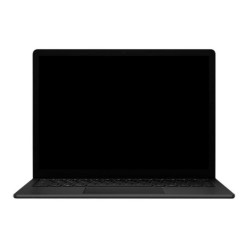
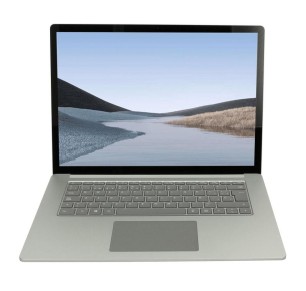
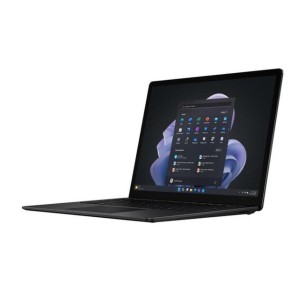
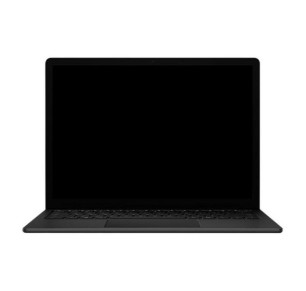
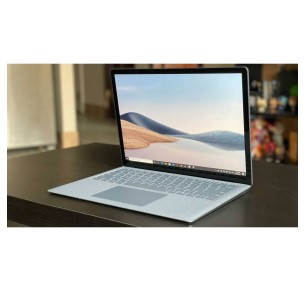
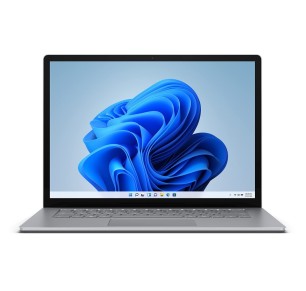
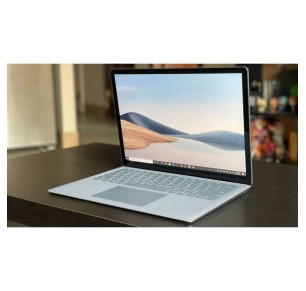
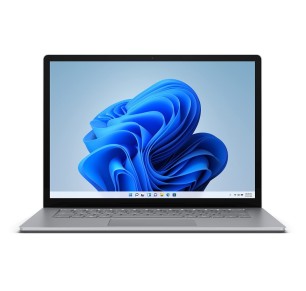
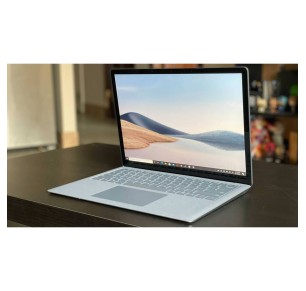
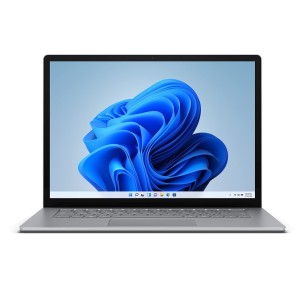
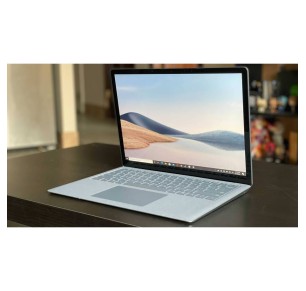
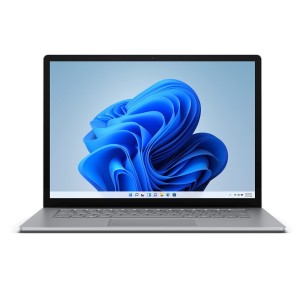
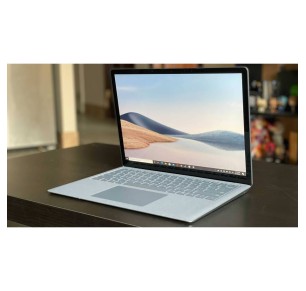
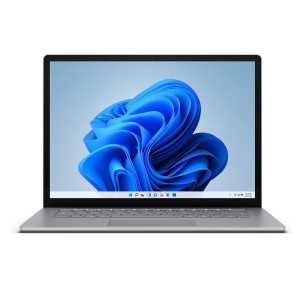
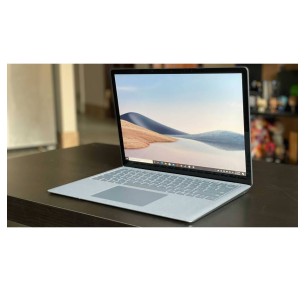
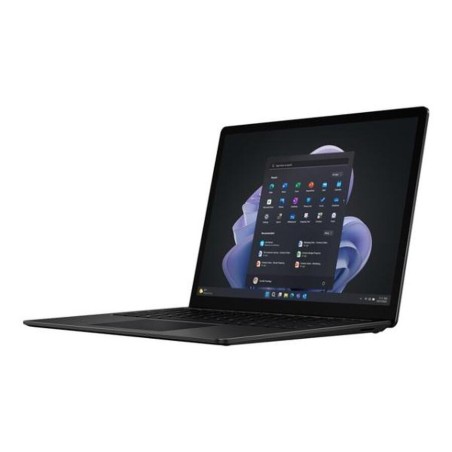
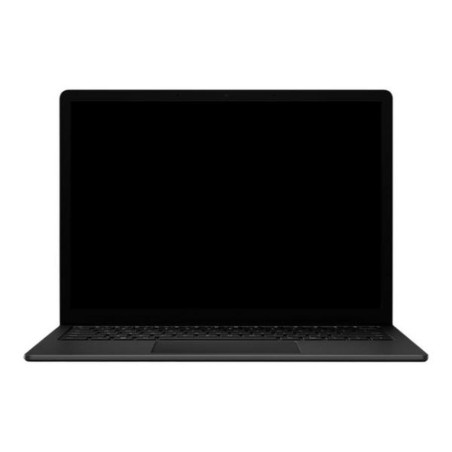
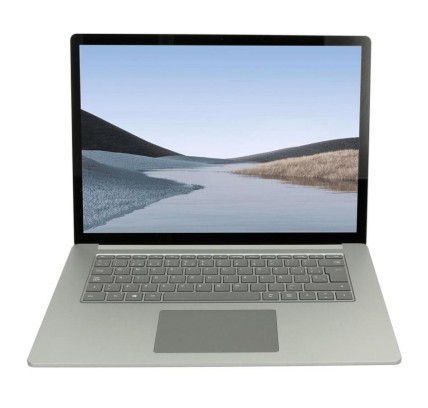
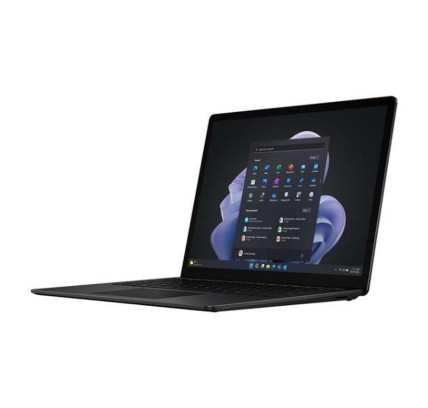
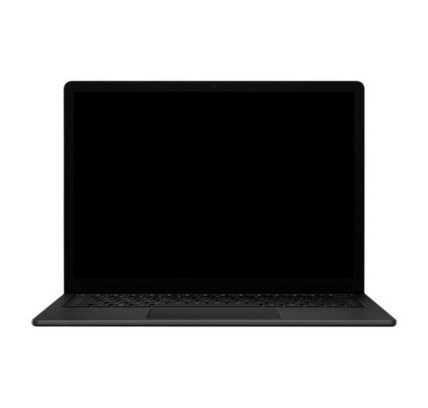
Original keyboard: QWERTY in US English Microsoft Surface Laptop 4 is a laptop ideal for professionals and demanding users who seek performance, elegant design and efficiency in a...
€630.97Price
ENVIAMOS A TODA EUROPA CONTINENTAL
33 products
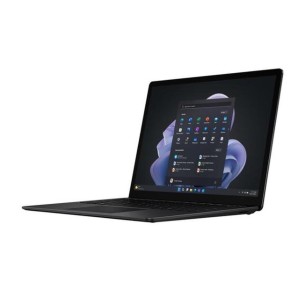
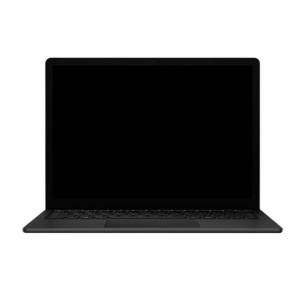
![Microsoft Surface Laptop 4 i7-1185G7, 16GB, 512GB, 13.5", COA (2256x1504), TS, WLAN, BT, CAM, Platinum [Reacondicionado Grado B]](https://www.segundamanopc.com/3502095-home_default/microsoft-surface-laptop-4-intel-core-i7-1185g7-16gb-512gb-ssd-nvme-135-wlan-bt-cam-ts.jpg)
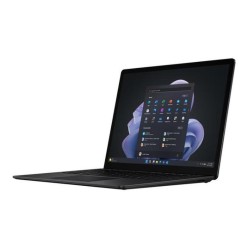
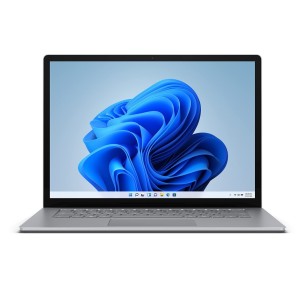
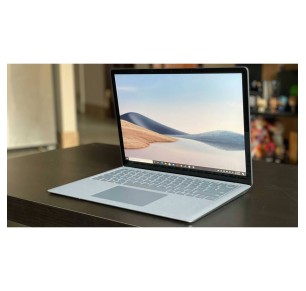
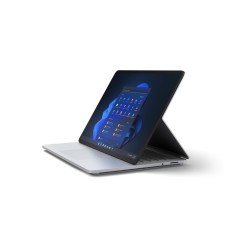
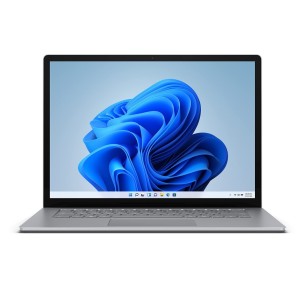
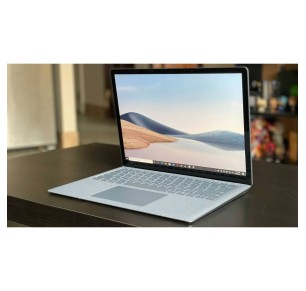
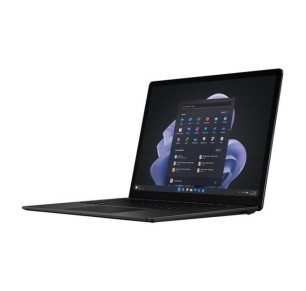
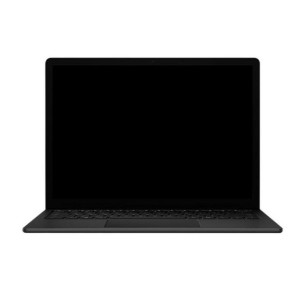
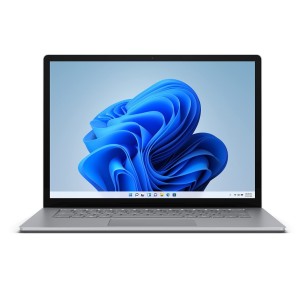
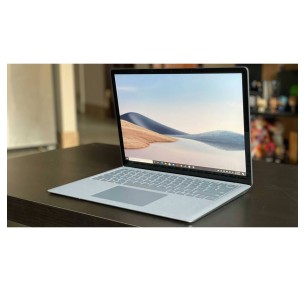
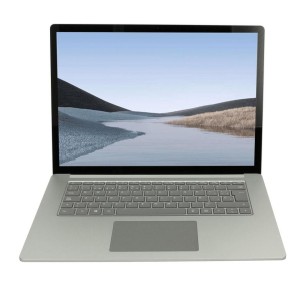
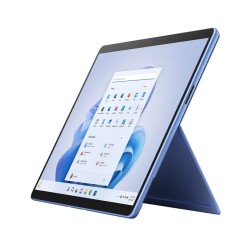
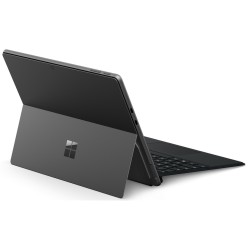
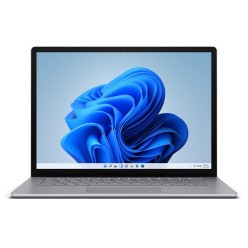
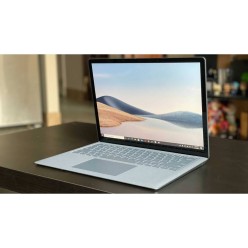
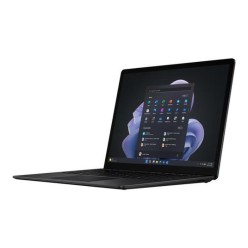
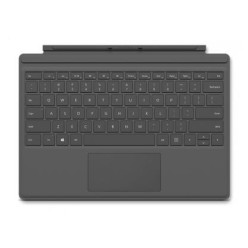
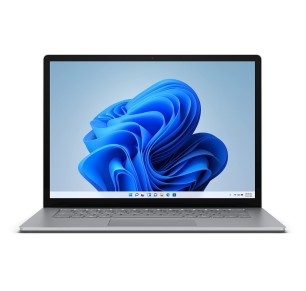
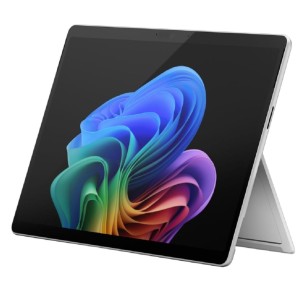

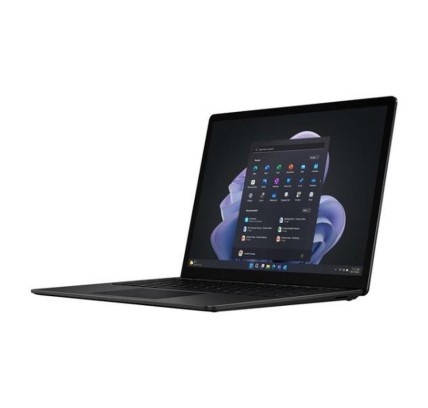
A refurbished Microsoft machine is a practical option if you are looking for a versatile device to study, work from home or travel with, at a more contained cost. In this category you can find, subject to availability, Microsoft laptops and Microsoft tablets, in particular machines from the Surface family. To buy sensibly, always compare by the specific listing of each unit: model, CPU, RAM, storage (SSD), screen, connectivity, keyboard/accessories included, condition/grade and the stated warranty.
For academic use, prioritise light weight, a comfortable screen and an SSD. If you take notes or read a great deal, a touch format can help (subject to availability). Verify the keyboard, trackpad and layout (ES or others) if that matters to you, and confirm what each unit includes in its listing.
Look for a stable machine with an SSD and enough RAM for multitasking. If you work with an external monitor, review the connectivity and ports; if you depend on meetings, prioritise the webcam and microphones only when they are specified. In corporate environments, also consider docking options (depending on model).
If you work with large spreadsheets, many tabs or productivity tools, 16 GB of RAM usually makes a difference (depending on your software). For light design or editing, review the CPU, RAM and screen resolution. Avoid assuming dedicated graphics if the listing does not state them.
For mobility, the weight and the battery life matter. Filter by size and prioritise an SSD. Bear in mind that on very thin formats the upgrade options can vary; if you want future headroom, decide on the configuration in the listing rather than on assumptions.
Subject to availability, you can find Microsoft laptops and Microsoft tablets, in particular Surface models. Each unit can vary in CPU, RAM, SSD, screen, included accessories and warranty. The reference for deciding is always the specific product listing.
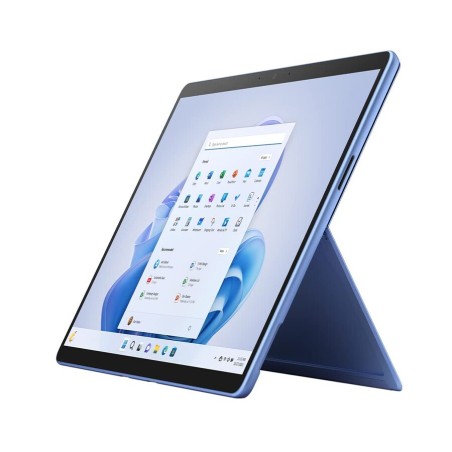
It depends on the model. Some Surface machines are geared more towards being a tablet with an optional keyboard, and others are closer to a 2-in-1 laptop. To get it right, review in the listing whether a keyboard is included, what type of hinge/stand it has and which ports it offers.
For basic tasks (classes, email, browsing), 8 GB can be enough. If you make video calls, multitask with many tabs or use office tools, 16 GB is usually more comfortable. Decide according to your software and what the machine listing confirms.
Check the available ports (USB-C, HDMI, MiniDP or others depending on the model) and the supported resolution if it is stated. If the machine has few ports, it may need adapters or a compatible dock. The connectivity should be clear in the listing.
That cannot be assumed. On some models, the keyboard (Type Cover) can be optional or depend on the batch/unit. Review in the listing whether the keyboard is included and, if it is relevant, the keyboard language/layout.
It depends on the model. On very thin formats or tablets, upgrading can be limited or not provided for. If upgrading matters to you, prioritise a suitable configuration from the start and review the compatibility/possibilities only if the listing states them.
Not necessarily. The warranty can vary by unit or by category, so it is worth verifying the warranty stated in the listing of the product you are going to buy before completing the order.
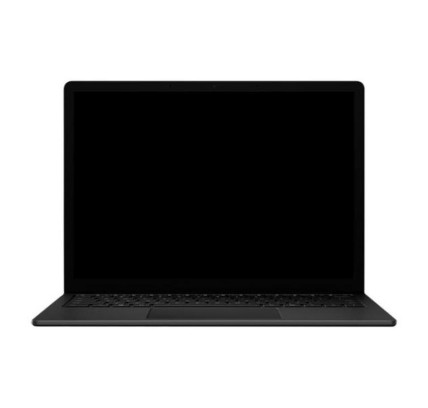
![Microsoft Surface Laptop 4 i7-1185G7, 16GB, 512GB, 13.5", COA (2256x1504), TS, WLAN, BT, CAM, Platinum [Reacondicionado Grado B]](https://www.segundamanopc.com/3502095-medium_default/microsoft-surface-laptop-4-intel-core-i7-1185g7-16gb-512gb-ssd-nvme-135-wlan-bt-cam-ts.jpg)