Active filters

      Add To Compare
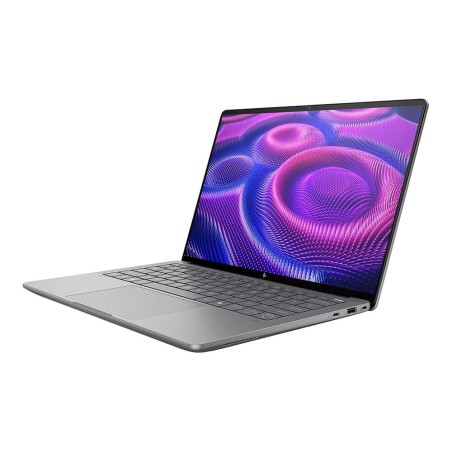
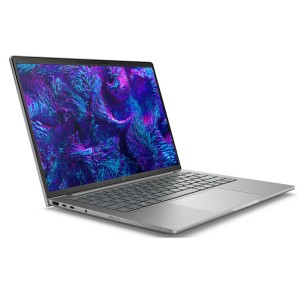
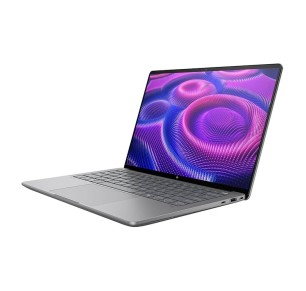
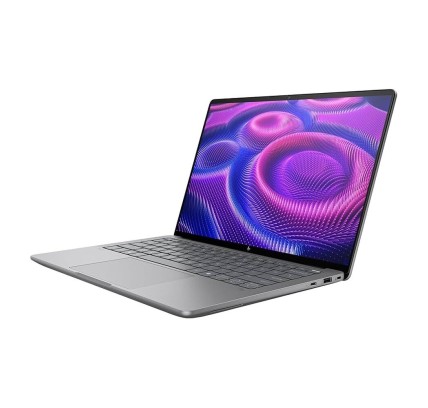
      HP ZBook Ultra G1a 14 AMD Ryzen PRO 395, 64GB, 1TB SSD-NVMe, 14"
          Add To Compare
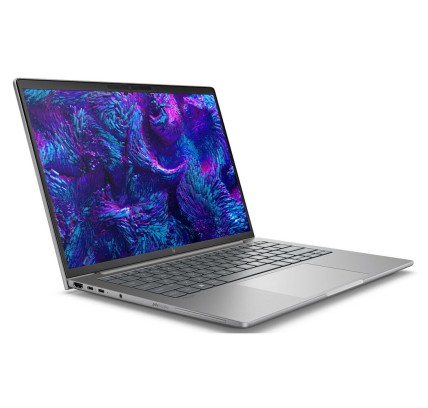
          HP ZBook Ultra G1a 14 AMD Ryzen PRO 395, 64GB, 1TB SSD-NVMe, 14"
              Original keyboard: QWERTZ in German HP ZBook Ultra G1a 14 is a professional laptop designed for demanding environments in advanced workplace settings. Equipped with an AMD Ryzen PRO 395...
              €3,574.05Price
              Add To Compare
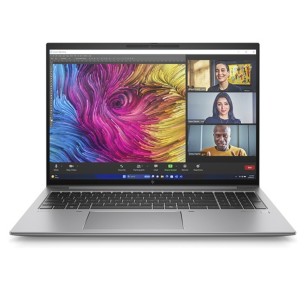
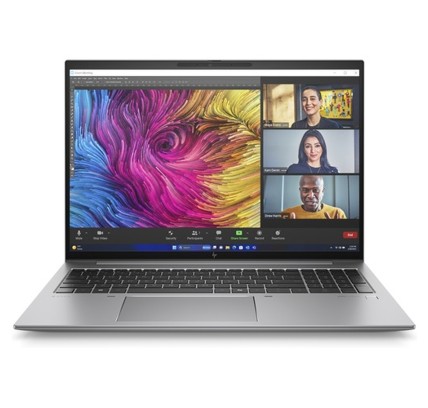
              HP ZBook Ultra G1a 14 AMD Ryzen PRO 395, 64GB, 1TB SSD-NVMe, 14"
                  Original keyboard: QWERTZ in German HP ZBook Ultra G1a 14 is a professional laptop designed for demanding environments in advanced workplace settings. Equipped with an AMD Ryzen PRO 395...
                  €3,574.05Price
                  Add To Compare
                      Add To Compare
                      Hp ZBook 8 G1ah 14 Ryzen-R5-230, 32GB, 256GB-SSD, 14" HP - 1
                          Add To Compare
                          Hp ZBook 8 G1ah 14 Ryzen-R5-230, 32GB, 256GB-SSD, 14" HP - 1
                              Original keyboard: QWERTY in Swedish The HP ZBook 8 G1ah 14 is a refurbished portable workstation that combines power and mobility for business professionals and productivity. Equipped...
                              €1,347.94Price
                              Add To Compare
                              Hp ZBook 8 G1ah 14 Ryzen-R5-230, 32GB, 256GB-SSD, 14" HP - 1
                                  Original keyboard: QWERTY in Swedish The HP ZBook 8 G1ah 14 is a refurbished portable workstation that combines power and mobility for business professionals and productivity. Equipped...
                                  €1,347.94Price
                                  Add To Compare
                                  Hp ZBook 8 G1i 14 Ultra 9 285H, 64GB, 1TB SSD, 14", WLAN, BT 5.4 HP - 1
                                      Original keyboard: QWERTY in Nordic REF.: CJ1V0ETR#UUW HP ZBook 8 G1i 14 - High-performance laptop for professionals. Robust laptop...
                                      €3,091.20Price
                                      Add To Compare
                                      Hp ZBook 8 G1i 14 Ultra 9 285H, 64GB, 1TB SSD, 14", WLAN, BT 5.4 HP - 1
                                          Original keyboard: QWERTY in Nordic REF.: CJ1V0ETR#UUW HP ZBook 8 G1i 14 - High-performance laptop for professionals. Robust laptop...
                                          €3,091.20Price
                                          Add To Compare
                                          Hp ZBook FIrefly 14 G11 Ryzen-R5-8640HS, 16GB, 512GB-SSD, 14" HP - 1
                                              Original keyboard: QWERTY in Swedish The HP ZBook Firefly 14 G11 is a refurbished professional laptop that combines power and portability for business and productivity. Equipped with a...
                                              €1,084.57Price
                                              Add To Compare
                                              Hp ZBook FIrefly 14 G11 Ryzen-R5-8640HS, 16GB, 512GB-SSD, 14" HP - 1
                                                  Original keyboard: QWERTY in Swedish The HP ZBook Firefly 14 G11 is a refurbished professional laptop that combines power and portability for business and productivity. Equipped with a...
                                                  €1,084.57Price
                                                  Add To Compare
                                                      Add To Compare
                                                      Hp ZBook Ultra G1a 14 Ryzen-390, 32GB, 1TB, 14" HP - 1
                                                          Add To Compare
                                                          Mobile Workstation
                                                          €1,898.69Price
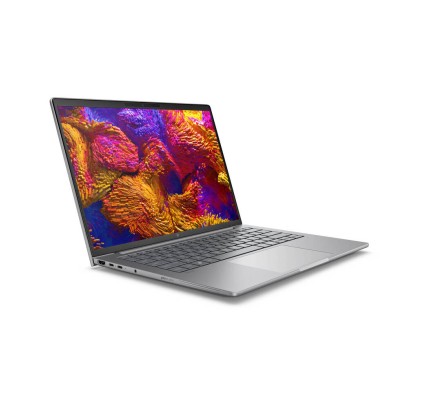
                                                          Hp ZBook Ultra G1a 14 Ryzen-390, 32GB, 1TB, 14" HP - 1
                                                              Original keyboard: QWERTZ in Hungarian HP ZBook Ultra G1a 14 is a professional laptop designed for high demands, ideal for creative professionals and users who need power and...
                                                              €1,898.69Price
                                                              Add To Compare
                                                              Hp ZBook Ultra G1a 14 Ryzen-390, 32GB, 1TB, 14" HP - 1
                                                                  Original keyboard: QWERTZ in Hungarian HP ZBook Ultra G1a 14 is a professional laptop designed for high demands, ideal for creative professionals and users who need power and...
                                                                  €1,898.69Price
                                                                  Add To Compare
                                                                  Refurbished Workstation Laptops | Segundamanopc
                                                                  Mobile Workstation

                                                                  Refurbished mobile workstations for CAD and editing

                                                                  A mobile workstation laptop is designed for demanding tasks: CAD, 3D, rendering, editing and intensive multitasking. Unlike an office laptop, it usually prioritises sustained performance, more memory options and, where applicable, a dedicated GPU to accelerate professional workflows (depending on model). In this category you will find refurbished mobile workstations (subject to availability) from brands commonly used in professional environments. To get it right, decide on your real software and review the confirmed specifications in each listing: CPU, RAM, SSD, GPU, screen, connectivity, condition/grade and the stated warranty.

                                                                  How to choose your mobile workstation

                                                                  • CPU (processor): prioritise the generation and range according to your software. For rendering/compiling or heavy editing, the CPU is usually critical (subject to availability).
                                                                  • RAM: 16 GB can serve for moderate projects; 32 GB is common if you work with large scenes, many layers or several apps; 64 GB or more if your workflow demands it (as per the listing).
                                                                  • Dedicated GPU: key for 3D, accelerated CAD, local AI or editing with acceleration. Check the model and the VRAM in the listing (depending on product).
                                                                  • SSD: essential for load times and caches. Consider the capacity and the type where specified (NVMe/SATA, depending on model).
                                                                  • Screen: size and resolution depend on your use. If you edit colour, review the panel/coverage data only if it is stated in the listing (Pending if it does not appear).
                                                                  • Ports and connectivity: USB-C/USB-A, HDMI/DP, Ethernet, SD reader and so on. If you use docks or monitors, confirm the video outputs (depending on model).
                                                                  • Upgrades: many workstations allow RAM/SSD upgrades more easily than ultrabooks, but it depends on the model. If this is key, review the compatibility and access points (as per the listing).
                                                                  • Real mobility: weight, battery life and charger matter. With refurbished machines the battery can vary; check its condition where it is reported (depending on product).
                                                                  • Operating system/licence: confirm whether a system is included and the type of licence when that is relevant to your environment.

                                                                  Mobile workstations by use case

                                                                  CAD and technical design (AutoCAD, Solidworks, Revit and similar)

                                                                  Prioritise a solid CPU and, if your software takes advantage of it, a dedicated GPU with a clear specification. If you work with large models, give yourself headroom with more RAM and a generous SSD for caches and libraries. For a desk setup with peripherals, review the ports and the video output for external monitors (as per the listing).

                                                                  3D and rendering (Blender, Maya and similar)

                                                                  In 3D, the CPU and GPU combination rules: a dedicated GPU helps in the viewport and with GPU rendering (where applicable). Heavy scenes also tend to appreciate 32 GB of RAM or more. Make sure the listing states the GPU model and the VRAM where that is relevant. If you render constantly, also consider cooling and sustained performance (depending on model).

                                                                  Video and photo editing

                                                                  For editing, the SSD (projects and caches) and the RAM are key, and a dedicated GPU can accelerate certain effects. If colour fidelity matters to you, only make decisions on confirmed screen information when the listing includes it. For storing footage, consider the capacity or external storage (according to your workflow).

                                                                  Development, data and virtual machines

                                                                  If you compile or use VMs, prioritise the CPU and plenty of RAM. A fast SSD helps with builds and environments. For a technical office with several monitors, review HDMI/DP/USB-C with video (depending on product).

                                                                  Business and professional remote work

                                                                  If you are looking for a robust laptop for serious work and mobility, a workstation can give you headroom for several years of use (according to your needs). Review the keyboard, the connectivity and the monitor support. With refurbished machines, the recommendation is to compare units by listing and standardise where possible.

                                                                  Benefits and confidence

                                                                  • Performance geared to demanding tasks: designed for professional software (depending on model and configuration).
                                                                  • Variable configurations: CPU/RAM/SSD/GPU can change from unit to unit; always decide on the specific listing.
                                                                  • Limited stock: availability and combinations change quickly with refurbished machines.
                                                                  • Warranty: check the warranty stated in the listing of the product (it can vary by unit).

                                                                  Frequently asked questions

                                                                  What is the difference between a mobile workstation and an ordinary laptop?

                                                                  A mobile workstation is geared towards professional workloads (CAD, 3D, editing, heavy multitasking). It usually offers configurations with more RAM, a larger SSD and, where applicable, a dedicated GPU. It also tends to prioritise sustained performance and connectivity. The real difference depends on the model and on the configuration stated in the listing.

                                                                  How much RAM do I need for CAD, 3D or editing?

                                                                  It depends on the project and the software. For moderate work, 16 GB can serve; 32 GB is a frequent baseline in professional workflows; 64 GB or more is advisable if you handle large scenes, heavy renders or many apps and VMs. Review your software requirements and the machine listing.

                                                                  Is a dedicated GPU essential in a mobile workstation?

                                                                  Not always, but it is usually highly advisable for 3D, accelerated CAD, GPU rendering and editing with acceleration. For advanced office work or development without 3D, integrated graphics may be enough. What matters is that the listing clearly states whether there is a dedicated GPU and which one it is (depending on product).

                                                                  What should I look at in the SSD for editing and large projects?

                                                                  The capacity and the type both affect how smoothly your workflow runs. An SSD helps with loading, caches and exports. If the listing specifies NVMe/SATA and the size, use that to compare. If you need more space, consider models that can be upgraded or external storage (according to your case).

                                                                  Can I add RAM or an SSD later?

                                                                  Many workstations allow it, but it depends on the model. Some take additional RAM slots or bays/slots for an SSD; others are more limited. If upgrading is key, review the compatibility and the access points of the specific model in the listing (if it is not stated, treat it as Pending).

                                                                  How do I choose a screen for editing if no colour information is given?

                                                                  If the listing does not state the colour coverage or the panel type, do not assume it. In that case, decide on size and resolution and consider using an external monitor you can calibrate when fidelity is critical. If the machine is going to be used with monitors, check the ports and video outputs (as per the listing).

                                                                  Are the warranty and the condition the same on every refurbished model?

                                                                  Not necessarily. With refurbished machines, each unit can have a different configuration and different terms. The reference is always the specific product listing: condition/grade, what is included and the applicable warranty. Check those details before buying.

                                                                  You may also like