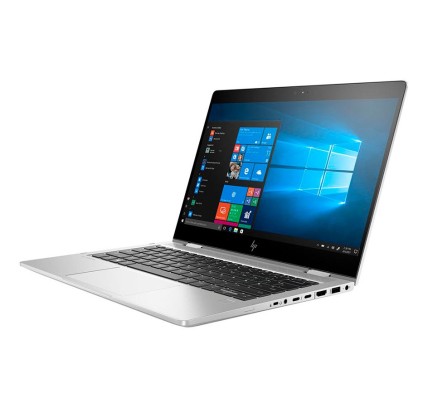
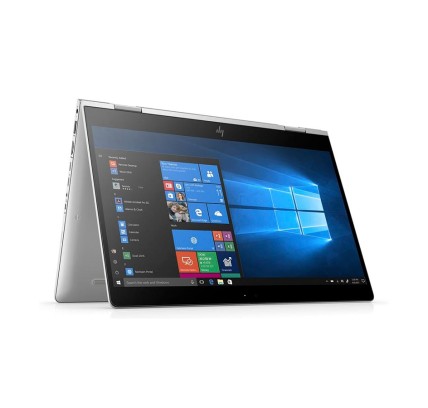
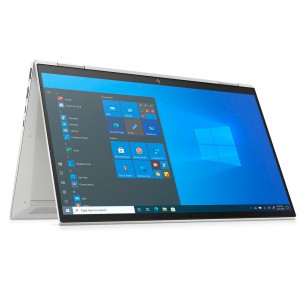
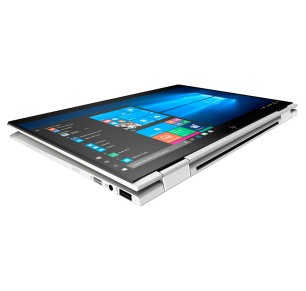
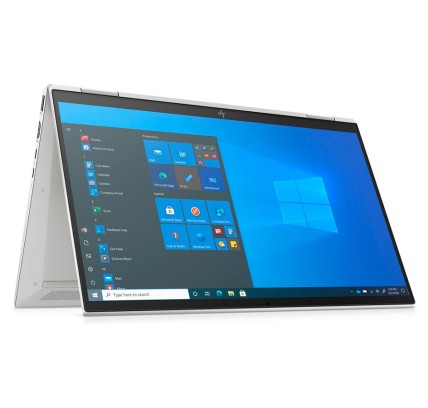
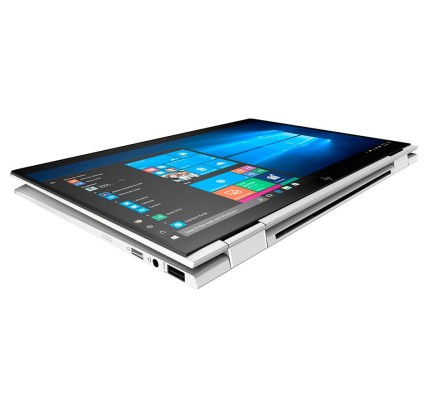
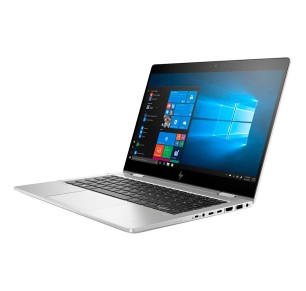
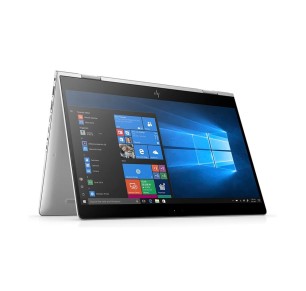
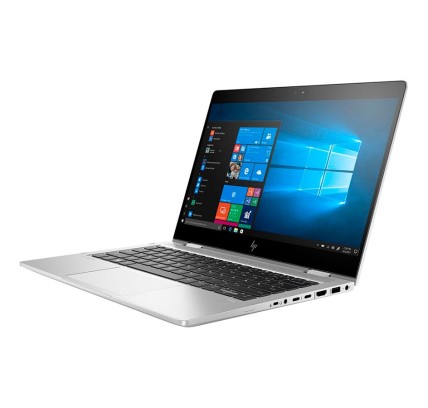
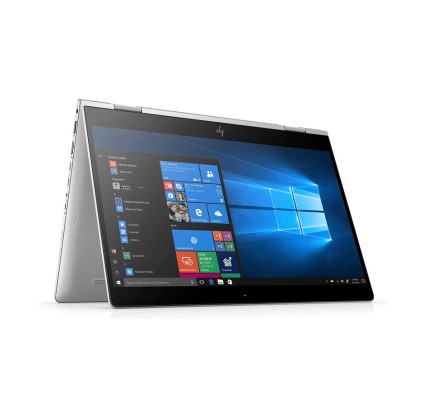
Refurbished HP EliteBook x360 2-in-1 laptops
In this category you will find refurbished HP EliteBook x360 laptops, a 2-in-1 range aimed at mobility, professional work, study and remote work. EliteBook x360 machines usually combine a convertible form factor with a focus on productivity, so they can be a good fit if you need a laptop for work and, at the same time, flexibility of use at a desk, in meetings or while travelling. Here you can compare configurations by processor, RAM, SSD, screen and keyboard, subject to availability. Before buying, always review the listing to confirm the model, condition, ports, battery (where stated) and exact warranty.
How to choose a refurbished HP EliteBook x360
- 2-in-1 form factor: if you are going to make use of the convertible modes (laptop, presentation or tablet), review the size and weight of the machine.
- RAM: 8 GB can suit basic use; 16 GB is usually more comfortable for multitasking, work and video calls.
- Storage: go for an SSD for better start-up, smoothness and application loading.
- Screen: confirm the diagonal and the resolution; on an x360 it is particularly useful to check whether a touchscreen is stated in the listing.
- Processor: compare the generation and range of the CPU according to the software you use daily.
- Keyboard/language: always review the keyboard layout and any adaptations (original or with stickers/replacement).
- Connectivity: check the ports (USB, USB-C, video) if you are going to connect a monitor, a dock or peripherals.
- Condition and warranty: confirm the grade/condition, the included contents (charger and so on) and the exact warranty in the listing.
HP EliteBook x360 by type of use
EliteBook x360 for business and remote work
If you are looking for a laptop for email, office software, meetings and everyday admin, a refurbished HP EliteBook x360 can be a good fit if you value mobility and a flexible form factor. The most important thing is to choose a balanced configuration with an SSD and enough RAM to work smoothly throughout the day.
EliteBook x360 for mobility and meetings
The x360 form factor can be particularly practical for professionals who travel or change working environment frequently. Before buying, review the listing to confirm the ports, screen, keyboard and battery (where stated), above all if you are going to use an external monitor or a docking station.
EliteBook x360 for students and online classes
For classes, notes, browsing and video calls, a refurbished EliteBook x360 can be a versatile option. If your use is heavier, it is worth prioritising enough RAM and an SSD. As each refurbished unit can vary, the listing is the real reference for comparing.
EliteBook x360 for professionals and daily productivity
If you work with multitasking, spreadsheets, management tools or presentations, it is worth reviewing the CPU, RAM and storage before deciding. Not all EliteBook x360 models have the same configuration or the same screen size, so compare by listing and not just by the commercial name.
When should you compare with a workstation or a more powerful laptop?
If on top of productivity you use 3D design software, rendering or heavy editing, it may be better to compare with a refurbished workstation as well. That way you avoid buying a professional 2-in-1 when your workload calls for a different class of machine.
Benefits and confidence
- A focus on mobility: a useful category for anyone looking for a professional laptop in a flexible 2-in-1 form factor.
- Clear comparison: you can filter by CPU, RAM, SSD, screen, keyboard and condition subject to availability.
- Variable stock: the refurbished catalogue changes and may include different x360 models and configurations.
- Listings as the reference: always confirm the exact model, condition, ports, keyboard and included contents.
- Warranty and returns: review the exact cover and the terms in force in the product listing and on the legal and commercial pages.
Frequently asked questions
Which refurbished HP EliteBook x360 suits me for remote work or business?
For remote work or business, it is worth prioritising an SSD, RAM suited to multitasking and good connectivity. A 13 or 14-inch HP EliteBook x360 is usually a balanced option if you value mobility. Always review the listing to confirm the processor, ports, keyboard, screen and exact warranty.
What advantages does an EliteBook x360 have over a traditional laptop?
The main difference is the convertible 2-in-1 form factor, which allows different modes of use depending on the model. It can be useful for meetings, presentations or mobility. Even so, what matters most is still the real configuration (CPU, RAM, SSD, screen and ports), which you should confirm in each unit listing.
How much RAM do I need in a refurbished HP EliteBook x360?
For a browser, office software and online classes, 8 GB can be enough in many cases. If you work with video calls, several applications open or frequent multitasking, 16 GB is usually more comfortable. Because refurbished stock changes, always confirm the exact RAM in the product listing.
Do all HP EliteBook x360 models have a touchscreen or a tablet mode?
The x360 range is geared towards a convertible form factor, but it is worth confirming the exact features of each unit in the listing (screen, resolution, touch functions or accessories). With refurbished machines there can be variations between models and generations, so it is best not to assume specifications without checking them.
What should I review in the listing before buying a refurbished HP EliteBook x360?
Review the exact model, processor, RAM, SSD, screen size, keyboard, ports, condition/grade, battery (where stated), whether a charger is included and the warranty. If you are going to use a monitor or a dock, confirm the specific connectivity. The product listing is the main reference before buying.
Are refurbished HP EliteBook x360 laptops a good option for students?
Yes, they can be a good option for students if you are after portability and versatile use. What matters is matching the configuration to your real use: an SSD as the priority and enough RAM for classes, assignments and multitasking. If your use is going to be heavy, it pays to look at models with more memory.
Do refurbished HP EliteBook x360 laptops include a charger, and what warranty do they have?
The included contents and the warranty can vary depending on the unit and the commercial terms in force. It is not safe to assume either in general. Before buying, review each HP EliteBook x360 listing to confirm whether a charger is included, the condition of the machine and the exact applicable warranty.
You may also be interested in