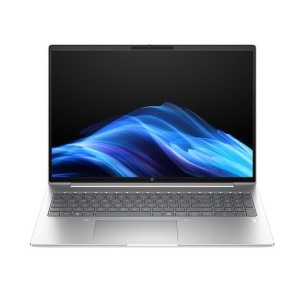
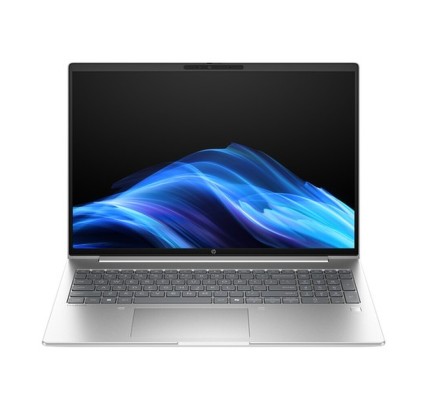
Refurbished HP: laptops, desktops and monitors
A refurbished HP machine is a practical option if you are looking for reliable equipment for home, study or business, keeping your budget under control without giving up what matters: the real configuration and verifiable terms. In this category you can find, subject to availability, HP laptops, HP desktop computers and HP monitors. To choose well, always compare by the product listing (each unit can vary): CPU, RAM, storage (SSD/HDD), screen, GPU (where applicable), ports, connectivity, keyboard, condition/grade and the stated warranty.
How to choose your refurbished HP
- Form factor: a laptop if you need mobility; a desktop if you work in one place and want more upgrade options (depending on model); a monitor if you are after productivity at your desk.
- CPU: office work and study usually go well with a balanced CPU; for intensive workloads, prioritise higher ranges and a more recent generation where it is stated.
- RAM: 8 GB for basic use; 16 GB as a general recommendation for multitasking; 32 GB or more if you do editing, CAD or virtualisation (depending on your software).
- SSD: improves start-up and response. Set the capacity according to your files, and only count on a second drive when the listing specifies it.
- Screen: set the diagonal and resolution according to your use (classes, office, editing). Do not assume the panel type if it does not appear.
- GPU: integrated for standard tasks; dedicated if you are going for 3D/editing/gaming, provided it is stated in the listing.
- Ports and network: confirm HDMI/DP/USB-C, USB, Ethernet and Wi-Fi/Bluetooth (depending on model). If you use a dock, prioritise clearly stated connectivity.
- Keyboard: review the layout (ES or another) and backlighting only if it is confirmed.
HP by use case (choose quickly)
Home and students (classes, office software, browsing)
Look for an HP with an SSD and enough RAM for everyday use (documents, email, video calls and plenty of tabs). If you work with several apps at once, 16 GB usually pays off when it is available. Adjust the screen size and the weight if you are going to carry it around.
Business and remote work (productivity and connectivity)
For the office, prioritise a balanced configuration (SSD plus suitable RAM) and clear connectivity. If you are going to use two monitors, review the video outputs and the number of ports. At fixed desks, a desktop can offer more room for upgrades (depending on model) and stable performance.
Professionals (editing, CAD, heavy multitasking)
If your work demands performance, prioritise the CPU and the RAM and, where applicable, a dedicated GPU. Check your software requirements against the real listing. For sustained workloads, consider configurations with more RAM and components geared to productivity, subject to availability.
Gaming (depending on the game and your expectations)
Gaming depends above all on the GPU. If you want to play with confidence, filter for machines with a stated dedicated graphics card and review the CPU/RAM/SSD together. For eSports or less demanding games, some configurations can serve, but decide on the game requirements and the machine listing.
HP monitors for productivity or gaming
With monitors, decide first on size and resolution. For productivity, comfort usually comes from a suitable diagonal and a good resolution. For gaming, review the parameters only if they are specified in the listing (the refresh rate, for example). It is not advisable to assume a panel or features that are not confirmed.
What buying refurbished HP means
“Refurbished” can involve different origins and conditions. What matters most is what is verifiable: the product listing (the exact configuration, condition/grade, what is included where stated, and the warranty). If a key detail does not appear, treat it as pending and decide on what is confirmed.
Benefits and confidence
- Comparison by listing: with refurbished machines, each unit can vary. Compare 2 or 3 options before choosing.
- Variable stock: availability and configurations change as products come in.
- Warranty: always review the warranty stated in the listing of the machine.
- Choosing for real use: filter by CPU/RAM/SSD/screen to match the performance to your needs.
Frequently asked questions
Which HP products can I find in this category?
Subject to availability, you can find HP laptops, HP desktop computers and HP monitors. Each unit can vary in CPU, RAM, SSD/HDD, screen, connectivity and condition, so it is always best to choose by the specific product listing.
What should I prioritise for remote work: CPU, RAM or SSD?
For remote work, the SSD sets the overall smoothness and cuts waiting times; the RAM determines how much multitasking you can do without slowdowns. As a balance point, an SSD and 16 GB of RAM usually fit well when available. The CPU should match the kind of applications you use.
How much RAM do I need for study or office work?
For basic tasks, 8 GB can be enough. If you usually work with several tabs, video calls and several applications open, 16 GB is the most balanced recommendation. For editing, CAD or virtual machines, 32 GB or more can make sense, depending on the software.
Can a refurbished HP be upgraded (RAM/SSD)?
It depends on the model. Desktops usually have more room, while laptops can be limited by design. If upgrading matters to you, review the product listing and, where it is detailed, the compatibility or access options. If it is not stated, treat it as pending.
What should I look at to use two monitors with an HP machine?
Check the number and type of video outputs (HDMI/DisplayPort/USB-C or others), as well as the available ports. If outputs are missing, it may need adapters or a compatible dock (depending on the configuration). To avoid surprises, decide on connectivity that is clearly stated in the listing.
Is the warranty the same on every refurbished HP product?
Not necessarily. The warranty can vary by product or by unit, so it is worth checking the warranty stated in the listing before buying. If you need a specific condition, give preference to the products where it is clearly specified.
What are the differences between a refurbished HP laptop and a new one?
The main difference usually lies in the origin/condition (grade) and in the fact that stock is limited. In practical terms, what is decisive is the exact configuration (CPU, RAM, SSD, screen) and the stated warranty. Also review the keyboard and the connectivity so that it fits your use.
You may also be interested in



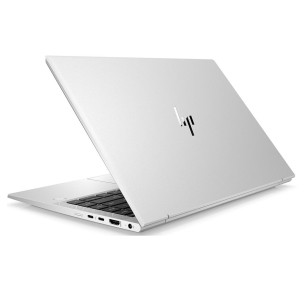
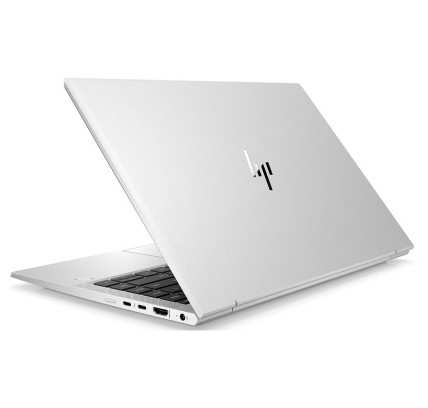
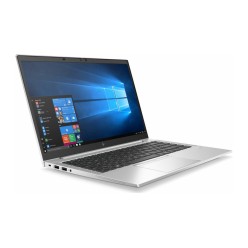
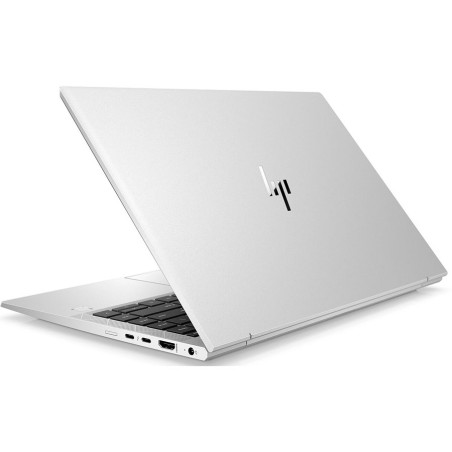
![HP EliteBook 840 G8 i5-1145G7, 16GB, 256GB-NVMe, 14"FHD, W11P COA WLAN, BT, CAM, Smartcard reader [Reacondicionado Grado B] HP -](https://www.segundamanopc.com/3511728-home_default/hp-elitebook-840-g8-i5-1145g7-16gb-256gb-nvme-14-fhd-w11p-coa-wlan-bt-cam-smartcard-reader.jpg)

![HP EliteBook 840 G8 i5-1145G7, 16GB, 256GB-NVMe, 14"FHD, W11P COA WLAN, BT, CAM, Smartcard reader [Reacondicionado Grado B] HP -](https://www.segundamanopc.com/3511728-medium_default/hp-elitebook-840-g8-i5-1145g7-16gb-256gb-nvme-14-fhd-w11p-coa-wlan-bt-cam-smartcard-reader.jpg)
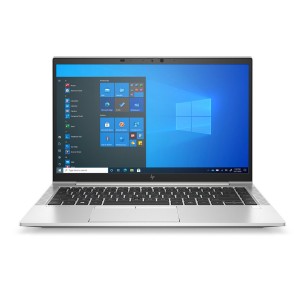
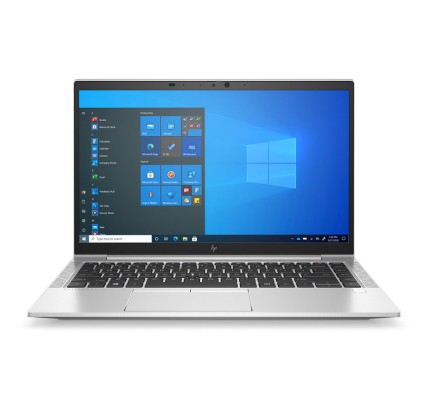
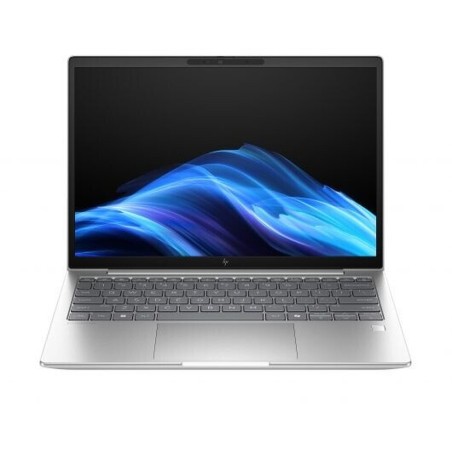
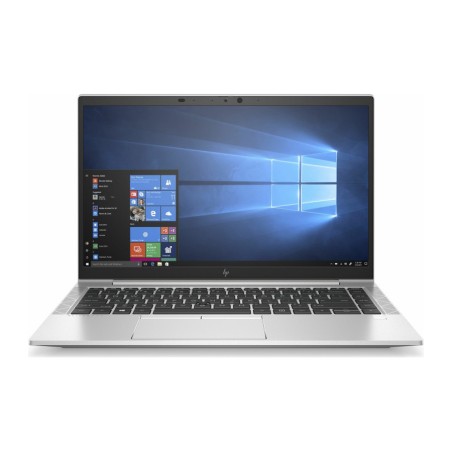
![HP EliteBook 840 G8 i5-1145G7, 16GB, 256GB-NVMe, 14"FHD, W11P CMAR WLAN, BT, CAM, Smartcard reader [Reacondicionado Grado A] HP](https://www.segundamanopc.com/3508134-home_default/hp-elitebook-840-g8-i5-1145g7-16gb-256gb-nvme-14-fhd-w11p-coa-wlan-bt-cam-smartcard-reader.jpg)
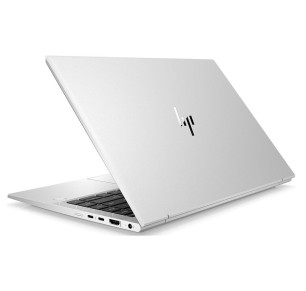
![HP EliteBook 840 G8 i5-1145G7, 16GB, 256GB-NVMe, 14"FHD, W11P CMAR WLAN, BT, CAM, Smartcard reader [Reacondicionado Grado A] HP](https://www.segundamanopc.com/3508134-medium_default/hp-elitebook-840-g8-i5-1145g7-16gb-256gb-nvme-14-fhd-w11p-coa-wlan-bt-cam-smartcard-reader.jpg)
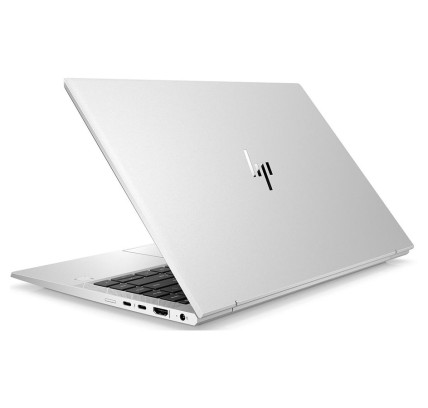
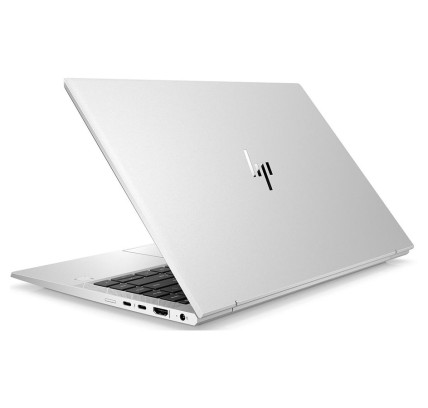
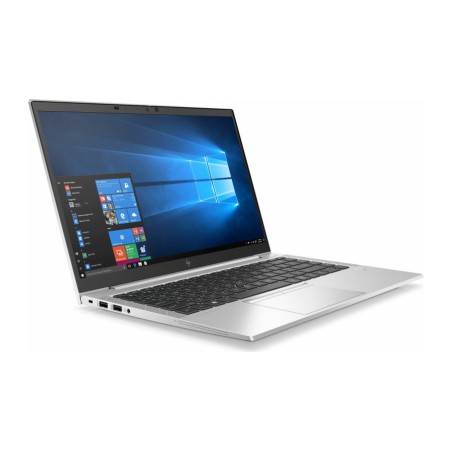
![HP EliteBook 840 G8 i5-1145G7, 16GB, 256GB-NVMe, 14"FHD, W11P CMAR WLAN, BT, CAM, FPR [Reacondicionado Grado A] HP - 1](https://www.segundamanopc.com/3452089-home_default/hp-elitebook-840-g8-intel-core-i5-1145g7-16gb-256gb-ssd-nvme-14-wlan-bt-cam-fpr.jpg)
![HP EliteBook 840 G8 i5-1145G7, 16GB, 256GB-NVMe, 14"FHD, W11P CMAR WLAN, BT, CAM, FPR [Reacondicionado Grado A] HP - 1](https://www.segundamanopc.com/3452089-medium_default/hp-elitebook-840-g8-intel-core-i5-1145g7-16gb-256gb-ssd-nvme-14-wlan-bt-cam-fpr.jpg)
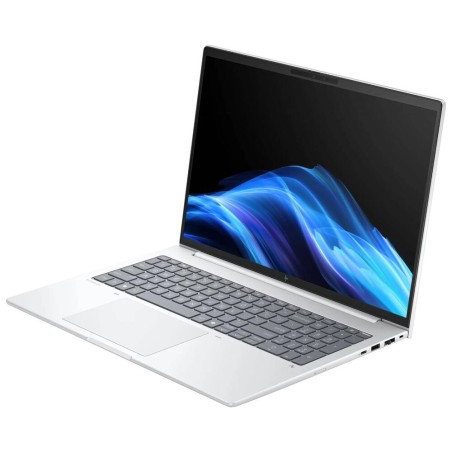
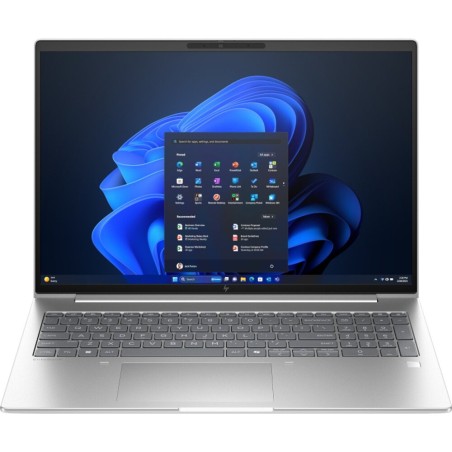
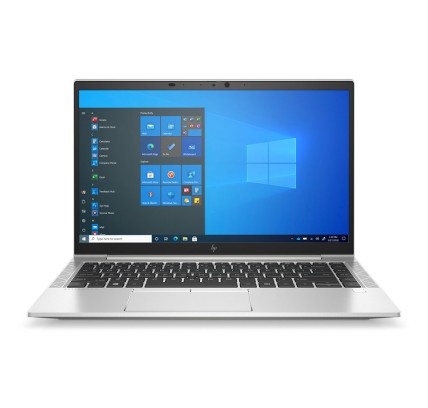
![HP EliteBook 840 G8 i5-1145G7, 16GB, 256GB-NVMe, 14"FHD, W11P CMAR WLAN, BT, CAM, FPR [Reacondicionado Grado A] HP - 1](https://www.segundamanopc.com/3481274-home_default/hp-elitebook-840-g8-i5-1145g7-16gb-256gb-nvme-14-fhd-w11p-coa-wlan-bt-cam-smartcard-reader.jpg)
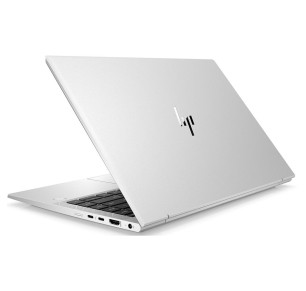
![HP EliteBook 840 G8 i5-1145G7, 16GB, 256GB-NVMe, 14"FHD, W11P CMAR WLAN, BT, CAM, FPR [Reacondicionado Grado A] HP - 1](https://www.segundamanopc.com/3481274-medium_default/hp-elitebook-840-g8-i5-1145g7-16gb-256gb-nvme-14-fhd-w11p-coa-wlan-bt-cam-smartcard-reader.jpg)
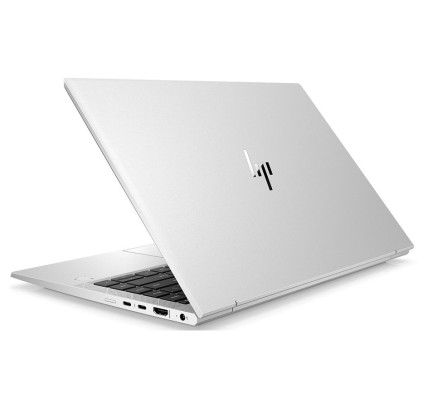
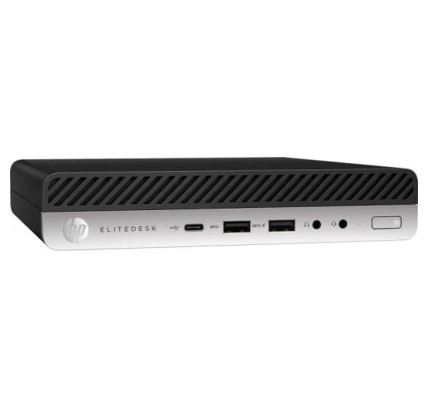
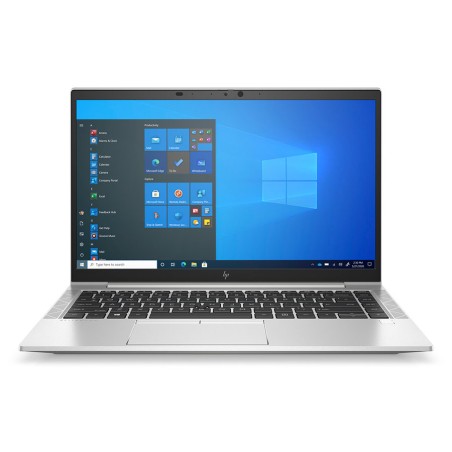
![HP EliteDesk 800 G6 Mini i5-10500T, 16GB, 256GB-NVMe, W11P COA Configurable Option card slot: Empty [Reacondicionado Grado A] HP](https://www.segundamanopc.com/3511820-home_default/hp-elitedesk-800-g6-mini-intel-core-i5-10500t-16gb-256gb-ssd-nvme-wlan-bt.jpg)
![HP EliteDesk 800 G6 Mini i5-10500T, 16GB, 256GB-NVMe, W11P COA Configurable Option card slot: Empty [Reacondicionado Grado A] HP](https://www.segundamanopc.com/3511820-medium_default/hp-elitedesk-800-g6-mini-intel-core-i5-10500t-16gb-256gb-ssd-nvme-wlan-bt.jpg)