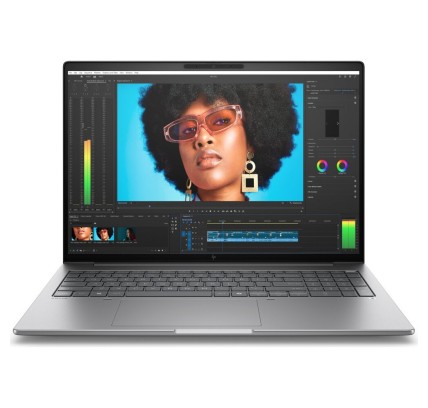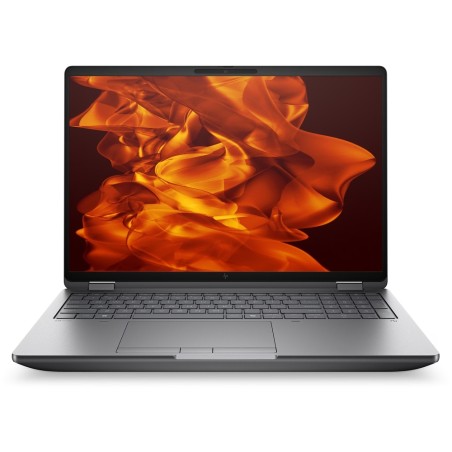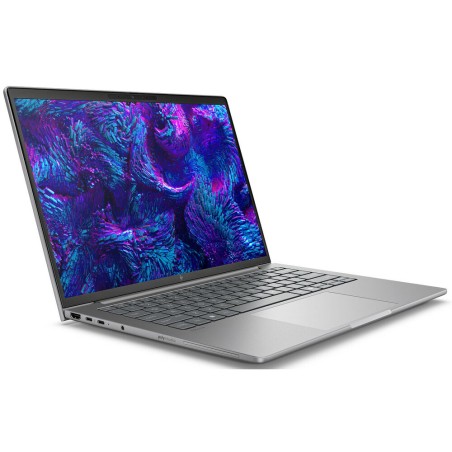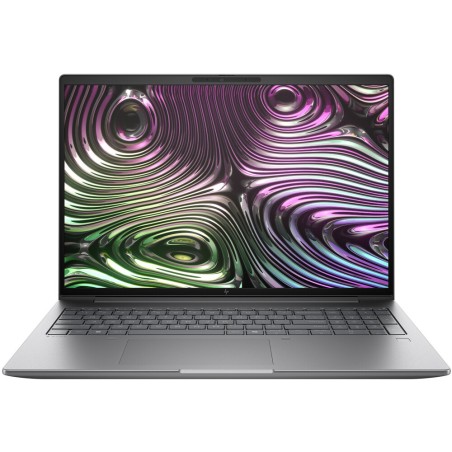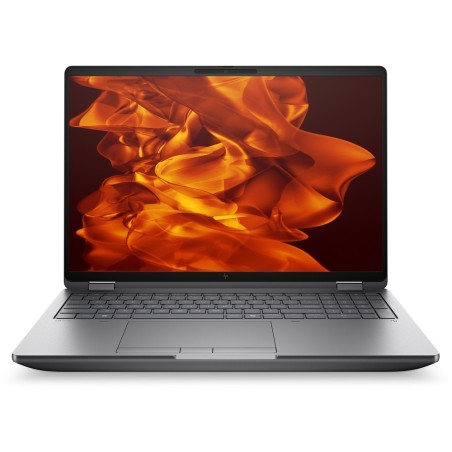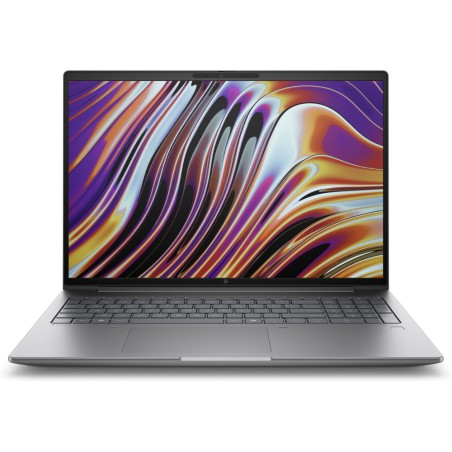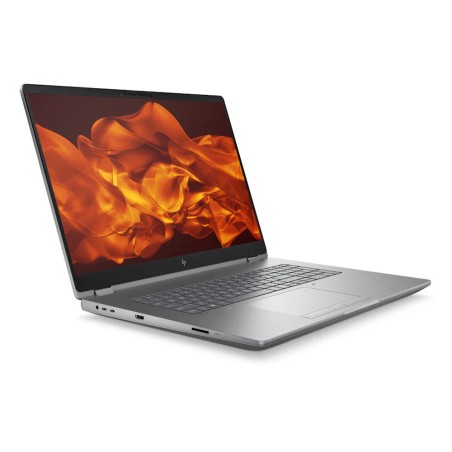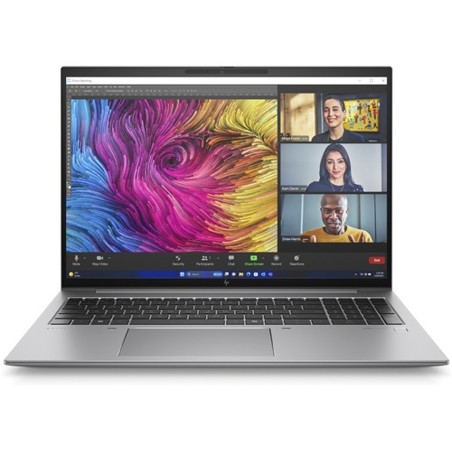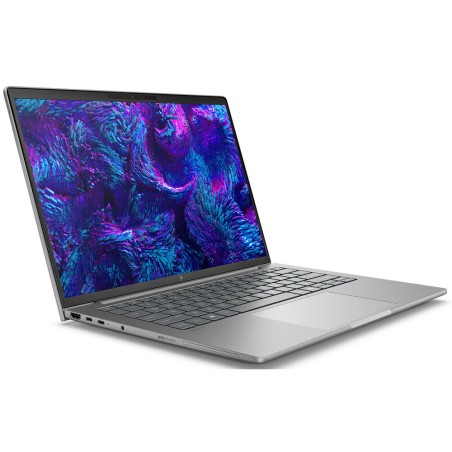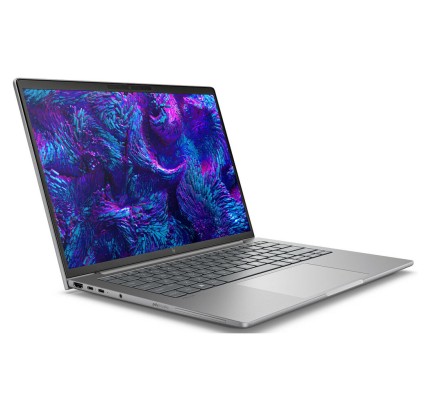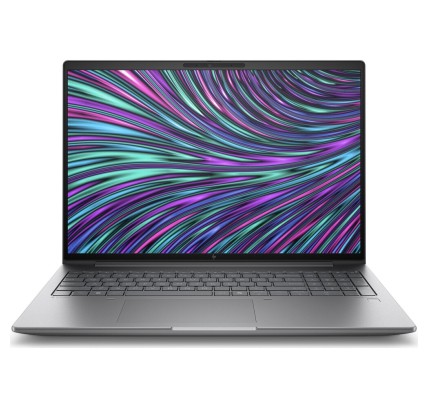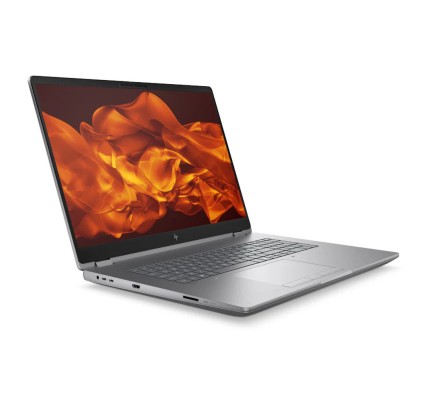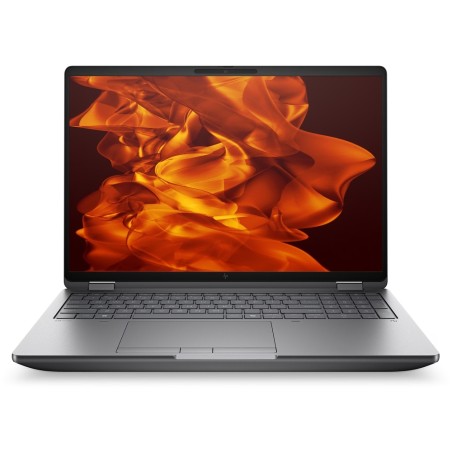
Workstation
€5,686.35Price

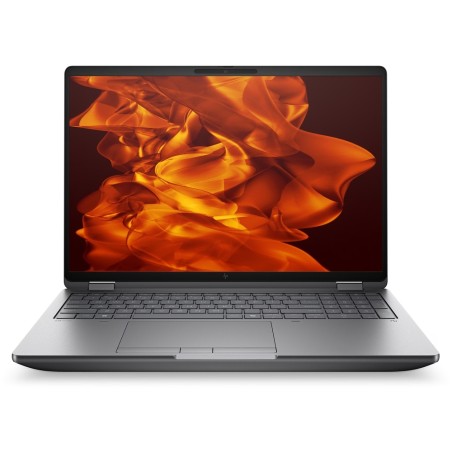
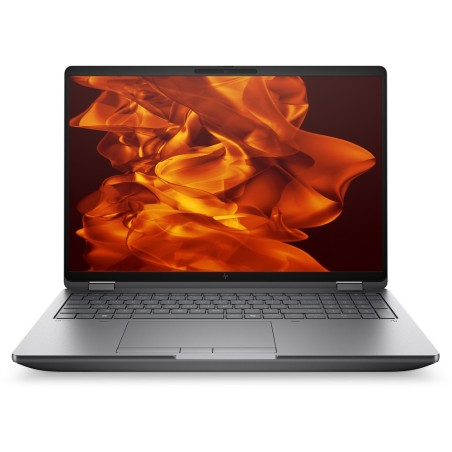
Original keyboard: QWERTY in Italian HP ZBook Fury 16 G1i is a professional laptop designed for demanding users who require power and reliability in their creative tasks. Equipped with...
€5,686.35Price
ENVIAMOS A TODA EUROPA CONTINENTAL
57 products
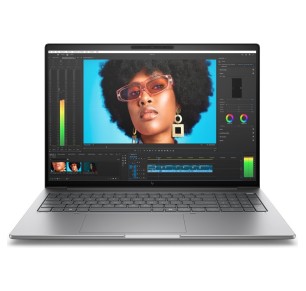
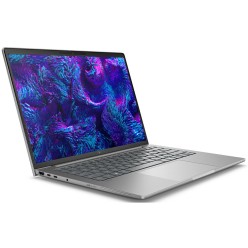
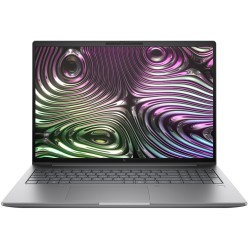
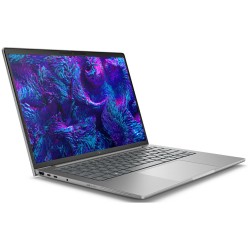
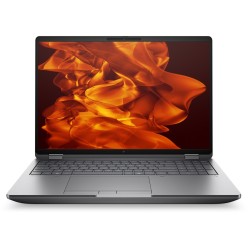
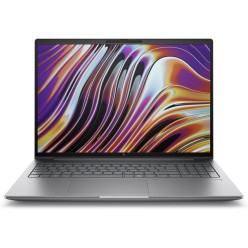
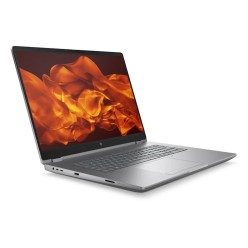
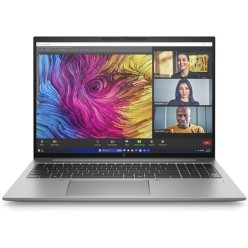
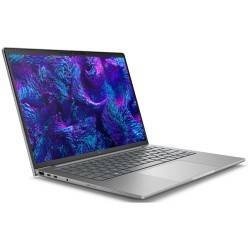
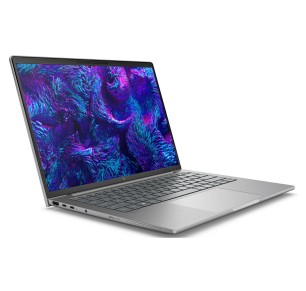
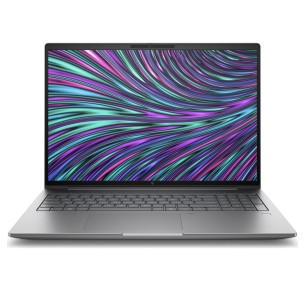
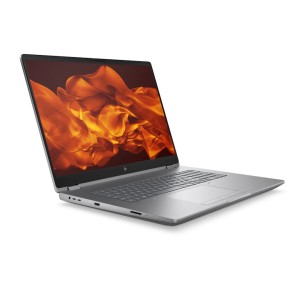
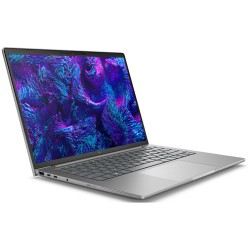
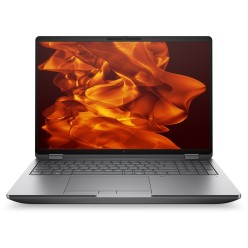
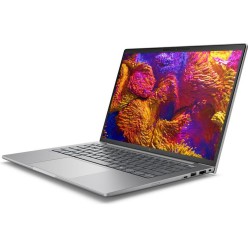
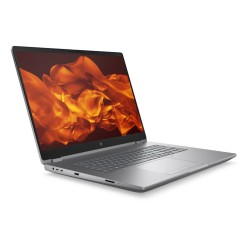
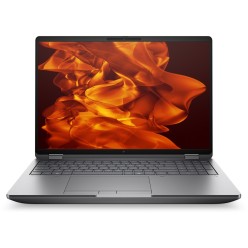
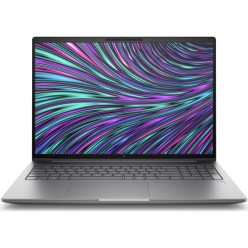
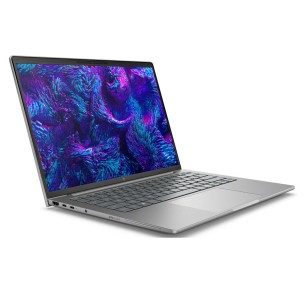

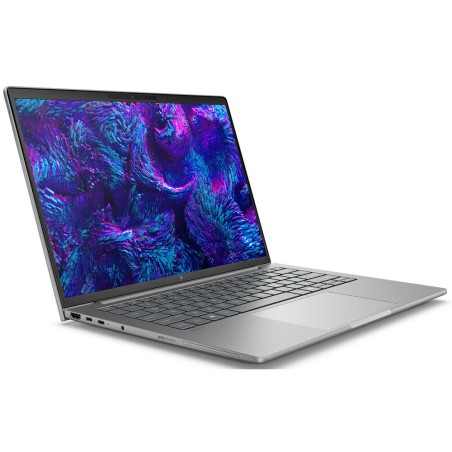
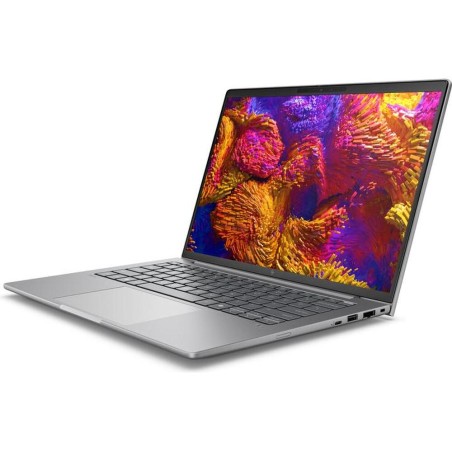
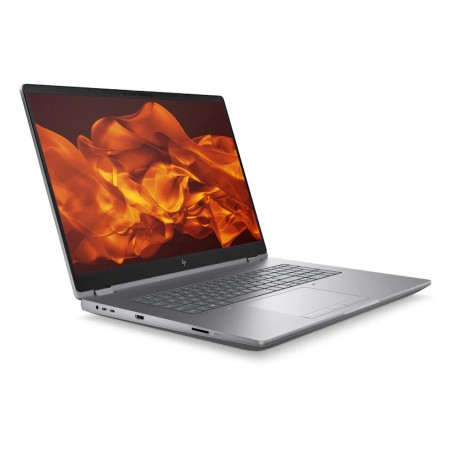
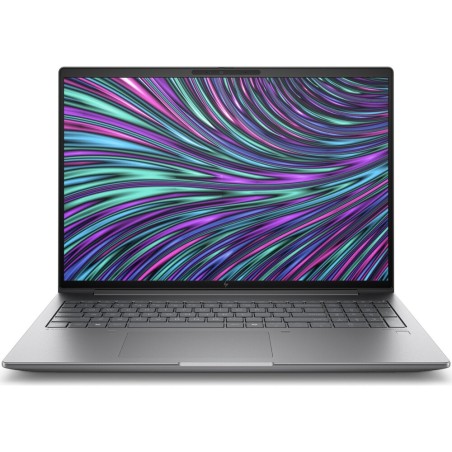
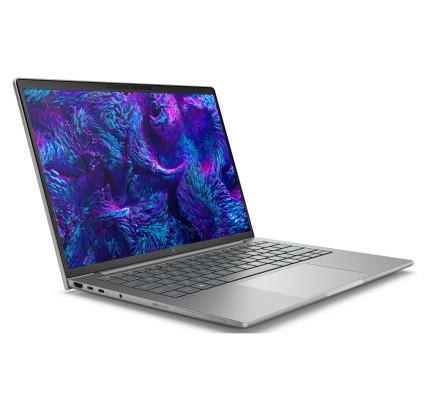
In this category you will find refurbished HP ZBook laptops aimed at business, editing, design, technical work and professional mobility. The ZBook range usually focuses on more demanding workflows than a standard office laptop, with configurations that can vary according to availability. Here you can compare machines by processor, graphics, RAM, SSD, screen and form factor so you can choose more sensibly. If you are looking for a refurbished mobile workstation so you can work with more performance headroom, always review each unit listing to confirm the exact configuration before buying.
If you work with video editing, photography or design, a refurbished HP ZBook can be a useful option if you choose the CPU, RAM, SSD and screen well. For this kind of use it is particularly important to review the graphics and the exact configuration of the machine in the listing, because not every unit performs the same.
For CAD, 3D modelling, rendering or technical software, it is worth prioritising a configuration with more performance headroom, above all in the processor, memory and graphics. Before buying, compare several listings and confirm the ports, screen and hardware to make sure it fits your workflow.
If you need power on the move so you can work between the office, home and travel, a refurbished ZBook can be a very good fit. In that case, as well as the performance, it is worth reviewing the screen size, the weight, the ports and the battery (where stated) to balance mobility and productivity.
When you work with many applications open, large projects or simultaneous tasks, the RAM and the SSD make an important difference. The key is not to focus on the ZBook name alone: review the specific configuration of each unit and compare it against your real use.
If you do not need mobility and you are after the most performance per euro, it can be a good idea to compare with a refurbished desktop workstation as well. A ZBook brings flexibility and the ability to work on the move, but a fixed machine may suit certain technical environments better.
For editing or professional work, it is worth prioritising a good combination of CPU, RAM, SSD and graphics, along with a screen suited to your use. Not every ZBook has the same configuration, so always review the machine listing to confirm the hardware, ports, keyboard and exact warranty.
It can serve very well, but it depends on the specific configuration. For CAD, 3D or rendering it is worth paying particular attention to the processor, graphics, RAM and storage. Before buying, compare several units and make sure the ZBook hardware fits the requirements of your software and your projects.
For professional use and multitasking, 16 GB is usually a reasonable baseline in many cases. If you work with heavy projects, advanced editing or several demanding applications, you may want more memory. Because refurbished stock changes, always confirm the exact RAM of each unit in the listing.
Yes, above all if you work with video, 3D, CAD or software that makes use of the GPU. On lighter tasks, other components such as the CPU, RAM and SSD are also key. The important thing is to review the ZBook listing to confirm the type of graphics and not to assume that every model carries the same.
Review the exact model, processor, graphics, RAM, SSD/HDD, screen size and resolution, keyboard, ports, operating system (where stated), condition/grade, whether a charger is included and the warranty. If you are going to use an external monitor or a docking station, confirm the specific connectivity. The product listing is the main reference.
It depends on the balance between mobility and visual comfort that you need. A more compact size is usually more comfortable for travelling, while a larger screen can make editing, design or technical work easier. The best approach is to review the weight, size and resolution according to your routine and type of project.
The included contents and the warranty can vary depending on the unit and the commercial terms in force. It is not safe to assume either in general. Before buying, review each HP ZBook listing to confirm whether a charger is included, the condition of the machine and the exact applicable warranty.
Yes, in many cases you can, but it depends on the connectivity of the specific model. Before buying, review in the listing which ports it includes (USB-C, HDMI or other outputs) and whether you need an adapter or a docking station. This is key to making sure of compatibility with monitors and work peripherals.