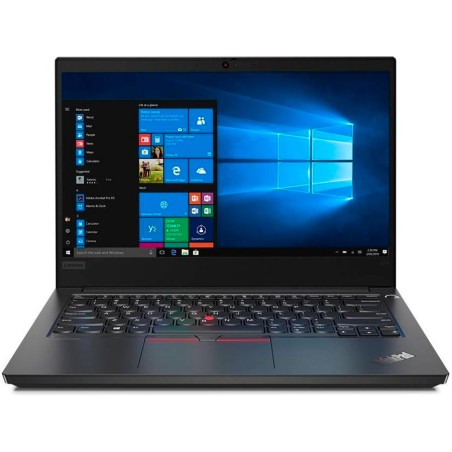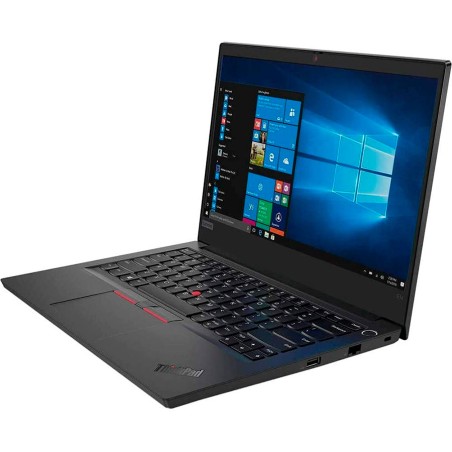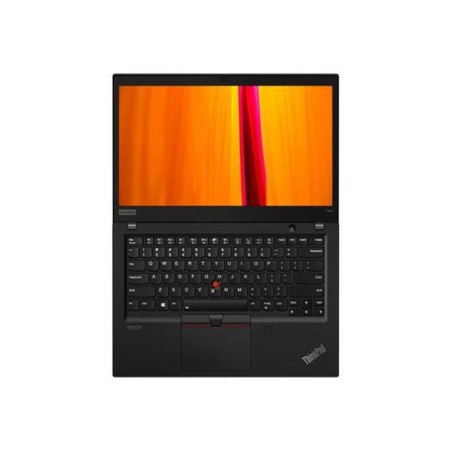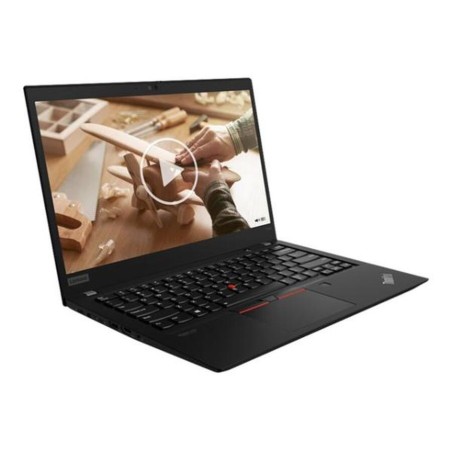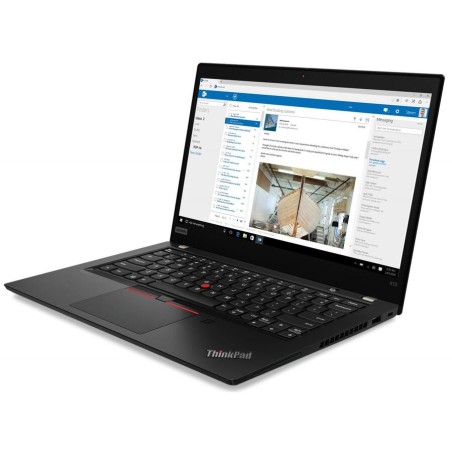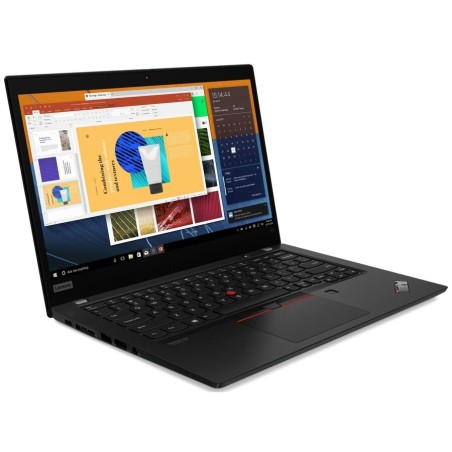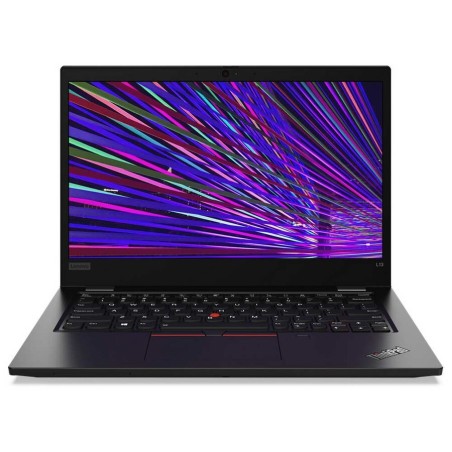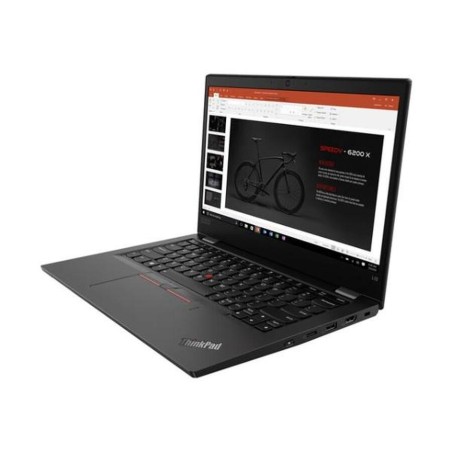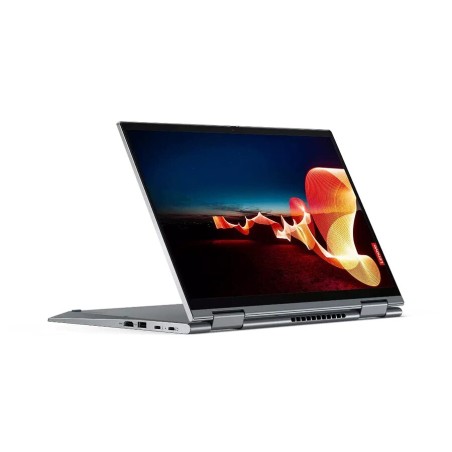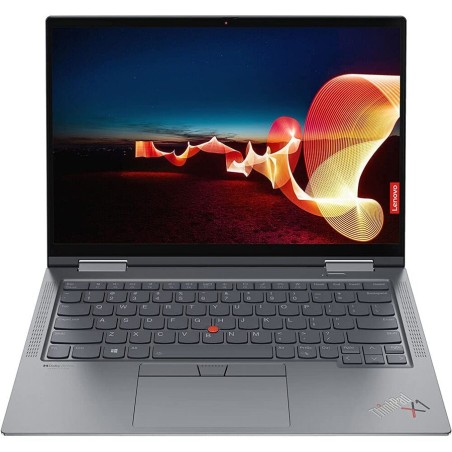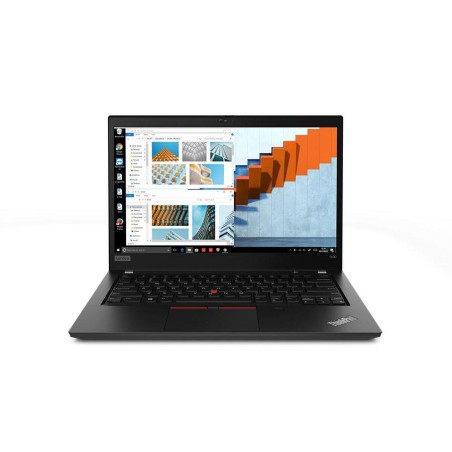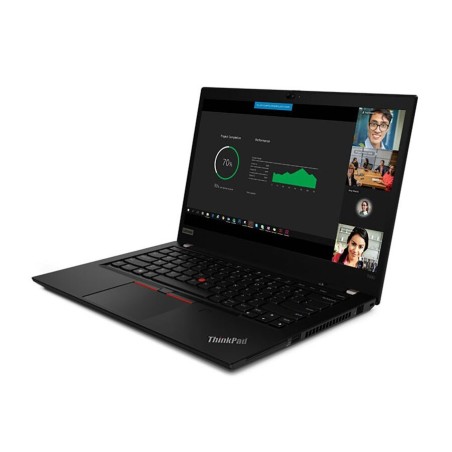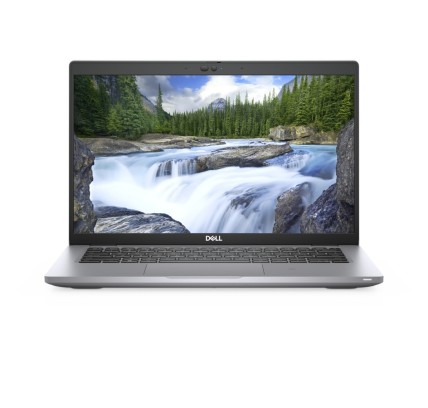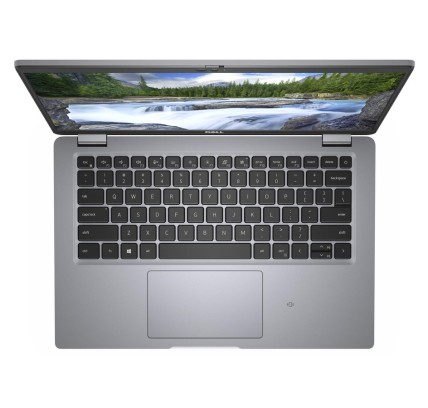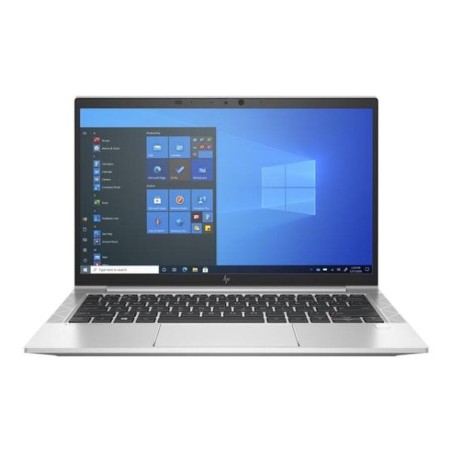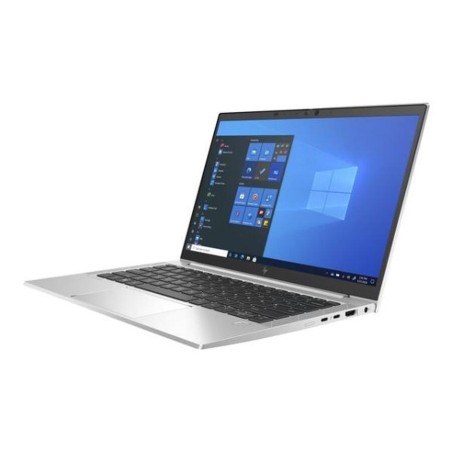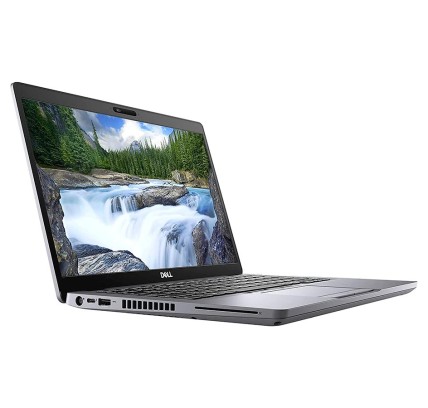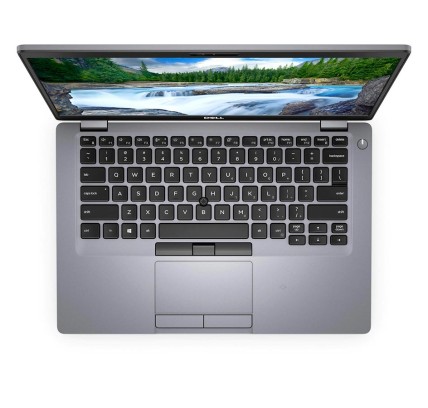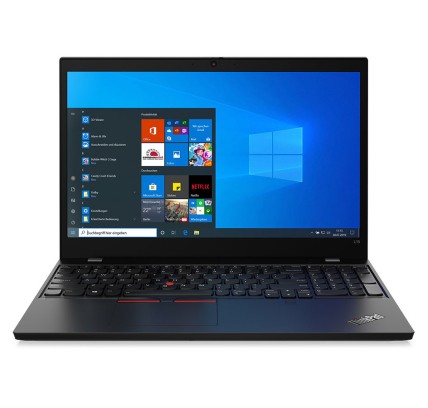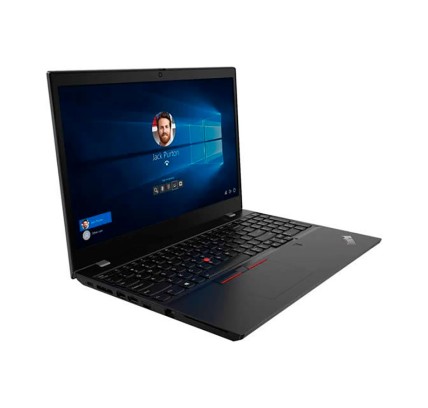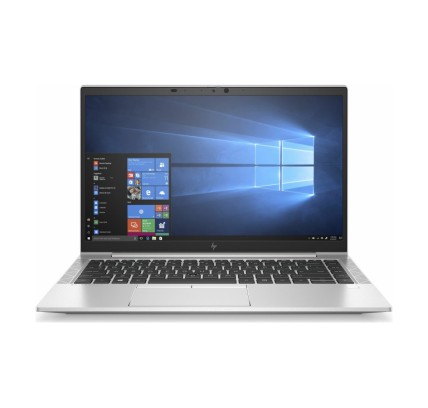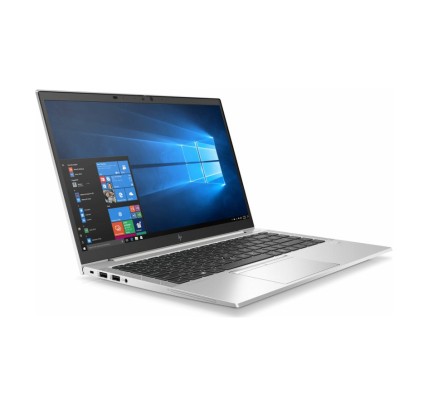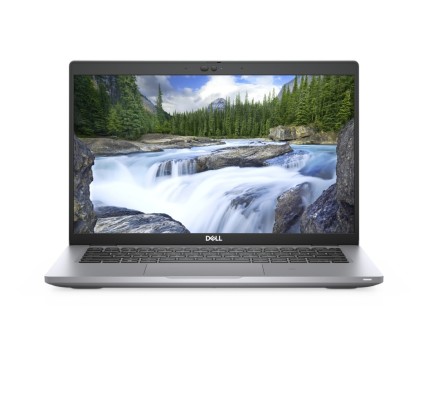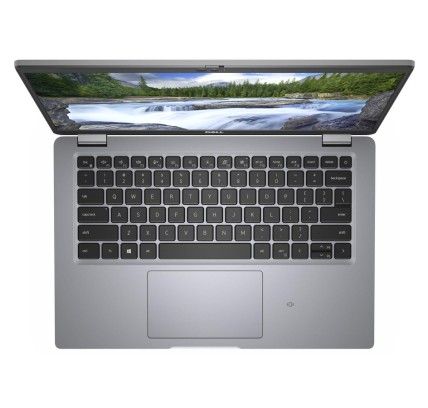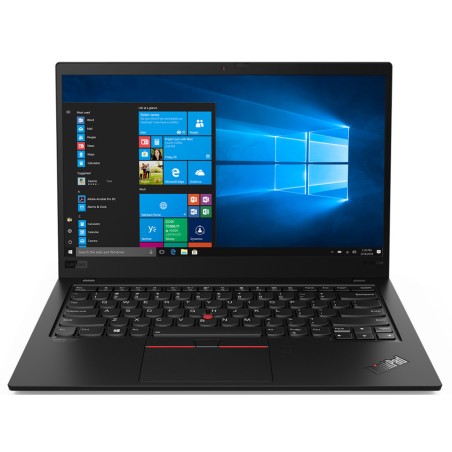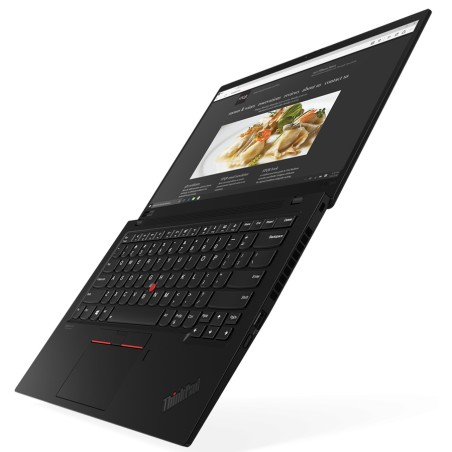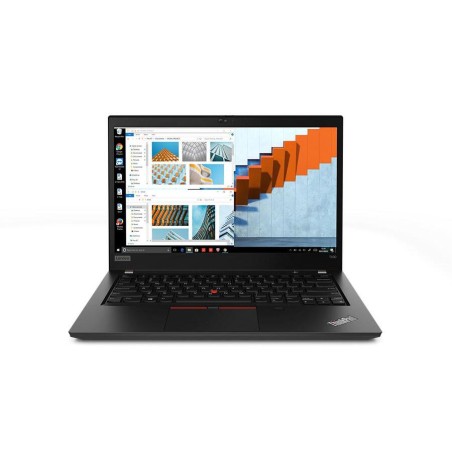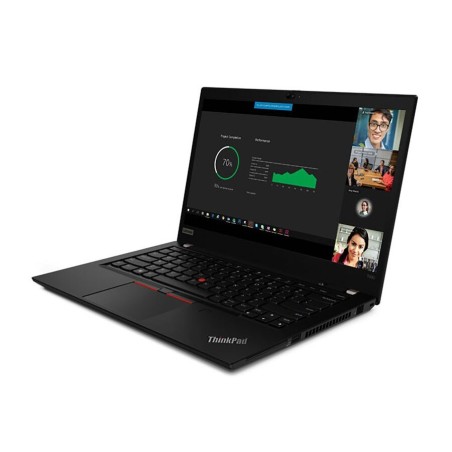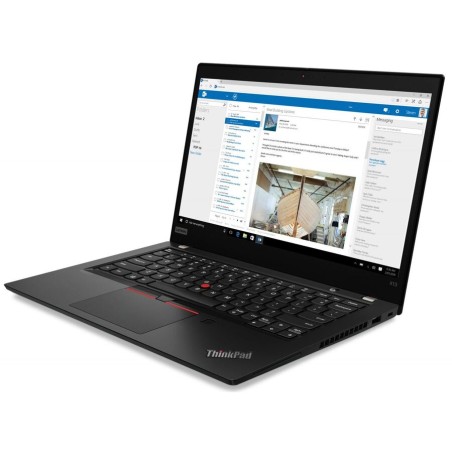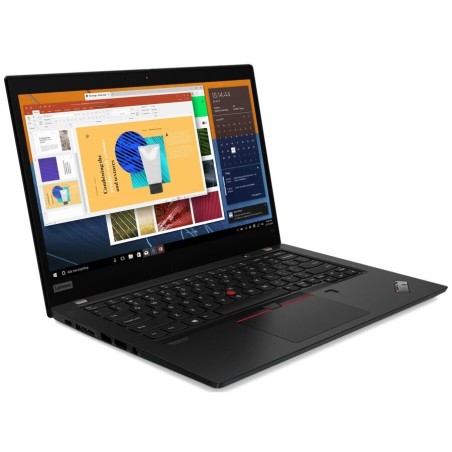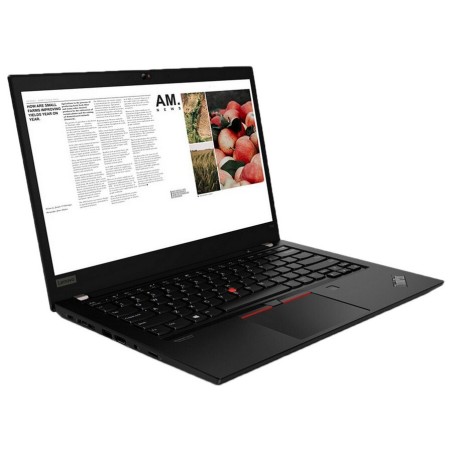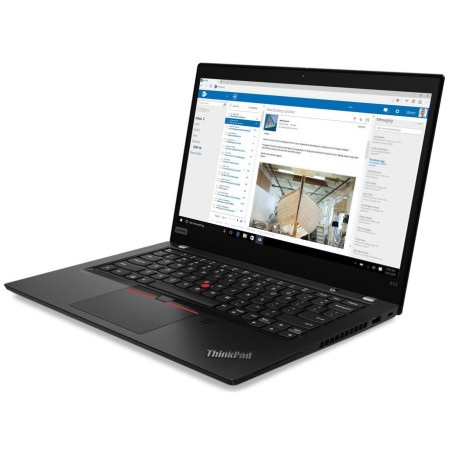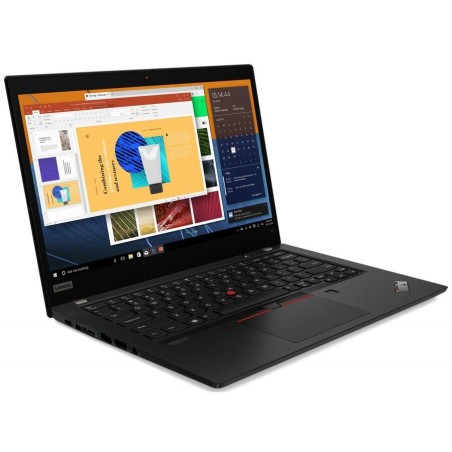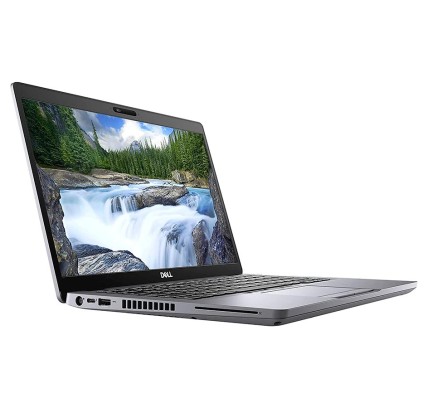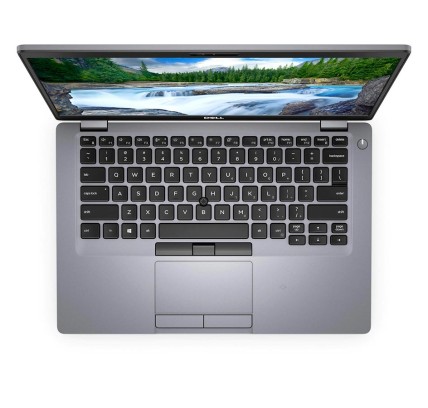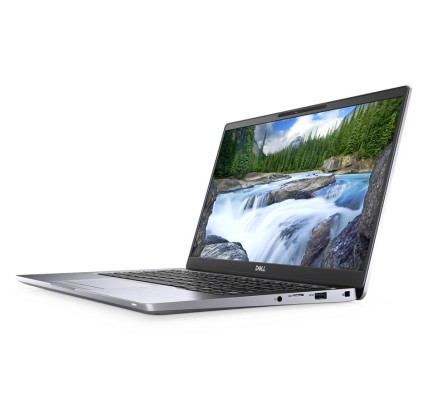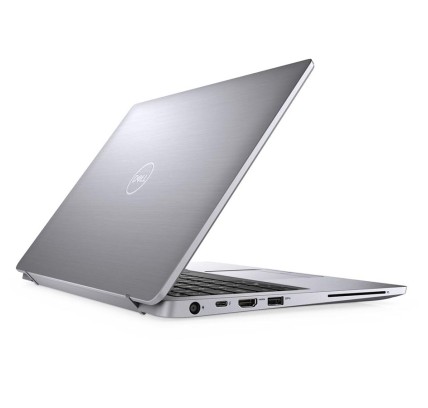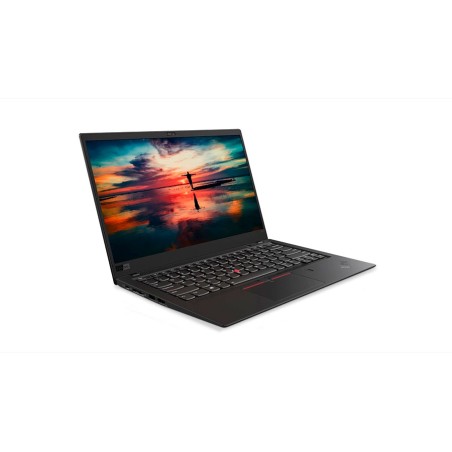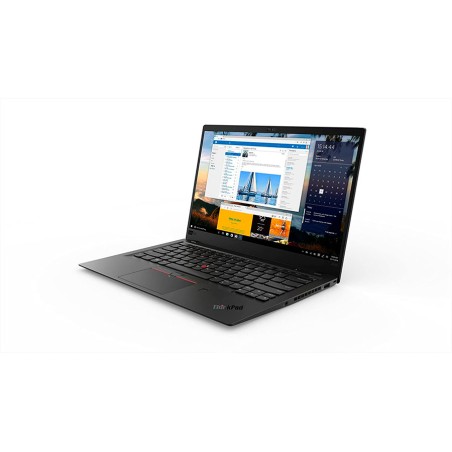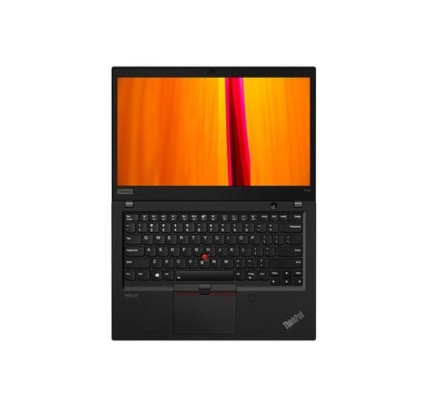
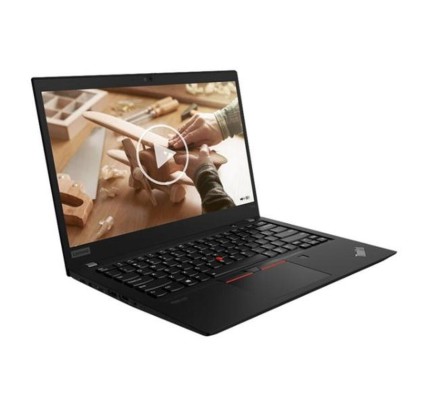
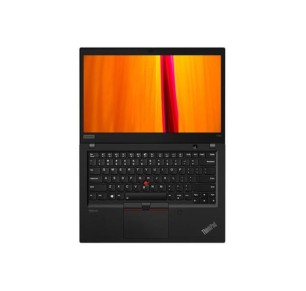
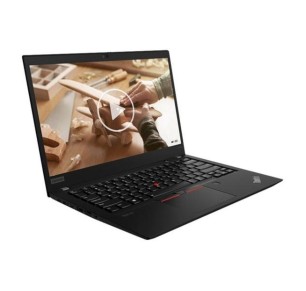
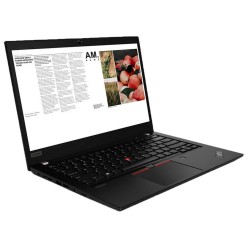
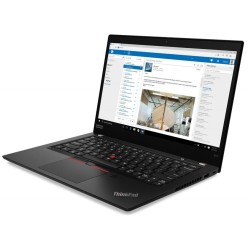
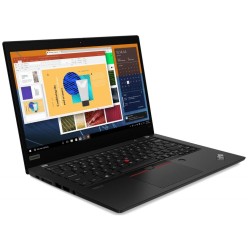
Original keyboard: QWERTY in US English Lenovo ThinkPad T14s G1 is a 14-inch reconditioned laptop with an FHD IPS display, designed for professionals seeking a lightweight, powerful...
€524.20Price
ENVIAMOS A TODA EUROPA CONTINENTAL
43 products
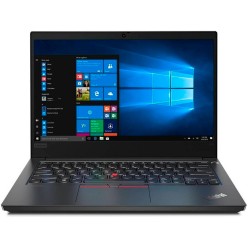
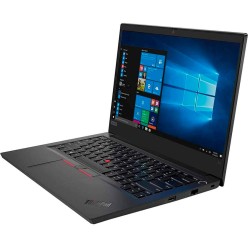
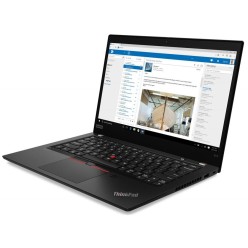
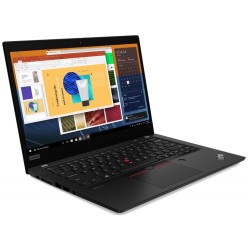
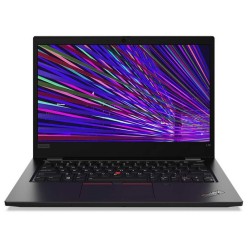
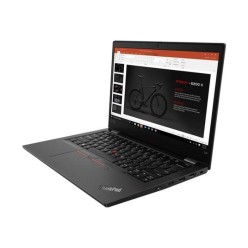
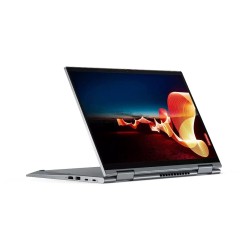
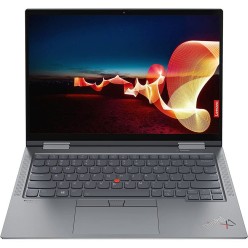
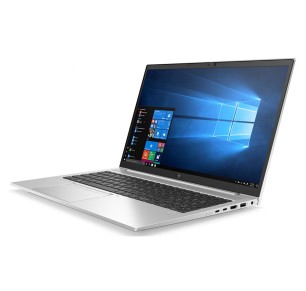
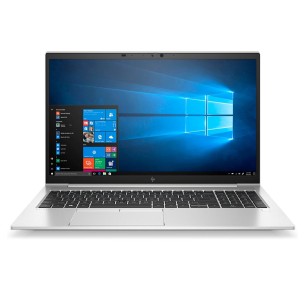
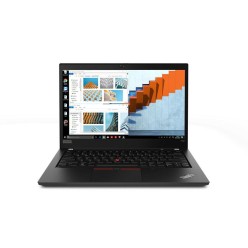
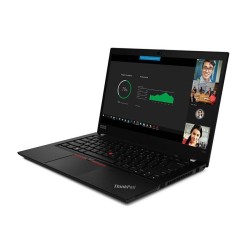
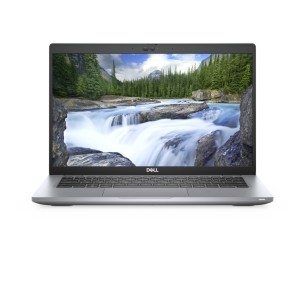
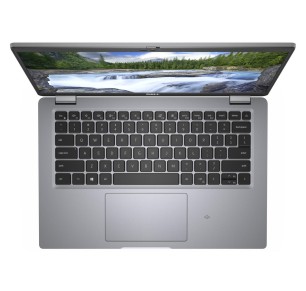
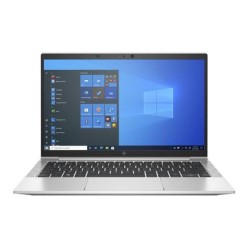
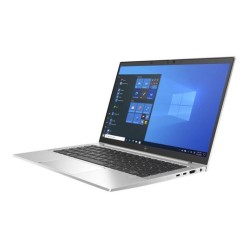
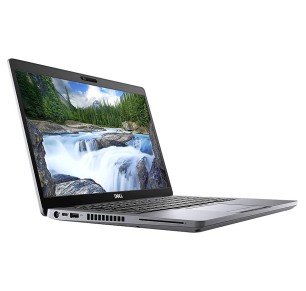
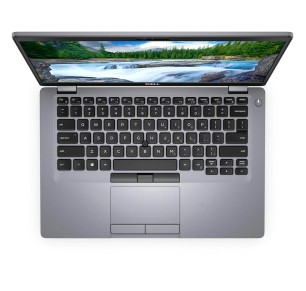
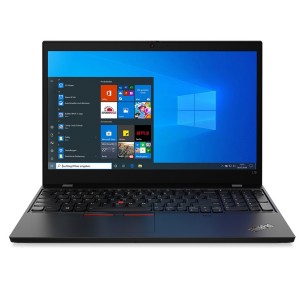
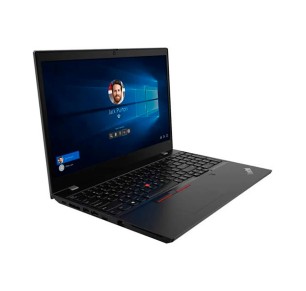
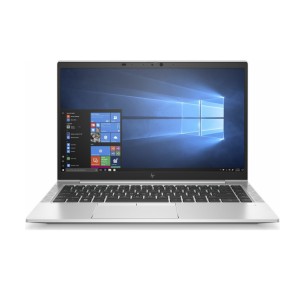
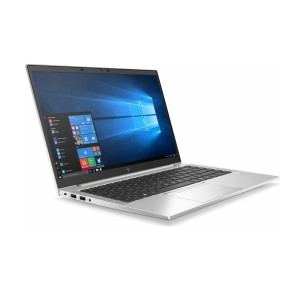
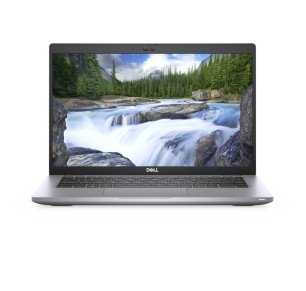
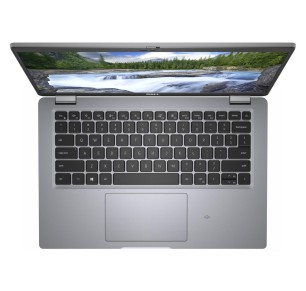
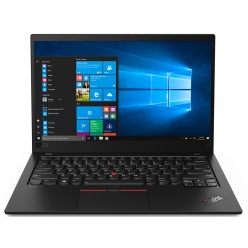
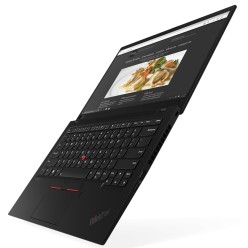
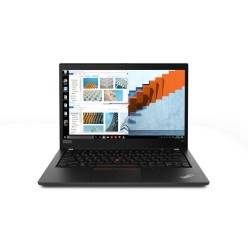
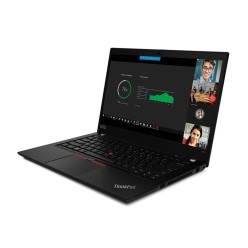
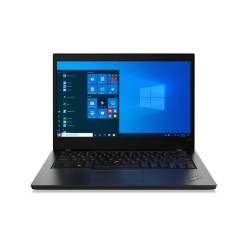
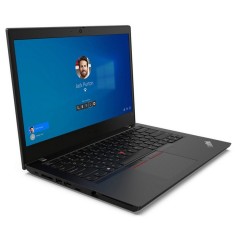
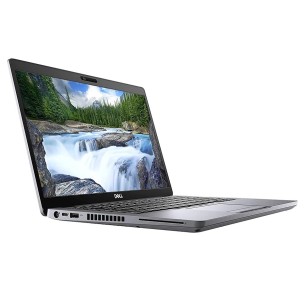
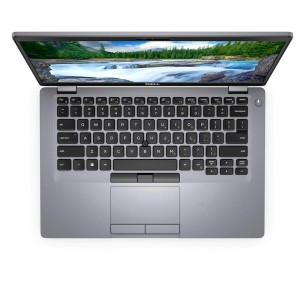

If you are looking for cheap laptops for study, everyday tasks or family use, refurbished is a practical way to keep your budget in check without giving up what matters: a balanced configuration and a clear listing. In this category you will find cheap refurbished laptops (subject to availability) with different combinations of CPU, RAM, SSD/HDD, diagonal and keyboard. To choose well, think about your real use (classes, video calls, assignments, browsing) and always compare by the product listing: performance, connectivity, condition/grade and the stated warranty.
Prioritise a machine with an SSD and enough RAM for a browser plus office software plus video calls. If you travel a lot, look at the size/weight and a screen that does not tire you. Check the connectivity (Wi-Fi) and the basic ports. The key is that the machine runs smoothly with your daily routine and your institution software.
For home use, an affordable laptop can perform very well if it has an SSD and a balanced configuration. Choose the screen size according to the space and whether more than one person will use it. If you are going to connect it to a monitor or a TV, review whether it has a video output and which type (as per the listing).
If you work with documents, tabs and several apps, consider moving up to 16 GB of RAM. An SSD helps the system respond quickly. Review the keyboard and trackpad if you are going to type for long hours, and check the ports for peripherals (a mouse, an external keyboard and so on).
If you are going to carry it every day, prioritise 13-14" and a convenient charger. With refurbished machines, the battery can vary from unit to unit; review whether the listing states the condition or any relevant information (depending on the product). If battery life is critical, decide only on confirmed data.
If you want to keep it simple, filter by SSD and by the screen size you prefer. Then sort by RAM and select the best combination for your use. Always choose by the specific listing: configuration, condition and warranty.
It normally refers to machines with configurations that are balanced for everyday tasks (study, office software, browsing) at a more contained price. With refurbished machines, the price can vary from unit to unit according to the CPU, RAM, type of drive, condition/grade and warranty. The advisable approach is to compare by the specific product listing.
For basic tasks (documents, a browser and the occasional video call), 8 GB can be enough. If you multitask (many tabs plus apps) or use heavier tools, 16 GB will give you more headroom and a better experience. Decide according to your routine and review the RAM stated in the listing.
Because an SSD speeds up system start-up, the opening of programs and the overall response. On entry-level laptops, it is one of the improvements you notice most. If you need a lot of capacity, look for the right combination (SSD/HDD) only if the listing states it.
It depends on your use. 13-14" is usually more comfortable for carrying around and for backpacks; 15-16" is usually better for working long hours at home thanks to the screen space. Choose on mobility and comfort, and verify the diagonal and resolution in the listing where they appear.
Yes, above all if you are going to type a lot. Check the language/layout in the listing (for example, ES with the N-tilde) and the condition. If it is not stated, treat it as pending information or ask before buying. Also review that the trackpad and the keys are in good condition (according to the product information).
The real battery life depends on the use and can vary from unit to unit with refurbished machines. What matters is what the listing states: the condition, whether a charger is included and its type (original or compatible). If the battery is a key criterion, decide only on data confirmed in the product listing.
For classes and meetings, a balanced configuration with an SSD and suitable RAM is usually enough. Even so, review whether the listing mentions a webcam, a microphone and Wi-Fi connectivity. If you are going to connect peripherals (a headset, an external webcam), check the available ports (depending on the product).