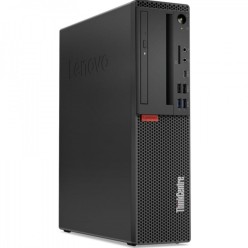
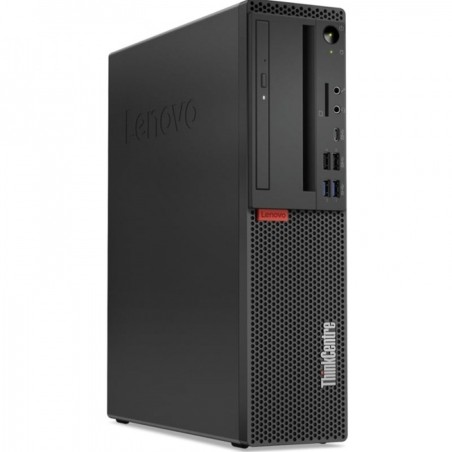
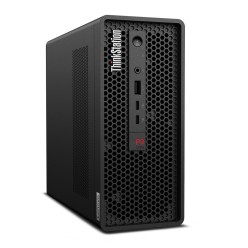
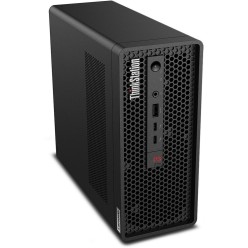
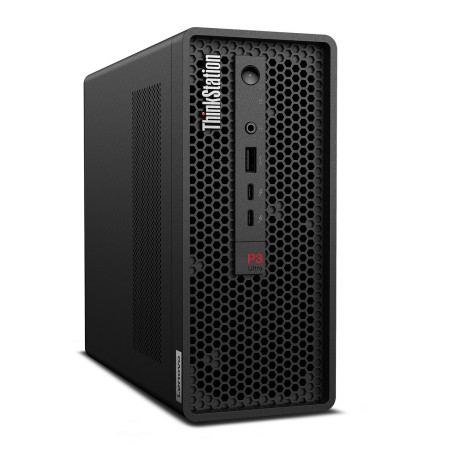
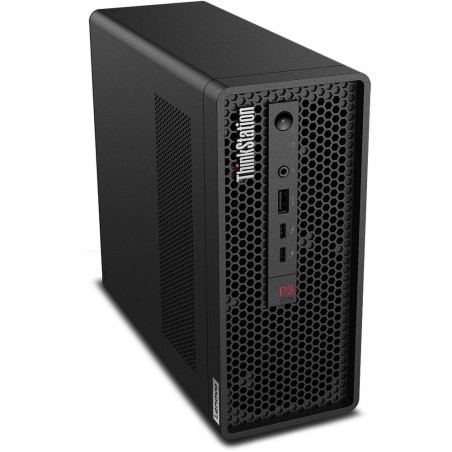
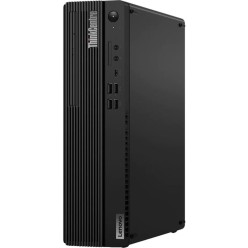
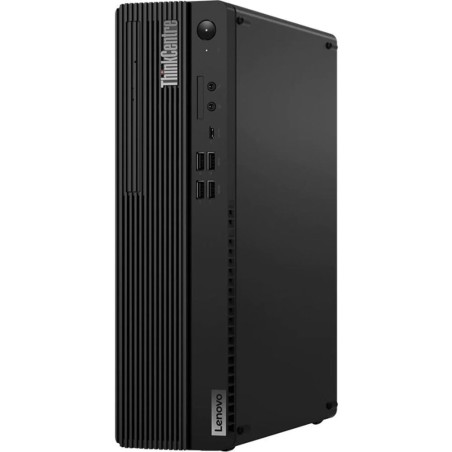
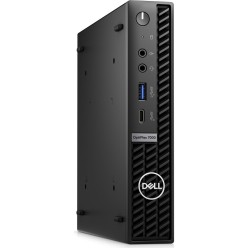
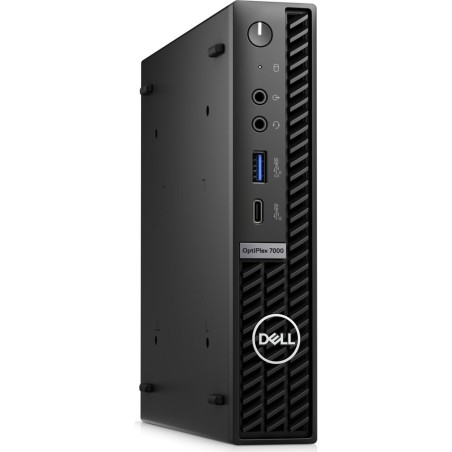
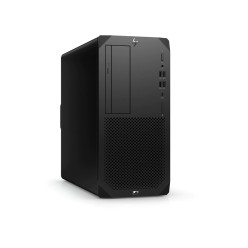
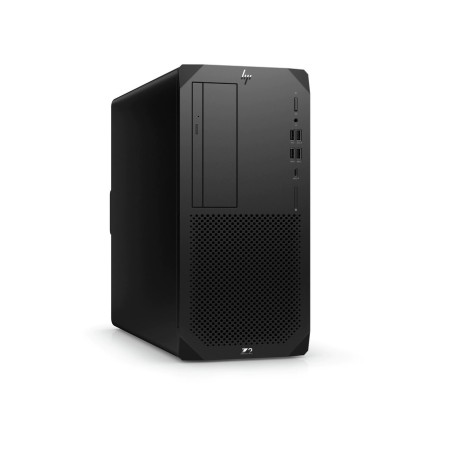
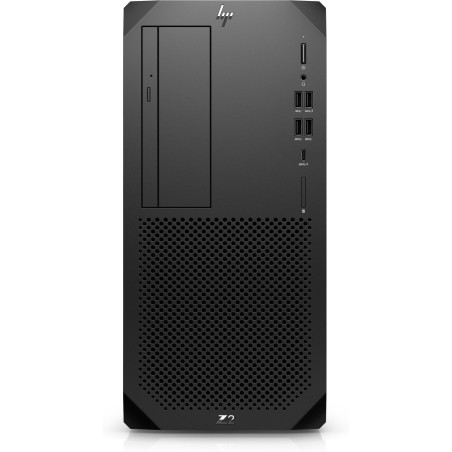
Manufacturer-certified refurbished computers: desktops and towers
A manufacturer-certified refurbished computer is a smart option if you are looking for a reliable desktop for home, study or work, with a solid balance between performance and price. In this category you can mainly find desktops and towers, and depending on availability, also formats such as All-in-One and thin client. To make the right choice, choose according to your actual use and check the specific specifications on each product page: CPU, RAM, storage (SSD/HDD), graphics, connectivity, condition/grade and warranty.
How to choose your refurbished computer
- Choose the right form factor:
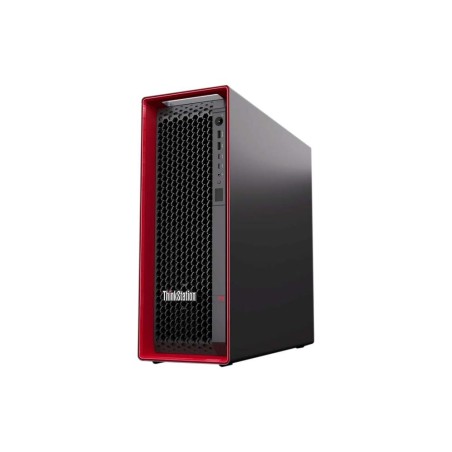
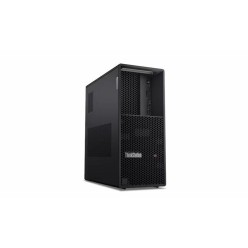
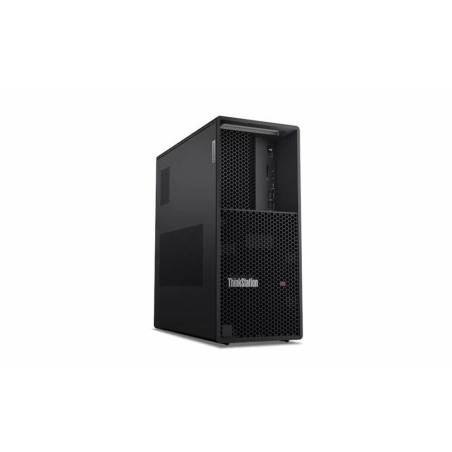
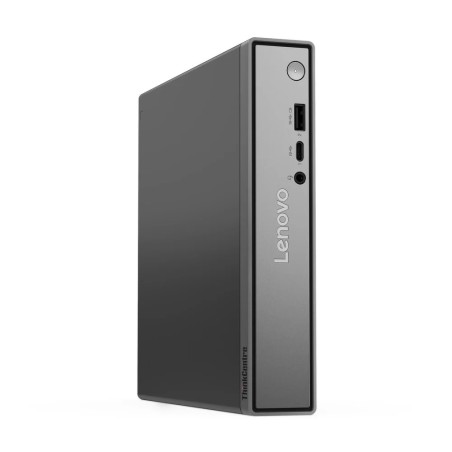
- Tower / desktop: versatility and upgrade options (RAM/SSD/GPU, depending on model).
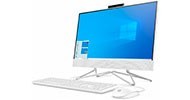
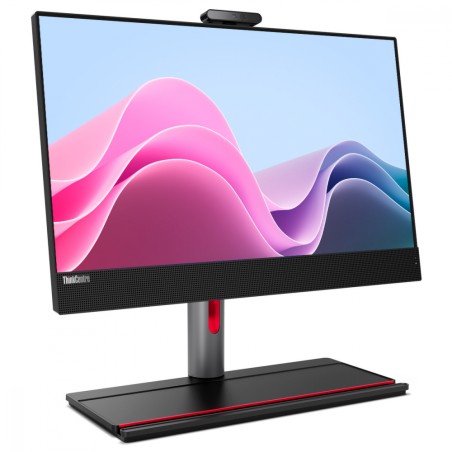
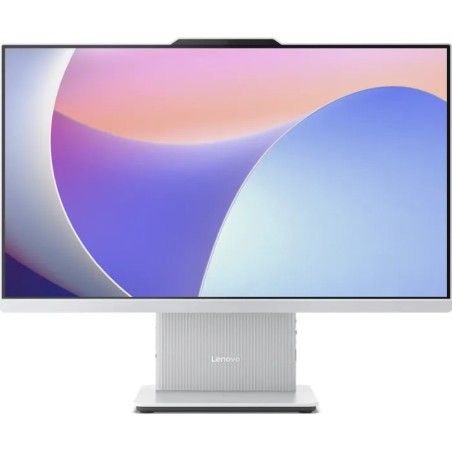
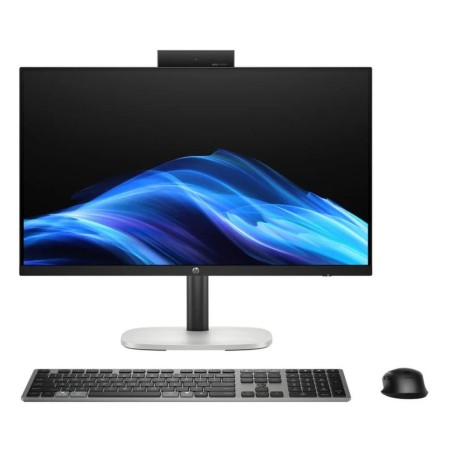
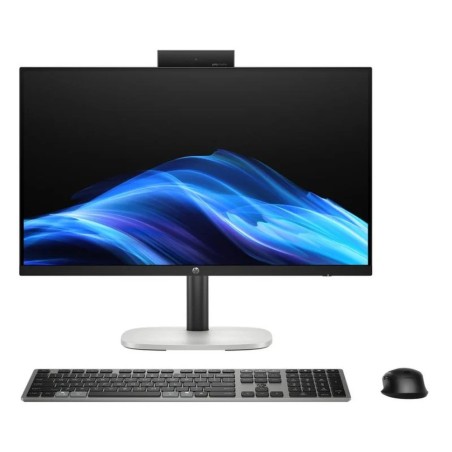
- All-in-One: compact desktop setup with fewer cables; ideal for small spaces.
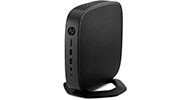
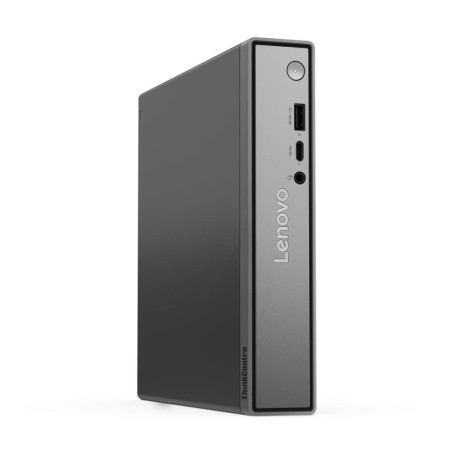
- Thin client: designed for light workloads and/or managed or remote environments (depending on your needs).
- CPU (processor): prioritise generation and range according to your type of work (subject to availability).
- RAM: 8 GB for basic use; 16 GB as a general recommendation; 32 GB+ for intensive professional use (depending on software).
- SSD vs HDD: an SSD clearly improves responsiveness. Consider an additional drive if you need more capacity (if applicable).
- Graphics (GPU): integrated graphics for office/study; dedicated graphics if you will be doing 3D, CAD, editing or gaming (check the product page).
- Ports and connectivity: check HDMI/DP, USB, Ethernet and Wi-Fi/Bluetooth (depending on model).
- Operating system/licence: check whether an operating system is included and the type of licence where relevant.
- Condition/Grade: the grade usually reflects cosmetic condition and/or origin (e.g. “Demo”).
Computers by use (choose quickly)
For home and study (office work, classes, browsing)
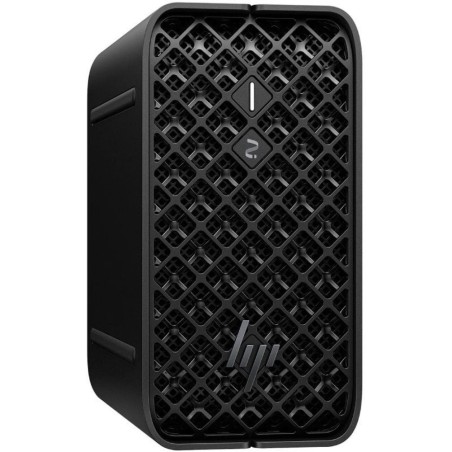
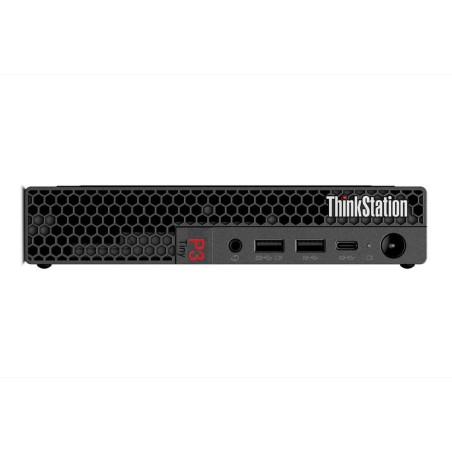
Look for a balanced desktop with an SSD and enough RAM for everyday multitasking (email, video calls, documents and many browser tabs). If you are going to use two monitors, prioritise suitable video outputs. A compact tower or mini PC often works very well here (depending on stock).
For business and remote work (reliability and management)
Prioritise an efficient processor, 16 GB of RAM and an SSD. In the office, business desktops often offer good value for money. If the goal is a controlled environment or remote desktop use, a thin client may be the right choice (depending on your infrastructure).
For professionals (editing, CAD, heavy multitasking)
For demanding workloads, prioritise more RAM, better CPUs and, where applicable, dedicated graphics. If your work depends on technical software, consider systems with sustained performance and upgrade options. If you need maximum power, consider a refurbished workstation.
For gaming (depending on the game and expectations)
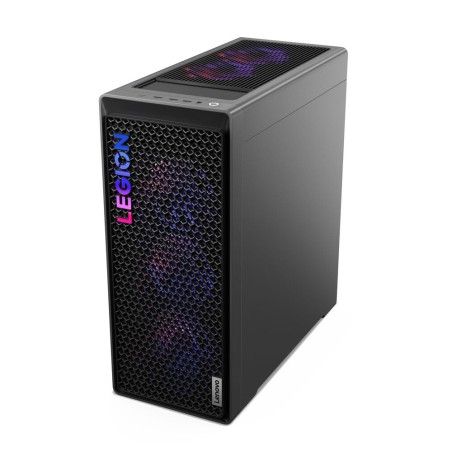
Gaming performance depends mainly on the GPU. If you want reliable gaming performance, look for systems that specify dedicated graphics and clear specifications. For light eSports titles or less demanding games, some balanced configurations may be sufficient, but check the game requirements and the computer’s product page.
All-in-One for minimalist desks
If you are looking for a tidy setup with fewer cables, an All-in-One is ideal. Before deciding, check connectivity and upgrade possibilities, as they are usually more limited than with a tower.
What “manufacturer-certified” means
“Manufacturer-certified” indicates that the refurbishment has been carried out according to the manufacturer’s own standards (or by an authorised service provider). The most important thing is what can be verified: that the product page states this clearly and includes detailed configuration, condition and warranty information. If it is not explicitly specified, treat it as a standard refurbished product and decide based on configuration and conditions.
Benefits and trust
- Warranty: up to 3 years directly from the manufacturer (depending on product).
- Technical inspection: aimed at systems that have been checked for a second useful life cycle.
- Compare by product page: compare CPU, RAM, SSD, form factor, connectivity and condition before buying.
- Variable stock: as these are refurbished/used products, availability and configurations may change.
Frequently asked questions
Which refurbished computer is right for me: tower, All-in-One or thin client?
It depends on the use. A tower/desktop is the most flexible and upgradeable option (depending on model). An All-in-One saves space and reduces cables. A thin client is suitable for light tasks or remote/managed environments. If you are unsure, a tower usually gives you more flexibility.
How much RAM do I really need?
For office work and study, 8 GB may be enough; 16 GB is the most balanced recommendation for multitasking; 32 GB or more makes sense if you work with editing, CAD, many open apps or virtual machines. Check your software requirements and the computer’s product page.
Why is it so important to have an SSD?
An SSD reduces boot and program loading times and improves overall responsiveness. If you need extra capacity, consider adding or combining it with an HDD if the system supports it and this is stated on the product page.
What should I check if I want to use two monitors?
Check the video outputs (HDMI/DisplayPort/VGA), supported resolution and number of available ports. If there are not enough ports, adapters may be required (depending on configuration). For multi-monitor work, prioritise clear connectivity information on the product page.
Does “manufacturer-certified” mean they are all the same?
No. Each computer may have a different configuration (CPU, RAM, SSD, GPU) and a different condition. The final decision should be based on the specific product page and your intended use.
Is the warranty the same on all computers?
Not necessarily. In this category, the reference is up to 3 years directly from the manufacturer (depending on product). Check the warranty stated on the product page of the computer you are going to buy.
Can I upgrade the RAM or SSD later?
With towers, it is usually easier. With All-in-One systems or compact formats, upgrade options may be more limited. If upgrading is important, prioritise a desktop/tower and check compatibility and access for the specific model.
You may also be interested in