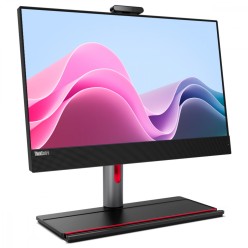
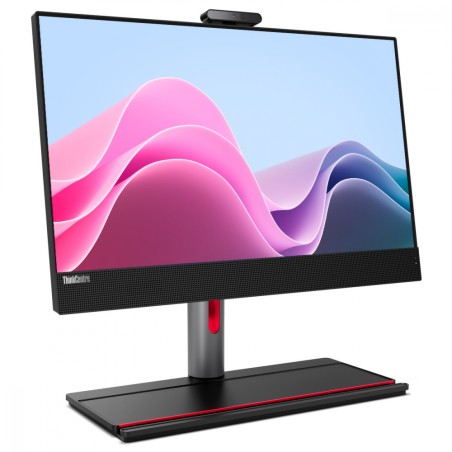
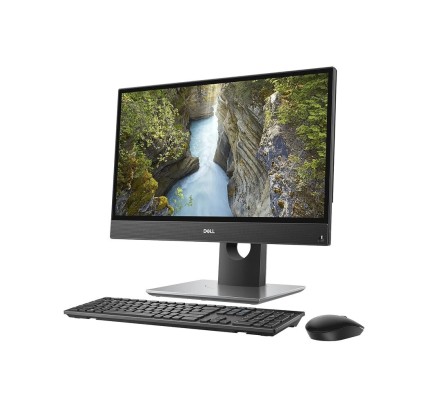
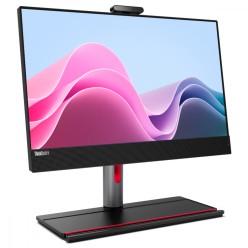
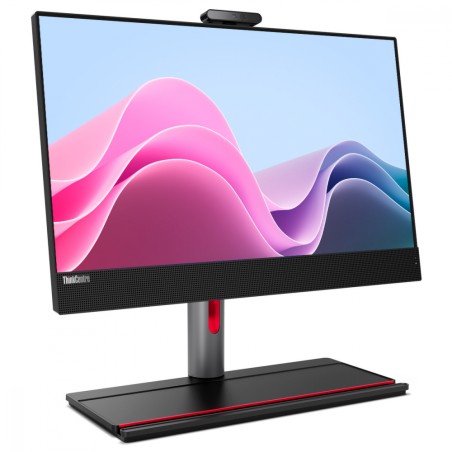
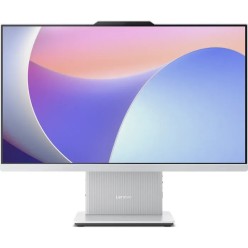
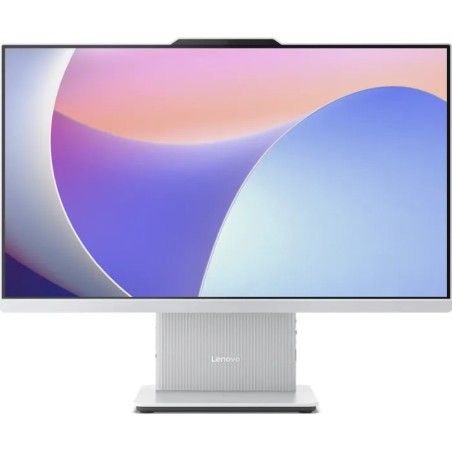
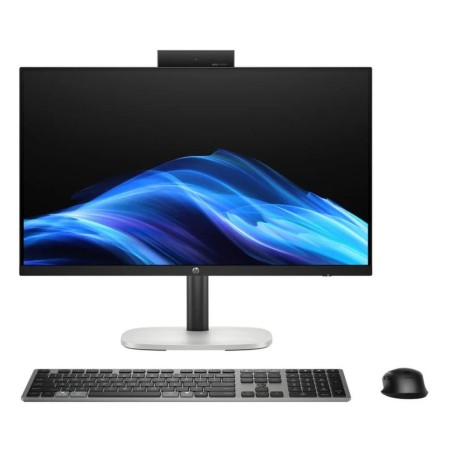
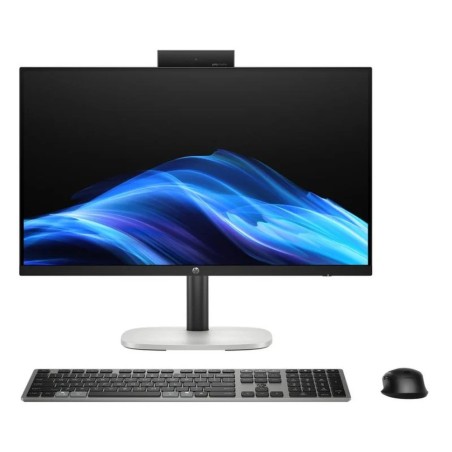
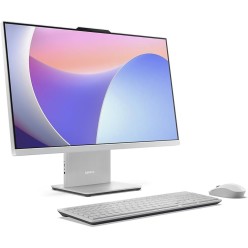
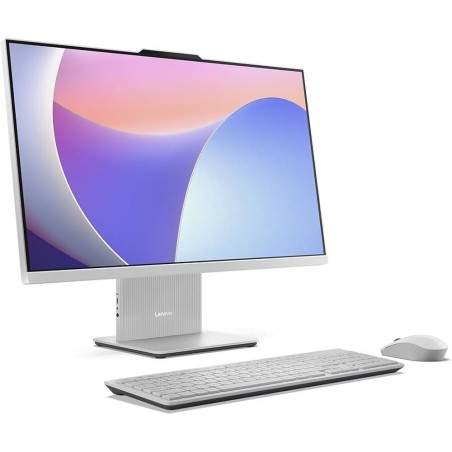
Refurbished All-in-One: an all-in-one computer for your desk
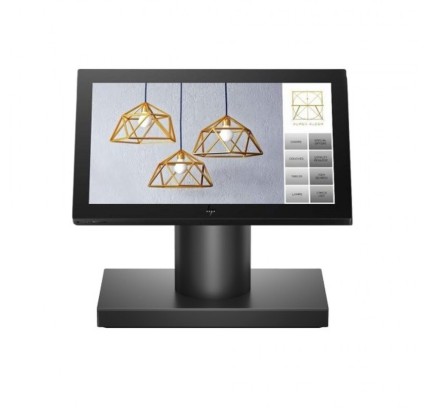
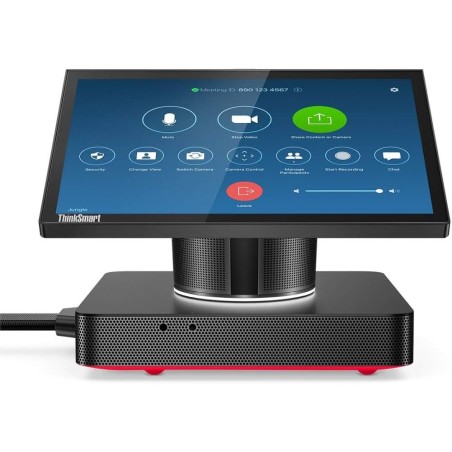
An All-in-One (also called an all-in-one computer) integrates the PC and the screen in a single machine: it takes up less room, reduces cables and leaves the desk tidier. That is why it usually fits very well in the home, in study, at reception desks and at fixed office desks. In this category you will find refurbished All-in-One machines (subject to availability), with variable configurations. To choose well, decide first on the screen size and the use, and then compare what is verifiable in each listing: CPU, RAM, storage (SSD/HDD), screen, connectivity and warranty.
Advantages and limits of an all-in-one computer
- Pros: a compact design, fewer cables, quick setup and a tidy look.
- Cons: more limited upgrades than a tower (depending on model), and the screen comes with it, so it is worth choosing it carefully.
- Key point: always review the number of ports, the video outputs and whether it allows a second monitor (as per the listing).
How to choose your refurbished All-in-One
- Screen: diagonal and resolution according to your viewing distance. If you work long hours, prioritise a comfortable screen and review the panel type where it is stated.
- Real use: office software/study, video calls, business admin, light editing and so on; the use defines the CPU and RAM you need.
- CPU: choose by generation/range according to availability and the kind of tasks. For multitasking, a mid-range option is usually more stable.
- RAM: 8 GB can be enough for basic tasks; 16 GB is usually a balanced point for multitasking; 32 GB or more if your software requires it (as per the listing).
- SSD: improves start-up and smoothness. If you need a lot of capacity, consider configurations with more storage (where applicable).
- Connectivity: confirm USB, Ethernet and Wi-Fi/Bluetooth when you need them (depending on model). For peripherals, review the available ports.
- Webcam, microphone and speakers: important for video calls; verify the features if they are stated.
- Upgrades: on an All-in-One these can be limited. If adding RAM/SSD is critical, review the compatibility in the listing and the type of access/mounting of the model.
All-in-One by buying scenario
Home and study (classes, browsing, documents)
For everyday tasks, look for an All-in-One with an SSD and enough RAM for a browser, video calls and office software. If you are going to share the machine, a larger screen can improve comfort. If you need a printer, an external keyboard or a mouse, verify the compatibility and the available ports.
Office and administration (a fixed, tidy desk)
In business, the All-in-One fits for its clean desk and quick installation. Prioritise stable connectivity (Ethernet if you need it) and a balanced configuration for multitasking. If you work with several windows, 16 GB of RAM is usually a practical point (depending on your software).
Reception, counters and customer-facing points
At counters, what matters is the compact format, the visibility of the screen and enough connectivity for peripherals (a reader, a printer and so on). Also review the placement: some desks require anchoring or a bracket (where applicable, depending on model).
Remote work and video calls
If your days are made of meetings, look first at a comfortable screen and, where it is stated, the quality of the webcam/microphone. In performance terms, an SSD and suitable RAM help keep things smooth with several apps open.
Light editing and moderate professional use
For light editing or creative work, prioritise more RAM and a solid processor. If your work depends on very demanding software (heavy CAD/3D), you may want to compare with a refurbished workstation (subject to availability).
Benefits and confidence
- Buy by listing: with refurbished machines, configurations and details can vary; decide on confirmed specifications.
- Variable stock: limited availability and configuration changes from unit to unit.
- Warranty: review the warranty stated in the listing of the product.
- Accessories: a keyboard/mouse or adapters can depend on the product; confirm what is included in the listing.
Frequently asked questions
Which suits me better: an All-in-One, a tower or a laptop?
It depends on the use. The All-in-One saves space and cables and is comfortable as a fixed desk. The tower usually offers more upgrade options (depending on model) and makes component changes easier. The laptop brings mobility. If you want it for a fixed, tidy desk, the All-in-One is usually a good fit; if you need to upgrade a lot, consider a tower.
Can I connect a second monitor to an All-in-One?
In many cases yes, but it depends on the video outputs (HDMI/DisplayPort or others) and on whether they act as an output for an external monitor. Review the available ports in the listing and, if you are going to use two screens, confirm the resolution and compatibility. If ports are missing, it may require adapters (depending on the configuration).
Can the RAM or SSD be upgraded on an all-in-one computer?
Sometimes yes, but it is usually more limited than on a tower. It depends on the model, the type of access and the compatible components. If upgrading is important to you, give preference to listings that clearly state the RAM/storage and review the compatibility before buying. If it is not specified, treat it as “Pending”.
Which screen size should I choose (21.5", 24", 27" and so on)?
It depends on your viewing distance and the space available. For a small desk, a medium size is usually easier to fit; for working with several windows or reading a lot of text, a larger screen can be more comfortable. Verify the diagonal and resolution in the listing (where stated) and choose according to the way you work.
Does it include a keyboard and mouse?
This can vary by product. Some All-in-One machines are sold with peripherals and others with the machine only. Check the section on what is included in the item listing. If it is not stated, treat it as “Pending” and decide on the basis that you may need peripherals separately.
Is an All-in-One any good for gaming?
It depends entirely on the configuration (CPU, RAM and, above all, the graphics if it includes any). Many All-in-One machines are designed for productivity and consuming content. If you want to play, review the game requirements and the exact specifications in the listing. For gaming with high expectations, a dedicated gaming PC is usually simpler (subject to availability).
What should I look at regarding the warranty and condition when buying refurbished?
Look at what is stated in the product listing: warranty, condition/grade and any relevant detail of the unit. With refurbished machines, two similar units can have differences in configuration or condition. The final decision should be based on the confirmed information for the specific item.
You may also like