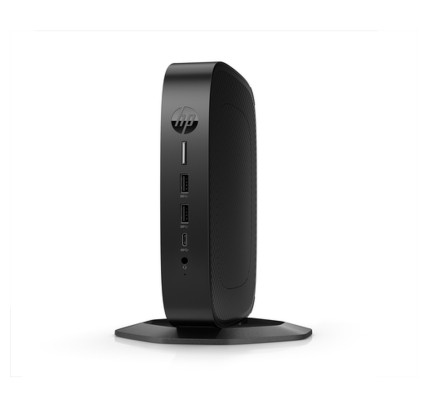
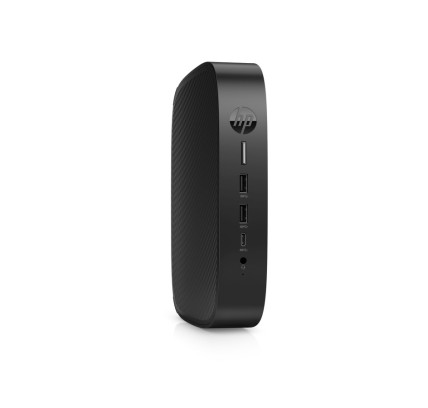
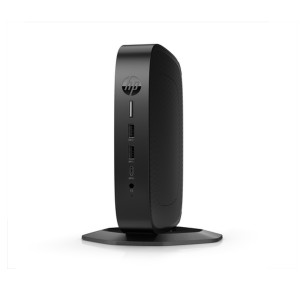
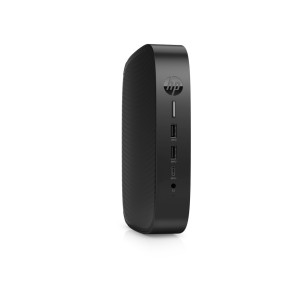
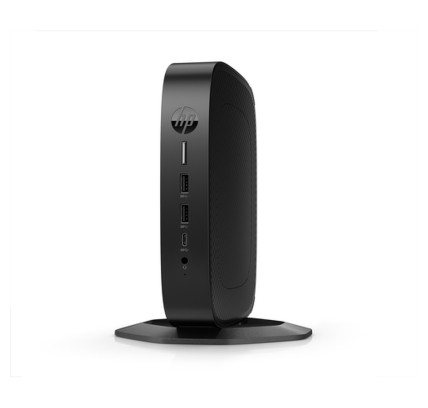
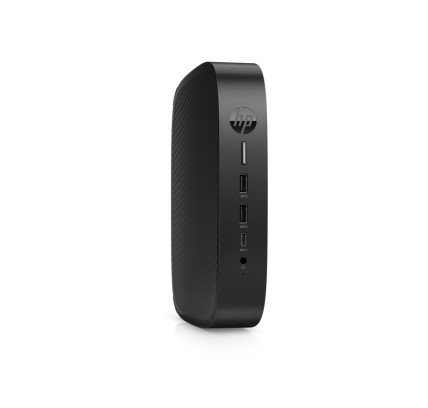
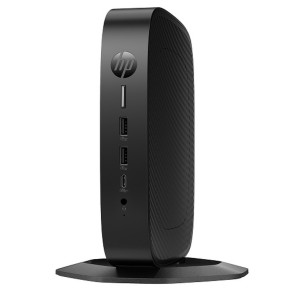
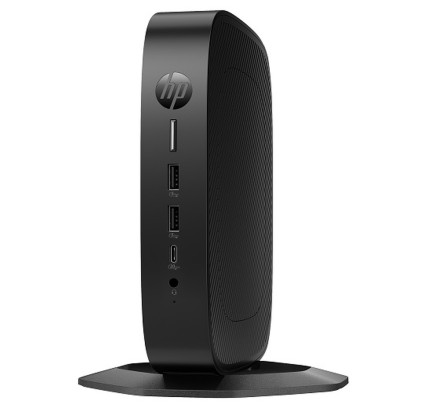
Refurbished Thin Client: a light client for business and VDI
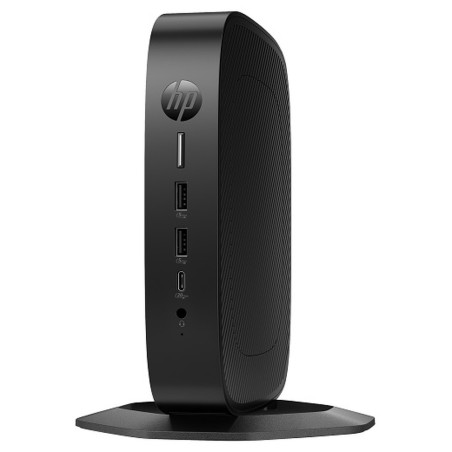
A Thin Client (also called a light client or lean client) is a compact machine designed to work mainly connected to a server or a remote desktop (VDI/RDP, depending on your infrastructure). Instead of running everything locally, the processing usually takes place on a server or in the cloud, and the thin client acts as a terminal: it displays the session, connects peripherals and keeps administration centralised (depending on the environment). In this category you will find refurbished Thin Client machines (subject to availability), ideal for companies and professionals who prioritise control, standardisation and quick deployment. To choose well, the rule is simple: buy on compatibility with your platform (software, protocols, monitors and network) and verify each specific listing.
When does a light client make sense?
- Managed desks (call centre, administration, reception, education): the same apps, the same access, many units.
- VDI / remote desktop: if your work lives in a remote session and you need a stable endpoint.
- Security and control: when you prefer to centralise updates, profiles and permissions (depending on IT policy).
- Limited spaces: small, quiet machines that are easy to mount (depending on model/bracket).
How to choose your refurbished Thin Client
- Compatibility with your environment: confirm whether you will use RDP, VDI, Citrix/VMware or other solutions (depending on your system). The device must support it.
- System/firmware: this can vary from unit to unit (Windows, Linux/specific firmware and so on). Verify in the listing what is included and what is installed.
- CPU and RAM: for light sessions a basic configuration is usually enough; for several monitors, multimedia or demanding remote apps, more headroom is worthwhile (depending on use).
- Storage: it is often small (flash/SSD) because the work happens remotely. Consider the capacity only if you need to install agents or local software (depending on policy).
- Video outputs: HDMI/DisplayPort/VGA (depending on model). If you are going to use 2 monitors, confirm the number of outputs and the supported resolutions in the listing.
- Network connectivity: Ethernet is common; Wi-Fi may or may not be present. Also review whether it needs adapters (depending on the configuration).
- Ports: USB for a keyboard/mouse, headphones, a reader, a printer and so on. At desks with peripherals, the ports are key.
- Mounting and space: some thin clients allow a VESA bracket or mounting behind the monitor (depending on model). Confirm whether a bracket is included or is an accessory.
- IT management: Wake-on-LAN, PXE, remote boot or management tools can be relevant; verify what applies to your environment and what the listing states.
Thin Client by business scenario
VDI in the office (standardised desks)
If most users log in to a remote desktop, the thin client fits for its simplicity: the same endpoint for many desks. Here the network (latency/stability), the protocol compatibility and dual-monitor support usually matter more than raw power. Before buying in bulk, validate one model against your real infrastructure (subject to availability).
Customer service and call centre
For long shifts, prioritise stable connectivity, enough ports for peripherals (headset, keyboard, mouse) and a configuration that handles remote sessions without stuttering. If you use a remote softphone or multimedia, the RAM and the video output can make a difference (depending on the case).
Managed remote work
If you want to control the user desk (access, policies, a uniform environment), a light client can be an alternative to a traditional laptop. Make sure it supports your access method (VPN/VDI/RDP, depending on your strategy) and that the user has suitable connectivity.
Environments with several monitors
For back office, finance or support, two screens improve productivity. On thin clients, this depends on the outputs and the supported resolution. Review the ports (HDMI/DP) and the number of compatible monitors in the listing (depending on model).
An alternative when you do not need VDI
If your machine is going to run everything locally (heavy apps, editing, CAD), a thin client is usually not the right device. In that case, compare with a refurbished desktop or a refurbished workstation (subject to availability).
Benefits and confidence
- A more homogeneous rollout: useful when you want to standardise desks (depending on IT policy).
- Less dependence on local hardware: the real performance depends on the server/VDI and on the network.
- Variable stock: with refurbished machines, the availability and the configurations can change from unit to unit.
- Warranty: review the warranty stated in the listing of the product (it can vary by unit).
Frequently asked questions
What is a Thin Client and how does it differ from a normal PC?
A Thin Client (light client) is a machine designed to connect to a remote desktop or remote applications (VDI/RDP, depending on the environment). Unlike a traditional PC, it usually runs less load locally and depends more on the network and the server. That is why it is widely used at managed desks and in standardised rollouts.
Is a light client any use if I do not have VDI or a server?
It is normally designed to work connected to a remote environment. If you are not going to use RDP/VDI or published applications, it may not be the best option. For local use (full office software, specific programs, editing), a desktop or laptop usually fits better. The choice should be based on your real infrastructure.
What should I look at to use two monitors on a Thin Client?
Check the number and type of video outputs (HDMI/DisplayPort/VGA) and the supported resolution (as per the listing). The remote protocol and your VDI/RDP session also have an influence. If ports are missing or you need conversion, it may require adapters (depending on the configuration).
Do the CPU and the RAM matter much on a light client?
They do matter, but it depends on the use. For basic sessions, a modest configuration is usually enough. For several monitors, remote video calls, multimedia or heavy desktops, more RAM and a more capable processor are advisable (depending on your needs). What is usually decisive is the network and the performance of the server/VDI.
Which operating system does a refurbished Thin Client have?
It can vary by model and unit (Windows, Linux/manufacturer firmware and so on). That is why it is important to review the specific product listing to know what is included, whether it comes ready to use or whether it requires configuration by your IT department. If it is not specified, treat it as “Pending”.
Do I need Wi-Fi or is Ethernet enough?
In business, Ethernet usually gives more stability for remote sessions, but it depends on the desk. Some thin clients may include Wi-Fi and others do not. Review in the listing whether it comes with Wi-Fi/Bluetooth and which network ports it offers. If it is not stated, treat it as “Pending” and plan for adapters if they turn out to be needed.
What should I review about the warranty and the condition when buying?
Check the unit listing: warranty, condition/grade and the details of the model. With refurbished machines, two similar units can differ in ports, storage or accessories. The final decision should be based on the confirmed information for the specific product.
You may also like