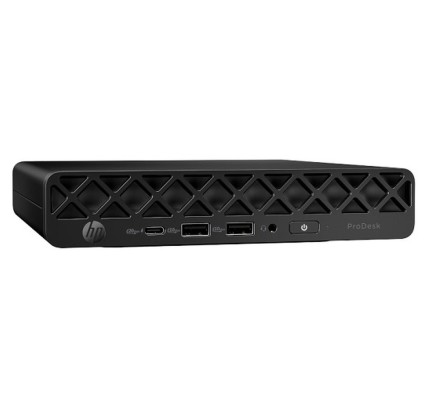
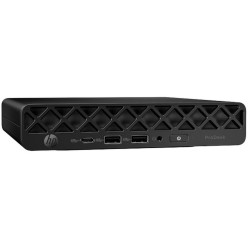
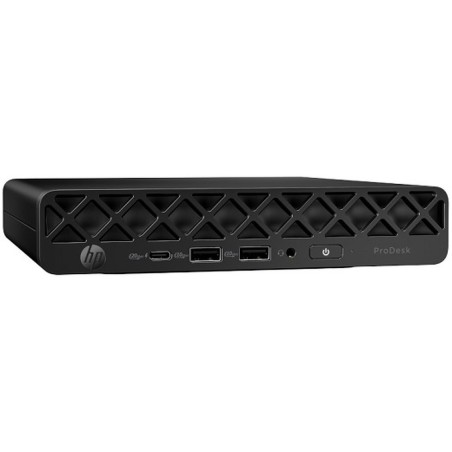
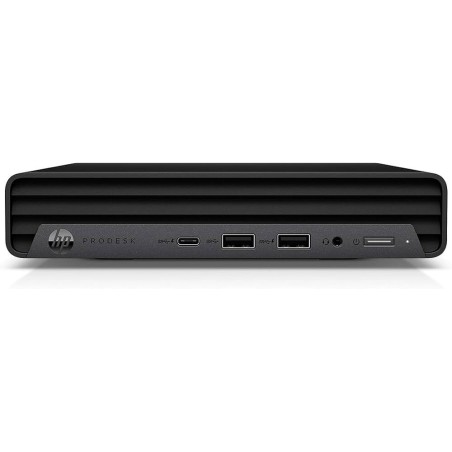
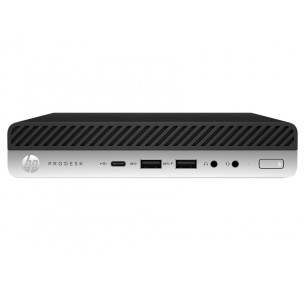
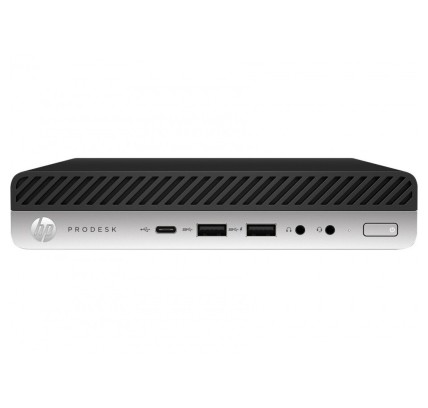
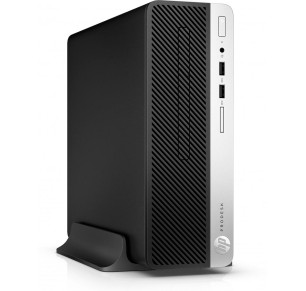
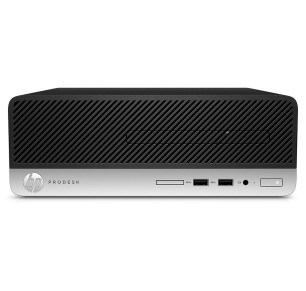
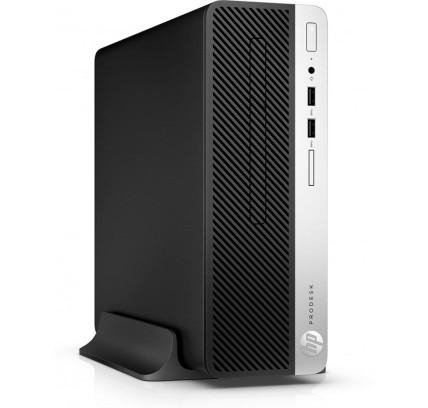
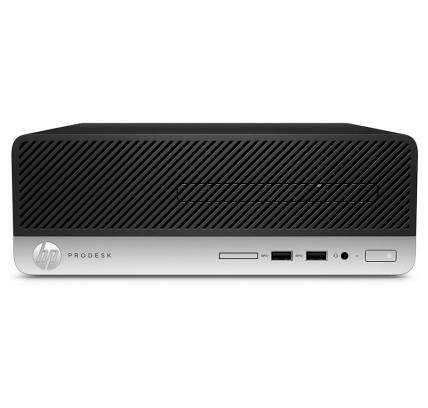
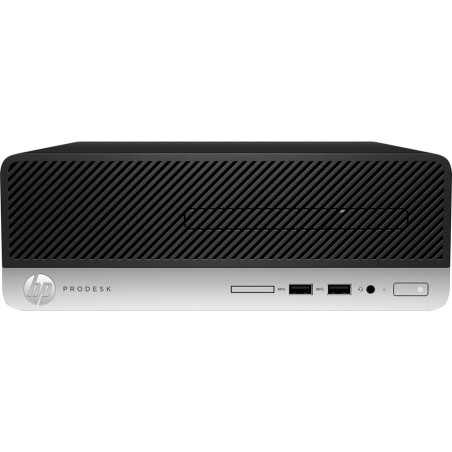
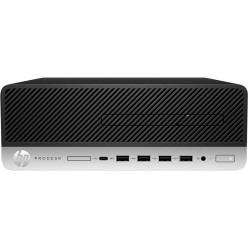
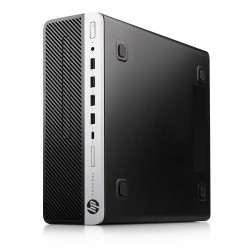
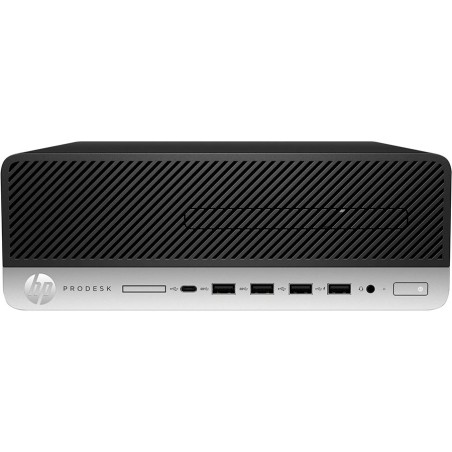
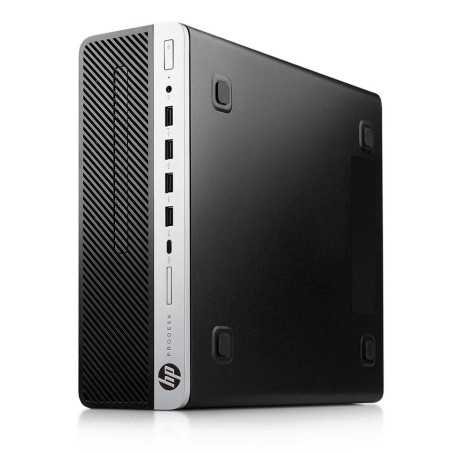
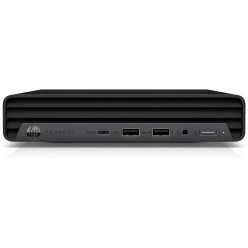
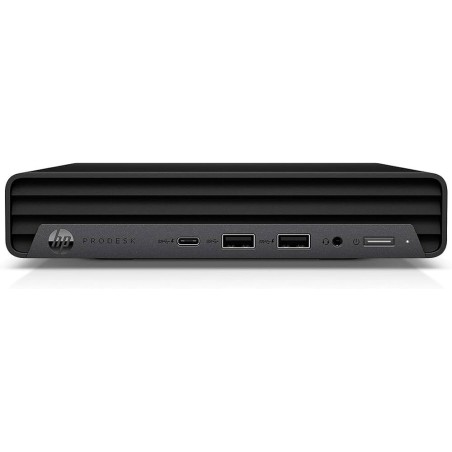
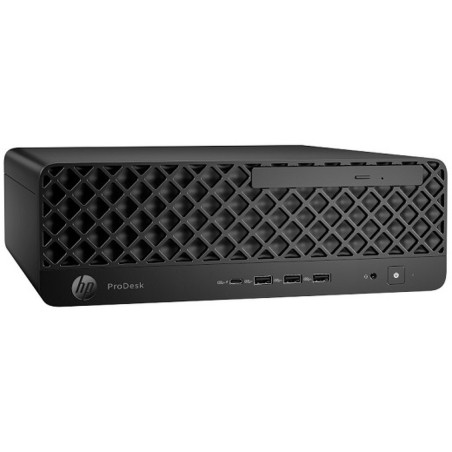
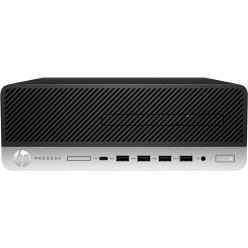
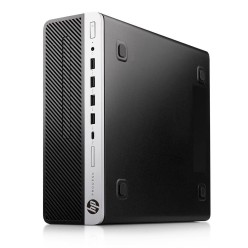
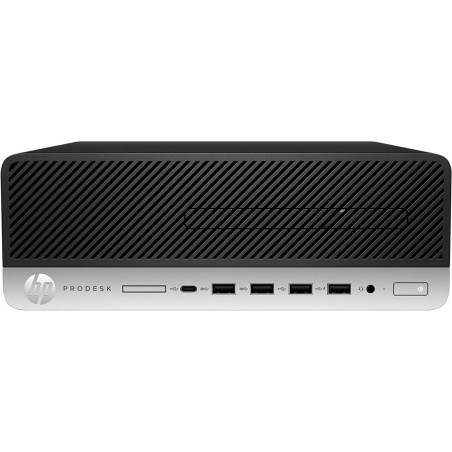
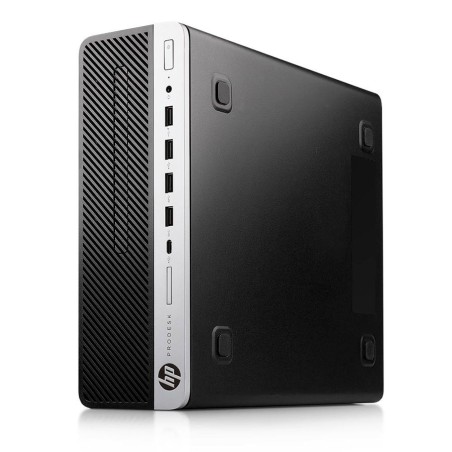
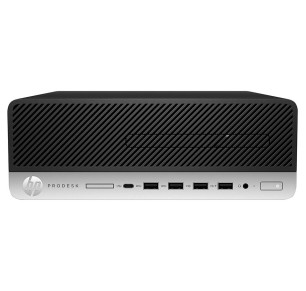
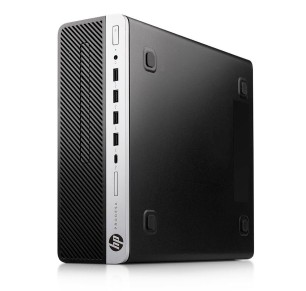
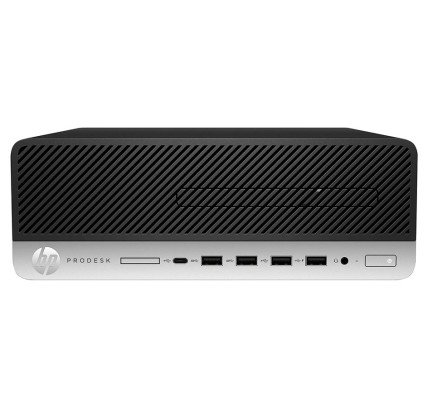
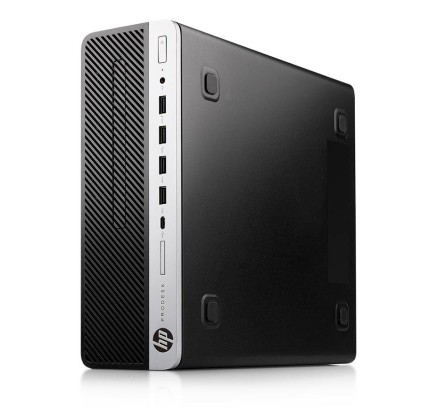
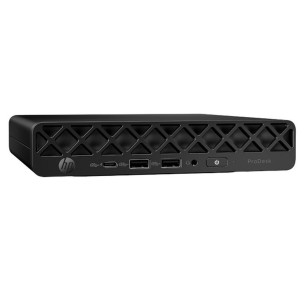
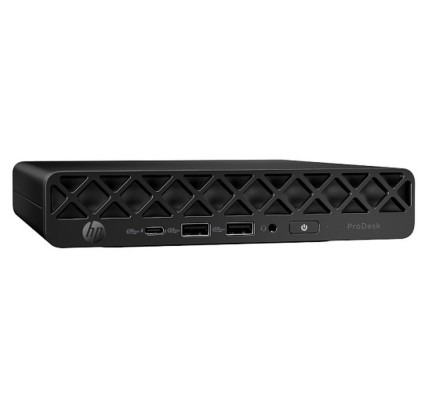
Refurbished HP ProDesk computers for the office
In this category you will find refurbished HP ProDesk computers aimed at the office, remote work, study and business desks. The ProDesk range usually fits everyday productivity well and may include compact or desktop form factors subject to availability. Here you can compare configurations by processor, RAM, storage and chassis form factor so you can choose more sensibly. If you are looking for a stable desktop machine for everyday tasks without paying the price of a new one, this category lets you review each unit listing and decide on your real use.
How to choose a refurbished HP ProDesk
- Form factor: check whether you need a mini, an SFF or a tower according to your space and upgrade plans.
- Processor: compare the generation and range of the CPU according to the type of work (office software, admin, multitasking).
- RAM: 8 GB can suit basic use; 16 GB usually gives more headroom for everyday multitasking.
- SSD or HDD: go for an SSD to improve start-up, system response and program loading.
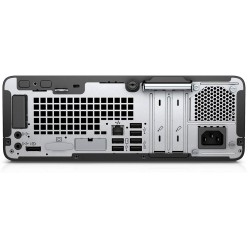
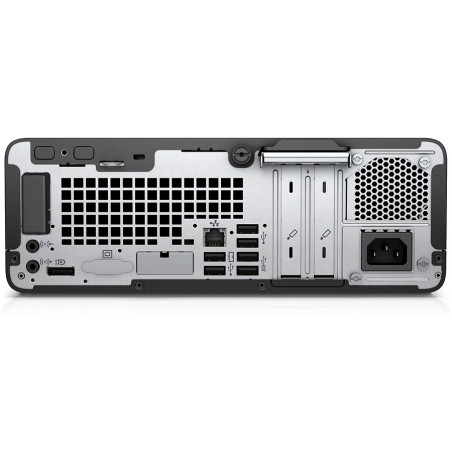
- Connectivity: confirm the USB ports and video outputs if you are going to use a monitor, keyboard, mouse or specific peripherals.
- Operating system: review in the listing whether a system is included and its exact version (where stated).
- Condition/grade: check the refurbished grade and the cosmetic/functional condition of each unit.
- Future upgrades: if you expect to add RAM or storage, review the compatibility of the specific model.
HP ProDesk by type of use
ProDesk for the office and administration
For email, a browser, office software, admin and office tasks, a refurbished HP ProDesk can be a practical option. The important thing is to choose a balanced configuration with an SSD and enough memory to keep your work flowing throughout the day.
ProDesk for remote work with an external monitor
If you work from home at a fixed desk, it is worth reviewing the video outputs, the USB ports and the general connectivity. A compact form factor can be a very good fit if you want to make the most of your desk space, but it is always better to confirm the exact ports in the listing before buying.
ProDesk for students and home use
At home, a refurbished ProDesk can perform well for studying, dealing with admin, browsing, video calls and working with documents. The key is matching the configuration to your real tasks: an SSD as the priority and enough RAM so you are not short within a short time.
ProDesk for reception, checkout or compact desks
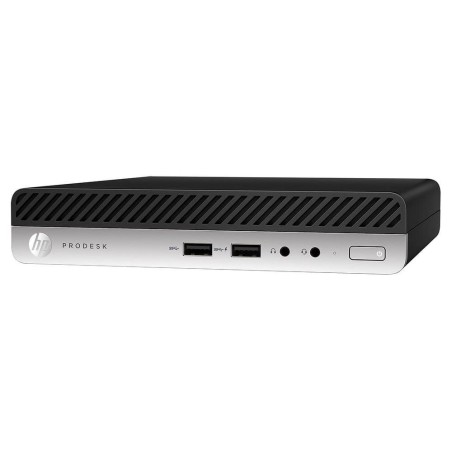
For reception, administration, a checkout or desks with little space, the mini or compact form factors can be very useful. Before deciding, review the chassis size, the connectivity and the included contents in the listing to make sure of compatibility with your peripherals.
When should you compare with an HP EliteDesk or a workstation?
If you need more room for upgrades or for more demanding workloads, it can be useful to compare with an HP EliteDesk or a refurbished workstation. That way you avoid coming up short if your real use goes beyond office software and everyday productivity.
Benefits and confidence
- A practical focus: a category designed for everyday productivity in the office, in business and at home.
- Comparison by use: you can filter by CPU, RAM, SSD and form factor to choose on technical criteria.
- Rotating stock: the configurations can vary according to availability and the condition of each unit.
- Listings as the reference: always confirm the exact model, ports, system, condition and included contents.
- Warranty and returns: check the cover and the terms in force in the product listing and on the legal and commercial pages.
Frequently asked questions
Which refurbished HP ProDesk suits me for an office or a business?
For an office or a business, it is worth prioritising an SSD, RAM suited to multitasking and a form factor that fits your desk. If you work with several applications at once, 16 GB usually gives more comfort. Always review the listing to confirm the processor, ports, system and exact warranty.
What is the difference between an HP ProDesk mini, SFF and tower?
The main difference lies in the chassis size and the possibilities for upgrades. A mini takes up less space, an SFF usually balances size and connectivity, and a tower can offer more room for upgrading hardware. The choice depends on the space and the intended use.
How much RAM do I need in a refurbished HP ProDesk?
For browsing, office software and basic tasks, 8 GB can be enough in many cases. If you multitask, make frequent video calls or use several management tools, 16 GB is usually a more comfortable option. Because refurbished stock changes, always confirm the exact RAM in the listing.
Is it better to choose an HP ProDesk with an SSD rather than an HDD?
In most cases, yes. An SSD improves system start-up and the overall response of the machine, which is very useful for the office, study and everyday work. If you need more capacity, you can look at configurations with more storage or confirm whether the model allows an upgrade, always according to the listing.
What should I review in the listing before buying a refurbished HP ProDesk?
Review the exact model, processor, RAM, SSD/HDD, chassis form factor, ports, operating system (where stated), condition/grade, included contents and warranty. If you are going to connect several monitors or particular peripherals, also confirm the video outputs and the USB connectivity.
Are refurbished HP ProDesk machines suitable for study or home use?
Yes, they can be a very good fit for studying, browsing, dealing with admin, video calls and working with documents. The important thing is to match the configuration to your real use and not only to the price: an SSD as the priority and enough RAM for your usual tasks.
Do refurbished HP ProDesk machines include a keyboard, mouse or cables?
The included contents can vary depending on the unit and the commercial terms in force. It is not safe to assume that every machine includes the same accessories. Before buying, review the HP ProDesk listing to confirm exactly what is included and the applicable warranty.
You may also be interested in