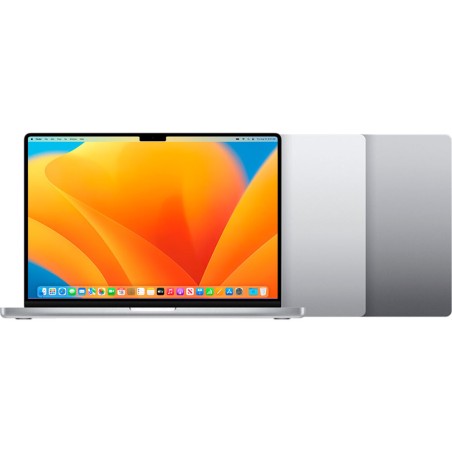
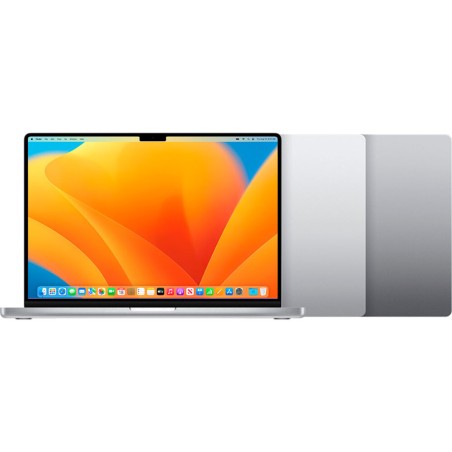
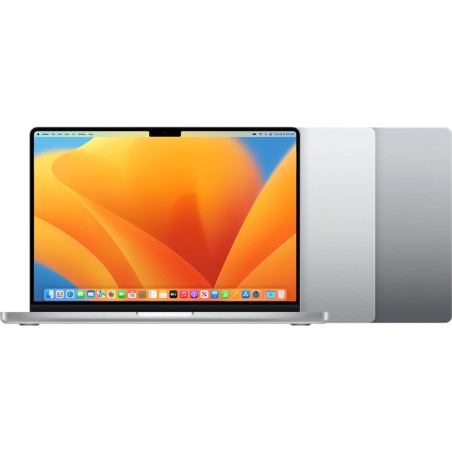
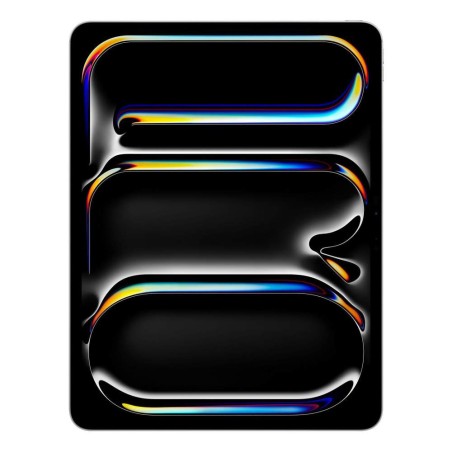
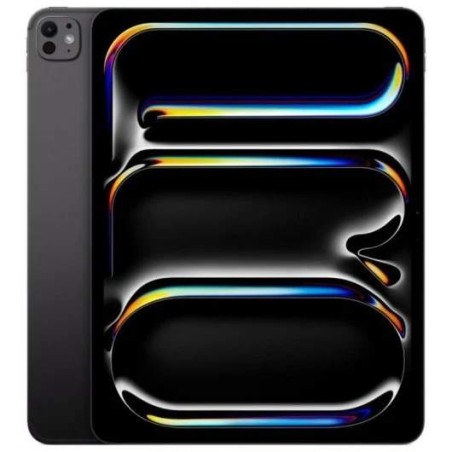
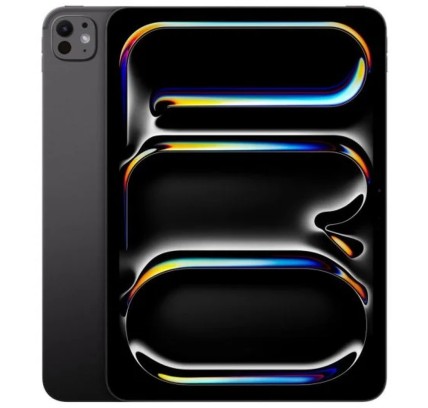
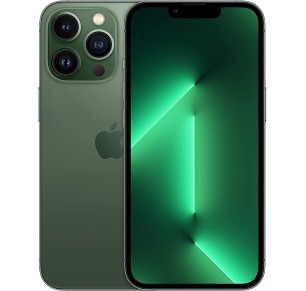
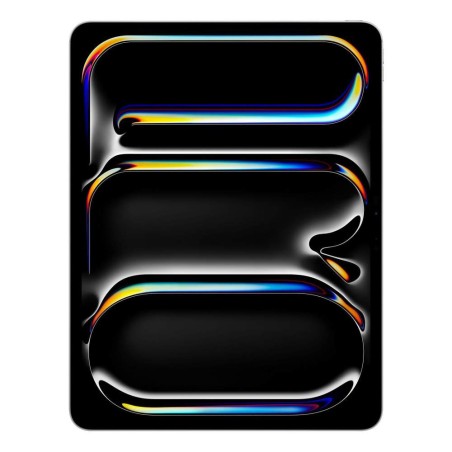
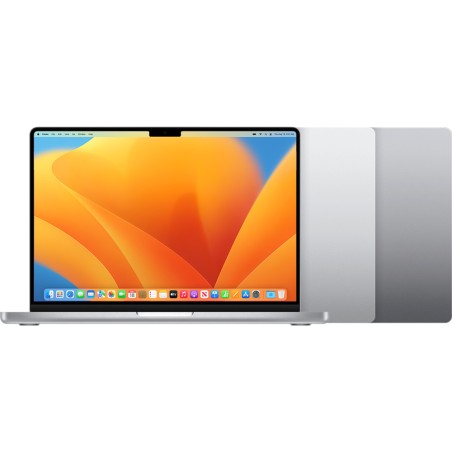
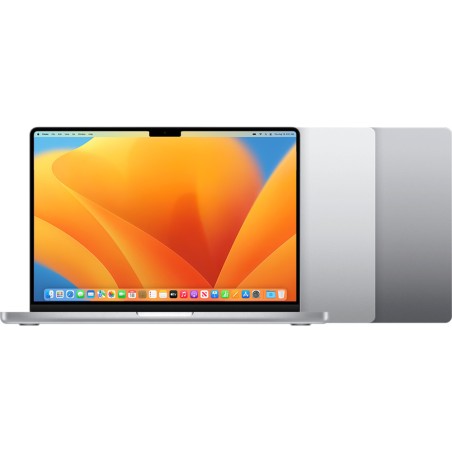
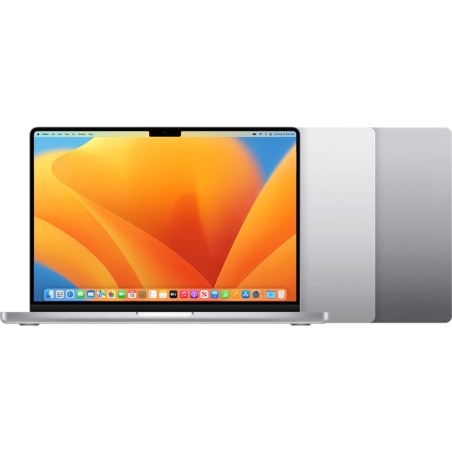
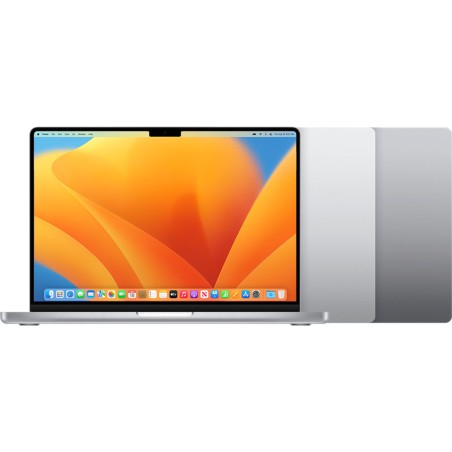
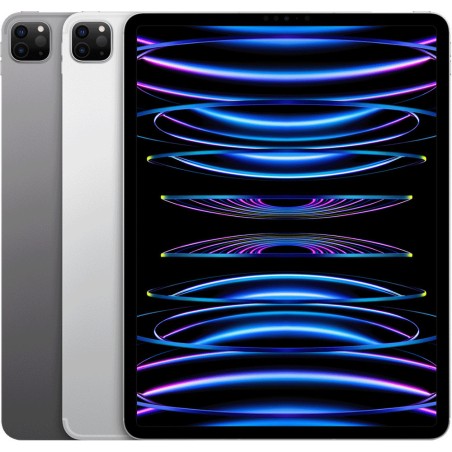
Refurbished Apple: MacBook, iMac, iPad and iPhone
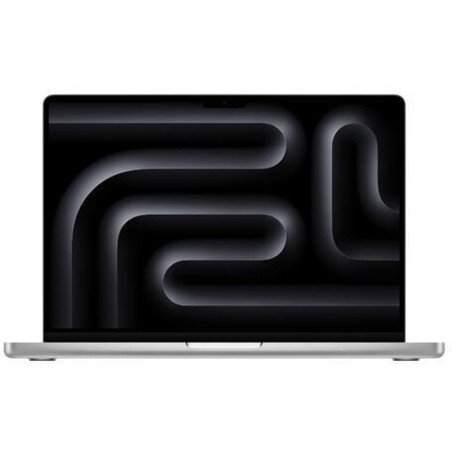
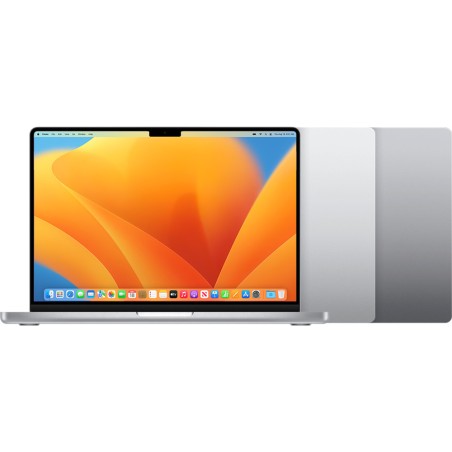
Buying refurbished Apple is a practical way to access the Apple ecosystem at a lower cost, as long as you choose based on verifiable information. In this category you can find, subject to availability, Apple laptops (MacBook), Apple computers (iMac), Apple tablets (iPad) and Apple smartphones (iPhone). The key to choosing well is to compare each unit using its product page: model, chip/processor, RAM, storage, display, connectivity, condition/grade, included accessories and the stated warranty.
How to choose your refurbished Apple device (without surprises)
- Choose the product family: MacBook if you need mobility, iMac if you want an all-in-one desktop, iPad for study/media use and iPhone for full mobility (subject to availability).
- Model and generation: compare by year/generation when stated on the product page; this has the greatest impact on performance and software support.
- Chip/CPU: on Mac, the chip affects performance and efficiency; on iPhone/iPad it also affects app responsiveness. Decide based on what the product page confirms.
- RAM: important on Mac for multitasking (8 GB for basic use, 16 GB more comfortable for demanding use). On iPad/iPhone, only consider it if stated on the product page.
- Storage: choose a realistic capacity (apps, photos, video, projects). If storage is critical, prioritise more GB from the start.
- Display: size and resolution (and panel type only if specified). For editing, do not assume colour coverage unless it is stated.
- Battery and accessories: on mobile devices, battery condition may vary by unit. Check what is stated about condition and whether a charger/cable is included (depending on product).
- Connectivity: ports on Mac (USB-C/Thunderbolt, HDMI where applicable), Wi-Fi/Bluetooth, 4G/5G on iPad/iPhone where applicable (depending on the product page).
Apple by use case (choose quickly)
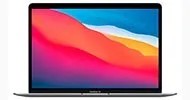
MacBook for studying and remote work
For classes, office work and video calls, look for a MacBook with enough RAM and storage to suit your files. If you connect a monitor and peripherals, check ports and adapter compatibility (depending on model). For more demanding tasks (editing or development), prioritise more powerful chips and 16 GB of RAM where available.
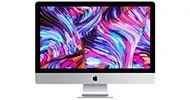
iMac for a clean desktop setup (home or office)
An iMac is a good fit if you want an all-in-one computer with fewer cables and a simple setup. Choose based on display, storage and connectivity according to what is stated on the product page. If you are going to use specific peripherals (printer, external drives), check ports and USB/Thunderbolt versions if provided.
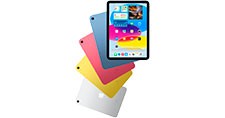
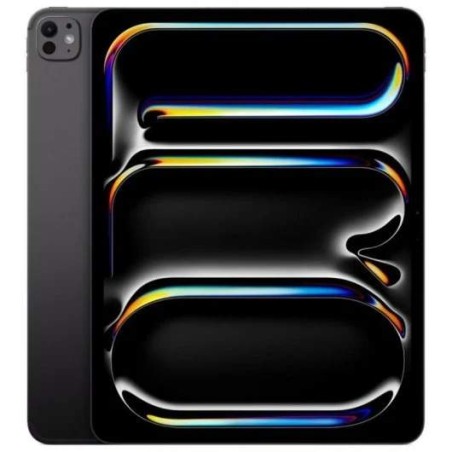
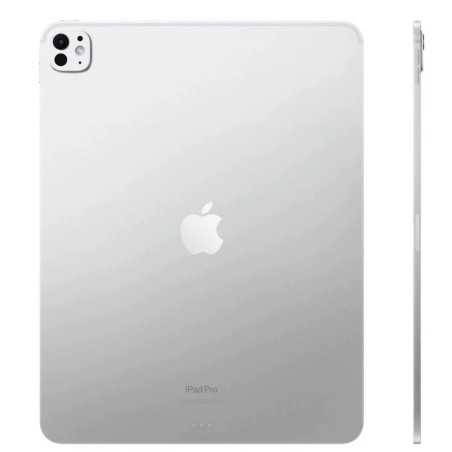
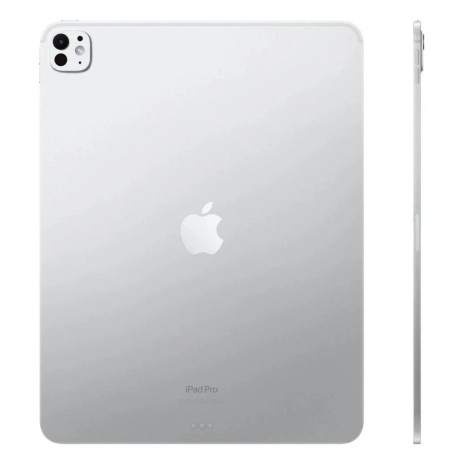
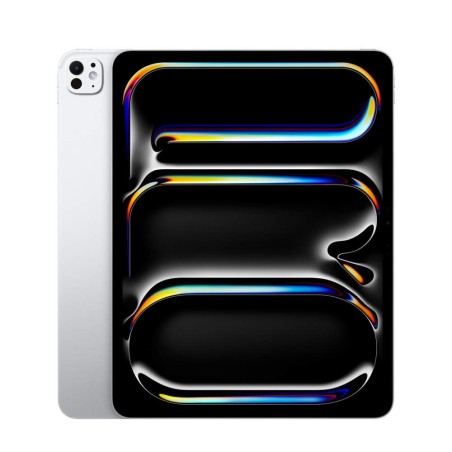
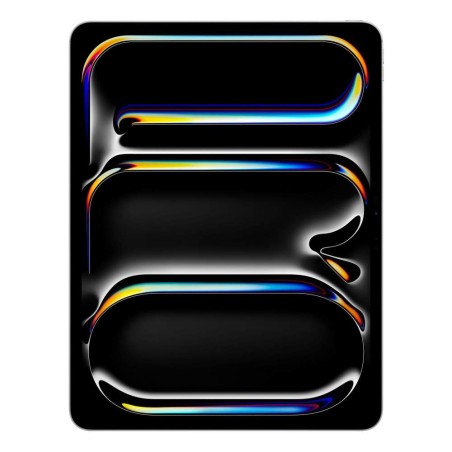
iPad for light mobility, note-taking and media
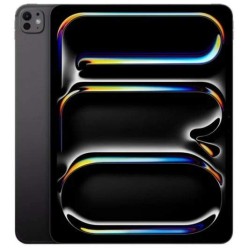
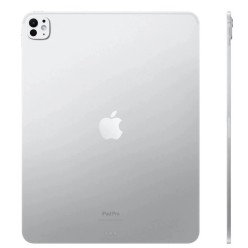
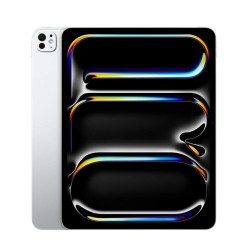
The iPad is practical for taking notes, browsing, viewing content and light tasks. Choose the size according to use (more compact for mobility, larger for productivity). If you need a keyboard or stylus, confirm compatibility or included accessories only if specified. For intensive use, prioritise more storage (depending on your needs).
iPhone for everyday use and mobile photography
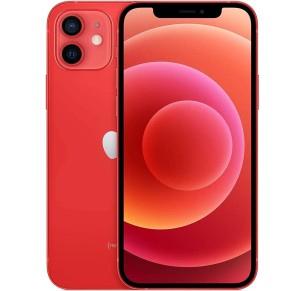
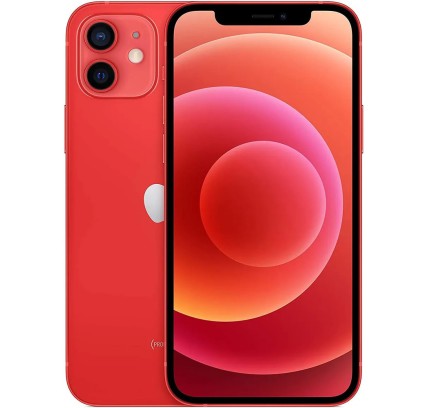
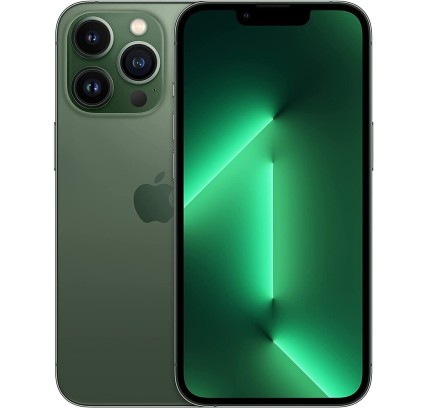
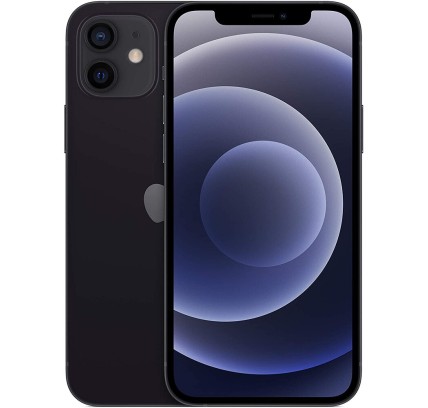
For iPhone, compare by model, capacity and condition. If the camera is a deciding factor, base your decision on the specific model’s product page (sensors or features only when confirmed). Also check connectivity and whether battery condition or included accessories are stated.
For editing and content creation (photo/video)
If you edit, the key factors are usually chip performance, RAM (on Mac) and storage. For displays, do not assume colour specifications if they are not stated. If you work with external drives or monitors, check ports (USB-C/Thunderbolt) and the connectivity stated on each product page.
Benefits and trust
- Buy based on the product page: each unit may vary in configuration and condition; the decision should be based on confirmed information.
- Limited stock: with refurbished products, models and capacities change subject to availability.
- Warranty: check the warranty stated on the product page (it may vary by unit and category).
- Compatibility: check ports, accessories and software requirements before deciding (depending on your use).
Frequently asked questions
What does “refurbished Apple” include in this category?
Subject to availability, you may find MacBook, iMac, iPad and iPhone models. Each unit may vary in configuration (chip/CPU, RAM, storage), condition/grade and included accessories. The specific product page is always the reference for making your decision.
How do I choose between a MacBook and an iPad for studying?
A MacBook is usually more flexible for desktop tasks (multitasking, full applications, peripherals). An iPad is excellent for mobility, note-taking and media use, and can work well for light productivity. Decide based on your software needs (whether you require desktop apps) and check capacity and connectivity on the product page.
How much RAM and storage do I need in a refurbished Mac?
For basic use (office work and browsing), 8 GB may be enough; 16 GB is recommended if you do multitasking or editing. For storage, choose according to your files: photos/videos and projects require more GB. Upgrades are not always possible on modern models, so decide based on the product page.
Is the battery in a refurbished iPhone/iPad like new?
You should not assume so. With refurbished products, battery condition may vary by unit. Check whether the product page includes battery information or specific conditions. If battery life is essential, buy only based on confirmed information or prioritise units with clear details.
What should I check to connect a monitor or dock?
Check the model’s ports (USB-C/Thunderbolt, HDMI where applicable) and how many displays it supports, if stated. If ports are limited, compatible adapters or a dock may be required. The decision should be based on the connectivity specified on the product page.
Does “refurbished” mean all Apple devices are the same?
No. Each unit may have a different model, configuration, condition/grade and warranty. With Apple products, small differences (RAM, SSD, connectivity, screen size) can significantly affect use. That is why it is essential to compare the specific product page.
Is the warranty the same for Mac, iPad and iPhone?
Not necessarily. Warranty may vary by category and unit. Check the warranty stated on the product page of the product you are going to buy and decide based on that information, without assuming the same conditions apply to all products.
Explore Apple by product type