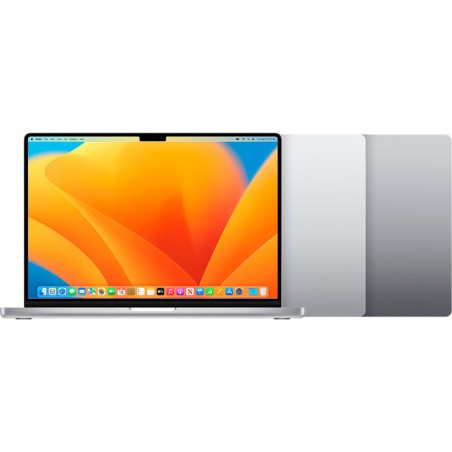
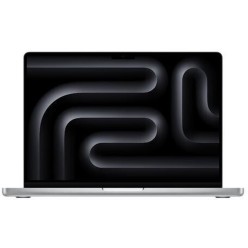
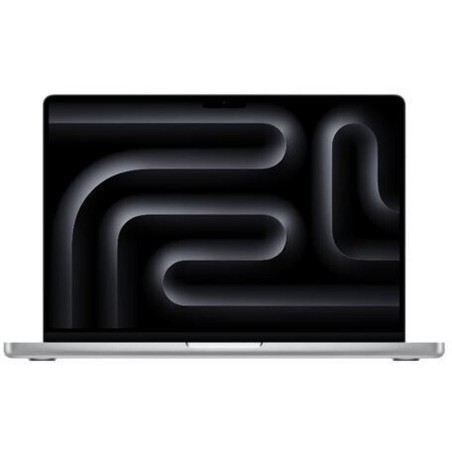
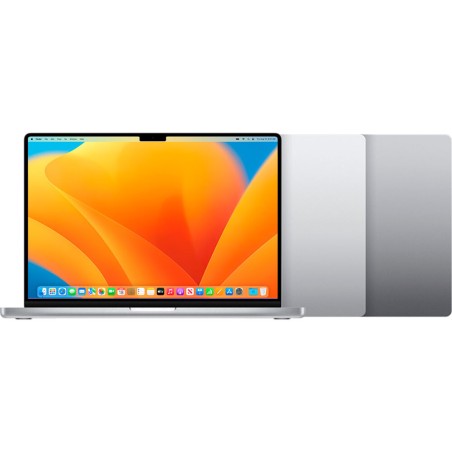
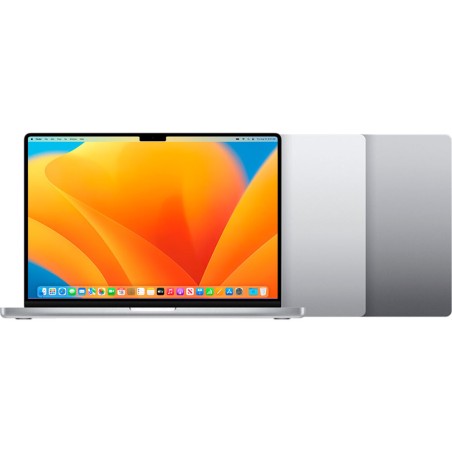
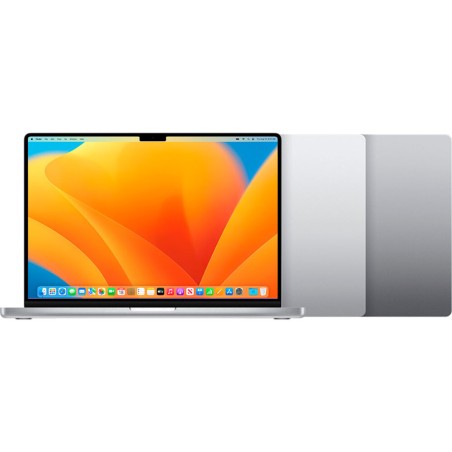
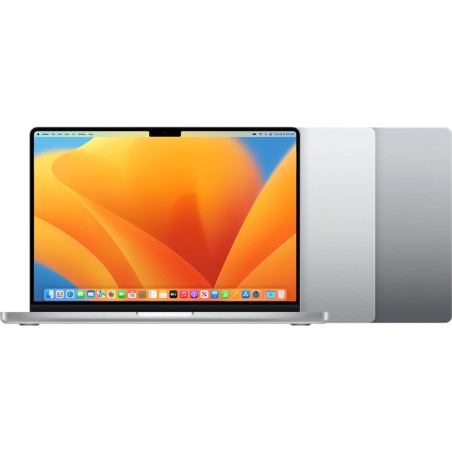
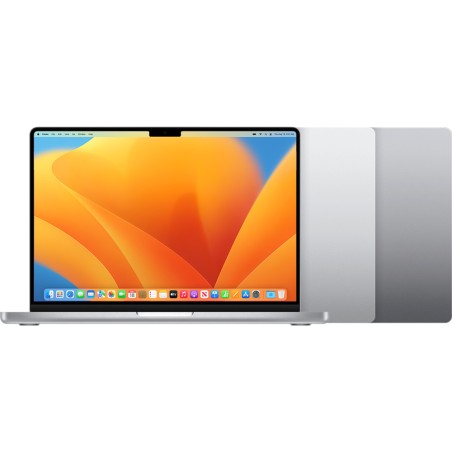
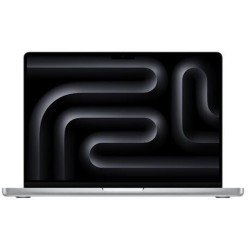
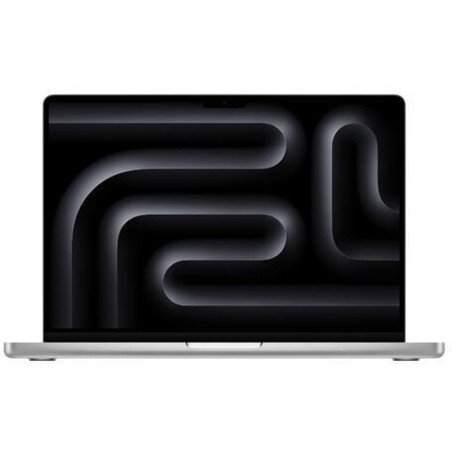
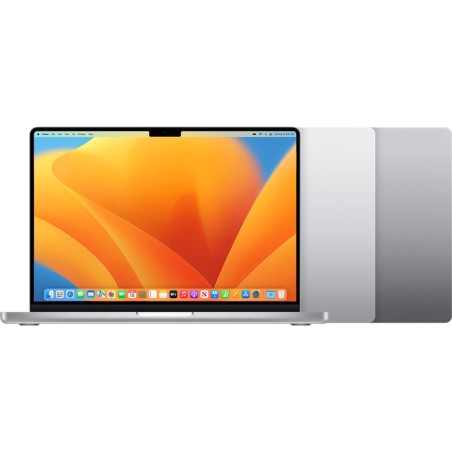
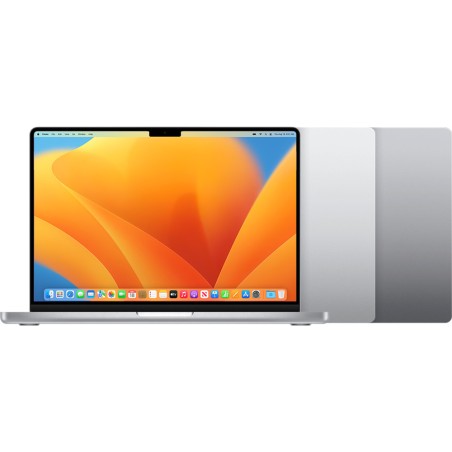
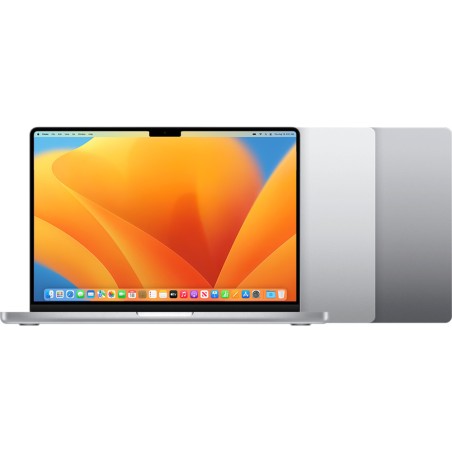
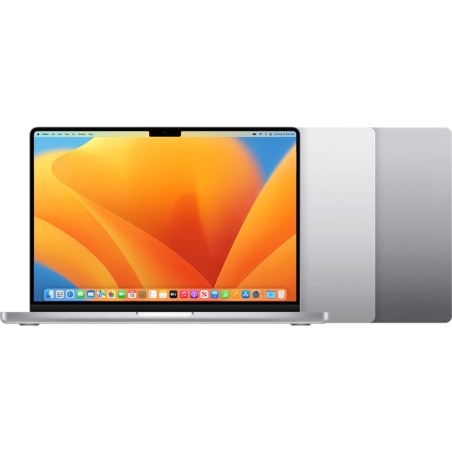
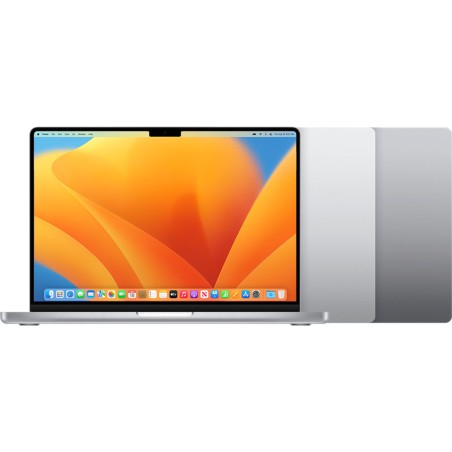
Refurbished Apple MacBook for work and mobility
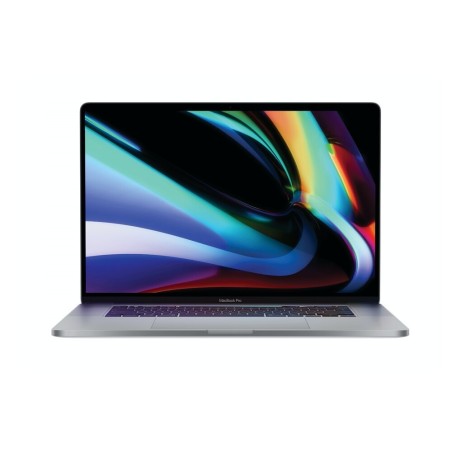
A refurbished Apple MacBook is a very solid option if you are looking for a laptop to study, work from home, travel frequently or run professional applications, with a good balance between performance, design and price. In this category you will find different refurbished MacBook models (Air or Pro, subject to availability), with different configurations of screen, RAM, SSD, processor, keyboard and condition/grade. To get it right, always compare the specific product listing and give priority to the use you will actually make of it.
How to choose your refurbished MacBook
- Pick the model according to your use: for mobility and general tasks a lightweight machine is usually the better fit; for editing or heavy work, look at more powerful ranges and configurations (as per the listing).
- Processor: review the generation and the type of chip/processor (depending on model). This affects performance, battery life and compatibility with your workflow.
- RAM: 8 GB can be enough for basic use; 16 GB is usually a balanced choice for multitasking; more memory may be advisable for editing or heavier workloads.
- SSD: go for an SSD for fast start-up and smooth operation. Choose the capacity according to your files, apps and need for local storage.
- Screen and size: a compact form factor favours mobility; a larger screen is usually more comfortable for productivity, design or working with several windows.
- Keyboard and layout: confirm the keyboard type and layout in the listing (ES, international or other), especially if you type a lot.
- Ports and connectivity: review USB-C/Thunderbolt, audio, Wi-Fi and Bluetooth (depending on model). If you use peripherals, you may need adapters or a dock.
- Condition/Grade and warranty: compare the cosmetic condition and the warranty stated in each unit listing before deciding.
MacBook by use case (choose quickly)
For study and everyday use
If you want it for classes, office work, browsing, video calls and multimedia, a balanced refurbished MacBook with an SSD and enough RAM can cover everyday needs very well. For this profile, weight, battery life (depending on model) and the condition of the machine are usually as important as raw power.
For business and remote work
To work with email, documents, online meetings, a browser and cloud tools, it is worth prioritising a stable configuration with good connectivity and a comfortable keyboard. If you use an external monitor, review the ports and compatibility in the specific MacBook listing.
For professionals and editing
If you work with photo/video editing, design or heavy multitasking, compare processor, RAM, SSD and screen size carefully. Not all MacBook models are aimed at the same workload, so the final decision should be based on the exact product listing and on the software you use.
For mobility and working away from home
If you travel or move around a lot, form factor, weight and connectivity are key. A refurbished MacBook can give you a very comfortable mobile productivity experience, as long as the configuration of the unit matches your real memory and storage needs.
For Apple users looking for continuity
If you already use an iPhone or iPad, a refurbished MacBook can fit well into your ecosystem. Before buying, review the listing to confirm ports, keyboard, capacity and condition, and choose on practical compatibility with your daily use, not just on the model name.
What “refurbished MacBook” means
“Refurbished” does not mean that every machine in the category is the same. Each unit can vary in model, generation, RAM, SSD, screen, keyboard and condition. That is why the valid reference is always the product listing. If an important detail is missing (battery, exact keyboard, ports, included accessories or the specific warranty), it is best to treat it as Pending and decide carefully.
Benefits and confidence
- Buy for your actual use: you can choose by study, business, mobility or professional work.
- Comparison by listing: review processor, RAM, SSD, screen, keyboard and condition before buying.
- Variable stock: with refurbished devices the available configurations and units change frequently.
- Warranty: always check the warranty stated in the listing of the specific MacBook.
- A clearer decision: comparing 2 or 3 listings usually helps you more than choosing on the model name alone.
Frequently asked questions
Which refurbished MacBook suits me for study or remote work?
For study or remote work, a balanced MacBook with an SSD and enough RAM for multitasking, video calls and a browser usually works well. The right choice depends on each unit listing: model, processor, RAM, SSD, screen size, keyboard and condition. If you are going to carry it around a lot, give priority to weight and form factor.
How much RAM do I need in a refurbished MacBook?
It depends on your use. For basic tasks, 8 GB can be enough; 16 GB is usually more comfortable for multitasking, office work and heavy browser use. If you work with editing or more demanding software, a higher configuration may interest you, always subject to what is available in the listing.
What should I look at besides the model (Air or Pro)?
Besides the model, review processor, RAM, SSD, screen size, keyboard, ports and condition/grade. Two MacBook units with the same name can have different configurations. The final decision should be based on the specific product listing and on the applications you use every day.
Is it important to confirm the keyboard type on a refurbished MacBook?
Yes, especially if you type a lot or need a particular layout. With refurbished devices there can be different keyboard layouts depending on the unit. Before buying, review the product listing to confirm the keyboard type, or treat it as pending if it is not specified.
Do all refurbished MacBook units have the same ports?
No. Ports and connectivity can change depending on the model and the generation. Check in the listing whether it includes USB-C, Thunderbolt, an audio output or any other port you need. If you work with an external monitor or peripherals, also check whether you will need adapters.
Are the battery and the included accessories always stated?
Not always. With refurbished machines, details such as the battery or the included accessories (charger, cable and so on) can vary from unit to unit. If the listing specifies it, that is the valid reference. If it does not appear, it is worth treating it as pending before completing your purchase.
Is the warranty the same on every MacBook in this category?
Not necessarily. The warranty can vary by product or by unit. To avoid mistakes, always check the warranty shown in the listing of the specific MacBook you are going to buy. That information is what should guide your comparison between the various options.
You may also like