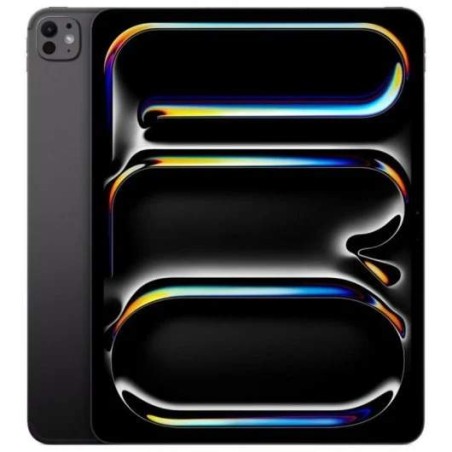
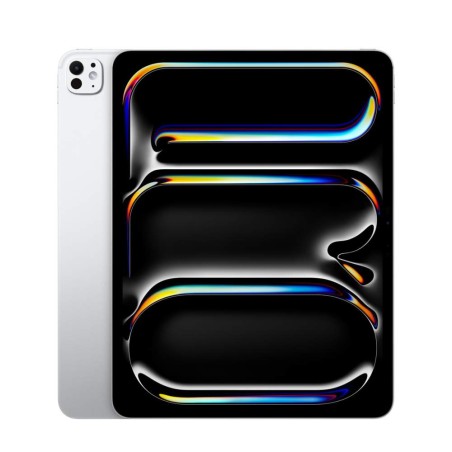
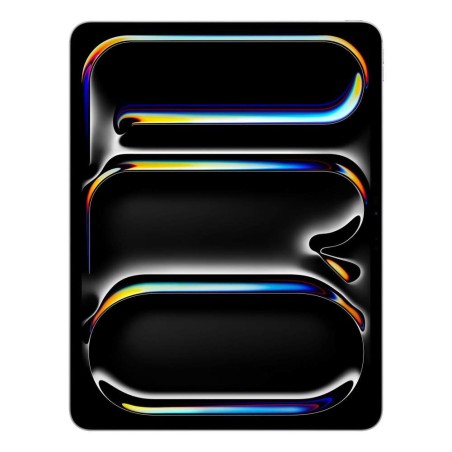
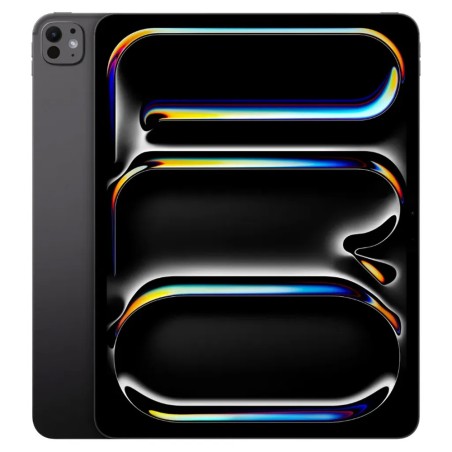
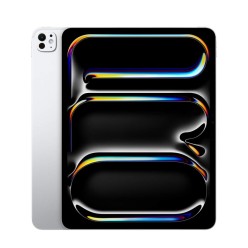
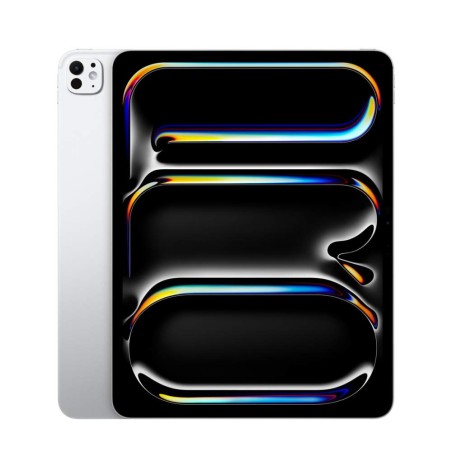
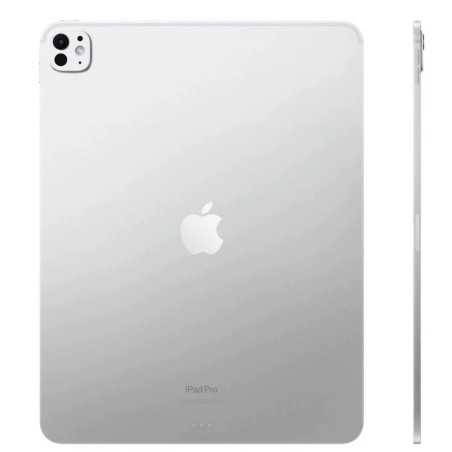
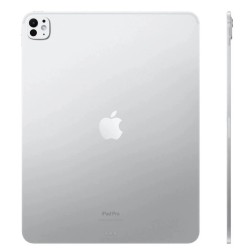
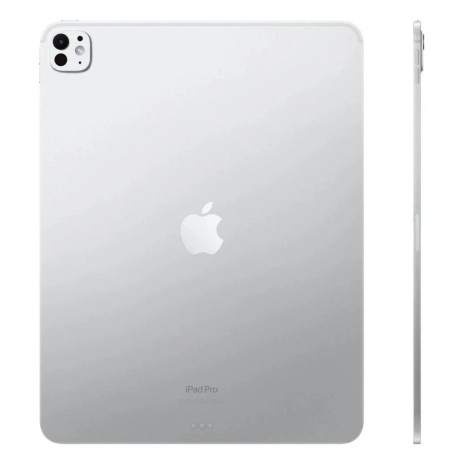
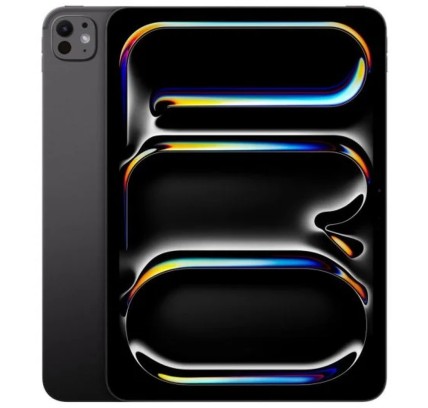
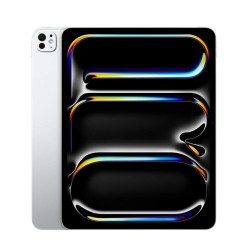
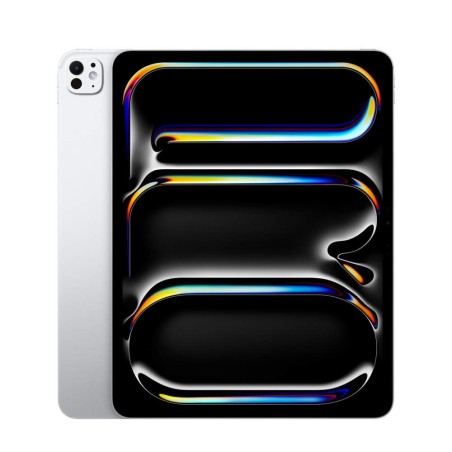
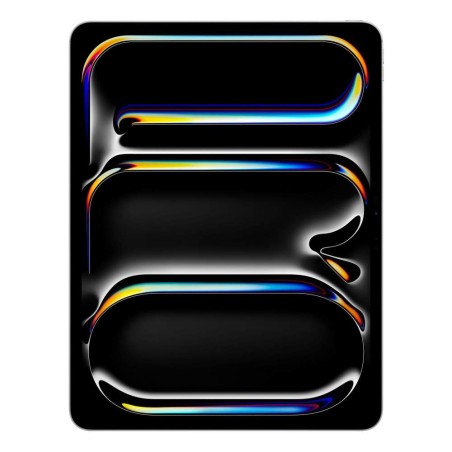
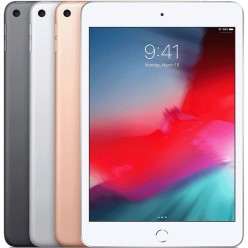
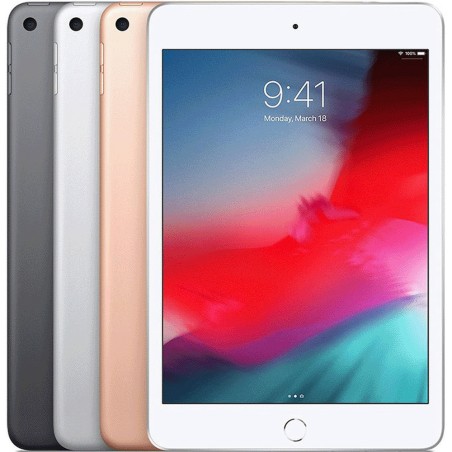
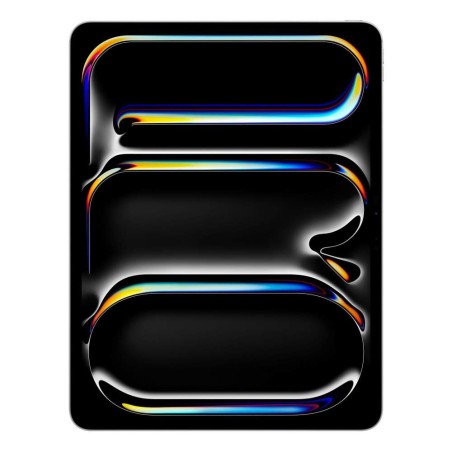
Refurbished Apple iPad for mobility and study
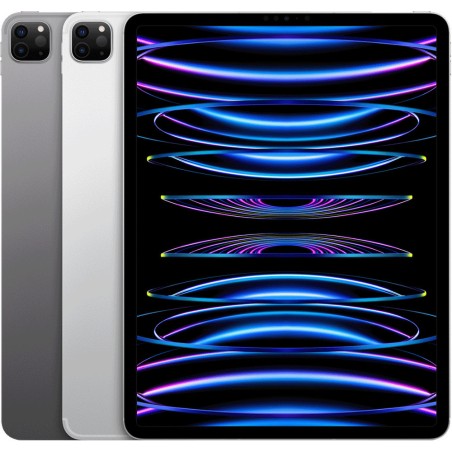
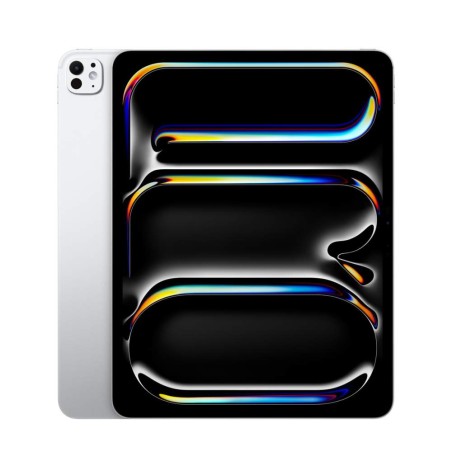
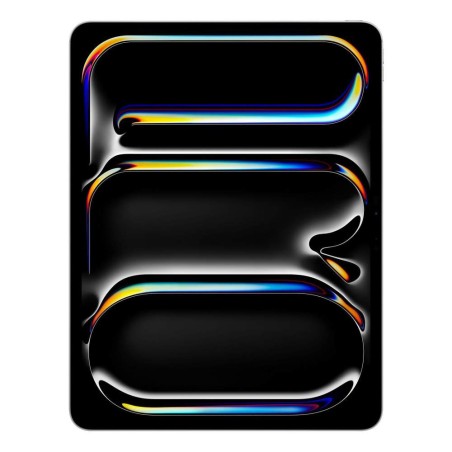
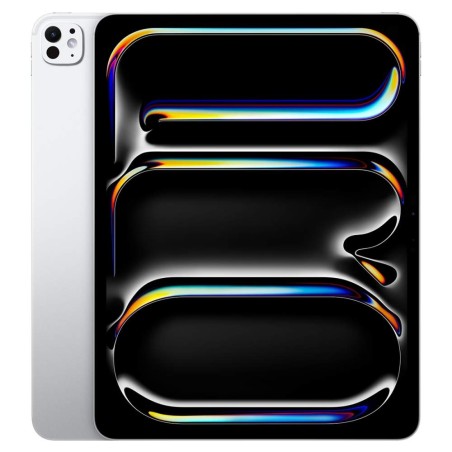
A refurbished Apple iPad is a very practical option if you are looking for a lightweight device to study, work on the move or enjoy content on a good screen. In this category you will find refurbished iPad units from different generations, sizes and capacities, subject to availability. To choose well, always compare the specific product listing: model, storage, screen, connectivity (Wi-Fi or Wi-Fi + Cellular), condition/grade, battery (where stated), keyboard or pencil compatibility (where stated) and warranty.
How to choose your refurbished iPad
- Pick the model according to your use: you do not need the same device for classes and browsing as for design, drawing or heavy work with apps.
- Storage capacity: if you are going to keep photos, videos, notes or large apps, go for more capacity. For basic use, a smaller capacity may be enough.
- Screen size: a compact screen is more comfortable for mobility; a larger screen usually works better for productivity, reading and multimedia.
- Wi-Fi or Wi-Fi + Cellular: if you need a connection away from home or the office without relying on your phone, check whether the model includes mobile connectivity (as per the listing).
- Condition/Grade: the grade usually reflects the cosmetic condition. Review it together with the product description and images.
- Battery: with refurbished devices the battery condition can vary. If it does not appear in the listing, treat it as Pending.
- Accessory compatibility: if you need a keyboard or pencil, confirm compatibility in the iPad listing before buying.
- What is included: cable, charger or other accessories can vary from unit to unit. Always check the stated contents.
iPad by use case (choose quickly)
For study and digital notes
A refurbished iPad is a great fit for classes, reading PDFs, video calls and organisation. If you are going to use note-taking apps or multitasking, it is worth looking closely at capacity and screen size. And if you want to type on a keyboard or use a pencil, check the compatibility of the exact model.
For mobility and everyday use
If you want a lightweight device for browsing, email, streaming and admin, focus on a balanced iPad with a comfortable screen and enough capacity for the apps you normally use. For this use, the form factor and the condition/grade are usually just as important as the model.
For work and productivity
For professional use, compare capacity, connectivity and screen size carefully. If you work with documents, meetings or cloud tools, a refurbished iPad can be a flexible solution, as long as the listing clearly states the model and the key features.
For content, reading and multimedia
If your priority is watching series, reading, browsing or using entertainment apps, go for a good screen and a form factor that is comfortable over long periods. Also review the storage if you download content or use many applications.
For families and shared use
A refurbished iPad can also be a useful option at home for basic tasks, study and entertainment. In this case it usually pays to choose on the balance between condition, capacity and price, paying particular attention to each unit listing.
What “refurbished iPad” means
“Refurbished” does not mean that every iPad is the same. Each device can vary in generation, capacity, screen, connectivity and condition. The right decision comes from comparing the specific product listing. If an important detail (such as battery, included accessories or keyboard/pencil compatibility) is missing, it is best to mark it as Pending and decide carefully.
Benefits and confidence
- Buy for your actual needs: you can choose by mobility, study, work or multimedia.
- Comparison by listing: review model, capacity, screen, connectivity and condition before buying.
- Variable stock: with refurbished devices the available units and configurations change frequently.
- Warranty: always check the warranty stated in the listing of the iPad you are going to buy.
Frequently asked questions
What should I look at first when buying a refurbished iPad?
Start with the model, the capacity and the screen size. Then review the condition/grade, the connectivity (Wi-Fi or Wi-Fi + Cellular) and the warranty stated in the listing. If you need a keyboard or pencil, confirm compatibility before buying, because it can vary depending on the iPad generation.
Which storage capacity do I need on an iPad?
It depends on your use. For browsing, classes and basic apps, a smaller capacity may be enough. If you store videos, photos or files, or use heavier apps, more capacity is advisable. The valid reference is always the specific product listing, where the exact storage is shown.
What is the difference between a Wi-Fi iPad and a Wi-Fi + Cellular iPad?
The Wi-Fi iPad connects to wireless networks. The Wi-Fi + Cellular model adds mobile connectivity so you can use data away from home or the office (depending on configuration and carrier). If you need full mobility, check in the listing whether the product includes that connectivity.
Does a refurbished iPad come with a new battery?
That cannot be assumed. With refurbished devices, battery condition can vary from unit to unit. If the listing gives battery information, that is the figure you should use. If it does not appear, it is best to treat it as pending and give preference to products with a more complete listing.
Are all refurbished iPad units compatible with a keyboard and pencil?
No. Compatibility depends on the model and the iPad generation. If using a keyboard or pencil matters to you, check compatibility in the product listing before buying. If it is not specified, it is better to confirm beforehand.
What does buying a refurbished iPad usually include?
The contents can vary from unit to unit: cable, charger or other accessories are not always the same. The valid reference is whatever appears in the product listing. If it is not detailed, treat that point as pending before completing your purchase.
Is the warranty the same for every iPad in this category?
Not necessarily. The warranty can vary by product or by unit. To avoid mistakes, always review the warranty stated in the listing of the specific iPad you are going to buy and compare it with the other options in the category.
You may also like