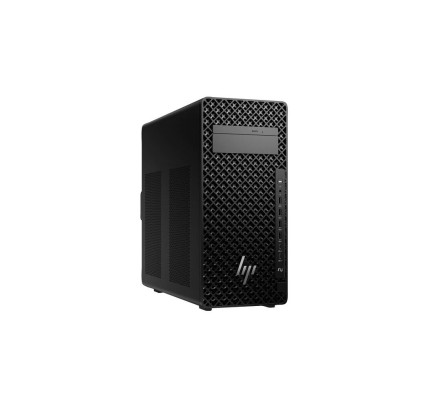
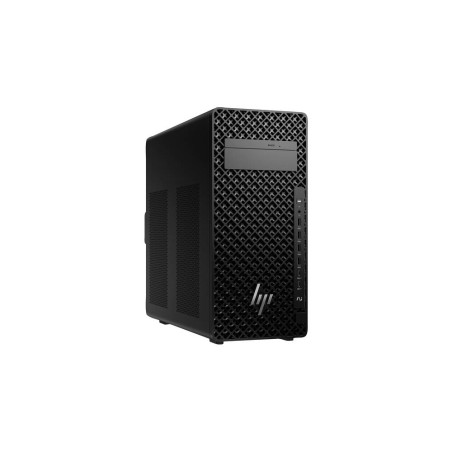
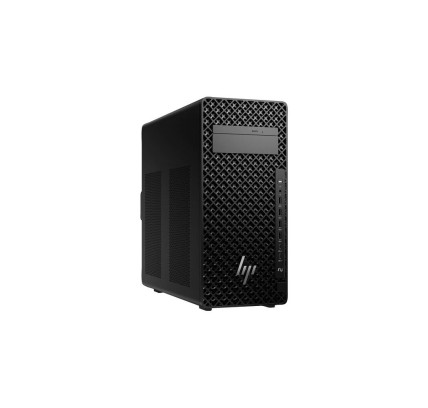
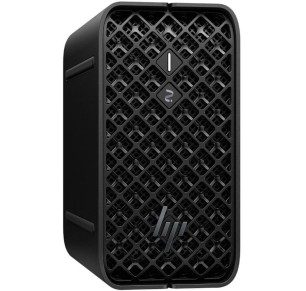
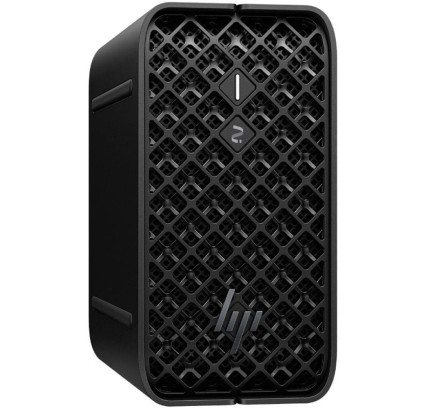
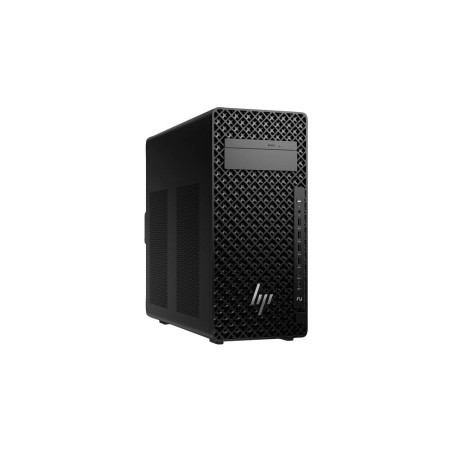
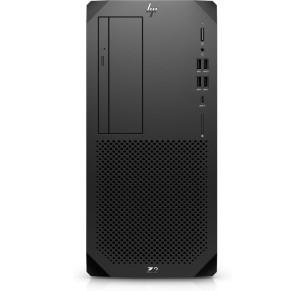
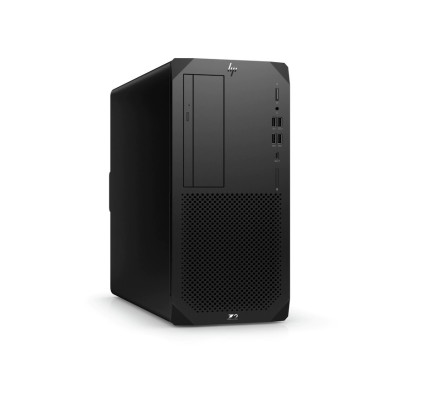
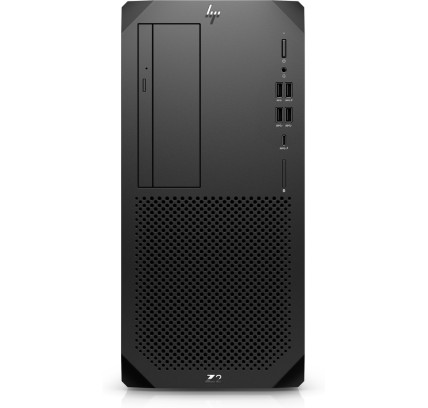
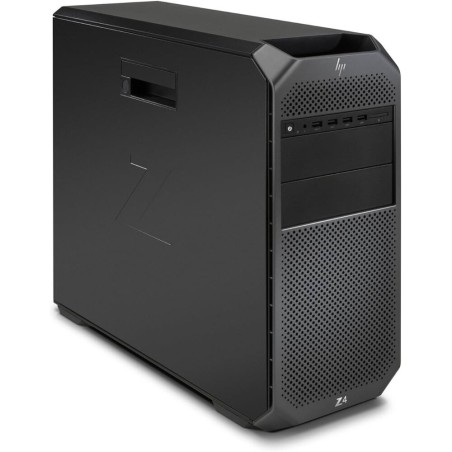
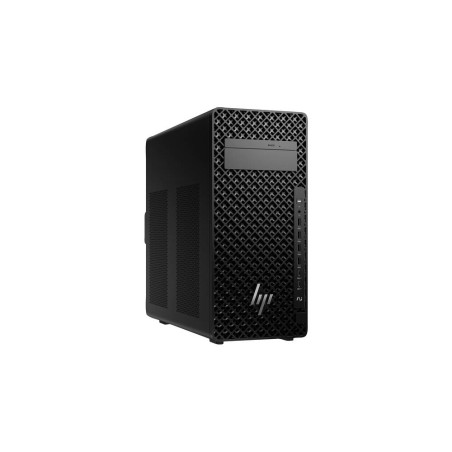
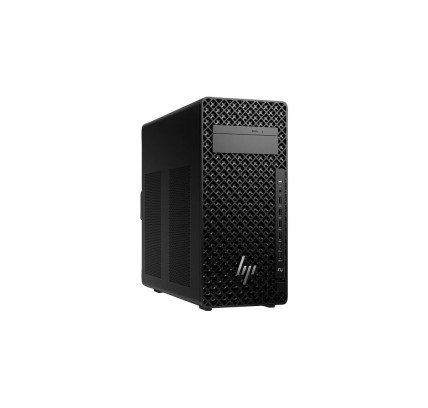
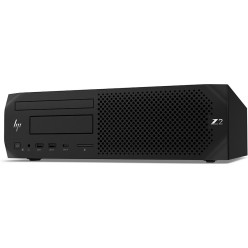
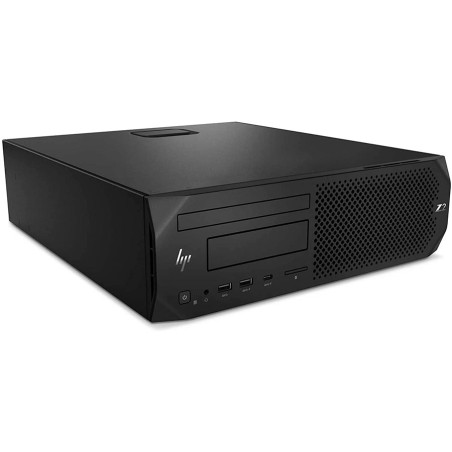
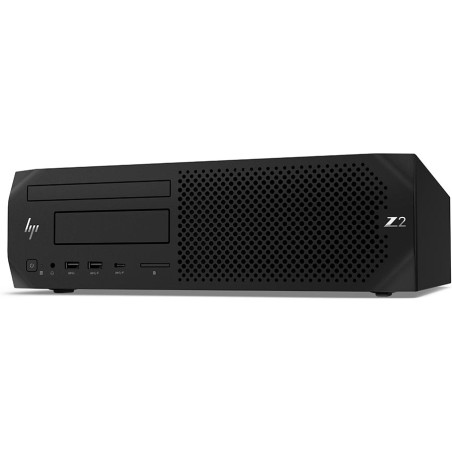
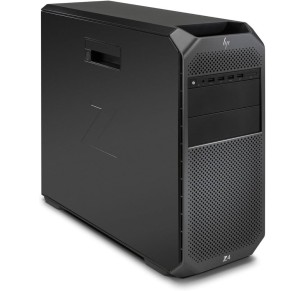
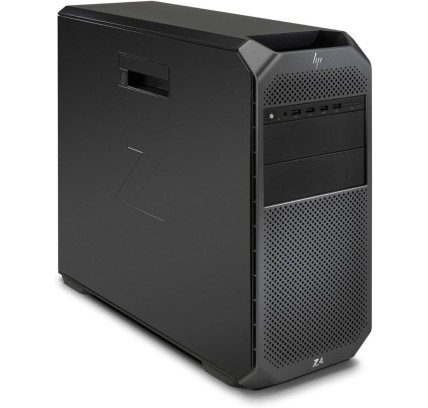
Refurbished HP Z Series workstations for professionals
In this category you will find refurbished HP Z Series machines aimed at technical work, editing, design, business and professional environments with demanding workloads. The HP Z family is usually focused on desktop workstations, with different form factors and configurations subject to availability. Here you can compare the CPU, graphics, RAM, SSD, connectivity and form factor so you can choose more sensibly. If you are looking for a refurbished HP Z workstation for CAD, rendering, video or intensive multitasking, always review each unit listing to confirm the exact configuration before buying.
How to choose a refurbished HP Z Series
- Type of work: decide whether you will use it for CAD, rendering, video editing, design, simulation or data analysis.
- Processor (CPU): compare the range and generation of the processor according to the real load of your programs.
- Graphics (GPU): check whether it includes dedicated graphics and the exact model if you work with 3D, video or technical software.
- RAM: on workstations, memory is key for multitasking and heavy projects; compare the capacity according to your workflow.
- SSD / storage: go for an SSD for the system and your projects; review the capacity or the possibility of upgrading.
- Form factor: check whether it is a tower, a compact unit or another workstation format according to your space and needs.
- Ports and expansion: confirm the video outputs, USB and other connections if you are going to use several monitors or peripherals.
- Condition and warranty: review the refurbished grade, the included contents and the exact warranty in each unit listing.
HP Z Series by type of use
HP Z Series for CAD, engineering and technical work
If you work with CAD, modelling or technical software, a refurbished HP Z workstation can be a good option if you choose the CPU, RAM and graphics well. The important thing is to review the exact configuration of the machine and match it to your software requirements, not just to the name of the series.
HP Z Series for video editing and design
For video editing, photography or design, it is worth paying attention to the graphics, the memory and the storage. An SSD helps when loading projects, and a balanced configuration improves the everyday working experience. Compare several listings before settling on one.
HP Z Series for business and fixed professional desks
In technical offices, studios or companies with fixed desks, the Z Series can be a good fit thanks to its focus on performance and stability. Before buying, review the connectivity, the operating system (where stated) and compatibility with your monitors and peripherals.
HP Z Series for intensive multitasking and large projects
If you work with several applications open, heavy projects or long production workflows, a refurbished desktop workstation can give you more headroom than a standard office machine. Even so, compare the CPU, RAM, SSD and GPU of each unit, because the configurations can vary a great deal.
Benefits and confidence
- Professional focus: a category designed for editing, CAD, design and demanding workloads.
- Comparison by hardware: CPU, GPU, RAM, SSD and form factor, so you can choose for your real needs.
- Variable stock: with refurbished machines the configurations change according to the availability of each unit.
- Listings as the reference: confirm the exact model, graphics, ports, condition, accessories and system before buying.
- Warranty and returns: always check the terms in force in the product listing and on the legal and commercial pages.
Frequently asked questions
Which refurbished HP Z Series suits me for CAD or technical work?
For CAD or technical work, it is worth prioritising a balanced combination of processor, RAM memory, SSD and dedicated graphics. The key is to review the machine listing and compare it against your software requirements. Not every refurbished HP Z Series carries the same hardware.
Is a refurbished HP Z Series suitable for video editing or design?
Yes, in many cases it can be a very good fit for editing and design, but it depends on the specific configuration. Pay particular attention to the graphics, the RAM and the SSD storage. Before buying, compare several units to choose the one that best suits your projects and workflow.
What should I review in the listing before buying a refurbished HP Z workstation?
Review the exact model, processor, graphics, RAM, SSD/HDD, chassis form factor, ports, operating system (where stated), condition/grade, included contents and warranty. If you are going to use several monitors, confirm the video outputs and the connectivity. The product listing is the main reference.
How much RAM do I need in a refurbished HP Z Series?
It depends on the use. For lighter professional tasks, a basic configuration may be enough, but for CAD, editing, rendering or intensive multitasking more memory is advisable. Because refurbished stock varies, always review the exact RAM of each unit and compare it against your real use.
Do the graphics matter in a refurbished HP Z Series workstation?
Yes, especially if you work with 3D, video, CAD or technical software that makes use of the GPU. In other uses, the processor and the RAM also weigh heavily. The important thing is to review the listing to confirm the graphics model and not to assume the same configuration across the whole category.
Can I connect several monitors to a refurbished HP Z?
In many cases yes, but it depends on the graphics and the video outputs of the specific model. Before buying, review in the listing which ports it includes and how many monitors your working configuration supports. That way you will avoid compatibility problems with your current desk.
Do refurbished HP Z Series machines include cables, a keyboard or a mouse?
The included contents can vary depending on the unit and the commercial terms in force. It is not safe to assume that every workstation includes the same accessories. Before buying, review the HP Z Series listing to confirm exactly what is included and the applicable warranty.
What is the difference between an HP Z Series and a standard office desktop?
The Z Series is geared towards more demanding professional workflows, where the graphics, the memory and the capacity for sustained work usually matter more. Even so, each refurbished unit can vary. The best approach is to compare real specifications and choose according to the use you will make of it.
You may also be interested in