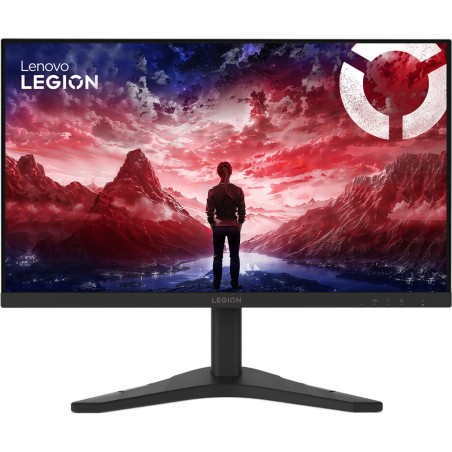
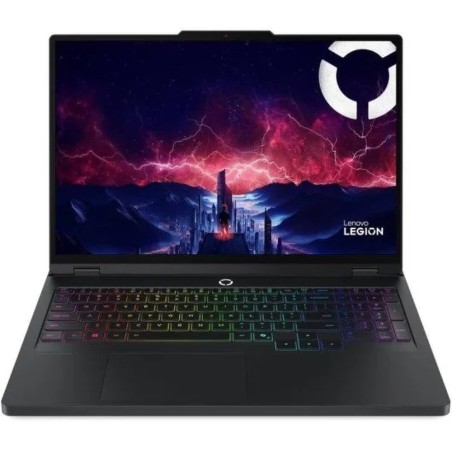
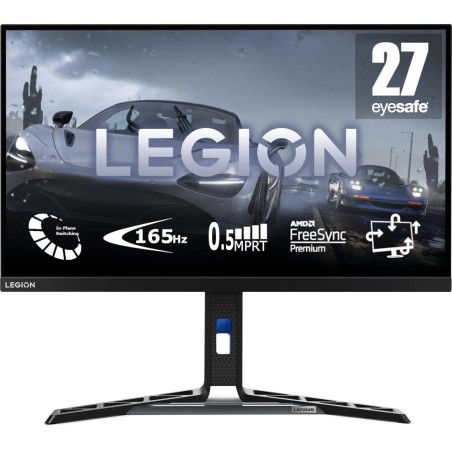
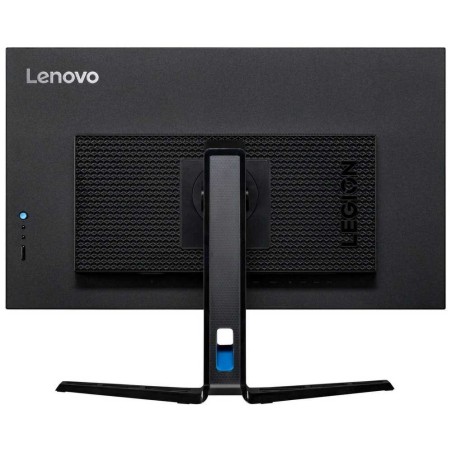
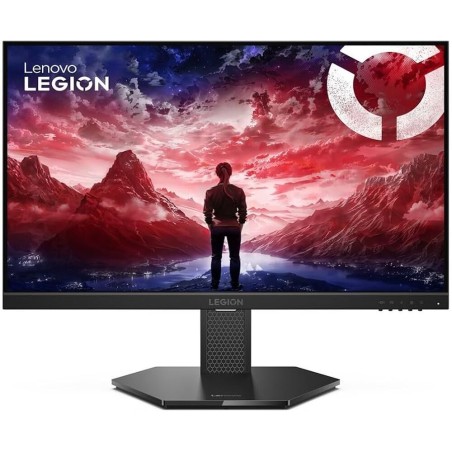
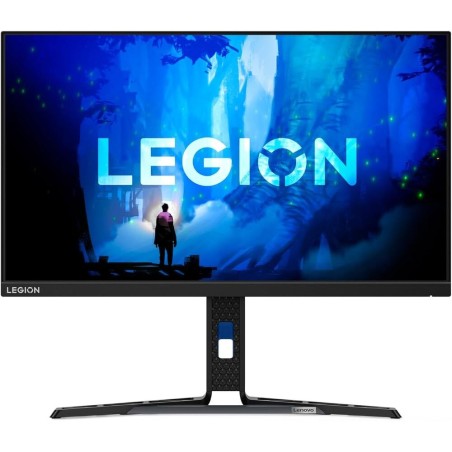
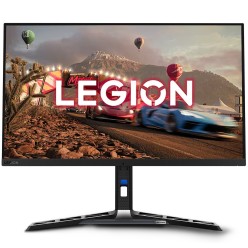
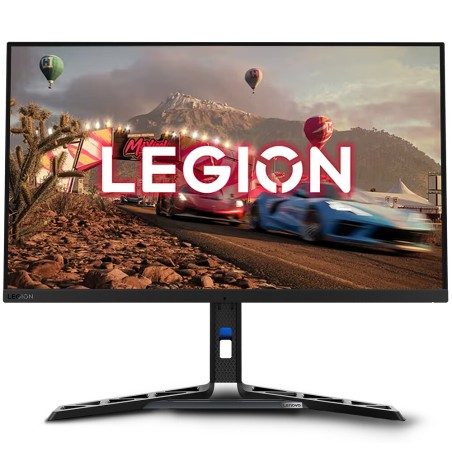
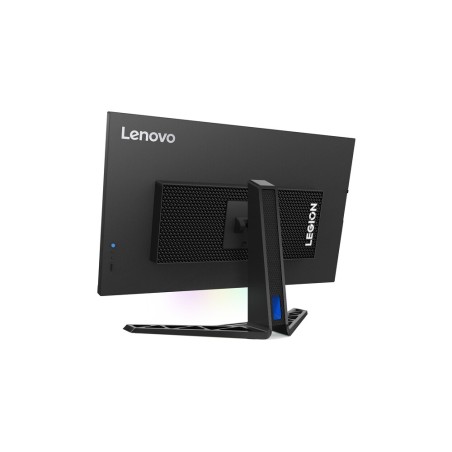
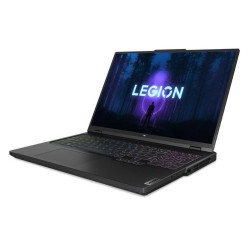
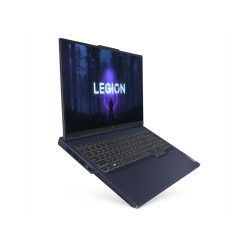
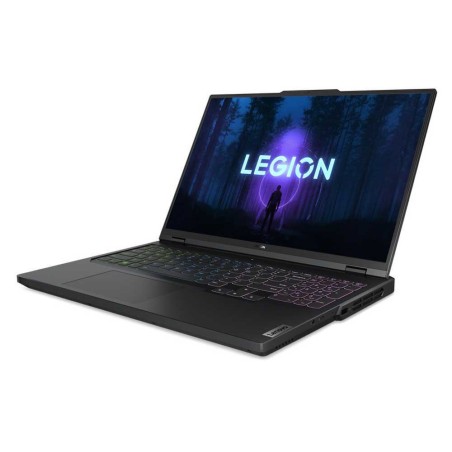
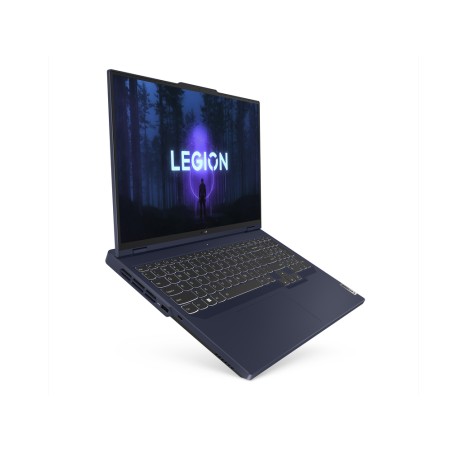
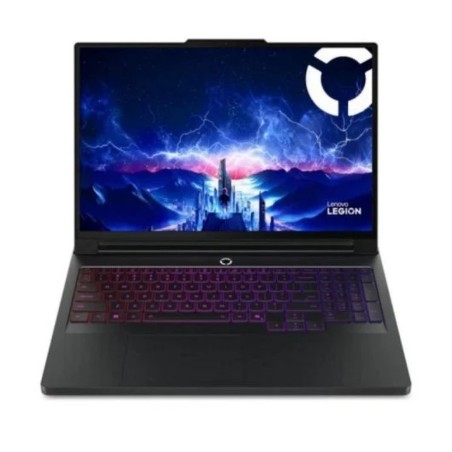
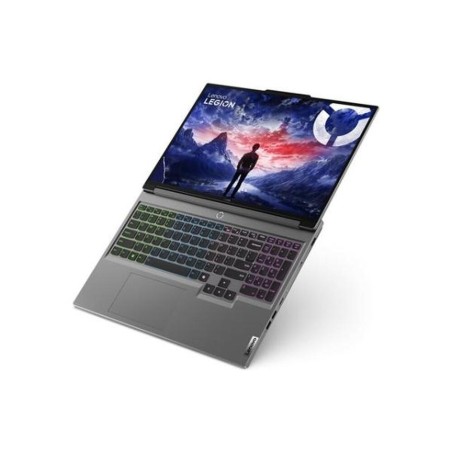
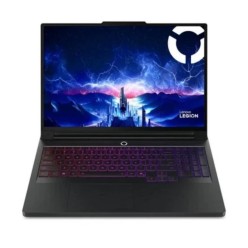
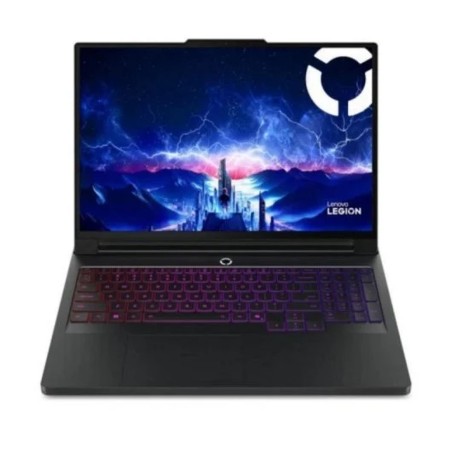
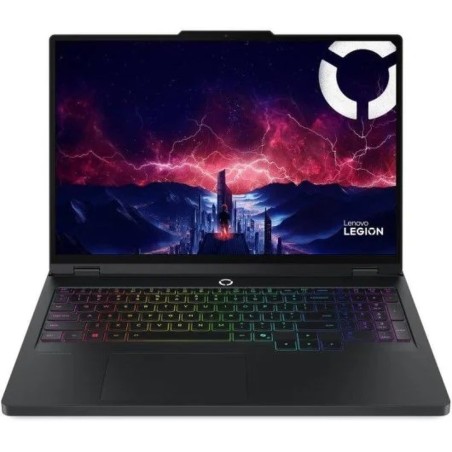
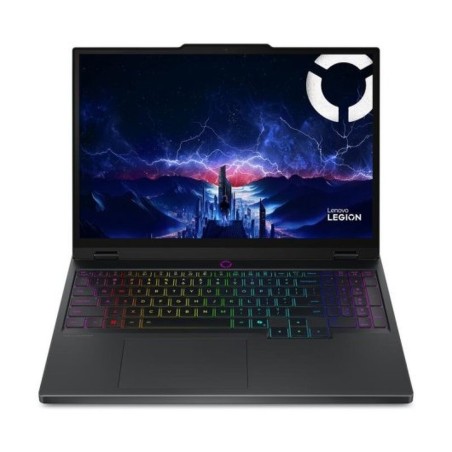
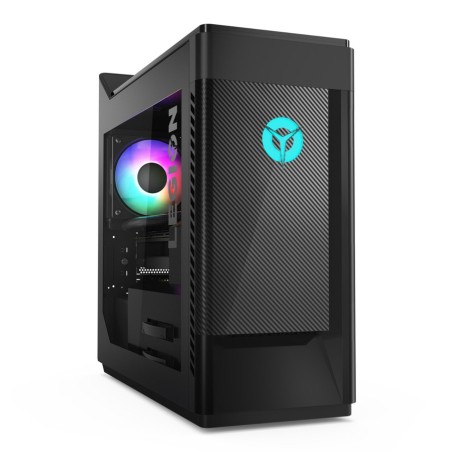
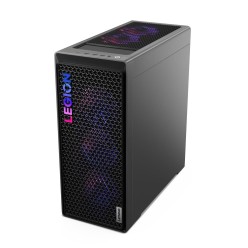
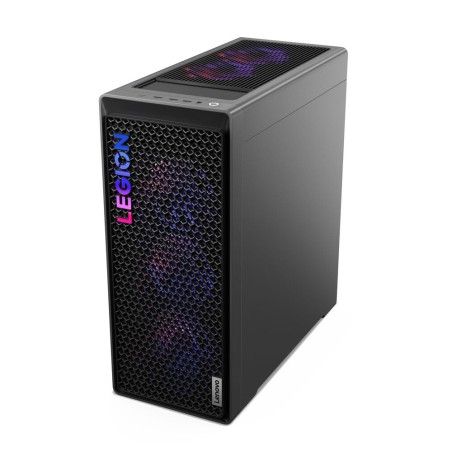
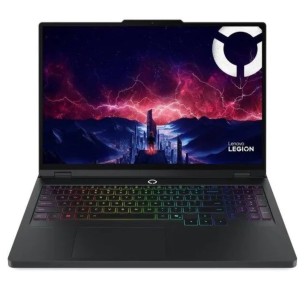
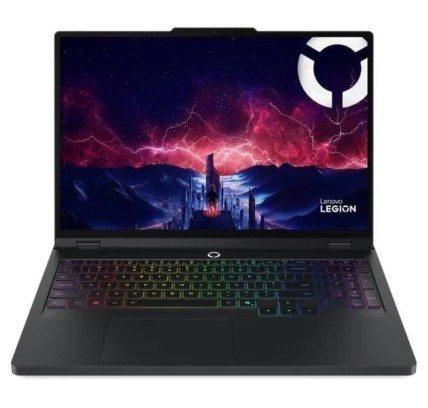
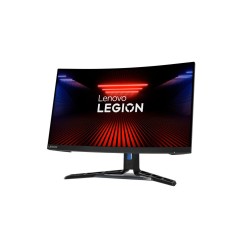
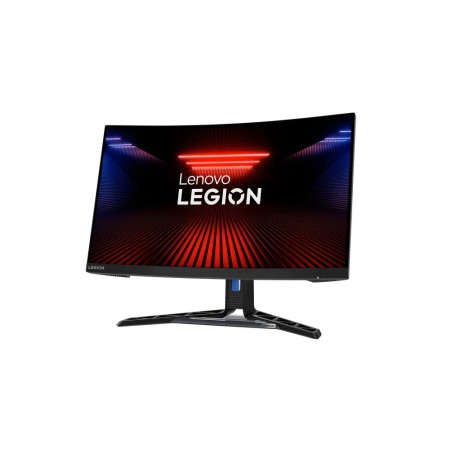
Refurbished Lenovo Legion for gaming and high performance
A refurbished Lenovo Legion is a very practical option if you are looking for a machine geared towards gaming, good performance and a configuration that fits your budget better. In this category you can compare Lenovo Legion machines subject to availability, reviewing the real configuration in each listing: processor, RAM, SSD storage, graphics, connectivity, condition/grade and warranty. The key to getting it right is choosing by type of use (competitive gaming, AAA titles, streaming or multitasking) and not just by the model name.
How to choose your refurbished Lenovo Legion
- Define which games or tasks you are going to run: you do not need the same configuration for eSports (LoL, Valorant, CS) as for AAA titles, streaming or editing.
- Review the dedicated graphics: in gaming, the GPU is one of the key parts. Check the exact model and its video memory in the machine listing.
- Check the processor and generation: the overall performance depends on the CPU plus GPU combination. Prioritise it if you game, stream or multitask.
- RAM (memory): 16 GB is usually a balanced baseline for current gaming; more memory can help if you also edit video or have many apps open.
- SSD: go for an SSD for faster loading times, a better system response and a smoother everyday experience.
- Connectivity and ports: confirm USB, USB-C, HDMI, Ethernet, Wi-Fi and Bluetooth according to the specific model and your setup.
- Form factor: check whether it is a tower, a desktop or a particular variant within Legion, and consider the space, the cooling and the upgrade options.
- Condition and warranty: compare the cosmetic grade and the warranty stated on each product before deciding.
Lenovo Legion by type of use
For competitive gaming (eSports)
If you play competitive titles, the most important thing is usually a balanced configuration that keeps things fluid and stable. Pay particular attention to the combination of processor, graphics and RAM. It is also worth checking the connectivity if you use an external monitor, a mechanical keyboard, a gaming mouse or a wired network.
For AAA games and demanding campaigns
For heavier games, it is worth prioritising a suitable dedicated GPU, enough RAM and an SSD with space for several titles. Before buying, review the technical listing of the specific machine and choose according to the resolution you want to play at and the kind of games you usually run.
For streaming, content creation and multitasking
If as well as playing you stream, record sessions or edit video, it is important to consider a more solid configuration in CPU, RAM and storage. A balanced baseline makes gaming and working more comfortable. The final decision should be based on the software you use and on the real product listing.
For building a complete gaming setup
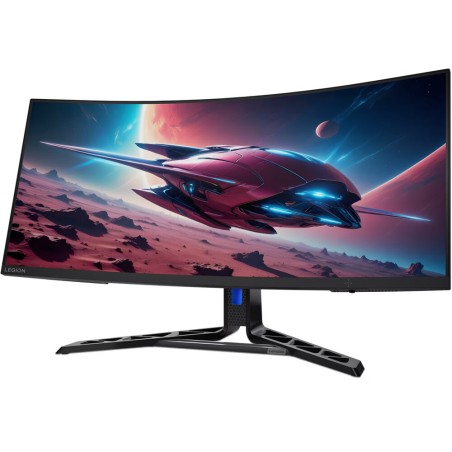
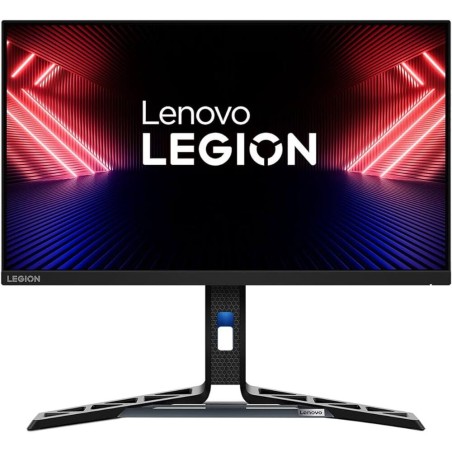
A refurbished Lenovo Legion can be the centre of a complete setup for home or a gaming room. Before buying, confirm the ports, the connectivity and compatibility with your peripherals. If you need to extend the desk, you can add a monitor, keyboard, mouse or other accessories according to the way you play.
Benefits and confidence
- A gaming and performance focus: the Legion range is geared towards users who prioritise power and smoothness.
- Clear comparison by listing: you can review the CPU, RAM, SSD, graphics, connectivity and condition before buying.
- Variable stock: as these are refurbished/second-hand, models and configurations change according to availability.
- Warranty per product: always review the exact warranty in the listing of the Lenovo Legion you choose.
- Buy for your real use: choose according to your type of gaming and tasks so you balance budget and performance better.
What to review in the listing before deciding
Before buying your refurbished Lenovo Legion, review these points in the product listing: exact model, processor, graphics, RAM, SSD capacity, ports, connectivity, condition/grade and warranty. If a detail does not appear, treat it as Pending and decide on confirmed information. If you are also comparing Legion laptops, monitors or gaming accessories, use the related categories to complete your setup.
Frequently asked questions
Which refurbished Lenovo Legion suits me for gaming?
It depends on the games and the resolution you want to play at. For eSports a balanced configuration may be enough, while for AAA games it is worth reviewing the graphics, the RAM and the processor more closely. The right choice should always be based on the listing of the specific available model.
How much RAM do I need in a refurbished Lenovo Legion?
As a general reference, 16 GB is usually a balanced baseline for current gaming and multitasking. If you also stream, edit or work with several applications open, you may want more memory. Always review the exact configuration stated in the machine listing.
Is it important for it to have an SSD?
Yes, an SSD usually gives a clear improvement to the overall experience: faster start-up, game loading and smoother opening of programs. Before buying, review the SSD capacity and consider whether it fits your game library and your usual files.
Is a refurbished Lenovo Legion suitable for streaming or editing?
It can be, but it depends on the specific configuration. For streaming or editing it is worth reviewing the processor, RAM, graphics and storage carefully. If you use demanding software, compare several options and prioritise higher configurations according to availability and your real needs.
What should I review about the graphics before buying?
Review the exact GPU model and, if it appears in the listing, the video memory and the available outputs. This has a direct influence on the kind of games, resolution and monitors you will be able to use. If the detail is not stated, treat it as pending before deciding.
Can I connect a gaming monitor and external peripherals?
In many cases yes, but you should check it in the listing of the specific model. Review ports such as HDMI, USB, USB-C and Ethernet (where they are specified), as well as the wireless connectivity. This point is key if you want to build a setup with several peripherals.
What warranty does a refurbished Lenovo Legion have?
The warranty can vary by product. That is why it is worth always reviewing the listing of the specific Lenovo Legion you are going to buy. If the exact warranty does not appear in the listing, treat it as pending information before making your final decision.
What is the difference between a refurbished Legion and an unchecked used one?
The main difference lies in the inspection of the machine and in the information available in the product listing. With a refurbished machine, you can normally compare the configuration, condition and warranty more clearly. Even so, it is worth reviewing each unit because the stock can vary.
You may also be interested in