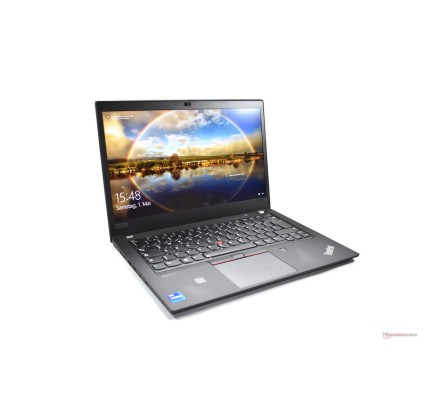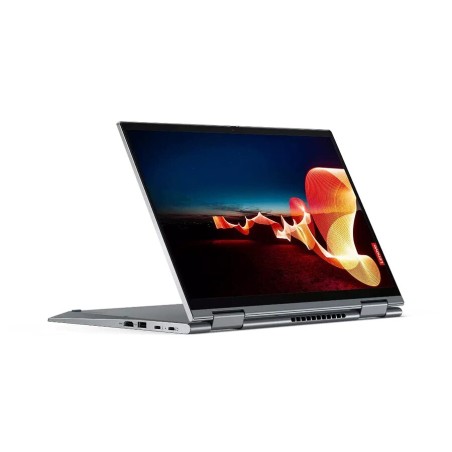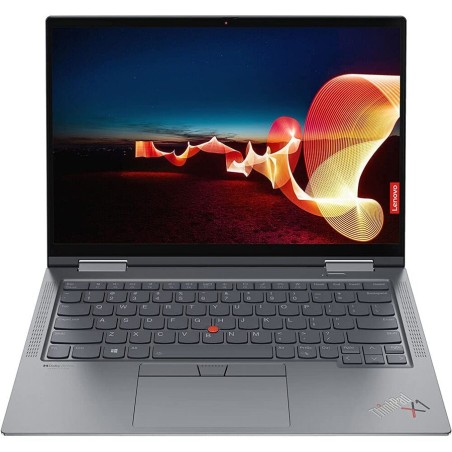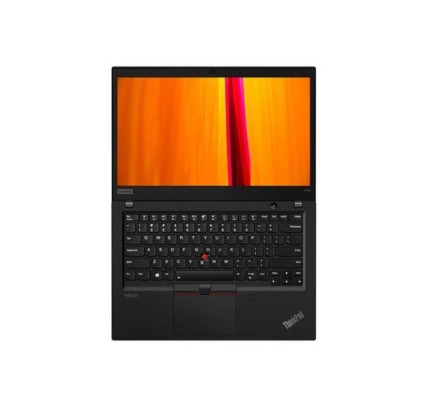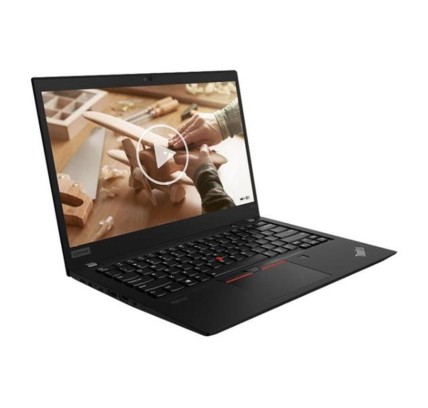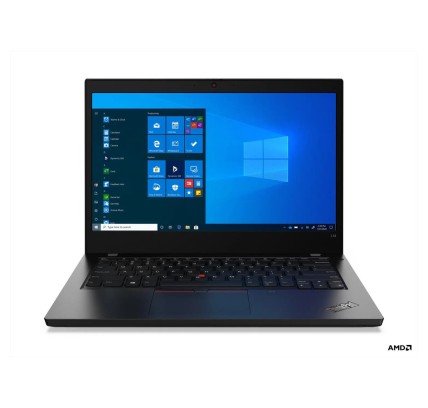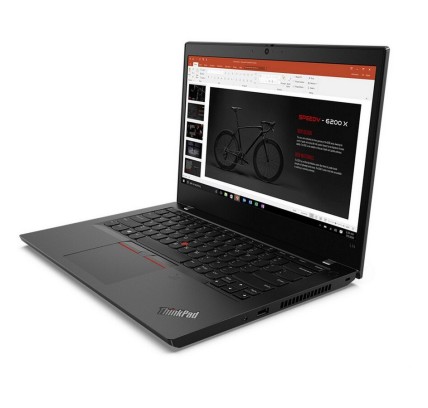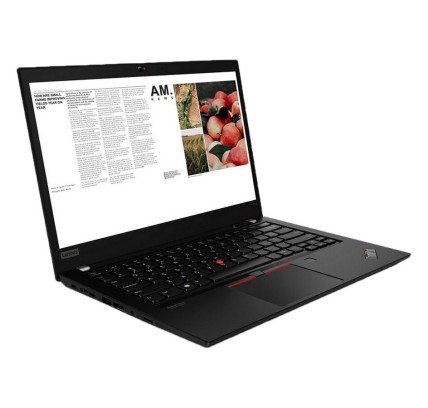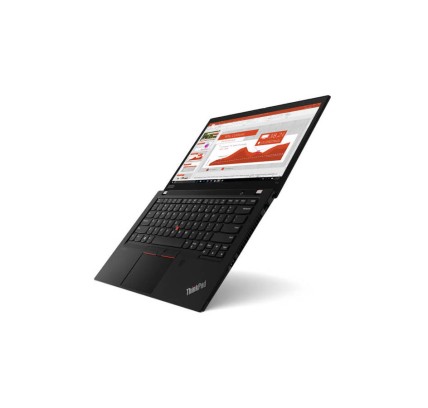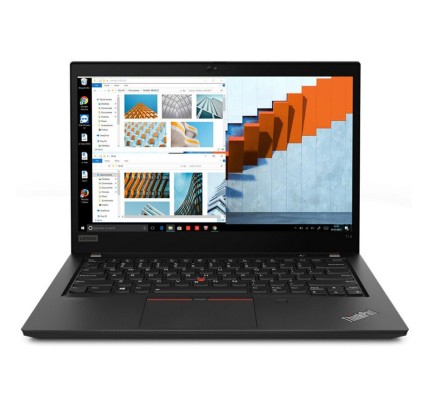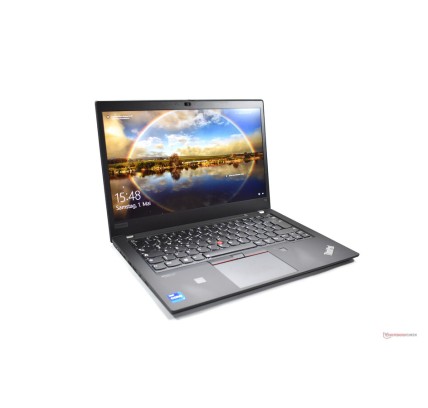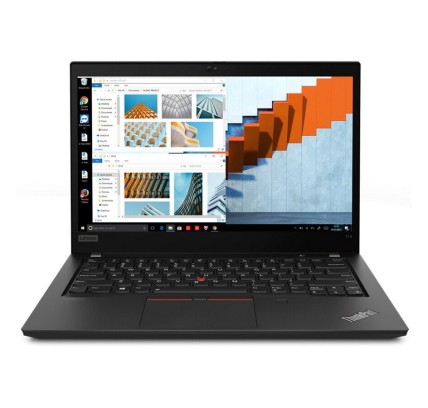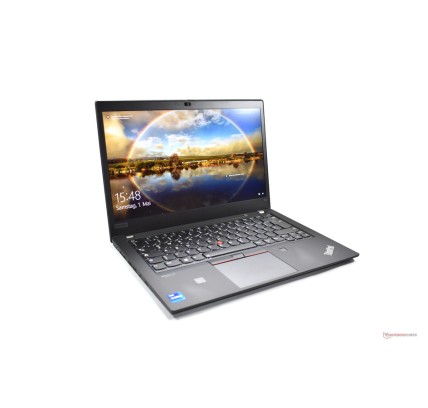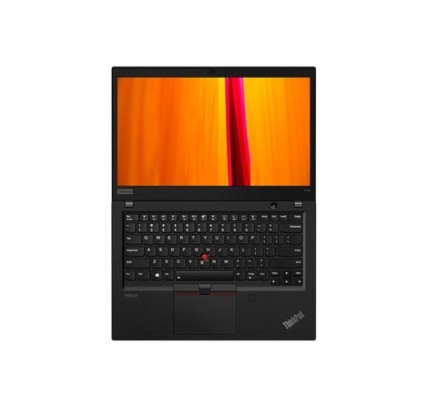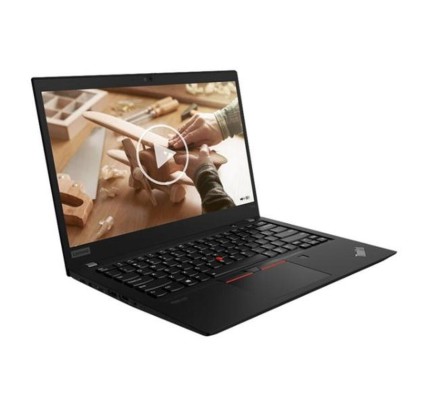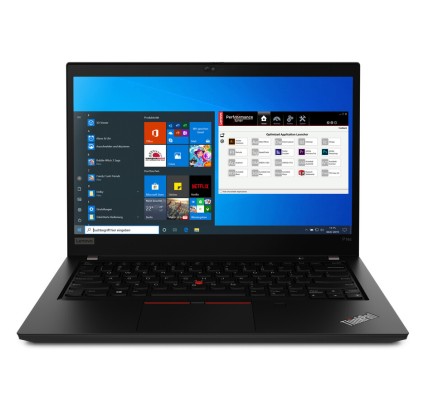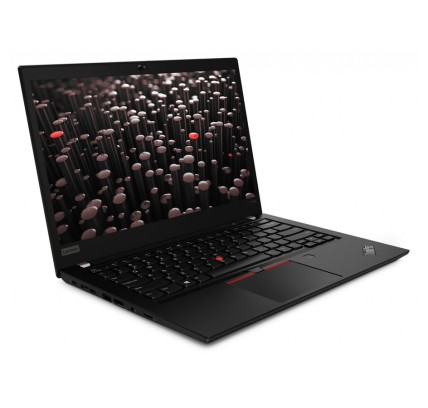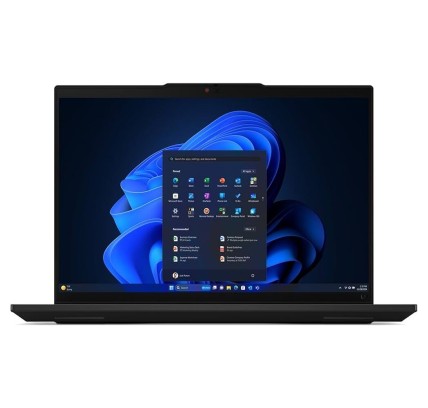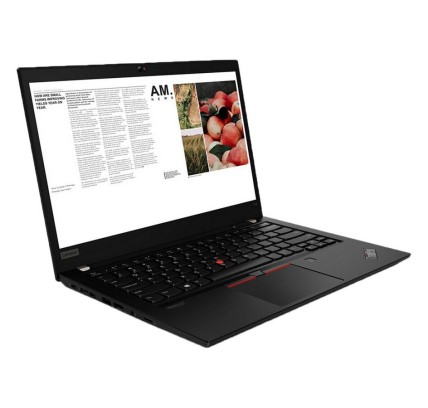
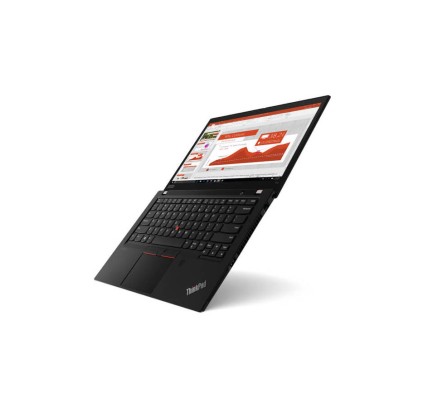


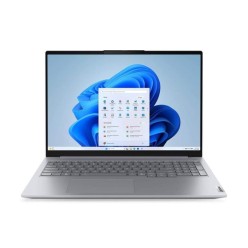
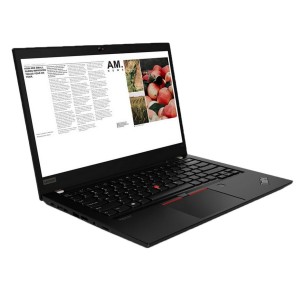
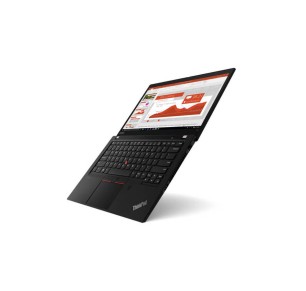
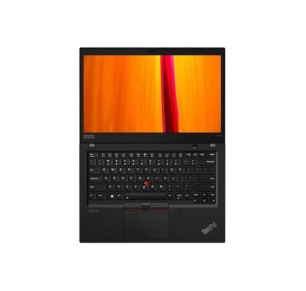
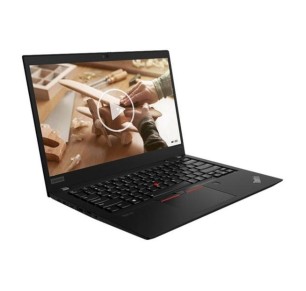
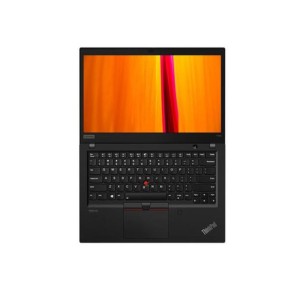
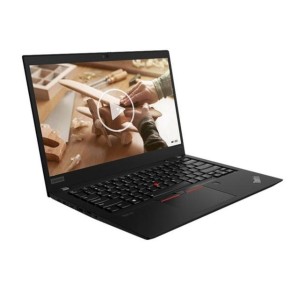
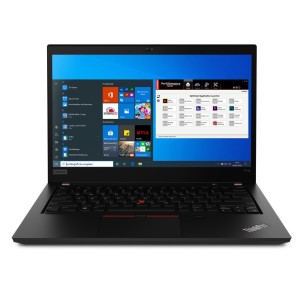
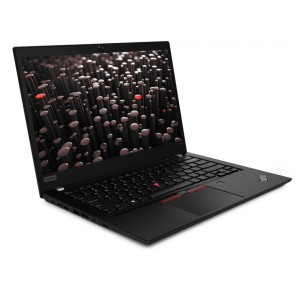
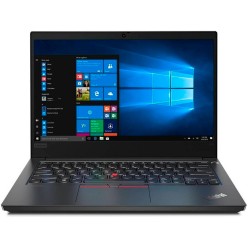
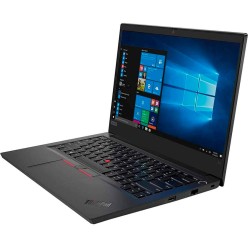
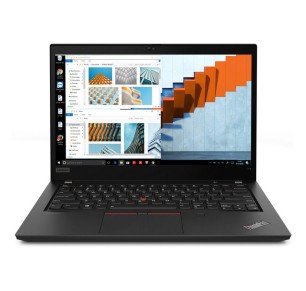
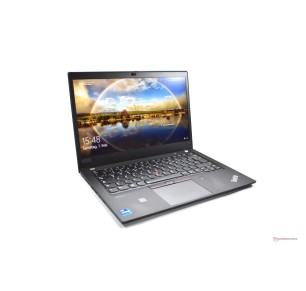
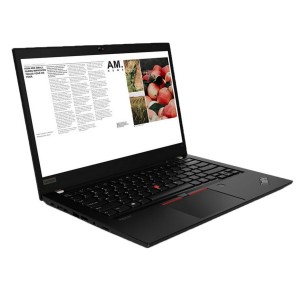
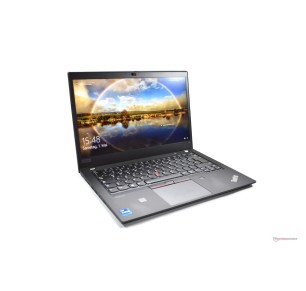
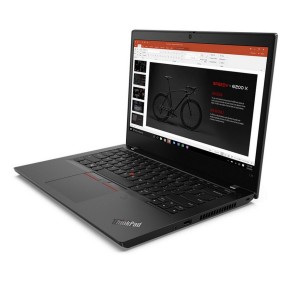
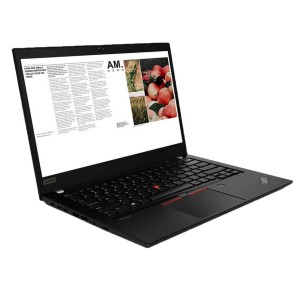
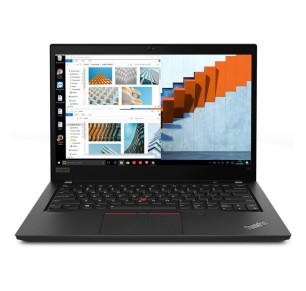
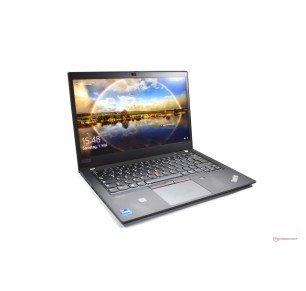
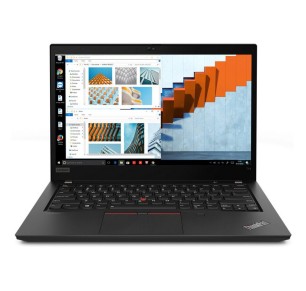
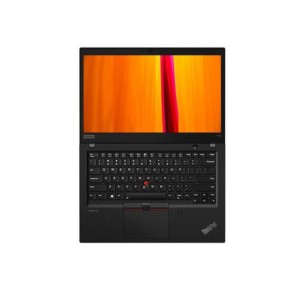
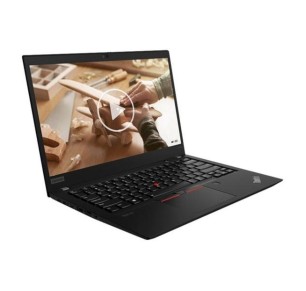
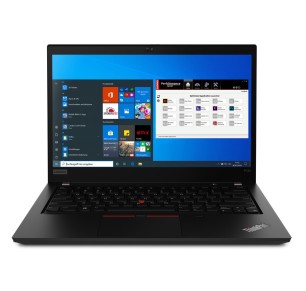
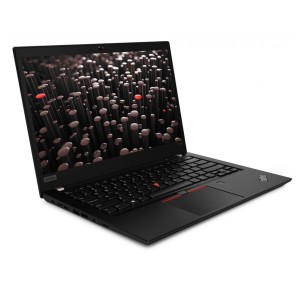
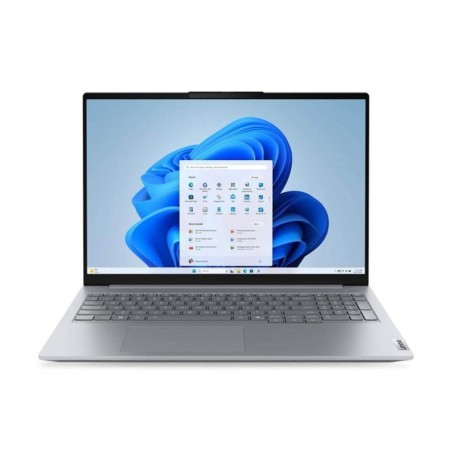
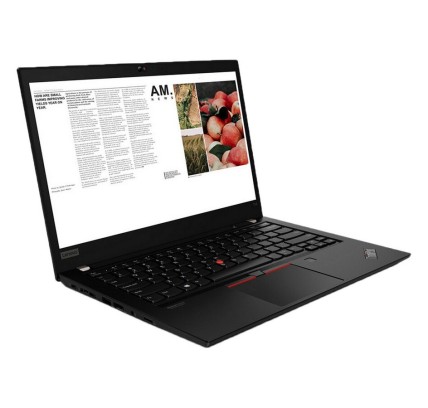
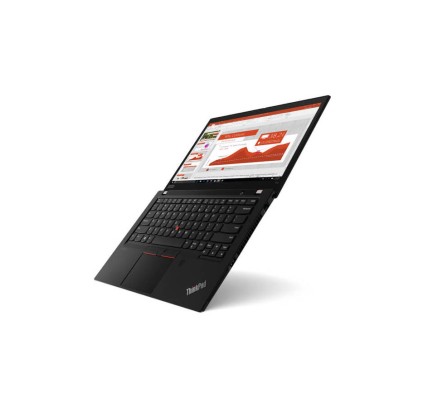
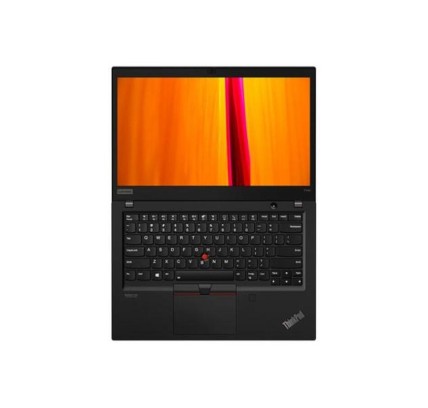
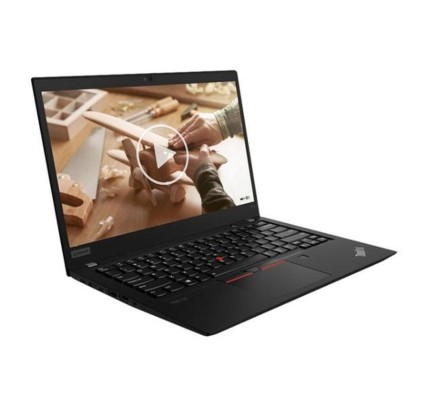
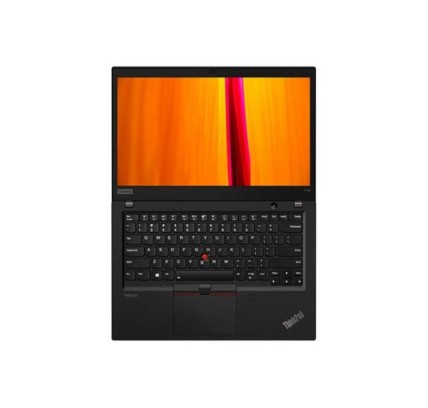
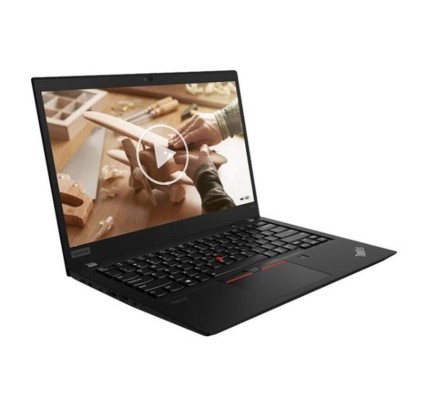
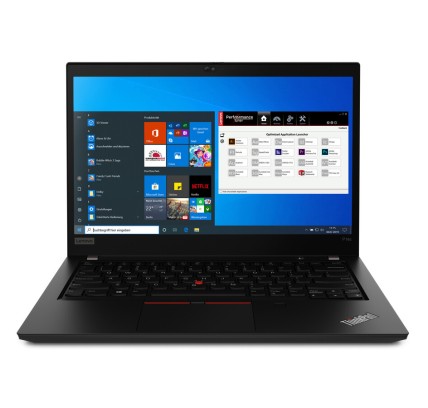
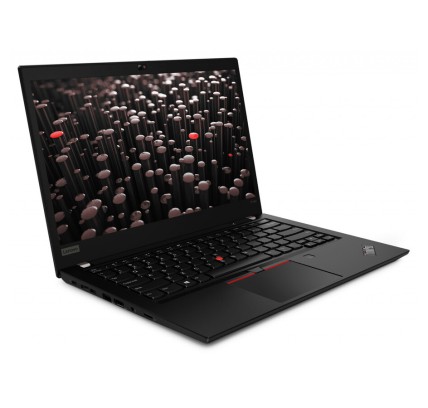
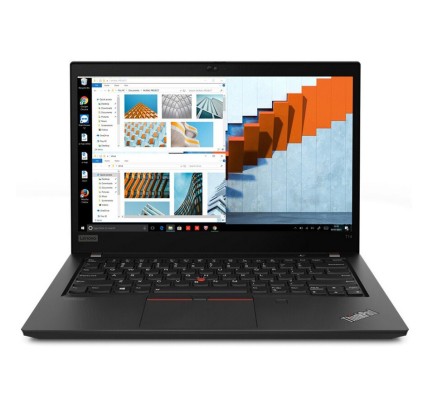
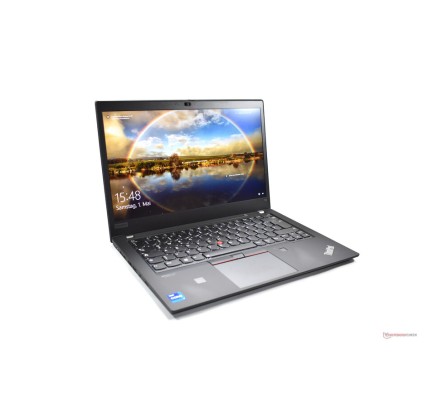
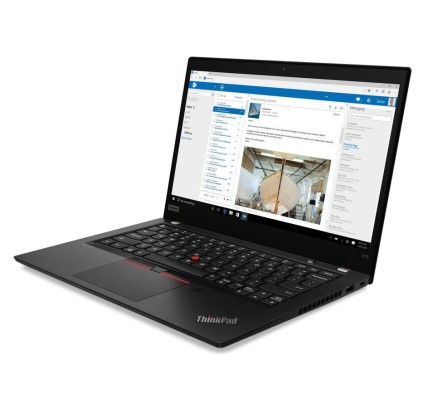
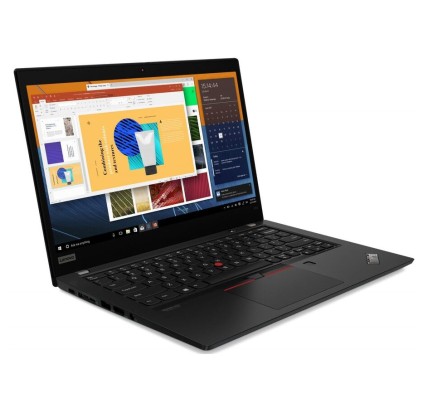
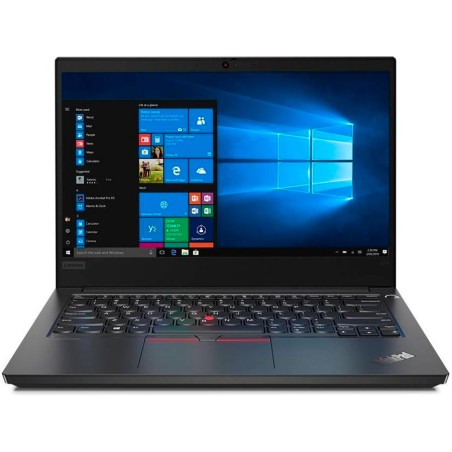
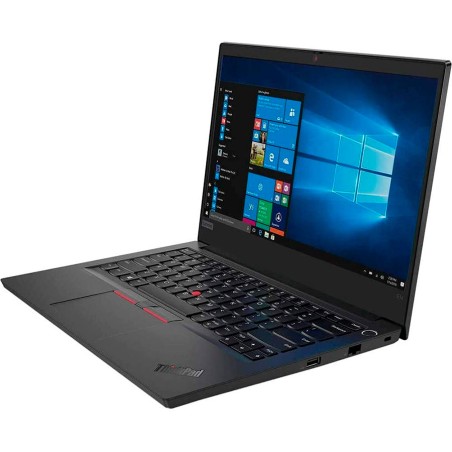
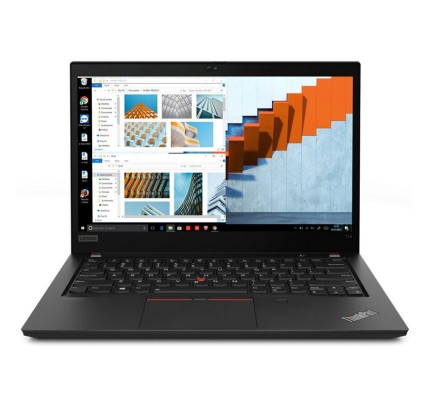
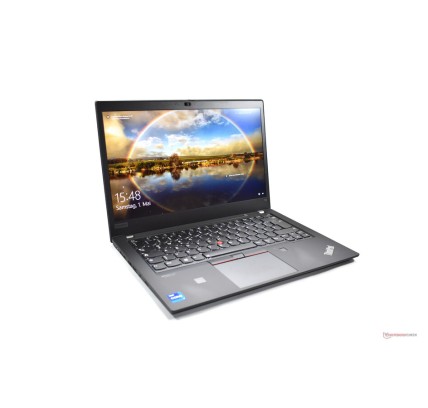
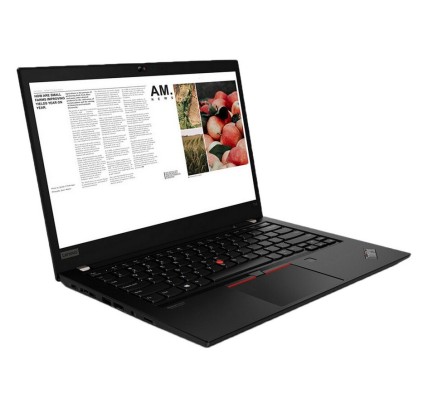
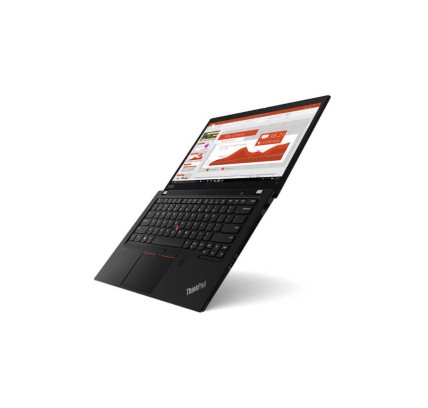
Teclado original: AZERTY en Belga Lenovo ThinkPad T14 G1 portátil reacondicionado de alto rendimiento para profesionales. Equipado con procesador Intel Core i5-10310U de cuatro núcleos y...
€559.94Price
ENVIAMOS A TODA EUROPA CONTINENTAL
964 products
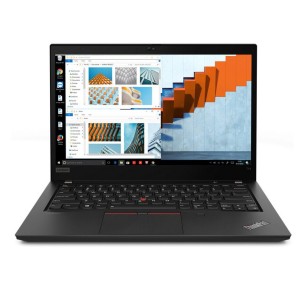
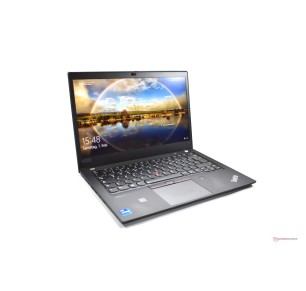
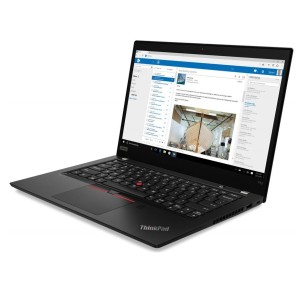
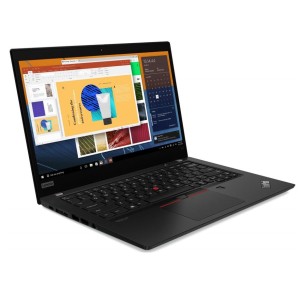
![Lenovo ThinkPad T14 G2 R5-PRO 4650, 16GB DDR4, 256GB SSD, 14", BT [Reacondicionado Grado A+] Lenovo - 1](https://www.segundamanopc.com/3554712-home_default/lenovo-thinkpad-t14-g2-amd-ryzen-5-pro-4650u-16gb-256gb-ssd-nvme-14-wlan-bt-cam.jpg)
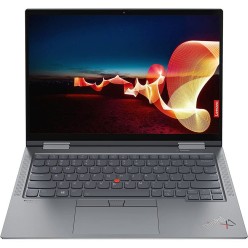
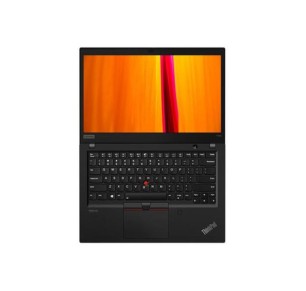
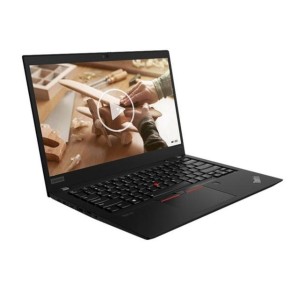
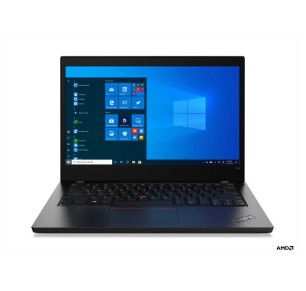

Buying refurbished Lenovo is a sensible way to get hold of reliable equipment for home, study or business, keeping your budget under control without giving up solid configurations. In this category you can find, subject to availability, Lenovo computers (laptops and desktops), Lenovo tablets and Lenovo monitors. As with any refurbished machine, what matters is what is verifiable: compare by each unit listing (model, CPU, RAM, SSD/HDD, screen, GPU where applicable, connectivity, keyboard, condition/grade and the stated warranty).
Look for a Lenovo with an SSD and enough RAM for multitasking (email, documents, video calls and plenty of tabs). If you are going to use it for several years, it usually pays to prioritise 16 GB when it is available. If you need a large screen for studying, filter by diagonal and resolution.
For everyday work, prioritise a balanced CPU, an SSD and 16 GB of RAM. If you connect two monitors, review the video outputs and the ports. In the office, a desktop can give more room for upgrades (depending on model) at a contained cost.
With demanding workloads, what you notice most is the CPU, the RAM and, where appropriate, the GPU. Before deciding, cross-check your software requirements against the machine listing. If sustained stability is key, consider configurations with more RAM and a better CPU, always subject to availability.
In gaming, the GPU rules. If you want to play with confidence, filter for machines with a clearly stated dedicated graphics card and review the CPU, RAM and SSD. For light eSports, some balanced configurations can serve, but decide on the game requirements and the real product listing.
If you travel a lot, prioritise weight and size. On laptops, an SSD and suitable RAM help keep things smooth. Check the battery/condition only if it is stated; it is not advisable to assume the battery life without data from the listing.
Subject to availability, you can find Lenovo computers (laptops and desktops), Lenovo tablets and Lenovo monitors. Each unit can have a different configuration (CPU, RAM, SSD, screen) and a different condition/grade. The reference for deciding is always the specific product listing.
For basic tasks (study, office software and browsing), 8 GB can be enough. If you multitask, make video calls and use several apps at once, 16 GB is usually more comfortable. For editing, CAD or virtualisation, 32 GB or more can make sense, depending on your software.
An SSD clearly improves start-up, the opening of programs and the overall smoothness of the machine. If you need a lot of capacity, consider configurations with more GB or a second drive only when the listing states it, so you are not buying on the assumption of upgrades that are not confirmed.
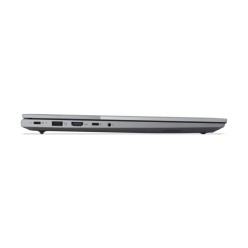
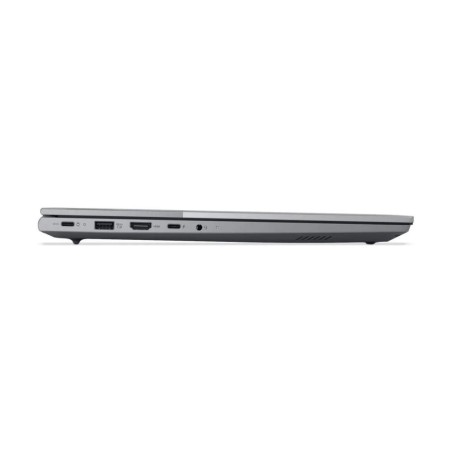
Review the video outputs (HDMI/DisplayPort/USB-C or others), the supported resolution if it is stated and the number of available ports. If ports are missing, it may need adapters or a compatible dock. The connectivity should be specified in the product listing.
It depends on the game and, above all, on the GPU. To play with confidence, look for machines with a dedicated graphics card stated in the listing and pair it with a matching CPU, RAM and SSD. For light eSports, some configurations can serve, but it is worth checking the game requirements against the real listing.
Not necessarily. The warranty can vary by unit or by category, so it is important to verify the warranty stated in the listing of the product you are going to buy before completing the order.
For mobility and study, a contained size usually fits; for fixed work or multitasking, a larger screen can be more comfortable. The resolution also has an influence. Ideally you filter by diagonal and review the confirmed specifications in the machine listing.
![Lenovo ThinkPad T14 G2 R5-PRO 4650, 16GB DDR4, 256GB SSD, 14", BT [Reacondicionado Grado A+] Lenovo - 1](https://www.segundamanopc.com/3554712-medium_default/lenovo-thinkpad-t14-g2-amd-ryzen-5-pro-4650u-16gb-256gb-ssd-nvme-14-wlan-bt-cam.jpg)