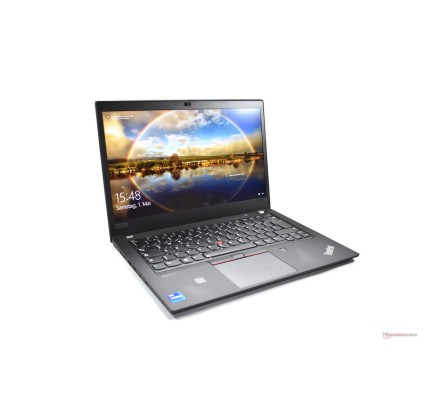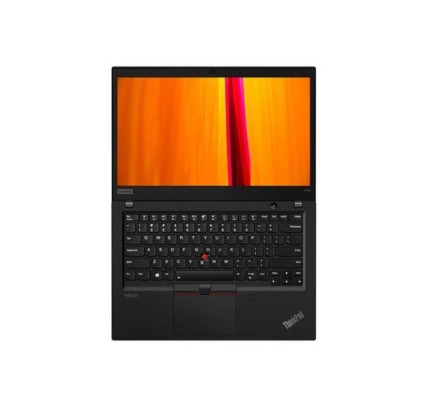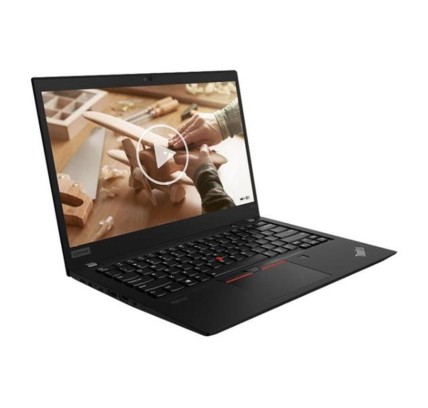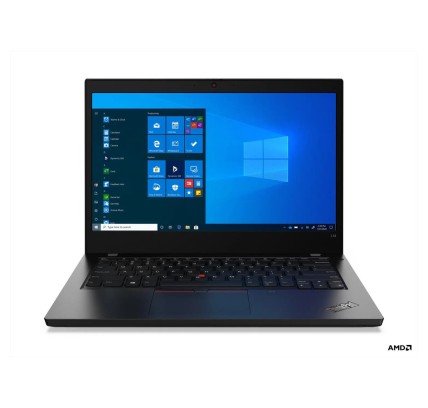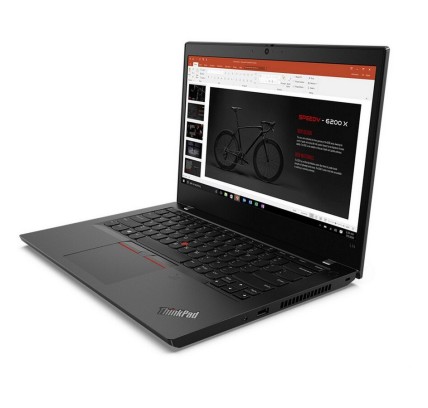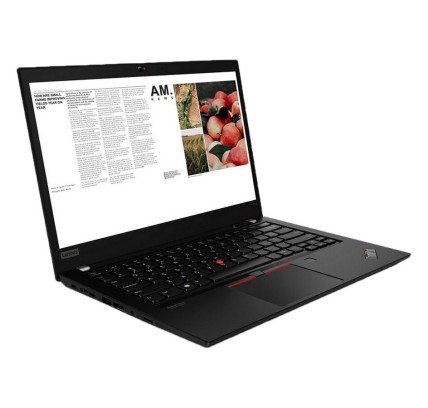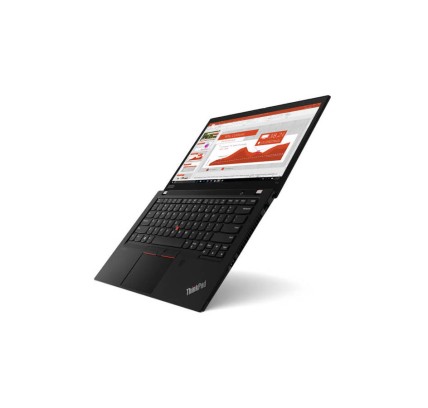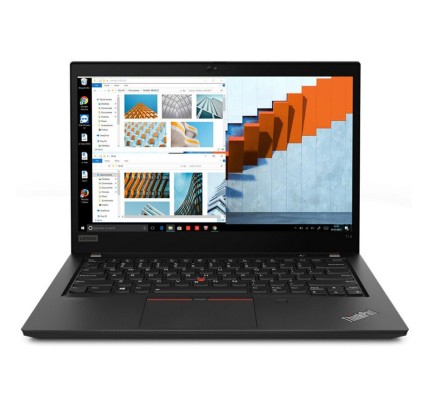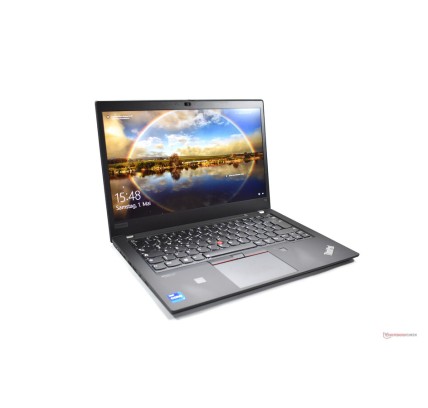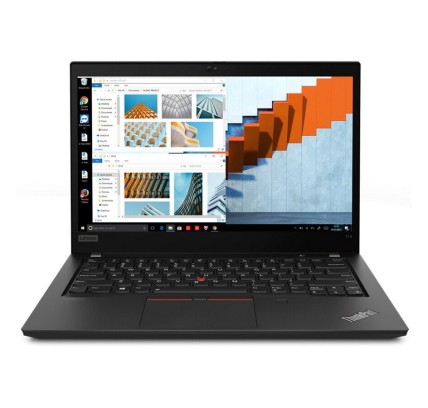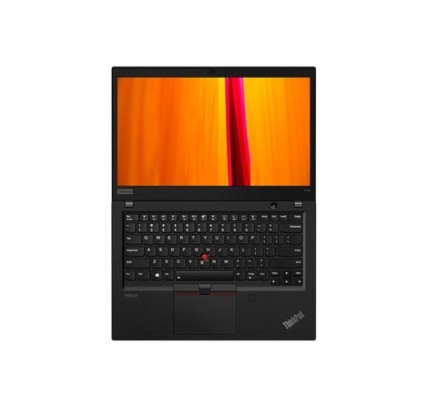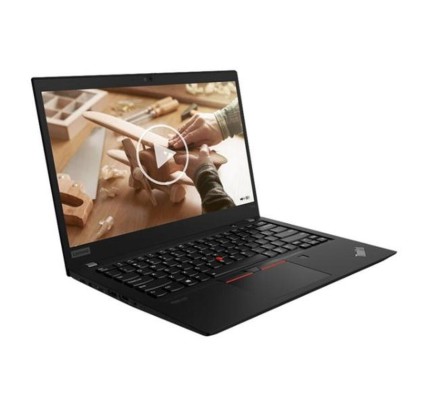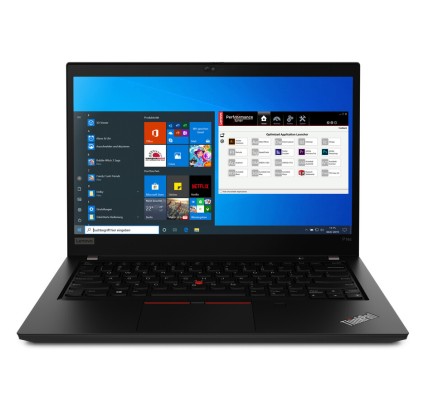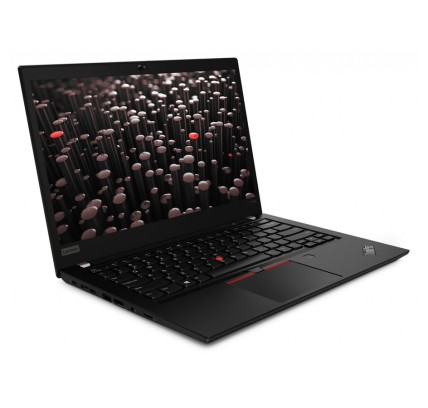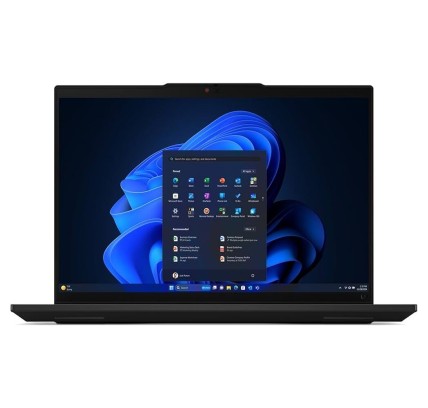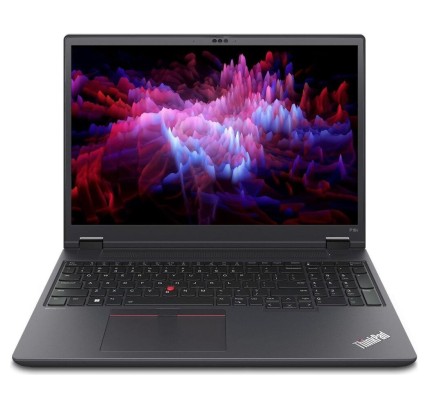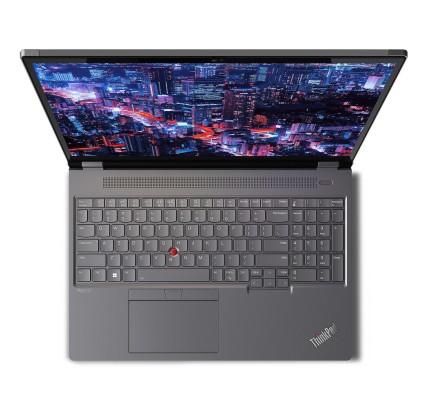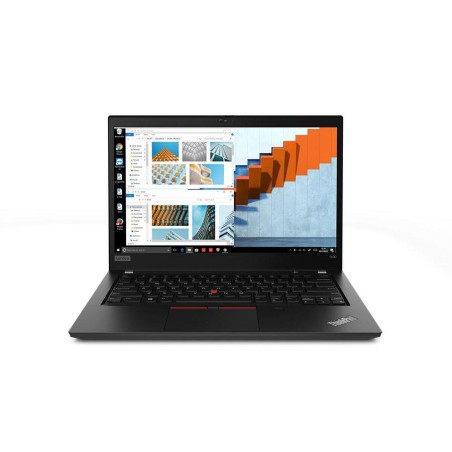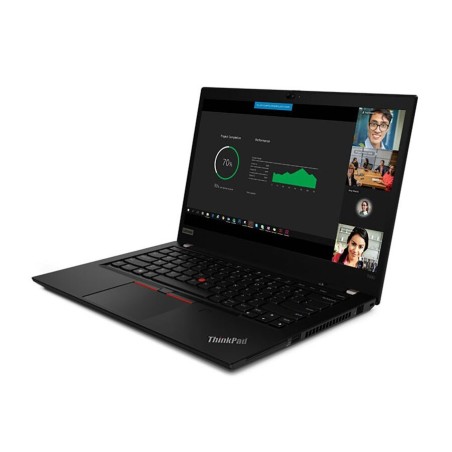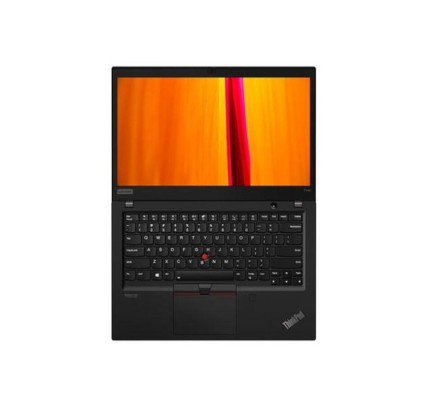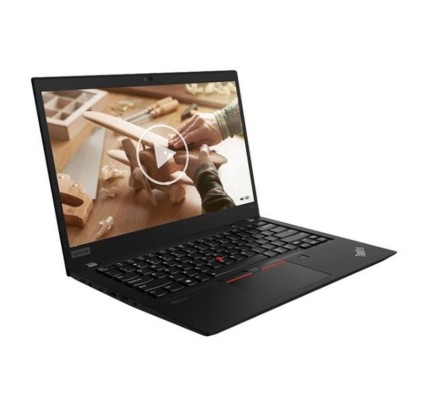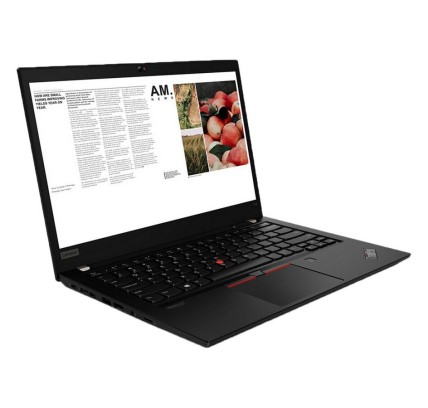
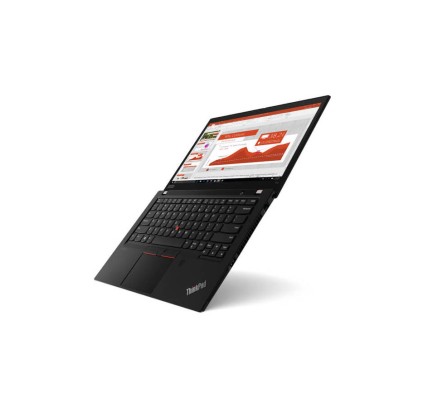


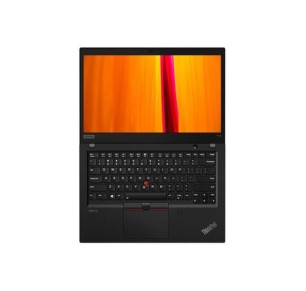
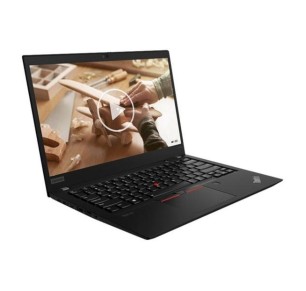
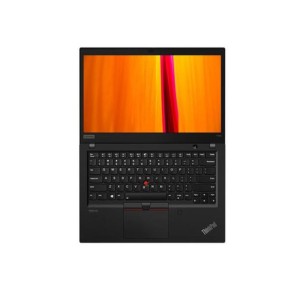
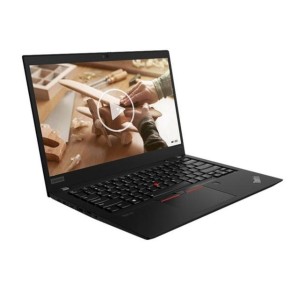
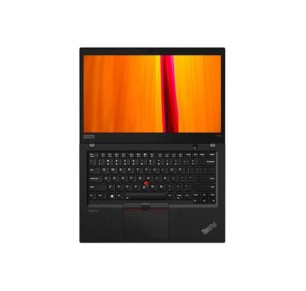
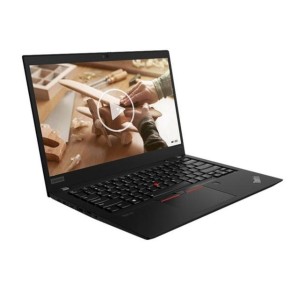
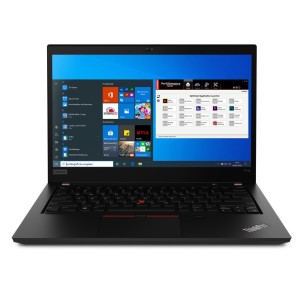
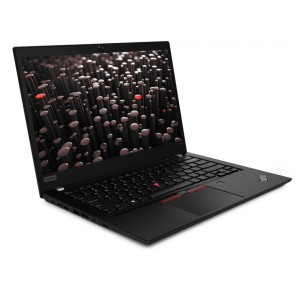
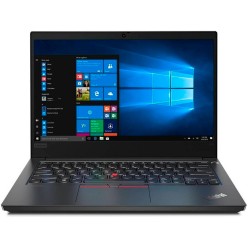
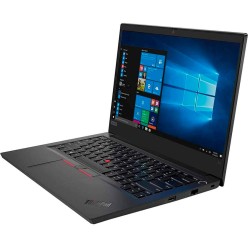
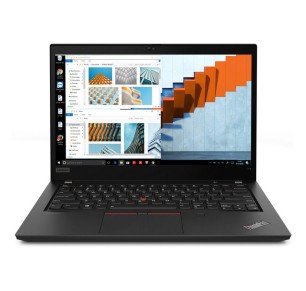
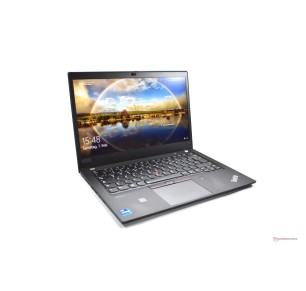
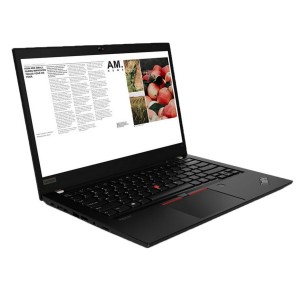
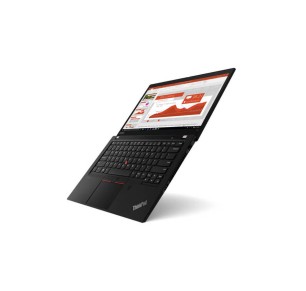
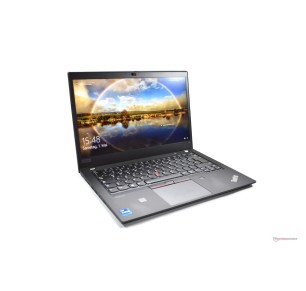
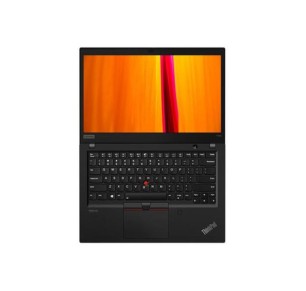
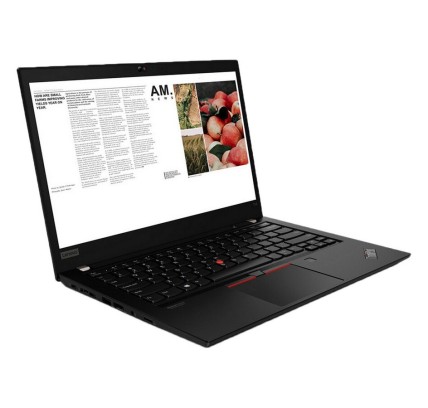
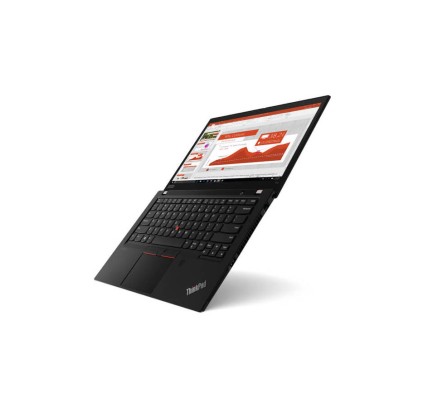
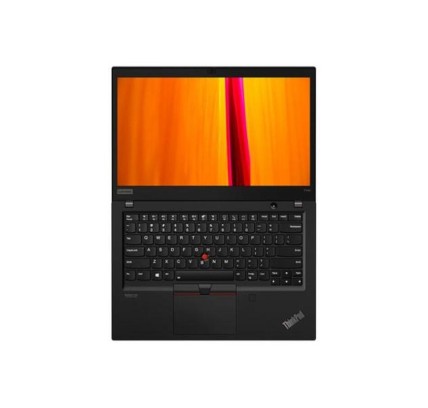
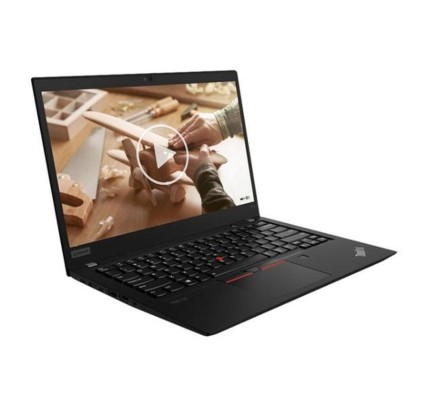
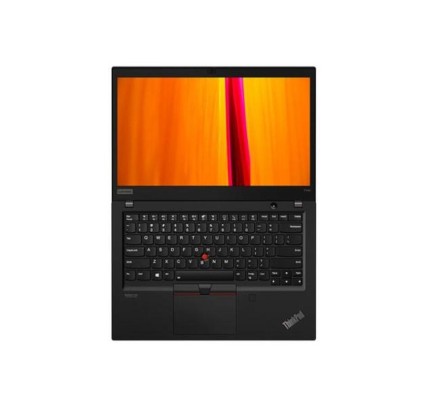
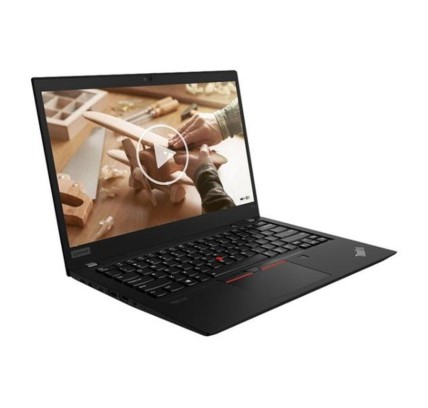
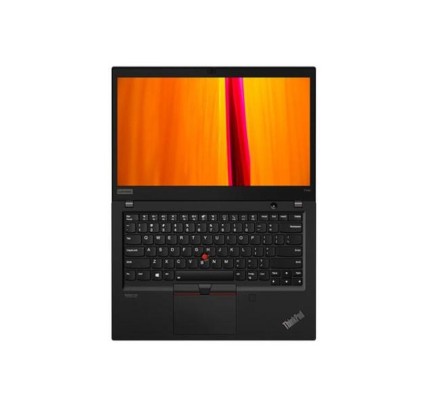
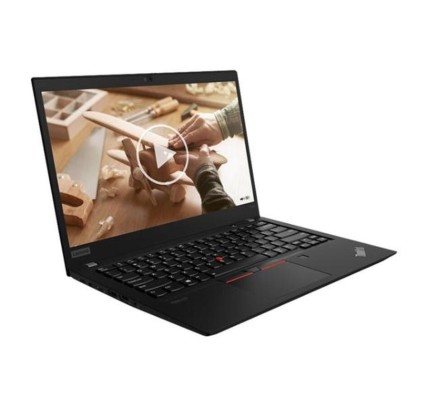
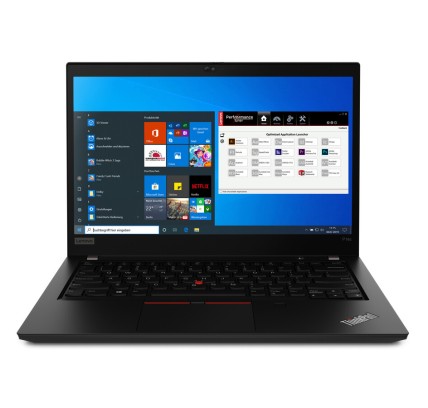
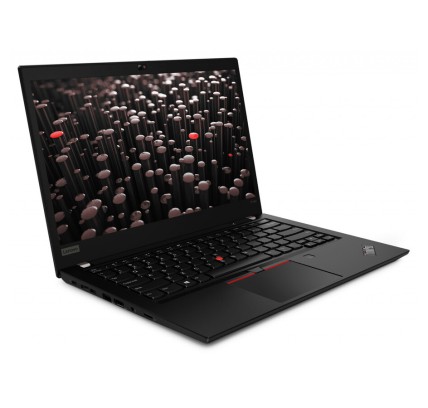
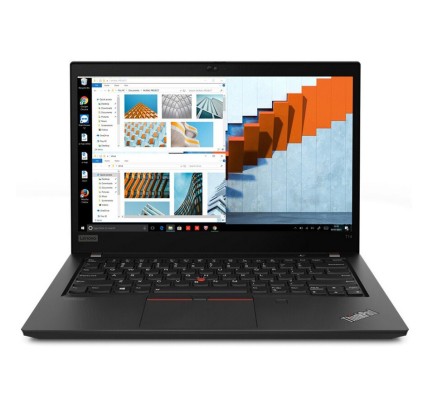
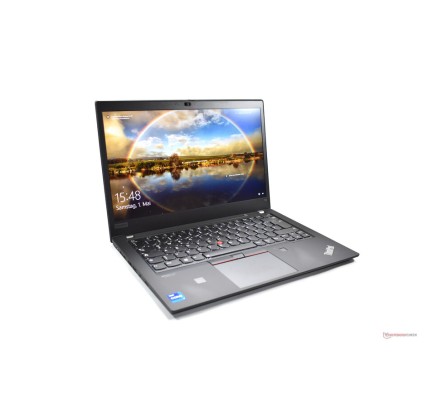
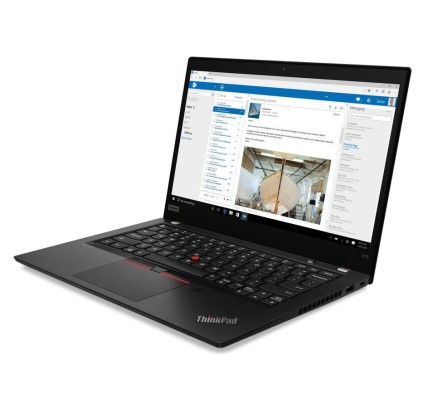
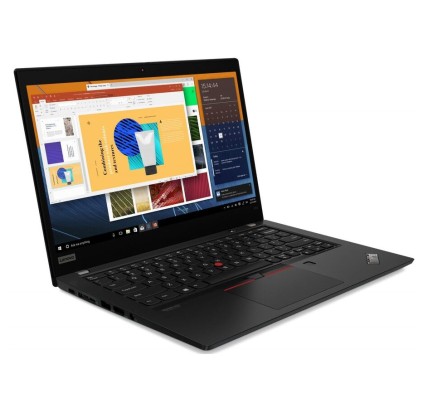
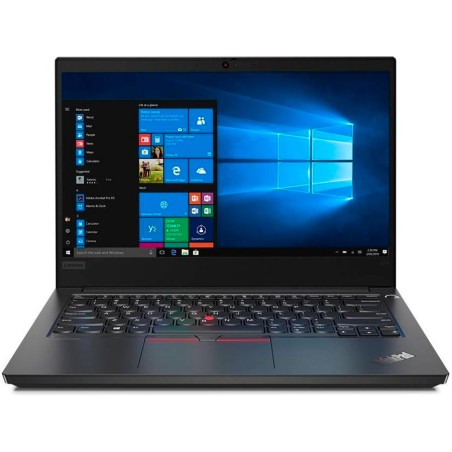
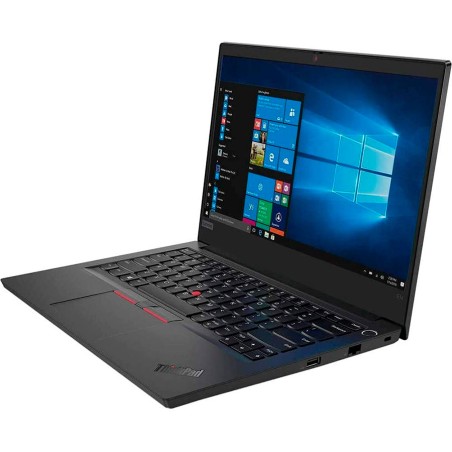
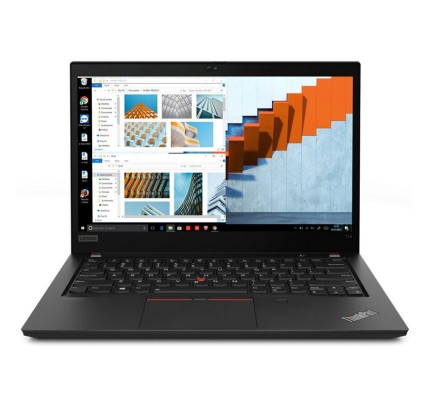
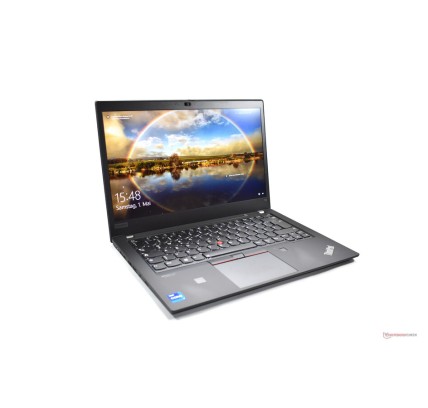
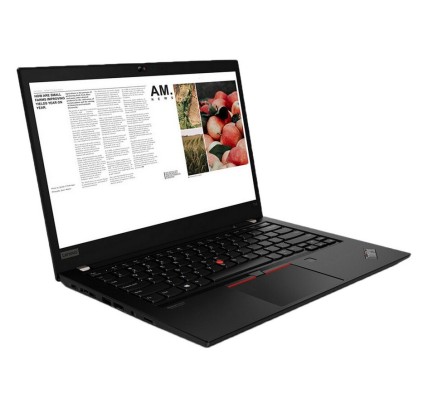
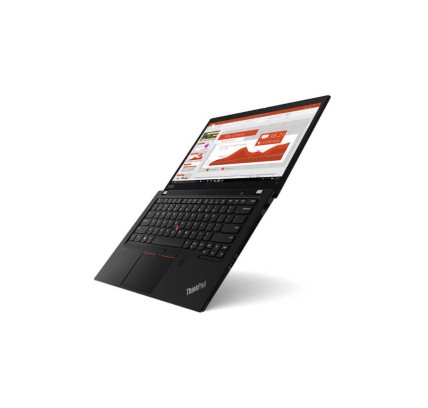
Teclado original: AZERTY en Belga Lenovo ThinkPad T14 G1 portátil reacondicionado de alto rendimiento para profesionales. Equipado con procesador Intel Core i5-10310U de cuatro núcleos y...
€559.94Price
ENVIAMOS A TODA EUROPA CONTINENTAL
540 products
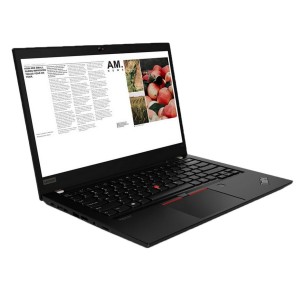
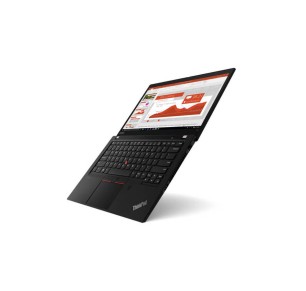
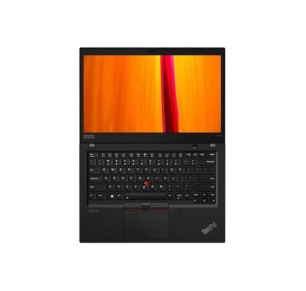
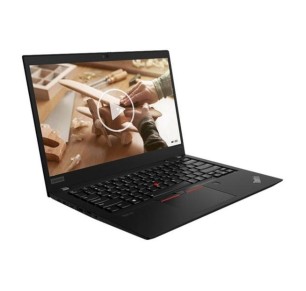
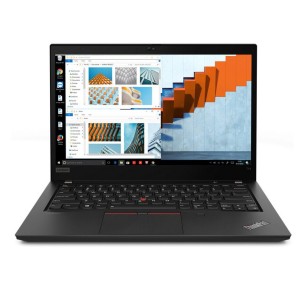
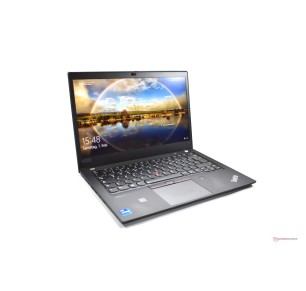
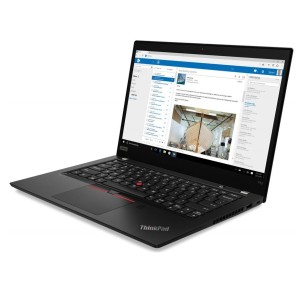
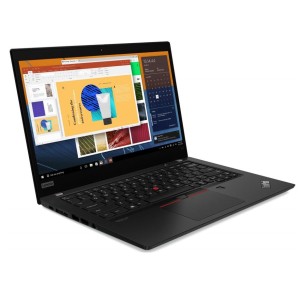
![Lenovo ThinkPad T14 G2 R5-PRO 4650, 16GB DDR4, 256GB SSD, 14", BT [Reacondicionado Grado A+] Lenovo - 1](https://www.segundamanopc.com/3554712-home_default/lenovo-thinkpad-t14-g2-amd-ryzen-5-pro-4650u-16gb-256gb-ssd-nvme-14-wlan-bt-cam.jpg)
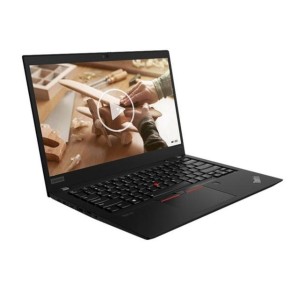
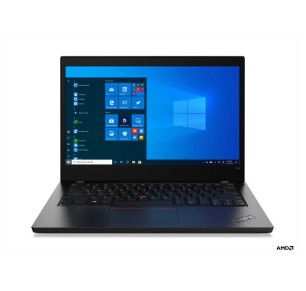
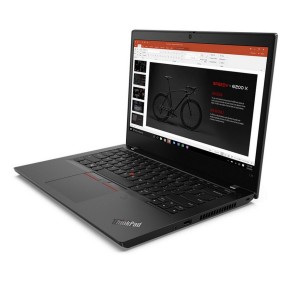
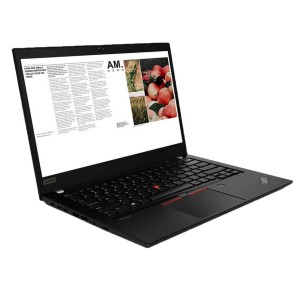
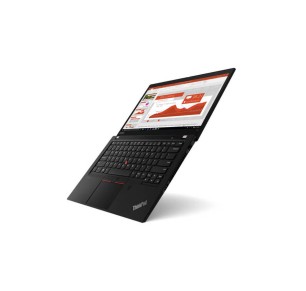
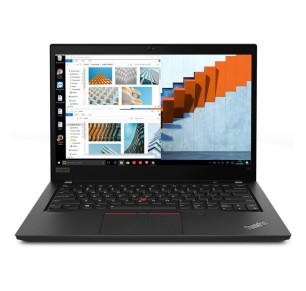
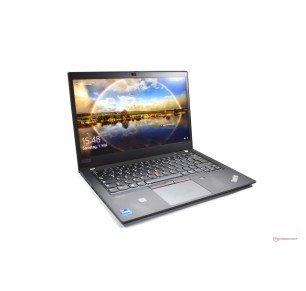
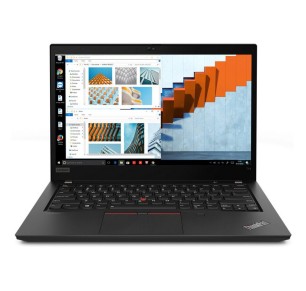
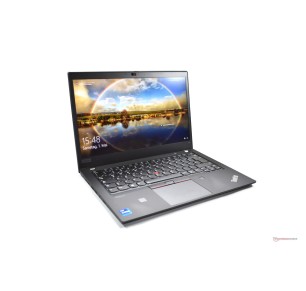
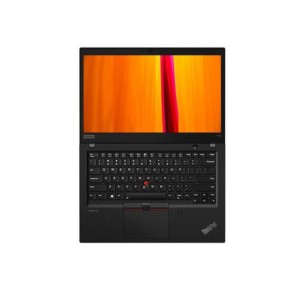
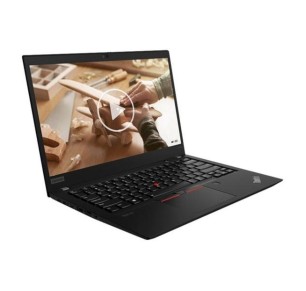
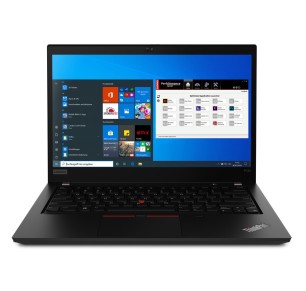
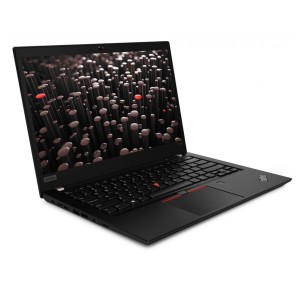
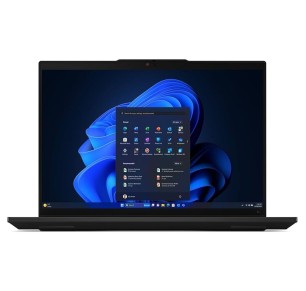
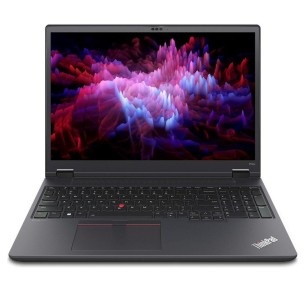
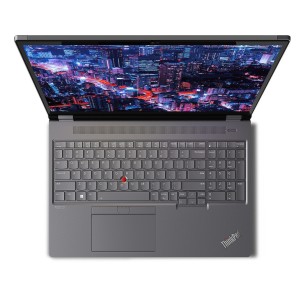
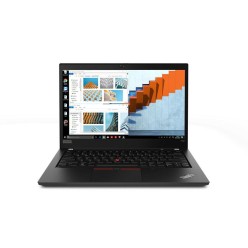
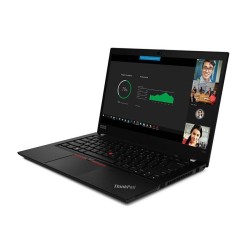
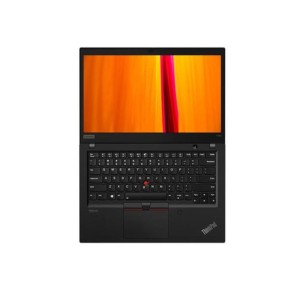
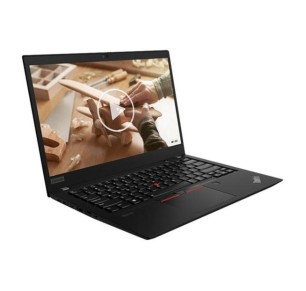

In this category you will find refurbished Lenovo ThinkPad laptops designed for everyday productivity: office work, remote work, study and home use with a more professional focus. The catalogue may include different series and sizes subject to availability, so here you can compare by processor, RAM, SSD, screen, keyboard and condition/grade. If you are looking for a reliable laptop for long hours of use, it is worth filtering by what you really need (multitasking, mobility, screen or connectivity) and always reviewing each unit listing to confirm the exact configuration, the ports and the applicable warranty.
For email, office software, a browser, admin systems and meetings, a refurbished ThinkPad can be a very practical option. Prioritise an SSD and enough RAM to stay responsive throughout the day. If you work with two screens, review the video outputs and the type of connectivity before deciding.
If you work from home with a monitor and peripherals, it is worth reviewing the ports (USB/USB-C) and the compatibility with adapters or docking stations (where applicable). With refurbished machines the configurations vary, so each unit listing is the reference for making sure your setup fits.
For classes, assignments, browsing and video calls, a refurbished ThinkPad can be a good fit if you are looking for a balanced machine. Match your purchase to your real use: an SSD as the priority and enough RAM so you are not short with several apps open.
If you travel frequently, review the screen size, the weight (where stated) and the battery life (where specified). For mobility a compact form factor is usually useful, but it is always worth balancing portability against comfortable working.
If on top of productivity you need CAD, rendering or heavy editing, compare with a refurbished workstation as well. And if you do not need mobility, a refurbished desktop can offer an interesting performance-to-price ratio for a fixed desk.
For business or remote work, it is worth prioritising an SSD, RAM suited to multitasking and enough connectivity for your desk (monitor, peripherals, network). A 14-inch format is usually a common balance between working and moving around. Always review the listing to confirm the processor, ports, keyboard and exact warranty.
For office software, browsing and classes, 8 GB can be enough in many cases. If you have frequent video calls, several applications open or continuous multitasking, 16 GB usually offers more headroom. Because refurbished stock changes, always confirm the exact RAM in each unit listing.
In most cases, yes. An SSD improves system start-up and the overall response of the laptop, which is very useful in daily work and study. If you need more capacity, look at configurations with more storage or check whether the model allows an upgrade, always according to the product listing.
It depends on your use. A 13 to 14-inch machine is usually more comfortable for mobility. A 15 to 16-inch one can work better if you spend long hours with documents, spreadsheets or several windows. The best choice balances portability, visual comfort and working space according to your routine.
Review the exact model, processor, RAM, SSD/HDD, screen size, ports, keyboard, condition/grade, whether a charger is included and the warranty. If you need an external monitor or a docking station, confirm the specific connectivity. The product listing is the main reference for getting the configuration right.
Yes, they can be a good option if you are looking for a laptop geared towards productivity and everyday use. What matters is matching your purchase to your real use: an SSD as the priority and enough RAM for classes, assignments and multitasking. Before buying, always review the listing to confirm the exact configuration.
The included contents and the warranty can vary depending on the unit and the commercial terms in force. It is not safe to assume either in general. Before buying, review each ThinkPad listing to confirm whether a charger is included, the condition of the machine and the exact applicable warranty.
![Lenovo ThinkPad T14 G2 R5-PRO 4650, 16GB DDR4, 256GB SSD, 14", BT [Reacondicionado Grado A+] Lenovo - 1](https://www.segundamanopc.com/3554712-medium_default/lenovo-thinkpad-t14-g2-amd-ryzen-5-pro-4650u-16gb-256gb-ssd-nvme-14-wlan-bt-cam.jpg)