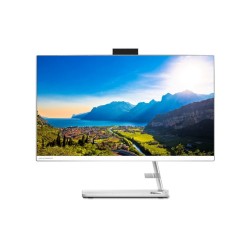
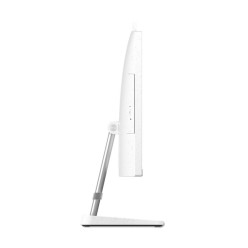
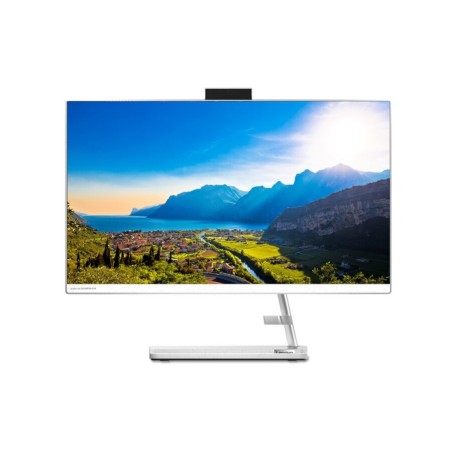
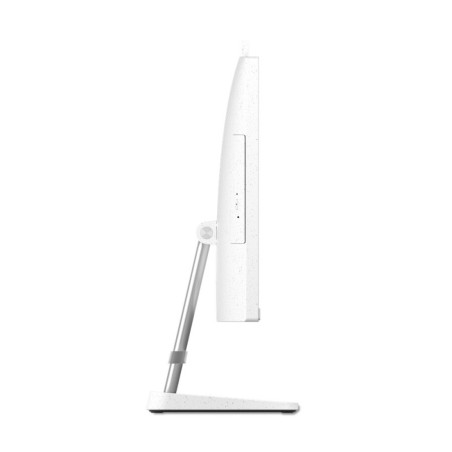
Refurbished Lenovo IdeaCentre computers for home and office
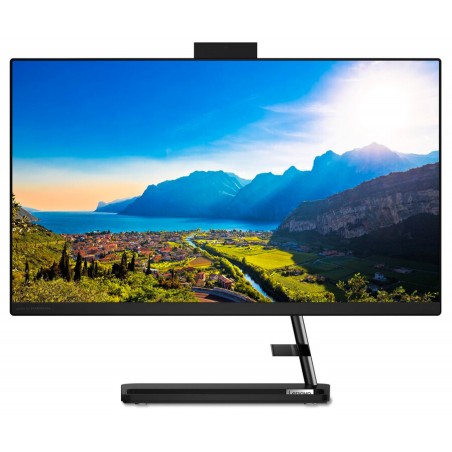
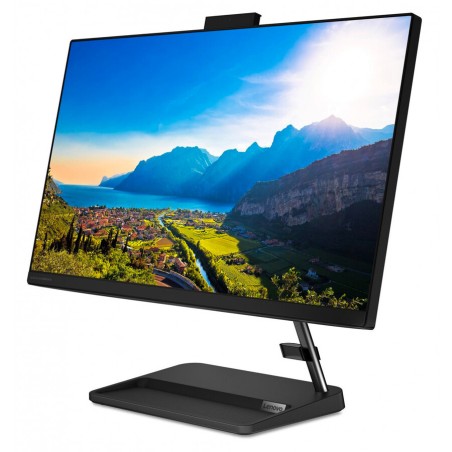
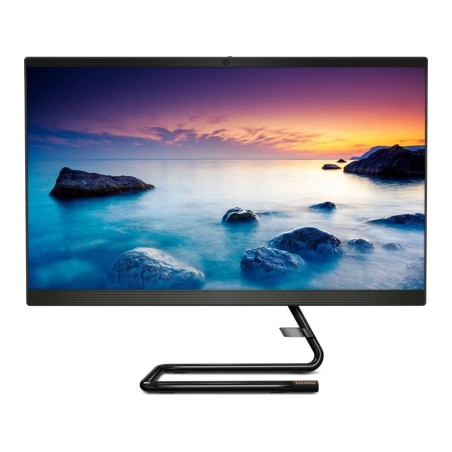
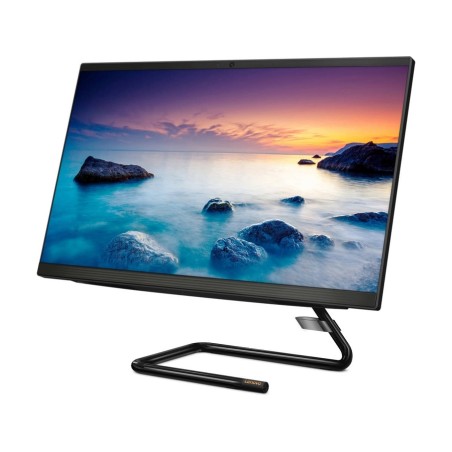
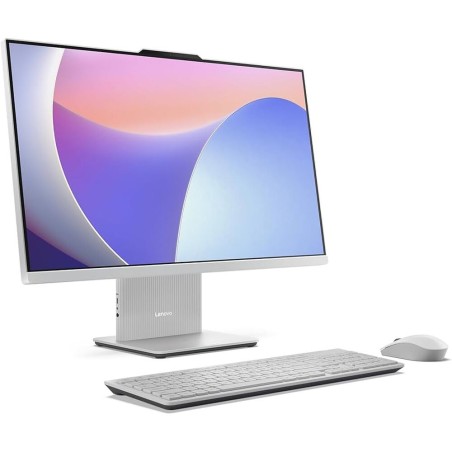
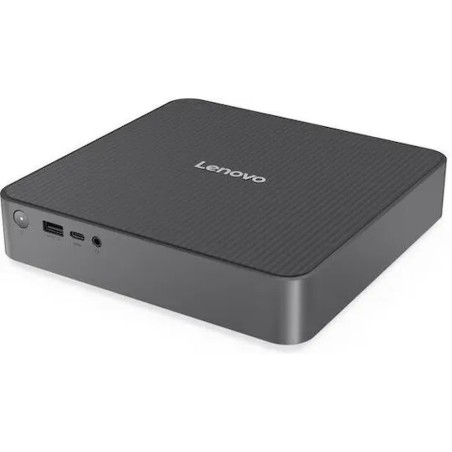
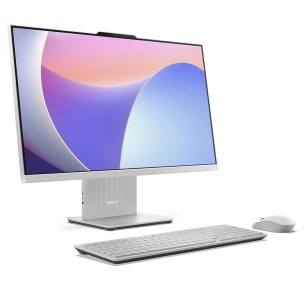
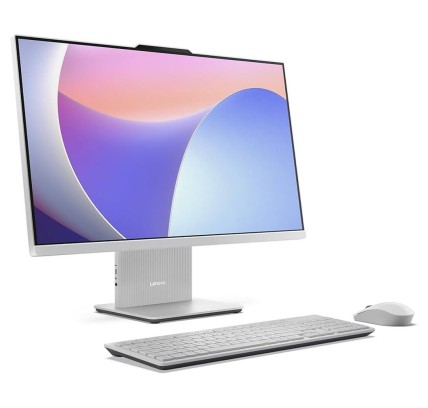
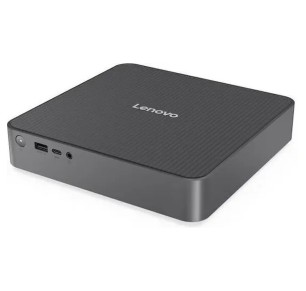
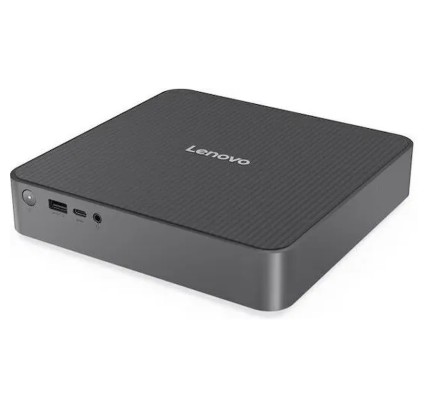
In this category you will find refurbished Lenovo IdeaCentre computers designed for everyday use: home, study, office and remote work. Subject to availability, you may find traditional desktop machines or IdeaCentre AIO (all-in-one) models in which the computer and the screen are integrated. Here you can compare by processor, RAM, SSD/HDD, graphics, form factor and condition/grade so you can choose sensibly. As each refurbished unit can vary, always review the product listing to confirm the exact configuration, the connectivity, the included contents and the applicable warranty.
How to choose a refurbished Lenovo IdeaCentre
- Form factor: desktop (tower/compact) or AIO if you want to save space with an integrated screen (depending on model).
- CPU: compare the generation and range according to your use (office software, multitasking, more demanding programs).
- RAM: 8 GB can suit basic tasks; 16 GB usually works better for multitasking and smooth daily work.
- SSD vs HDD: go for an SSD for fast start-up; only consider an HDD if you need a lot of capacity at the lowest cost.
- Graphics (GPU): if you do editing or want more visual performance, check whether it includes a dedicated GPU and which one (as per the listing).
- Screen (on AIO models): confirm the diagonal and the resolution if you choose an all-in-one; it is key for visual comfort.
- Ports and connectivity: review the USB and video outputs if you are going to connect another monitor, and the network/Wi-Fi where stated.
- Condition, accessories and warranty: check the refurbished grade, what is included (cables/peripherals where applicable) and the exact warranty.
Lenovo IdeaCentre by type of use
IdeaCentre for home and admin
For browsing, email, documents and home use, a refurbished IdeaCentre is usually a practical option. The combination that pays off most for everyday use is an SSD plus enough RAM so you are not short with several tabs and apps open.
IdeaCentre for students and study
For classes, assignments and video calls, prioritise an SSD and suitable RAM. If the machine is going to stay on a desk, also check whether you can use an external monitor or peripherals according to the ports on the model.
IdeaCentre for the office and remote work
For office tasks, admin and remote work, it is worth reviewing the connectivity and the ports (USB/video outputs) so you can set up a comfortable desk with a monitor, keyboard and mouse. With refurbished machines, each unit listing is the reference for making sure of compatibility.
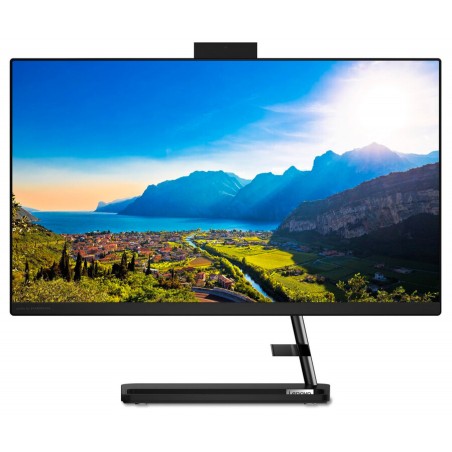
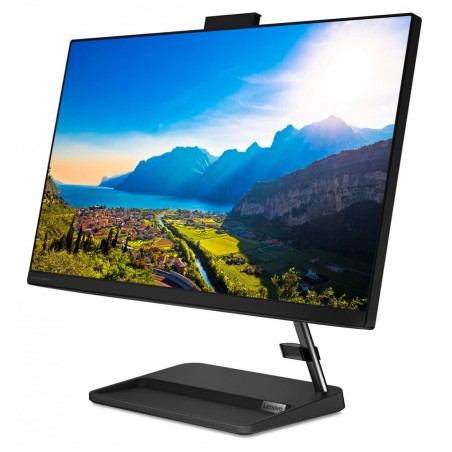
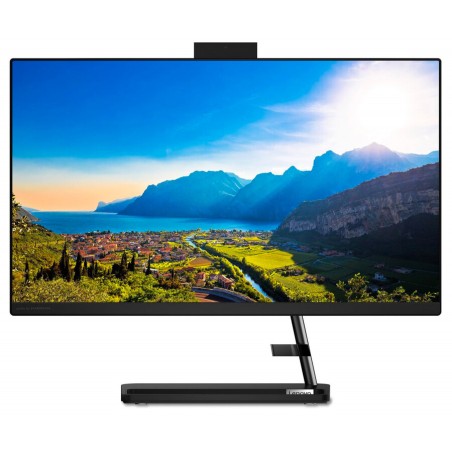
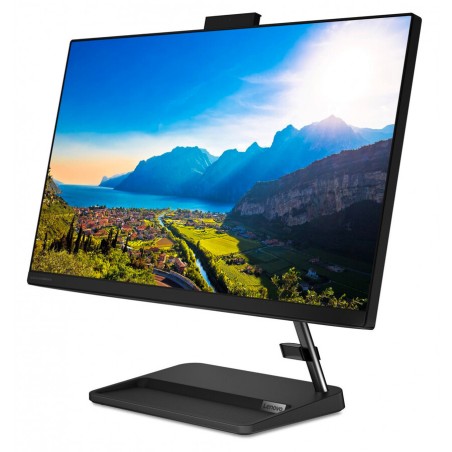
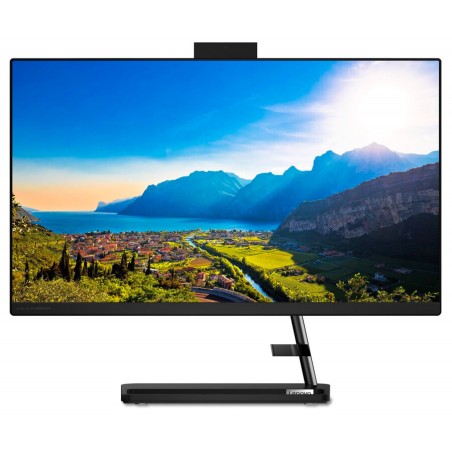
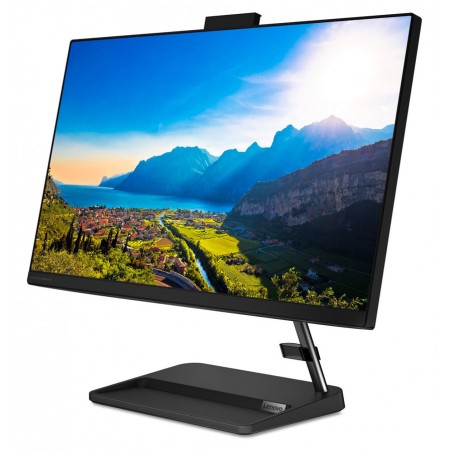
IdeaCentre AIO for desks with little space
If you want a clean, simple desk, a refurbished IdeaCentre AIO can be a very good fit. In that case, pay particular attention to the screen (size/resolution) and the connectivity, because the experience depends heavily on those details.
IdeaCentre for light editing
For light photo or video editing, review the RAM, the CPU and the storage, and check whether the unit includes dedicated graphics when your software takes advantage of them. If your projects are heavy, you may want to compare with a refurbished workstation as well.
Benefits and confidence
- Buy on criteria: filter by CPU, RAM, SSD and form factor to choose for your actual use, not on price alone.
- Variable stock: with refurbished machines the configurations change; each unit listing is what counts.
- A complete desk: review the ports if you are going to use an external monitor, peripherals or a specific network.
- Transparency unit by unit: the condition/grade, the included accessories and the warranty are confirmed in the listing.
- A safer decision: avoid assumptions, because even within IdeaCentre the hardware can vary a great deal.
Frequently asked questions
Which refurbished Lenovo IdeaCentre suits me for home or the office?
For home or the office, it is worth prioritising an SSD and enough RAM for multitasking. If you use many tabs, video calls or several applications, 16 GB is usually more comfortable. Always review the listing to confirm the processor, the storage, the ports and the exact warranty of the unit.
What is the difference between an IdeaCentre desktop and an IdeaCentre AIO?
The main difference is the form factor. On a desktop, the tower/compact unit and the screen are separate. On an AIO (all-in-one), the computer and the screen are integrated, which saves space. As this can vary by model, it is worth reviewing the listing to confirm the screen, the ports and the exact configuration.
Is it better to choose an IdeaCentre with an SSD rather than an HDD?
In most cases, yes. An SSD improves start-up and the overall response of the system, which is key in everyday use. An HDD may be of interest if you are after a lot of capacity at the lowest cost, but for smoothness the usual advice is to prioritise an SSD. Review the listing to confirm the exact storage of each unit.
How much RAM do I need in a refurbished Lenovo IdeaCentre?
For browsing, office software and basic tasks, 8 GB can be enough in many cases. If you multitask frequently, work with large spreadsheets or make video calls, 16 GB usually offers more headroom. Because refurbished stock changes, always confirm the exact RAM in the product listing.
Is a refurbished IdeaCentre suitable for editing or creative work?
It depends on the configuration. For light editing, a balanced combination of CPU, RAM and SSD can be enough. If your software makes use of the GPU, check whether the unit includes dedicated graphics and which ones. For heavy workloads (rendering, 3D, advanced editing), it is usually better to compare with a refurbished workstation as well.
Can I connect a second monitor to a Lenovo IdeaCentre?
In many cases yes, but it depends on the video outputs and the configuration of the specific model. Before buying, review which ports the listing includes and whether they match your monitor (and whether you need an adapter). This is particularly important if you want to work with two screens.
Do refurbished IdeaCentre machines include a keyboard, mouse or cables?
The included contents can vary depending on the unit and the commercial terms in force. It is not safe to assume that every machine includes the same accessories. Before buying, review the product listing to confirm exactly what is included (cables, keyboard, mouse or other items) and the applicable warranty.
You may also be interested in