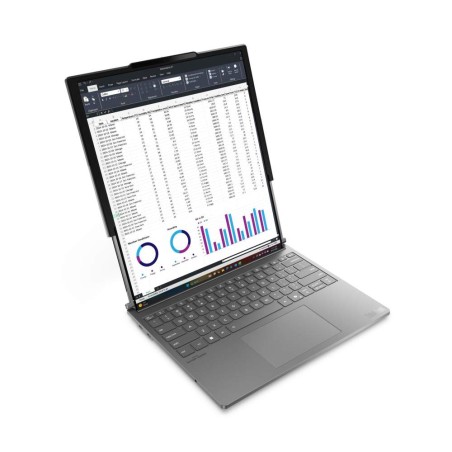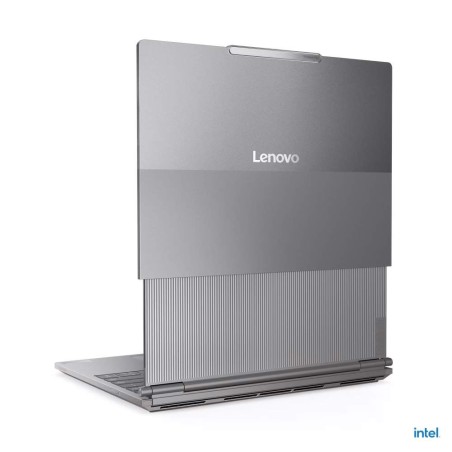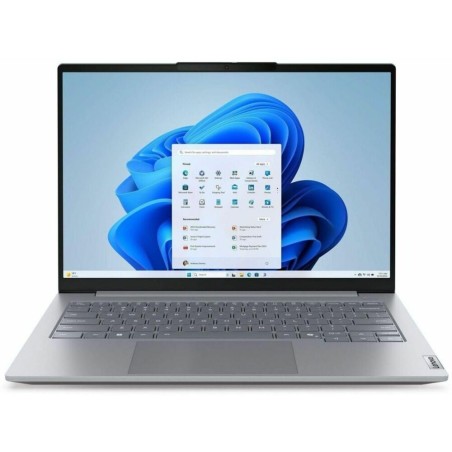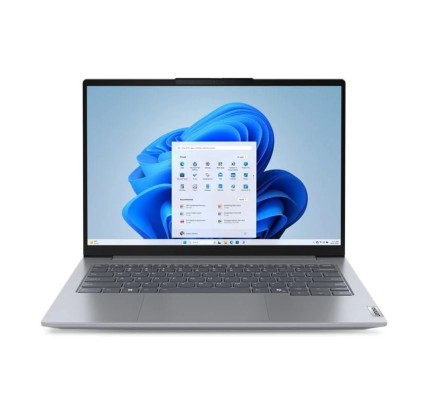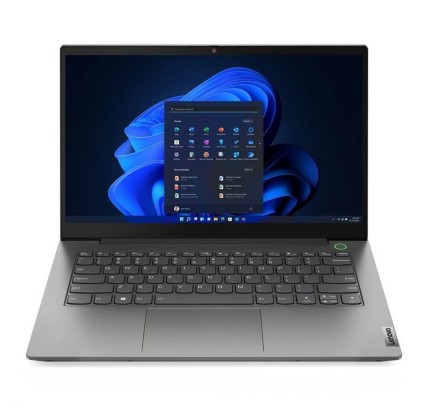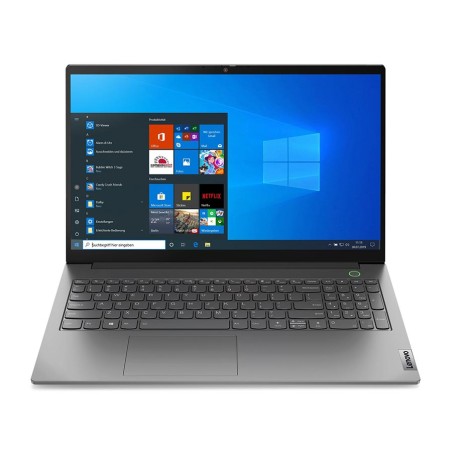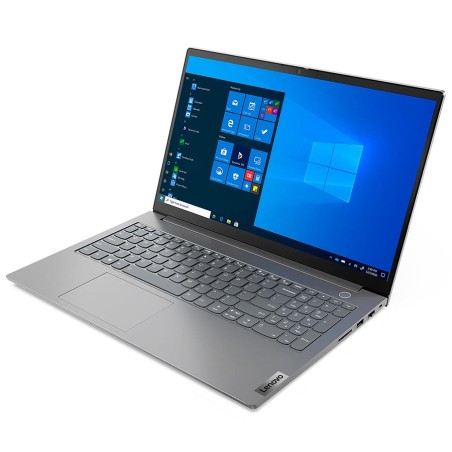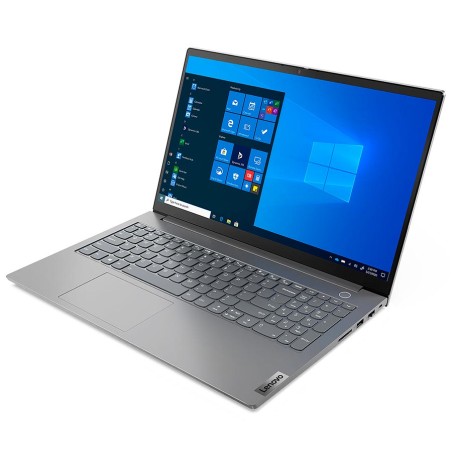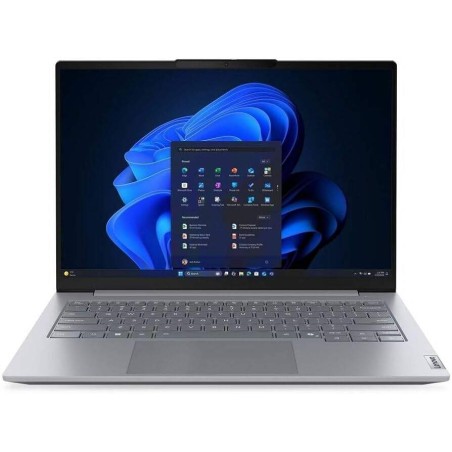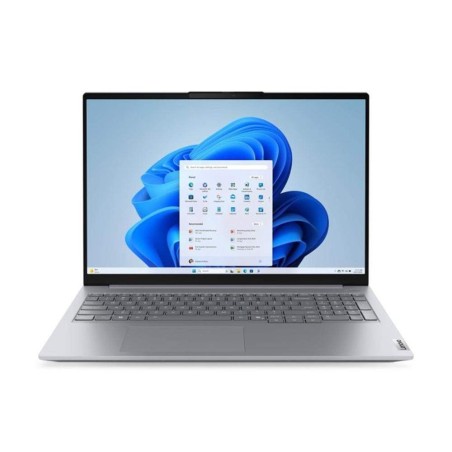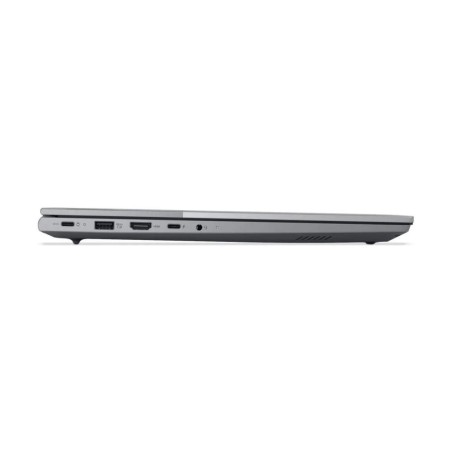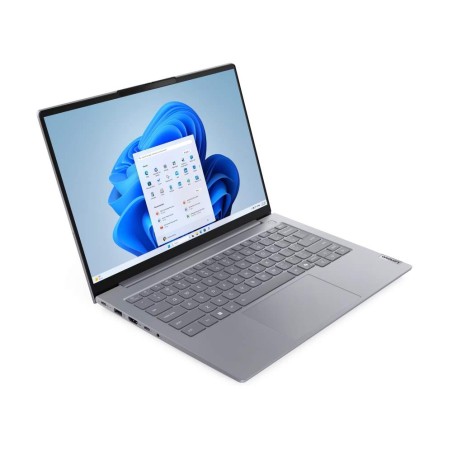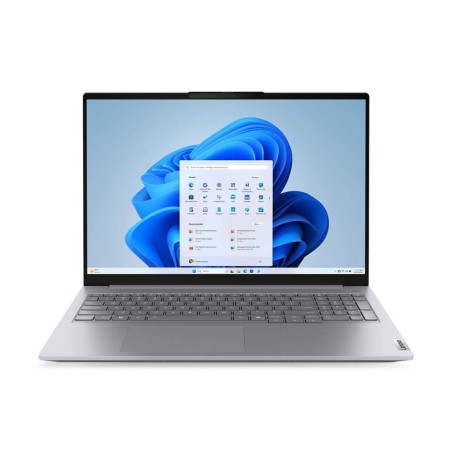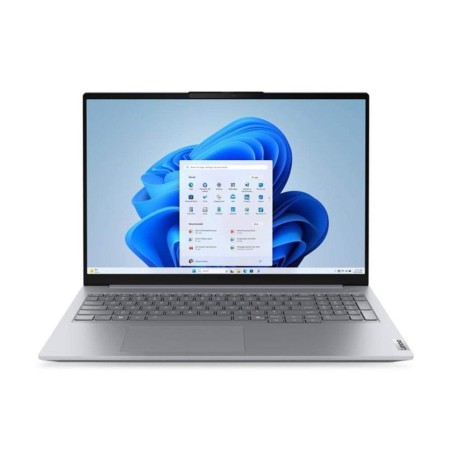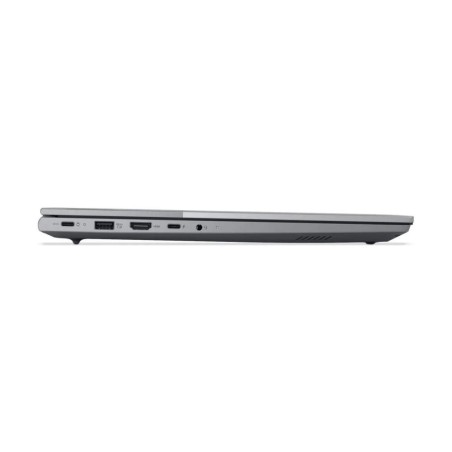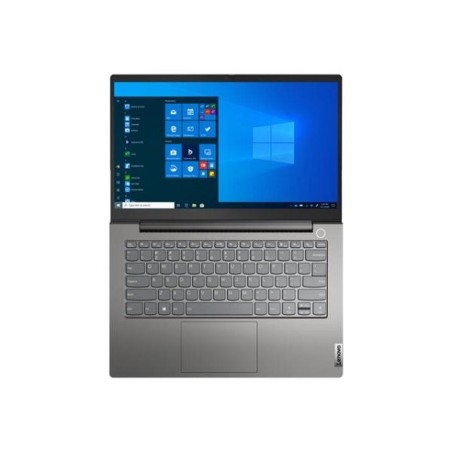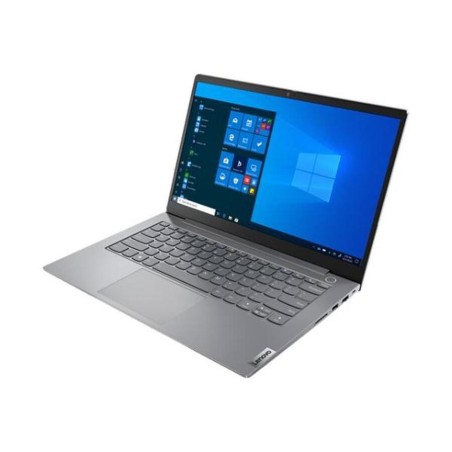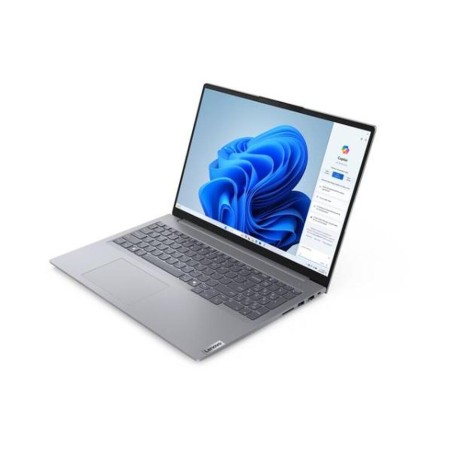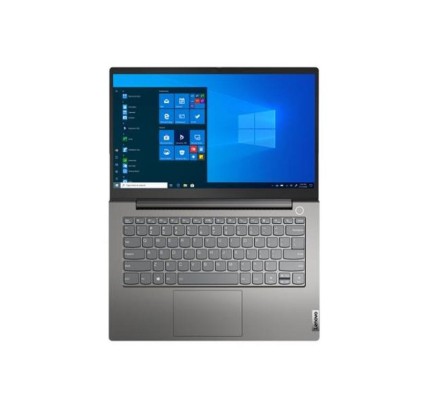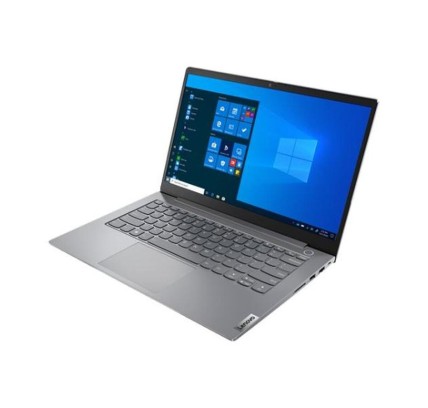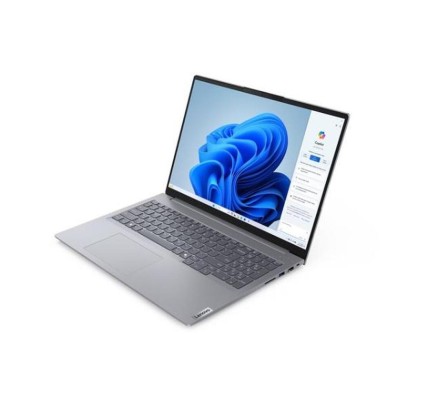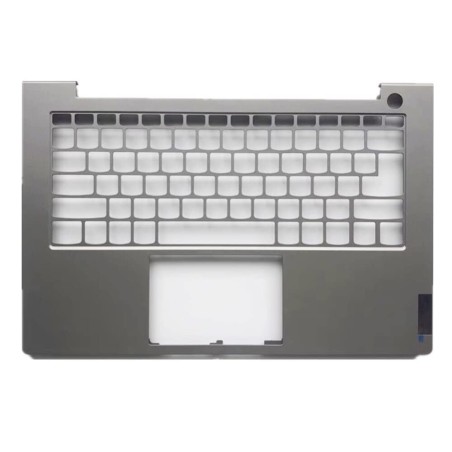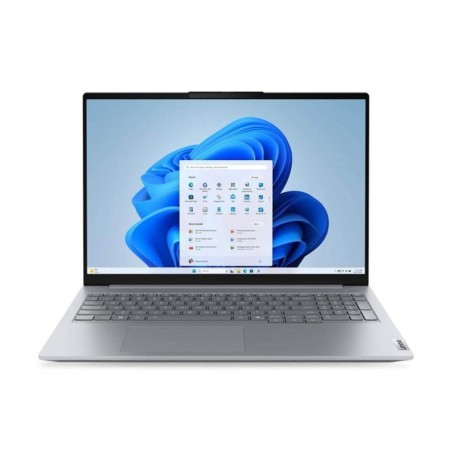
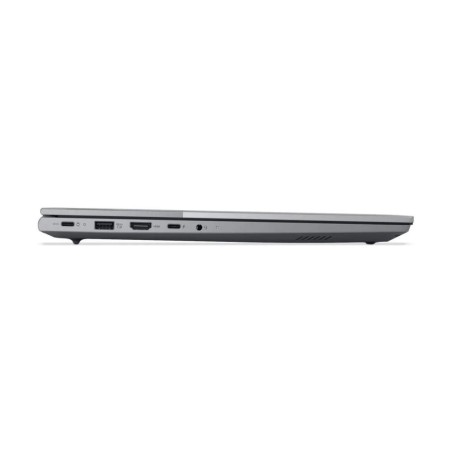
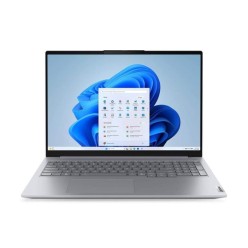
Original keyboard: AZERTY in French Lenovo ThinkBook 16 G9 IRL is a laptop designed for professionals who require power and efficiency in their daily tasks. Equipped with an 8-core,...
€1,017.54Price
ENVIAMOS A TODA EUROPA CONTINENTAL
18 products
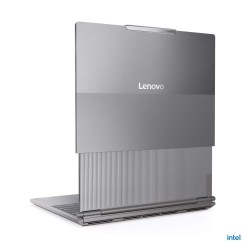
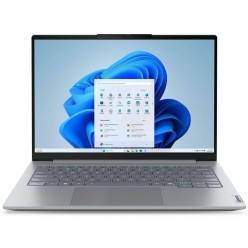
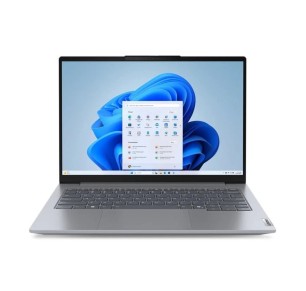
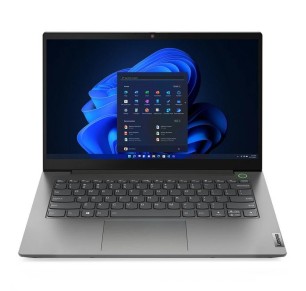
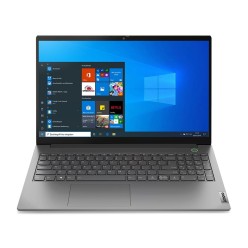
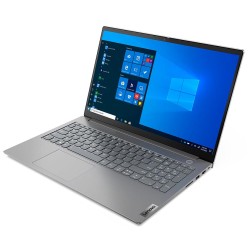
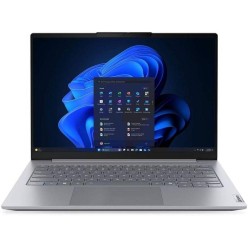
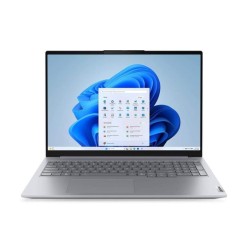
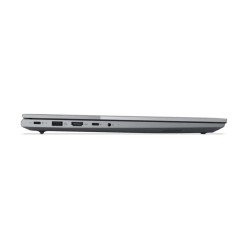
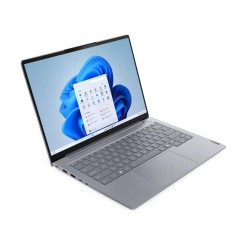
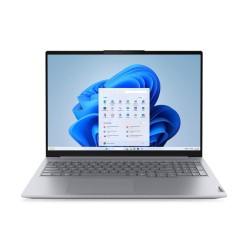
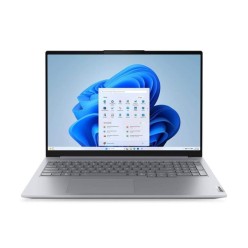
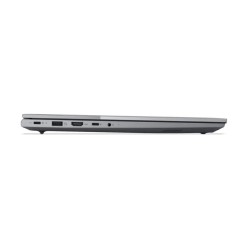
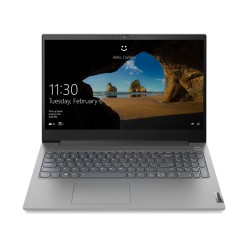
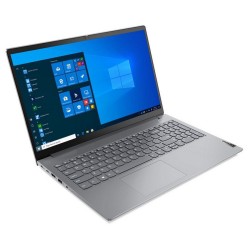
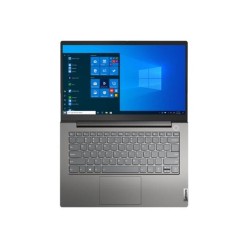
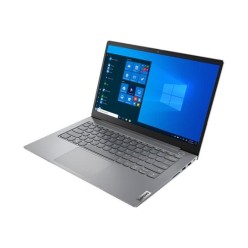
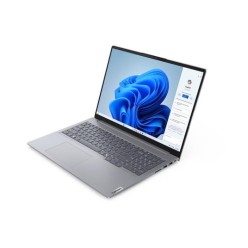
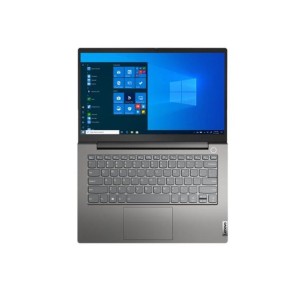
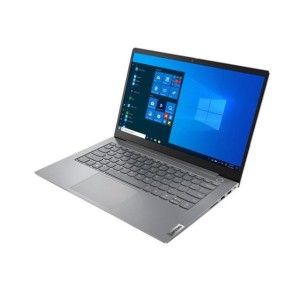
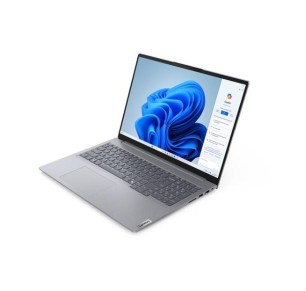
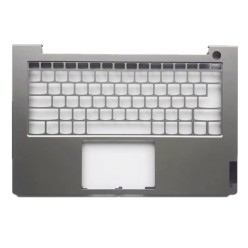

In this category you will find refurbished Lenovo ThinkBook laptops aimed at productivity, study and professional use. ThinkBook is usually a good fit when you want an all-round laptop for the office, remote work, browsing, classes and admin tasks, with configurations that can vary according to availability. Here you can compare by processor, RAM, SSD, screen, keyboard and condition/grade so you can choose sensibly. Before buying, always review each unit listing to confirm the exact configuration, the ports, the system (where stated), whether a charger is included and the applicable warranty.
For email, office software, a browser, management tools and administrative tasks, a refurbished ThinkBook can be a practical option. The key is an SSD plus enough RAM to stay smooth when you work long hours with several windows and documents open.
If you work at a fixed desk, review the ports and video outputs of the specific model so you can connect a monitor, keyboard, mouse and peripherals. In some cases an adapter or a dock may be needed, so it is worth confirming this in each unit listing.
For classes, assignments, browsing and video calls, a refurbished ThinkBook can be a very good fit if you match the configuration to your routine: an SSD as the priority and RAM in line with your level of multitasking. Filter for what you need and avoid paying for power you will not use.
If you alternate between home, the office and travel, the screen size and the connectivity matter as much as the performance. Review the keyboard, the ports and whether a charger is included in the listing. Where it is stated, it can also be useful to review the battery life for your real use.
If you prioritise a more business-oriented approach or a different family, compare with Lenovo ThinkPad. If you are specifically after a 2-in-1, review Lenovo Yoga or the general category of 2-in-1 laptops. For CAD, 3D or heavy editing, consider a refurbished workstation.
For the office or remote work, it is worth prioritising an SSD, enough RAM for multitasking and connectivity suited to your desk. If you work with several applications and video calls, 16 GB usually gives more headroom. Always review the listing to confirm the CPU, ports, keyboard and exact warranty.
For basic tasks (browsing, office software, classes), 8 GB can be enough in many cases. If you multitask frequently, use video calls or work with several tools at once, 16 GB is usually more comfortable. Because refurbished stock changes, confirm the exact RAM in the listing.
In most cases, yes. An SSD noticeably improves system start-up and the overall response of the laptop, which is key for everyday work and study. If you need more capacity, review configurations with more storage or any possible upgrades, always according to the listing.
It depends on your routine. If you travel frequently, a more compact format is usually more comfortable. If you work long hours with documents or several windows, a larger screen can be more comfortable. The best approach is to balance portability and working space.
Review the exact model, processor, RAM, SSD/HDD, screen, keyboard, ports, operating system (where stated), condition/grade, whether a charger is included and the warranty. If you are going to use an external monitor or a docking station, confirm the specific connectivity. The product listing is the main reference.
Yes, it can be a good option if you are looking for a laptop geared towards productivity and everyday use. What matters is matching the configuration to your real use: an SSD as the priority and enough RAM for classes, assignments and multitasking. Before deciding, always review the listing of the available model.
The included contents and the warranty can vary depending on the unit and the commercial terms in force. It is not safe to assume either in general. Before buying, review each ThinkBook listing to confirm whether a charger is included, the condition of the machine and the exact applicable warranty.