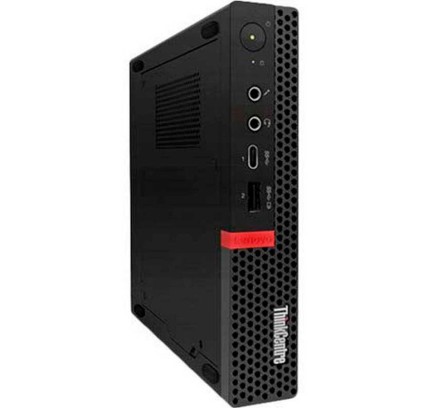
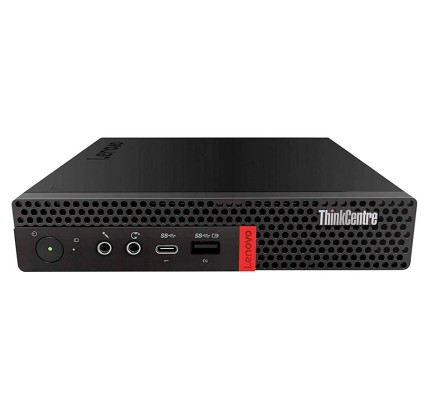
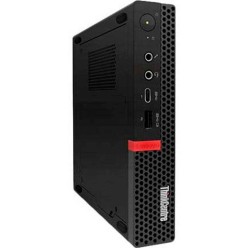
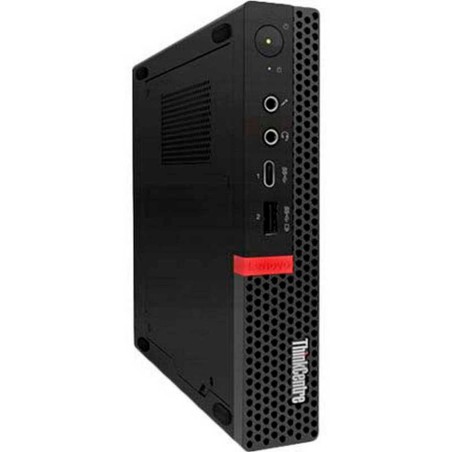
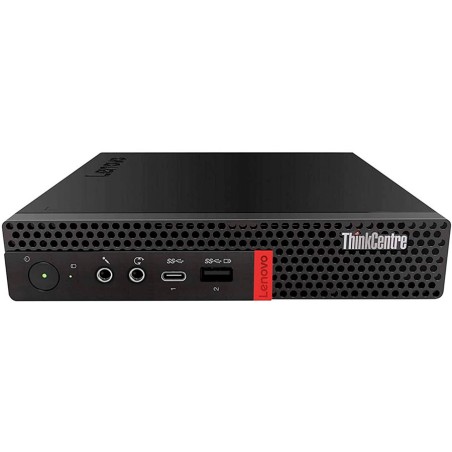
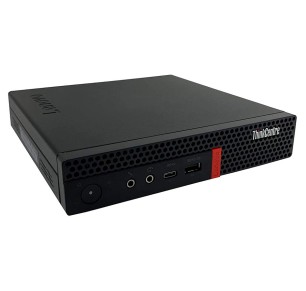
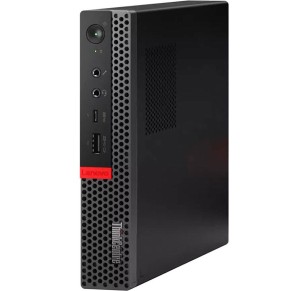
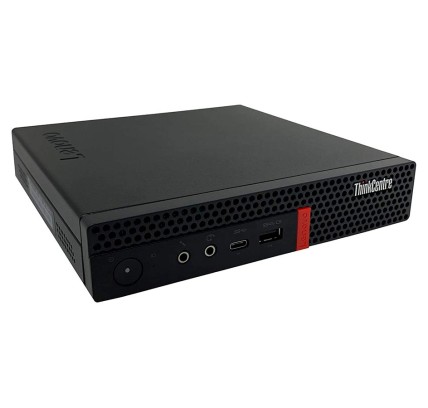
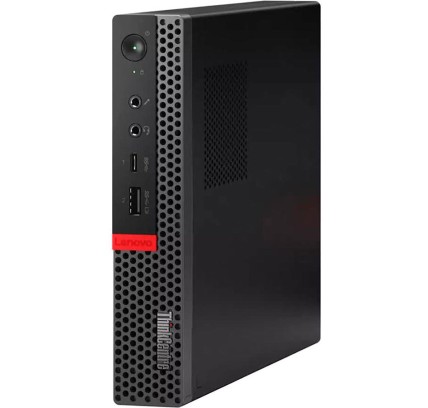
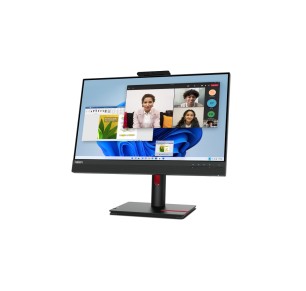
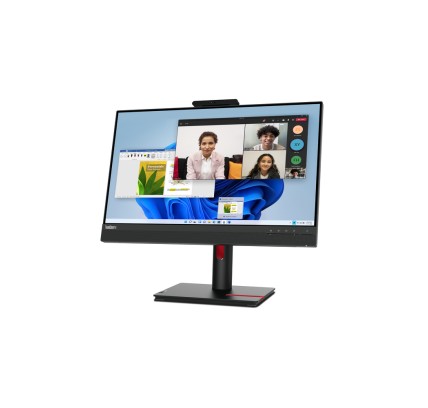
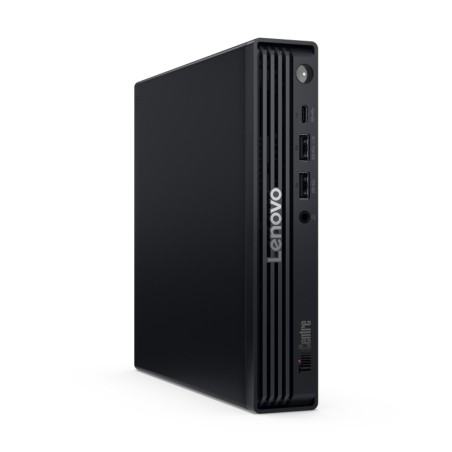
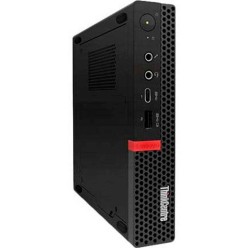
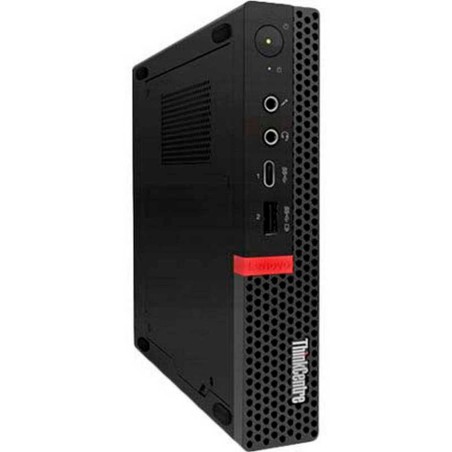
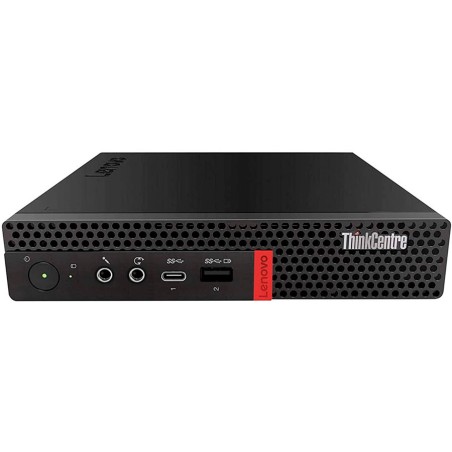
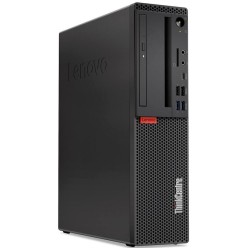
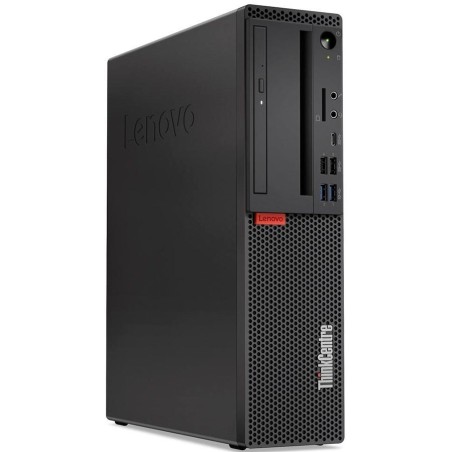
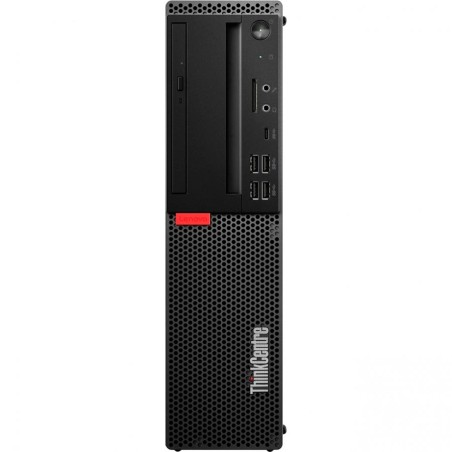
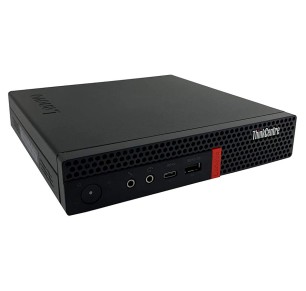
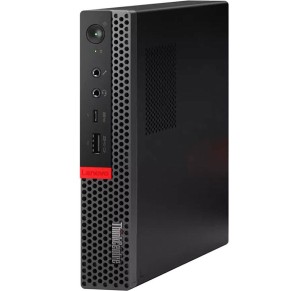
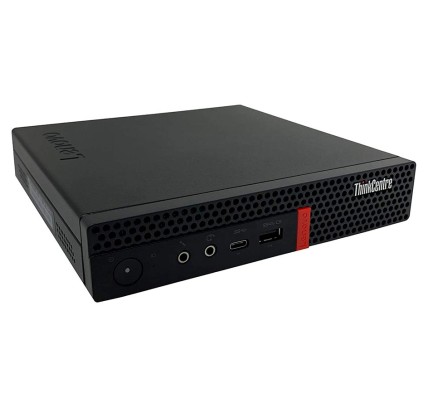
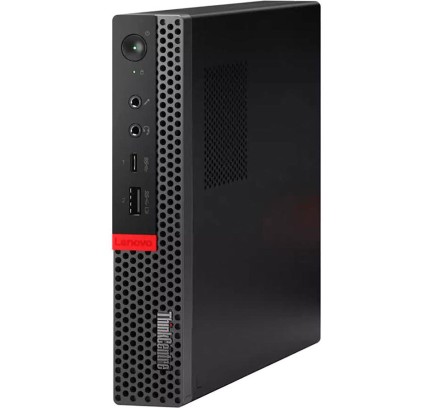
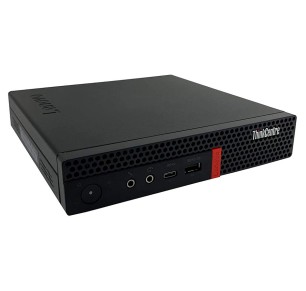
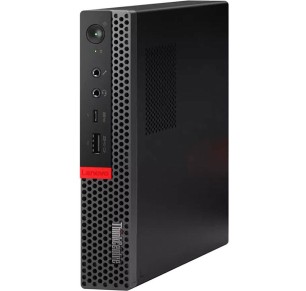
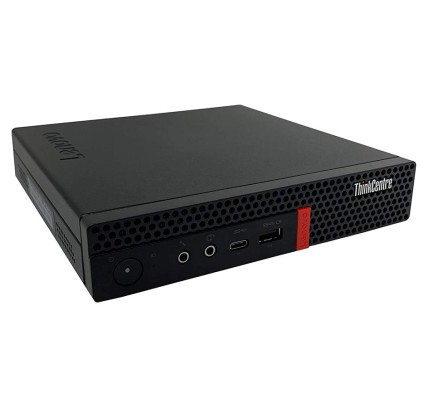
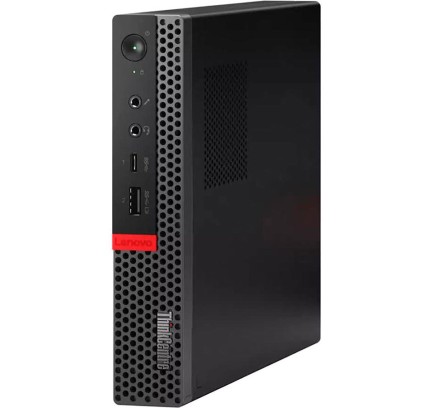
Refurbished Lenovo ThinkCentre computers for business
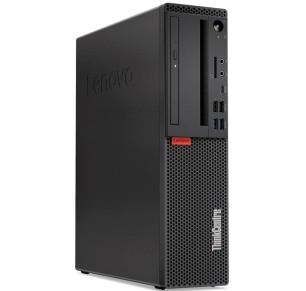
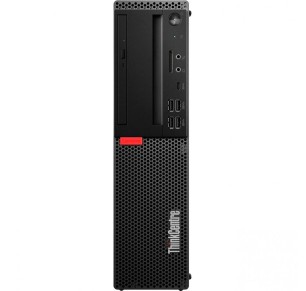
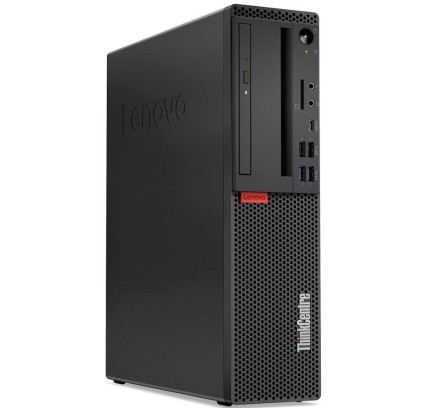
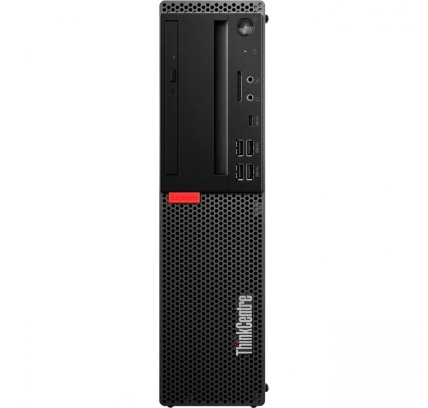
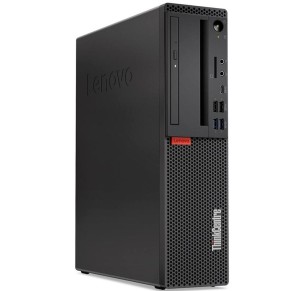
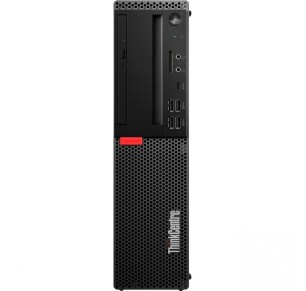
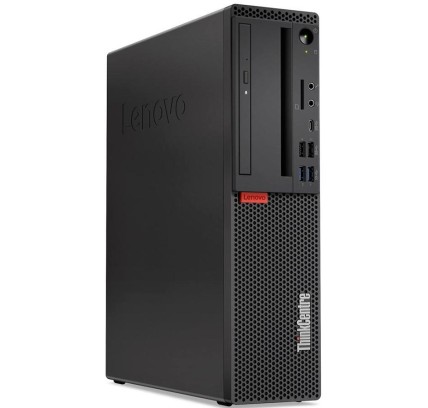
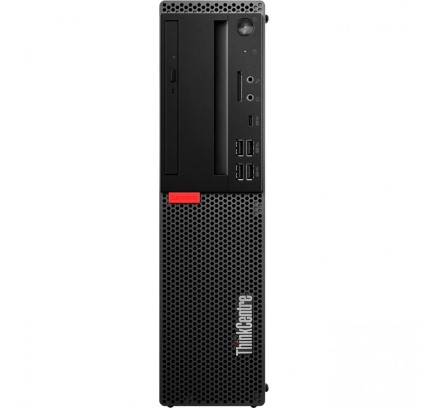
In this category you will find refurbished Lenovo ThinkCentre machines for the office, business and professional desks. The ThinkCentre range is geared towards productivity and stable work, with form factors that usually adapt well to private offices, reception, administration, remote work or classrooms. As the stock is refurbished, each machine can vary in CPU, RAM, SSD/HDD, form factor (mini, SFF or tower), ports and condition. That is why the model name alone is not the point here: it is worth comparing the real listing of each unit to choose the desktop that best matches your use and your budget.
How to choose a refurbished Lenovo ThinkCentre
- Start from your real use: office software and everyday admin, remote work, an administrative desk, professional software or light editing.
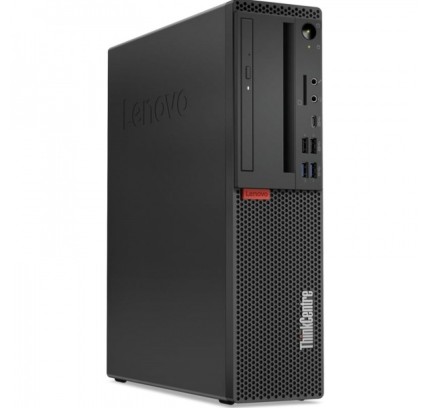
- Form factor: mini (space saving), SFF (a balance) or tower (more room for upgrades), subject to availability.
- Processor (CPU): review the generation and the exact model in the listing; it makes the difference in smoothness and multitasking.
- RAM: 8 GB can suit a basic office desk; 16 GB is usually better for multitasking, heavy browsing and work applications.
- SSD or HDD: if you are after fast start-up and a better response, go for an SSD. Check the exact capacity in the listing.
- Connectivity: confirm the ports (USB, DisplayPort, HDMI, Ethernet and so on) and whether you need adapters for your monitors.
- Future upgrades: if you plan to add RAM or storage, review the form factor and the expansion options stated on the product.
- Condition and warranty: review the condition/grade, the included contents and the exact warranty of each unit before buying.
ThinkCentre use cases and form factors
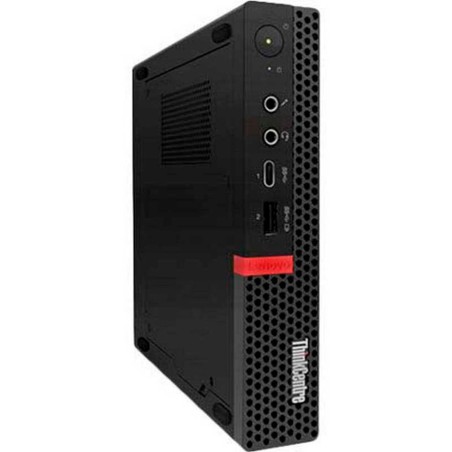
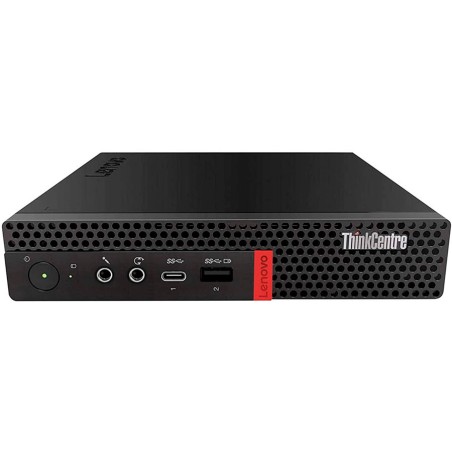
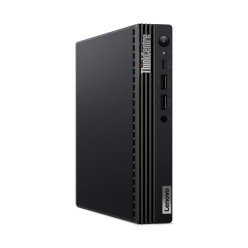
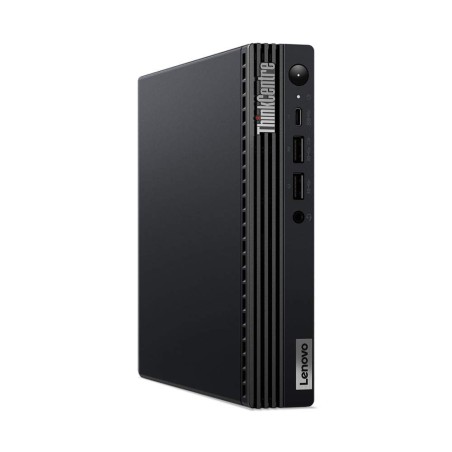
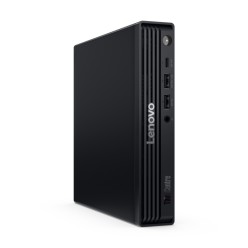
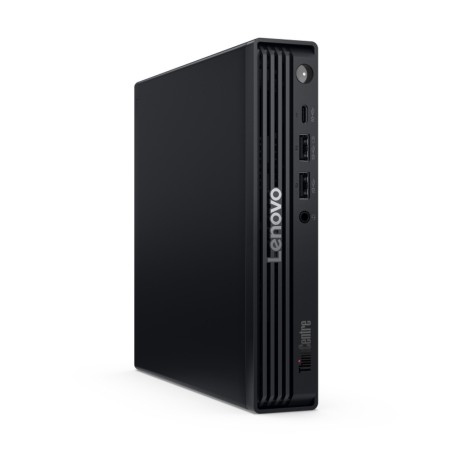
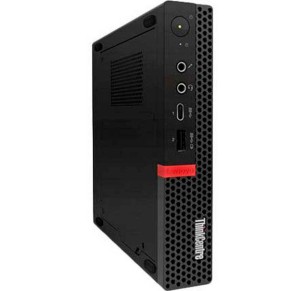
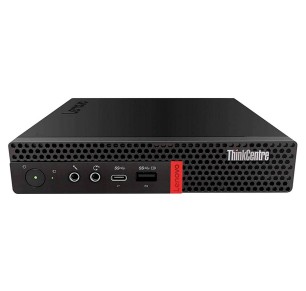
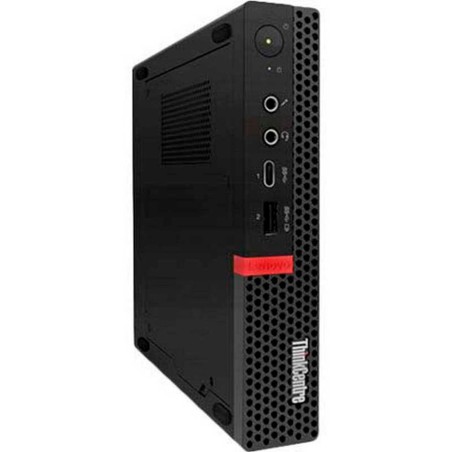
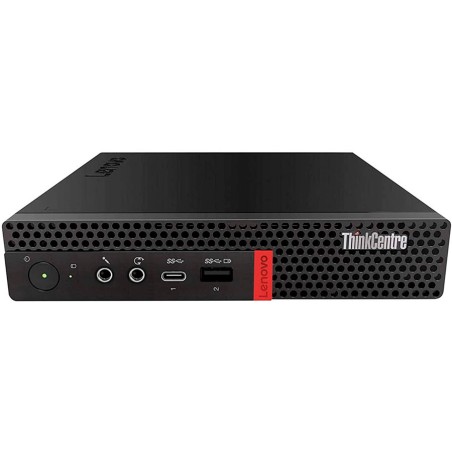
ThinkCentre mini for compact desks
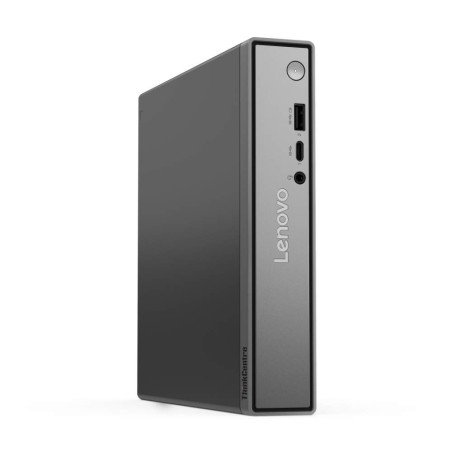
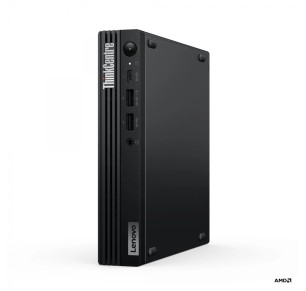
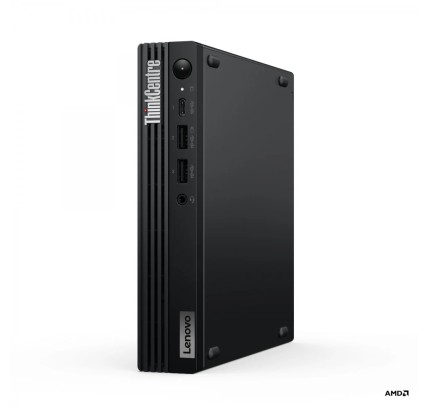
Lenovo ThinkCentre mini machines are a very practical option where space is limited: counters, reception areas, small offices or desks with an external monitor and keyboard. If your work centres on office software, a browser, email and management systems, this form factor is usually a very good fit. Always review the listing to confirm the ports and connectivity of the available unit.
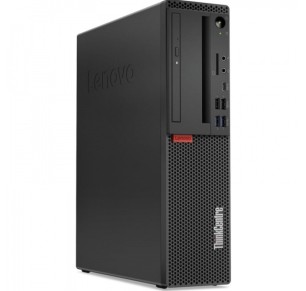
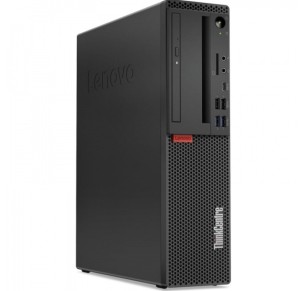
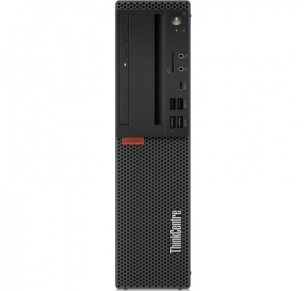
ThinkCentre SFF for the office and business
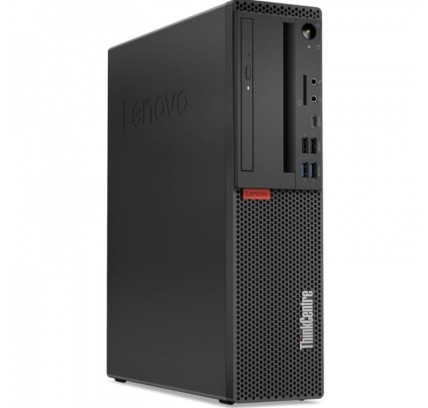
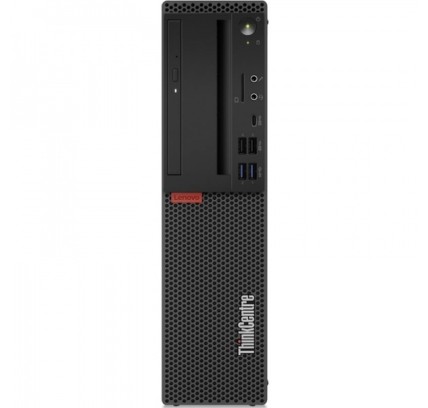
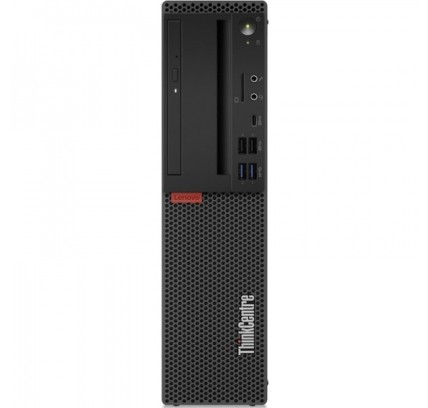
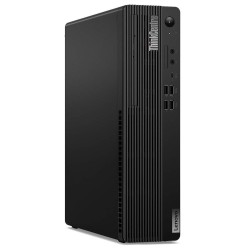
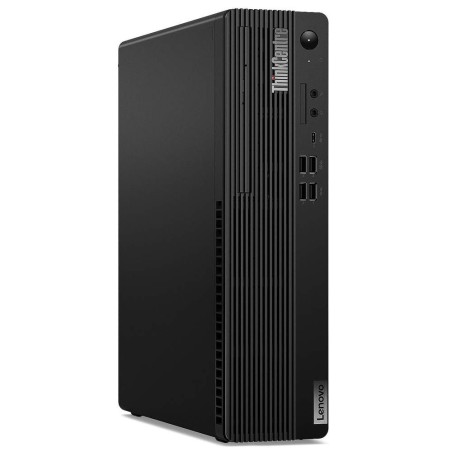
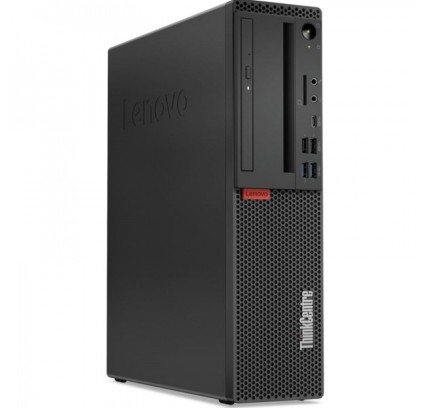
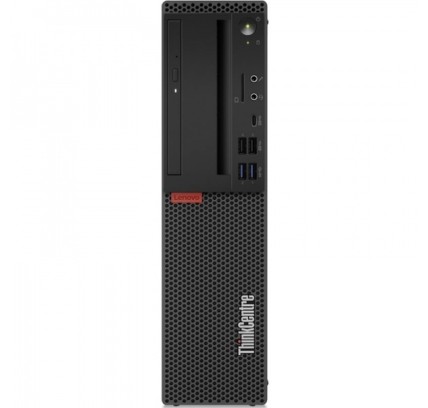
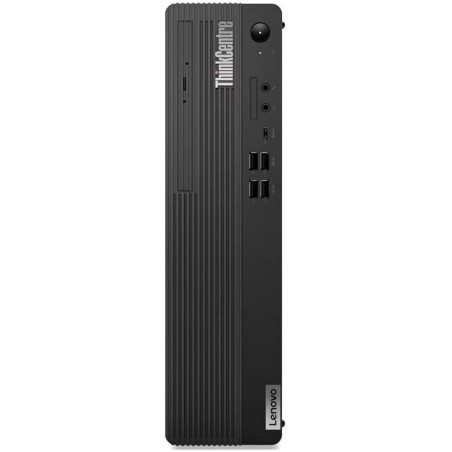
The SFF (Small Form Factor) is usually a very useful middle ground in business: it takes up less room than a tower and keeps good connectivity for a fixed desk. It is a common choice for administration, accounting, customer service or remote work from home. If you use two monitors, check the video outputs available in the product listing.
ThinkCentre tower for more room to upgrade
If you need more upgrade capacity (storage, RAM or certain components depending on the model), a ThinkCentre in tower format may be the better choice. This form factor is usually interesting for offices with growing needs or for technical desks. Even so, the upgrade possibilities depend on the exact model and should be verified in each listing.
ThinkCentre for remote work and everyday productivity
For remote work, a refurbished ThinkCentre desktop can give you a very stable experience when you pair it with a monitor, keyboard and mouse. Here the important thing is to prioritise an SSD, enough RAM and the connectivity your peripherals need. If you make video calls every day, also check that you have the ports needed for a webcam, headphones and an external screen.
ThinkCentre for professional environments and light editing
In professional environments, ThinkCentre machines can suit management tasks, advanced office software, heavy browsing and some light editing workflows, always depending on the configuration. For this use, pay attention to the CPU, RAM and storage. If you need dedicated graphics power or demanding technical software, you may want to compare other specialised categories as well.
Benefits and confidence when buying a refurbished ThinkCentre
- Professional focus: the ThinkCentre range is designed for productivity and stable workstations.
- A better budget fit: access to Lenovo desktops for professional use at a more contained price.
- Form factor options: mini, SFF or tower according to the space available and the type of desk.
- Buy on the real configuration: you can choose by CPU, RAM, SSD, connectivity and condition subject to availability.
- Dynamic stock: different models come in frequently, which is useful if you are after a particular quality-to-price balance.
- Commercial terms: the exact warranty, returns, shipping and finance options should be checked in the listing or in the terms in force.
If you are setting up several workstations, we recommend comparing the form factor first (mini/SFF/tower), then filtering by RAM and SSD, and finally reviewing the connectivity of each machine. That way you can choose a refurbished Lenovo ThinkCentre that fits your environment without paying more than you need to.
Frequently asked questions
Which refurbished Lenovo ThinkCentre is best for an office?
It depends on the use and the space available. For office and admin tasks, a ThinkCentre mini or SFF with an SSD and suitable RAM is usually a balanced option. If you need more upgrade or storage capacity, a tower format may fit better. Always review the listing to confirm the CPU, RAM, ports and exact condition.
What is the difference between ThinkCentre mini, SFF and tower?
The main difference is the physical size and the room for upgrades. The mini format takes up less space, the SFF offers a balance between size and connectivity, and the tower usually gives more expansion options. The availability of ports and components can vary by model, so it is worth reviewing each listing.
How much RAM do I need in a Lenovo ThinkCentre for business?
For office software, email and browsing, 8 GB can be enough at many desks. If the machine is going to be used with several applications open, large spreadsheets or constant multitasking, 16 GB usually brings more comfort. The final decision should be made with the exact configuration from the product listing.
Is it better to choose a ThinkCentre with an SSD or an HDD?
If you are after fast start-up and a better overall response, it is worth prioritising an SSD. A ThinkCentre with an SSD usually gives a smoother experience for office tasks and remote work. Even so, the capacity and type of storage should always be checked in the listing, because they change with the availability of refurbished stock.
Can I connect two monitors to a refurbished Lenovo ThinkCentre?
In many cases yes, but it depends on the video outputs that particular unit includes (DisplayPort, HDMI or others, for example). Before buying, review the ThinkCentre listing to confirm the real connectivity and whether you need adapters. This matters especially if you are going to set up a dual-screen workstation.
Are refurbished Lenovo ThinkCentre machines suitable for editing or professional use?
They can serve for many professional tasks and light editing, always depending on the configuration of the machine. The most important thing is to review the processor, RAM, storage and, where applicable, the graphics capability. For more demanding technical or graphics needs, it is worth comparing with categories geared more towards workstations or specific machines.
What should I check in the listing before buying a refurbished ThinkCentre?
Review the exact model, CPU, RAM, SSD/HDD, form factor (mini/SFF/tower), ports, condition/grade, the operating system where stated, the included accessories and the warranty. It is also worth checking that it fits your current monitors and peripherals. With refurbished machines, the product listing is the main reference for buying with confidence.
You may also be interested in