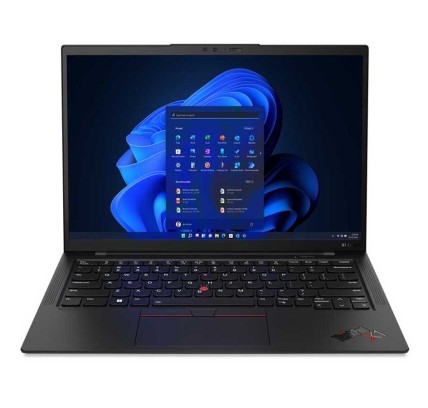
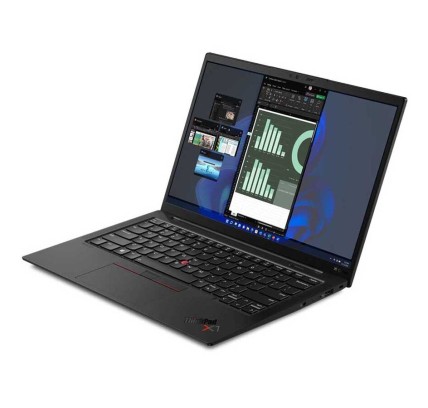
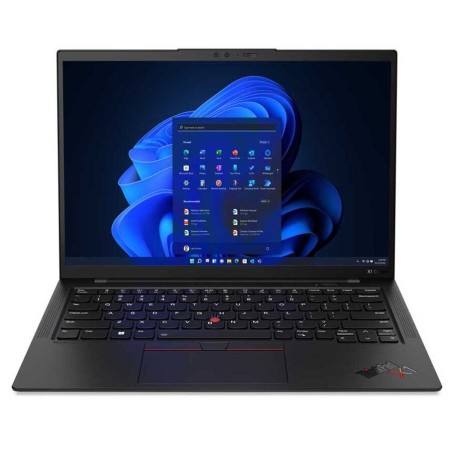
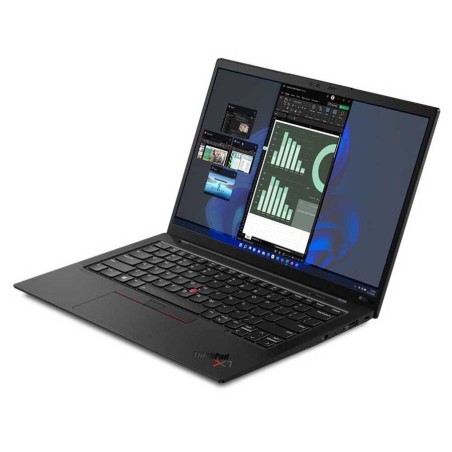
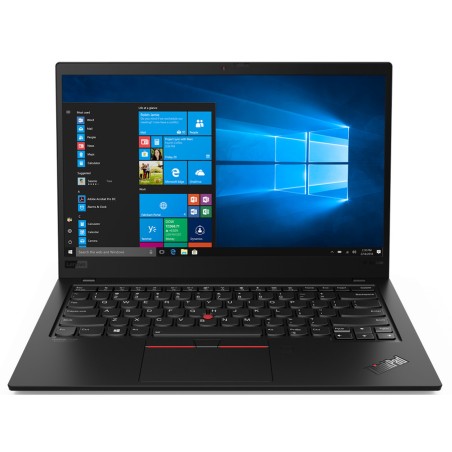
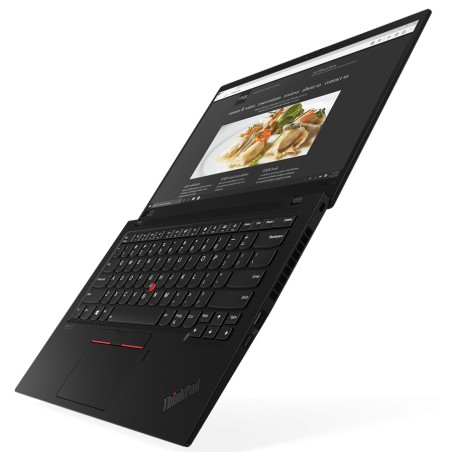
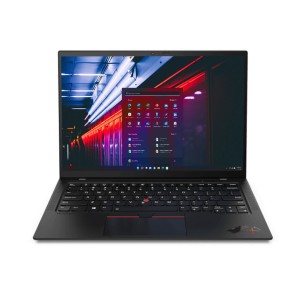
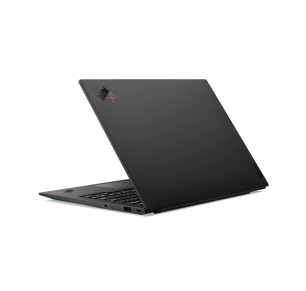
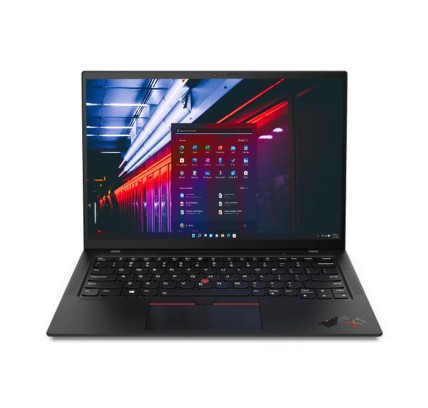
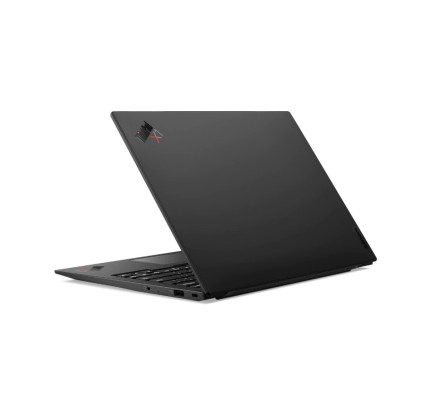
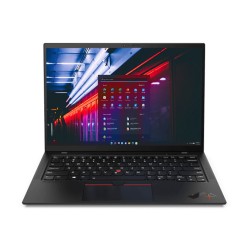
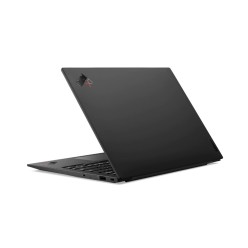
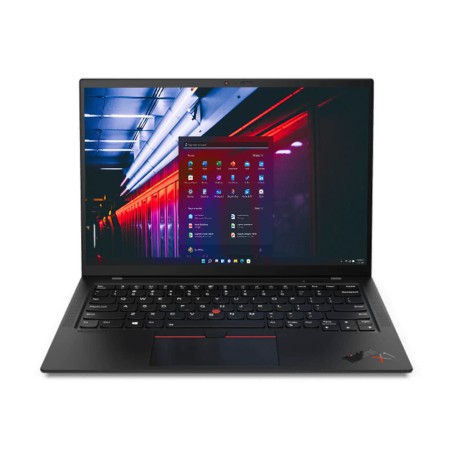
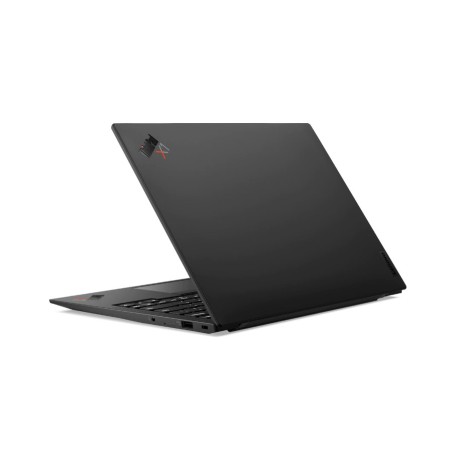
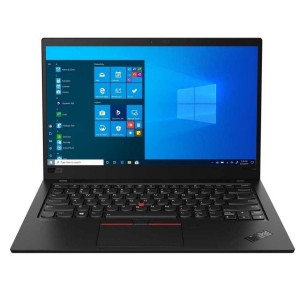
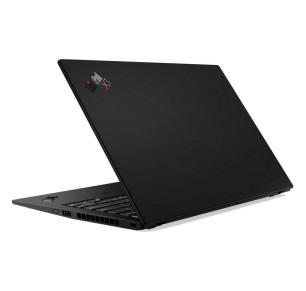
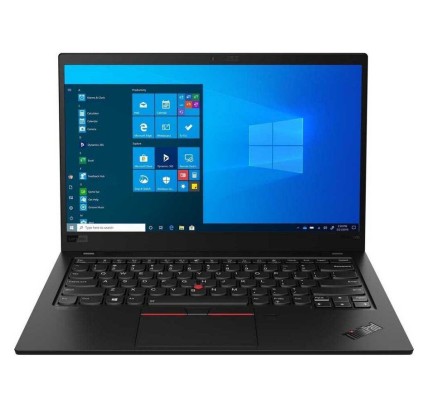
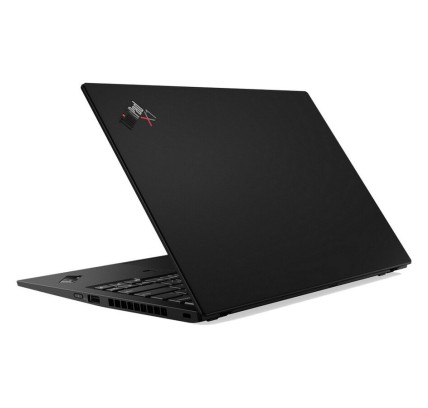
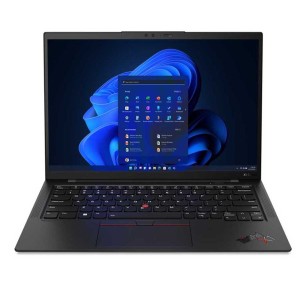
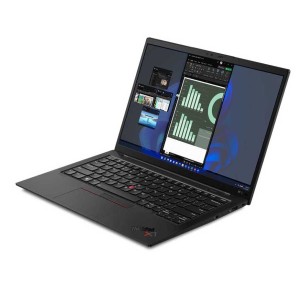
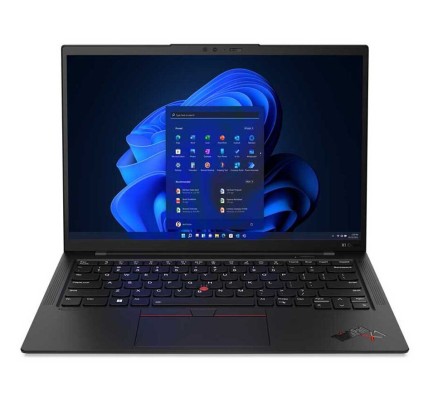
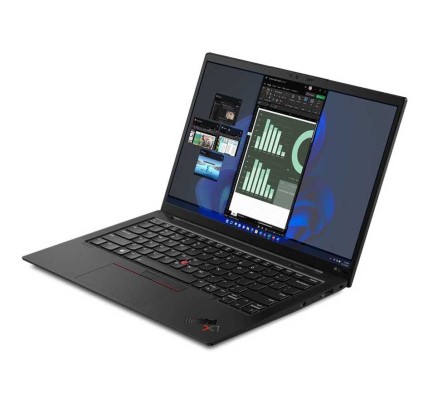
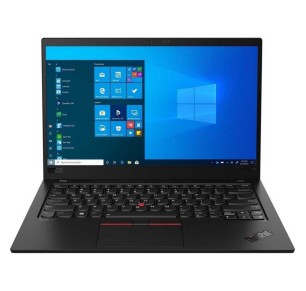
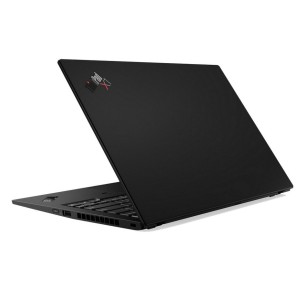
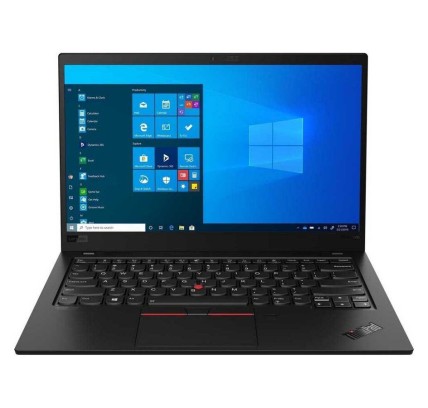
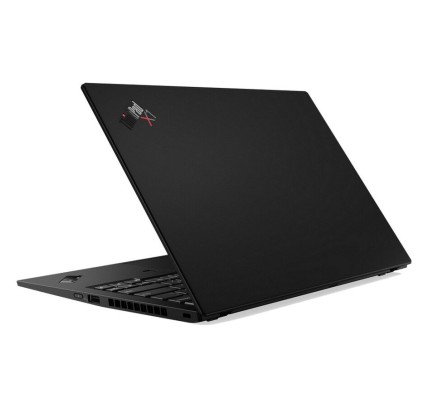
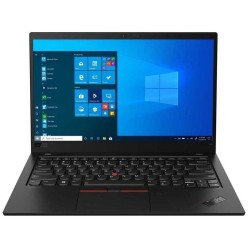
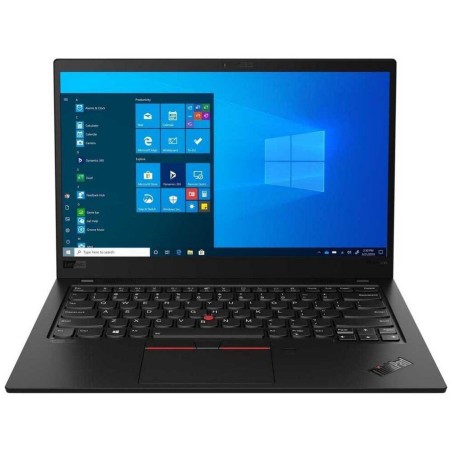
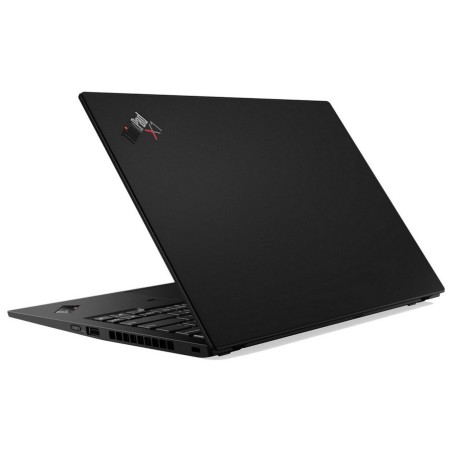
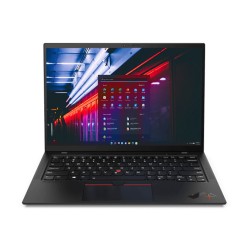
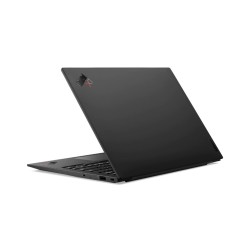
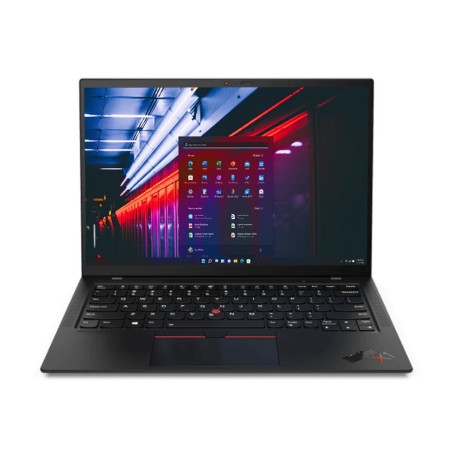
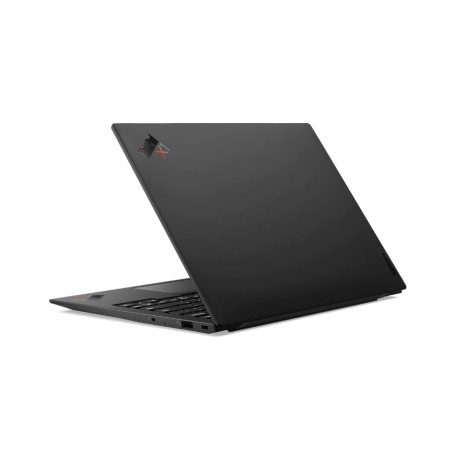
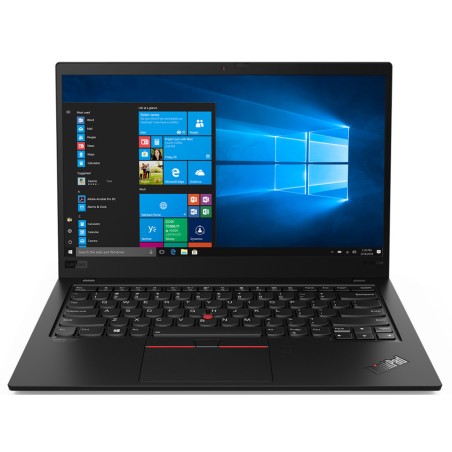
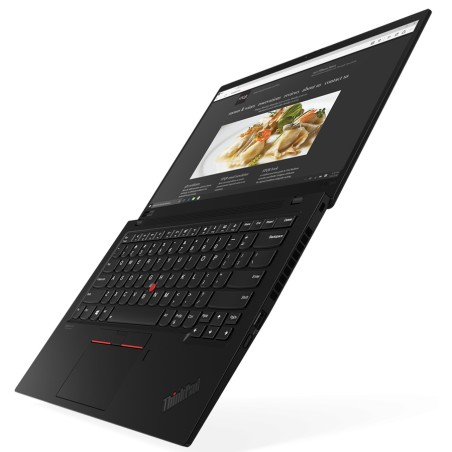
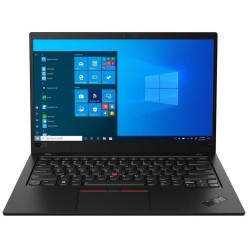
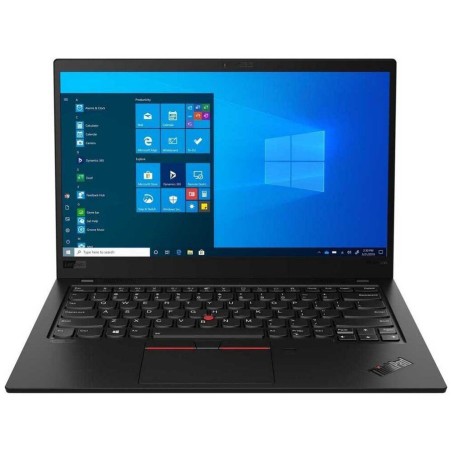
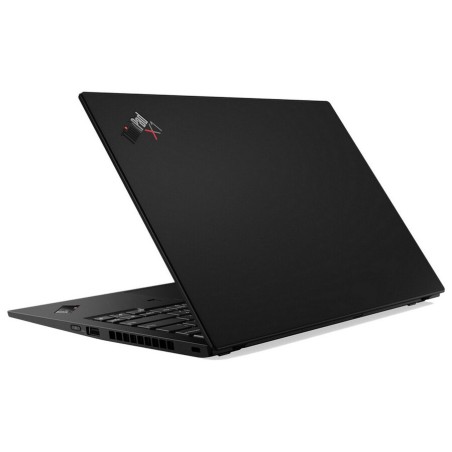
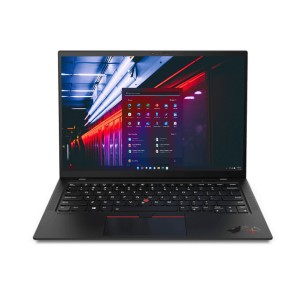
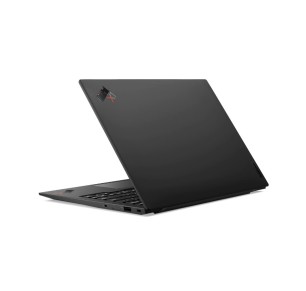
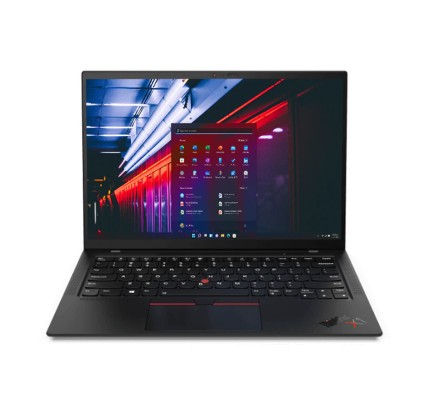
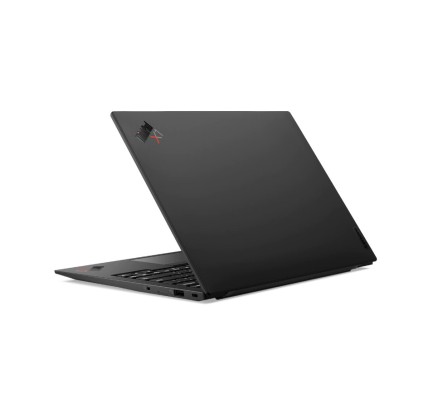
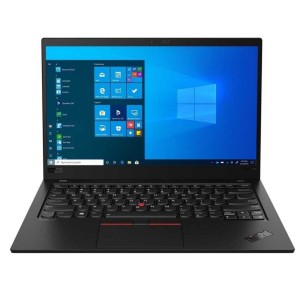
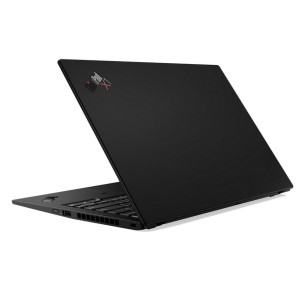
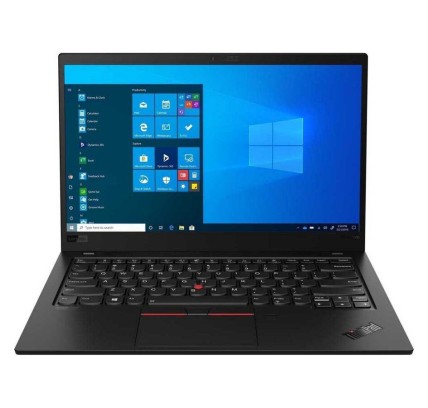
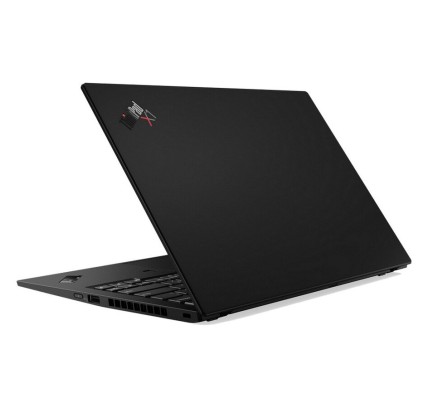
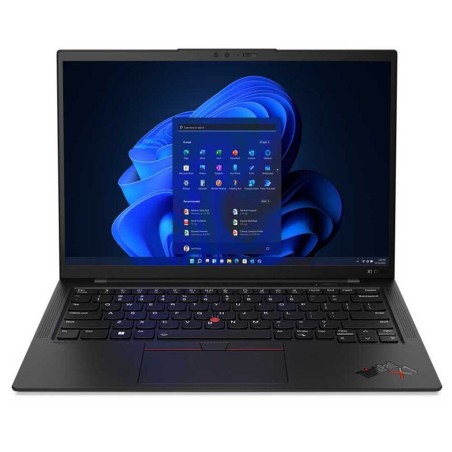
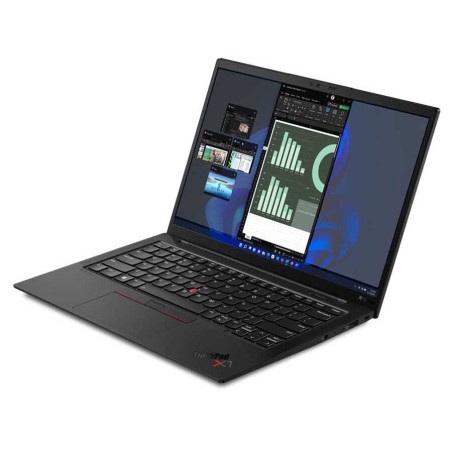
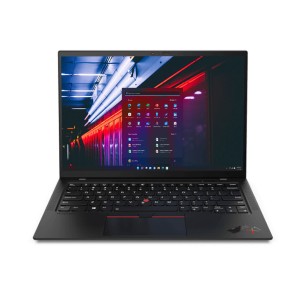
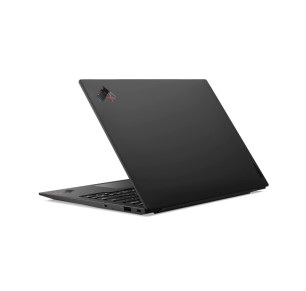
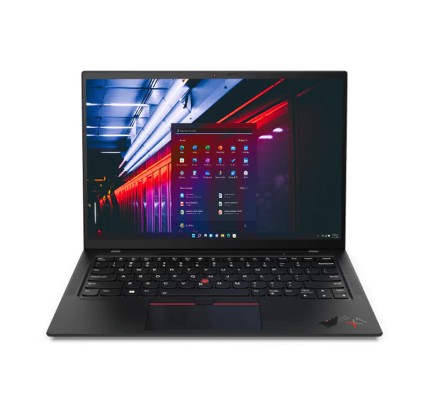
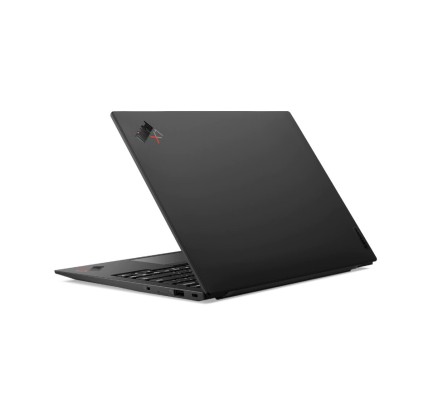
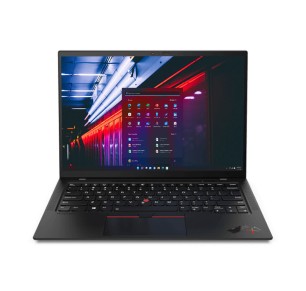
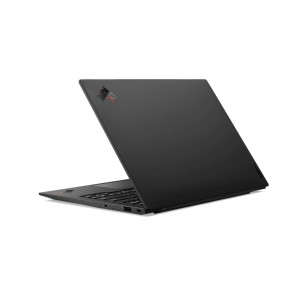
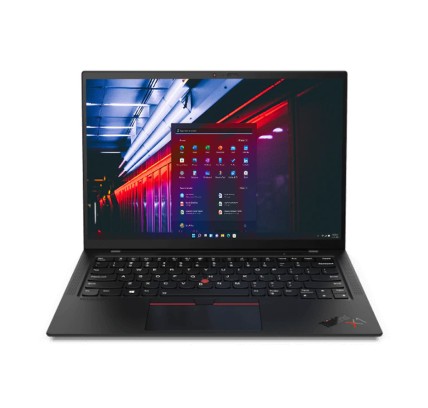
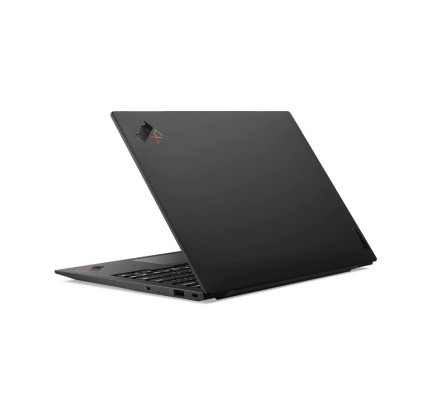
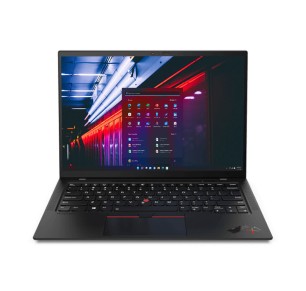
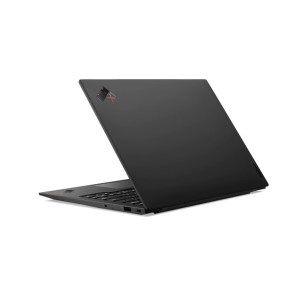
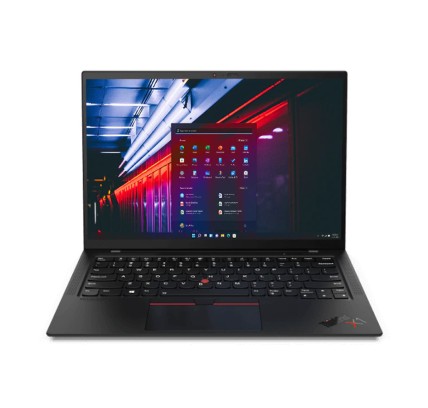
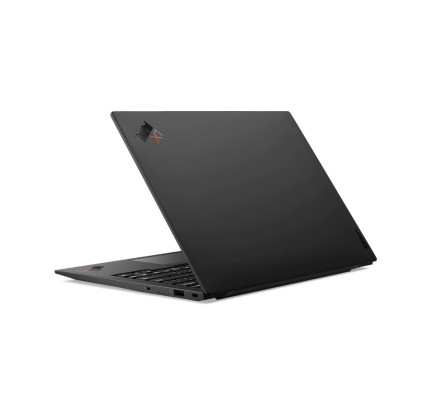
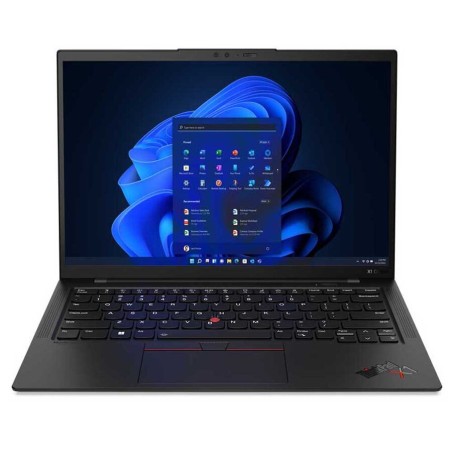
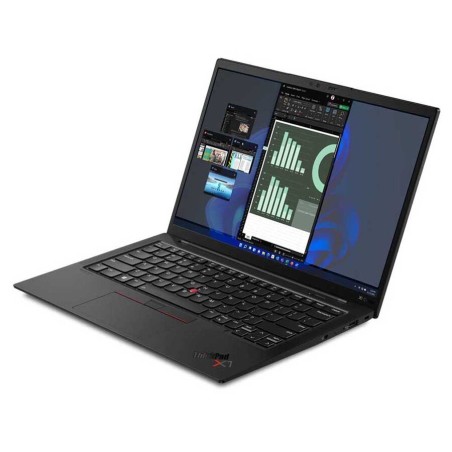
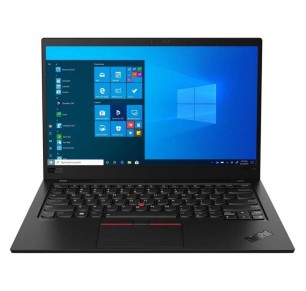
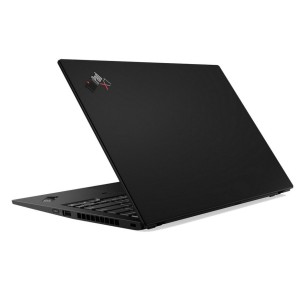
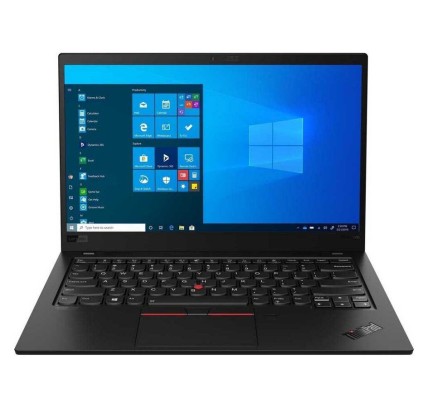
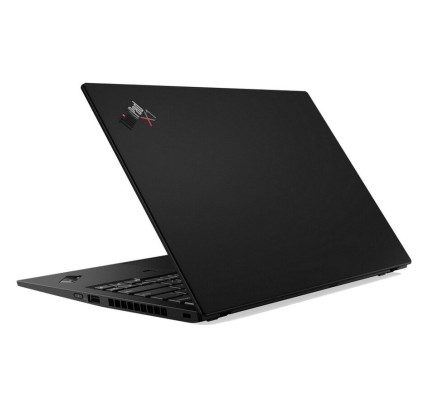
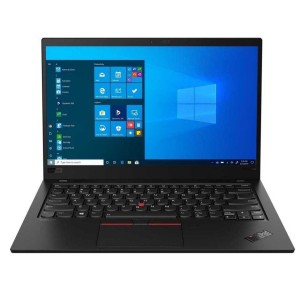
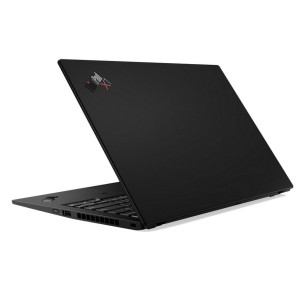
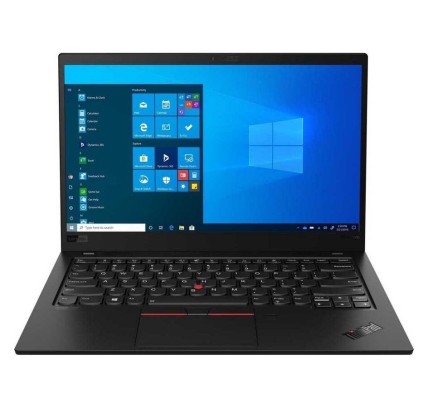
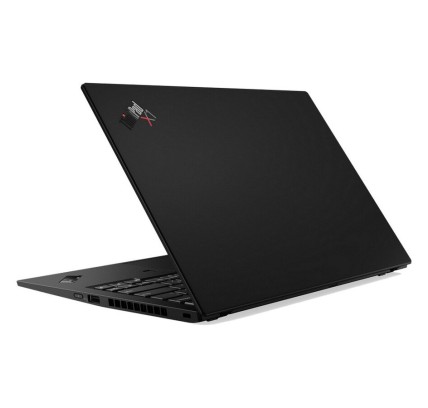
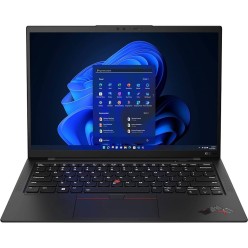
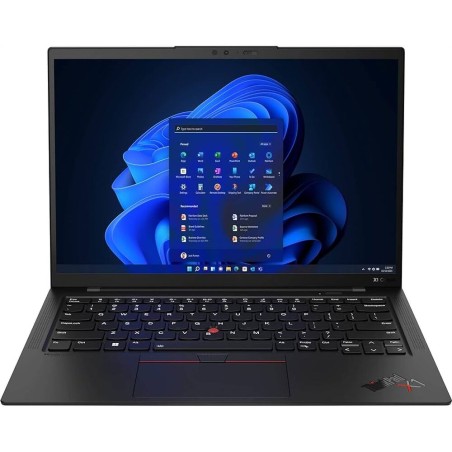
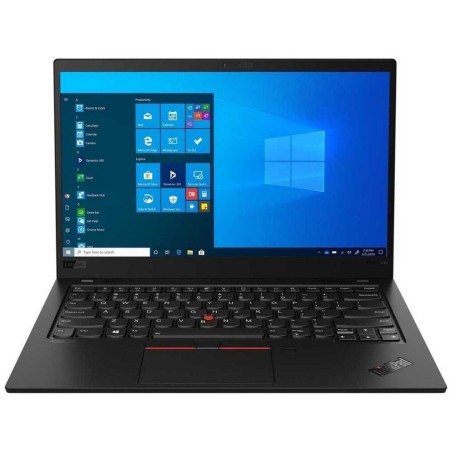
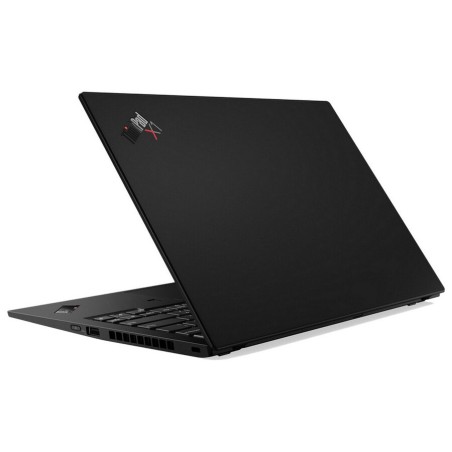
Refurbished Lenovo ThinkPad X1 Carbon for business
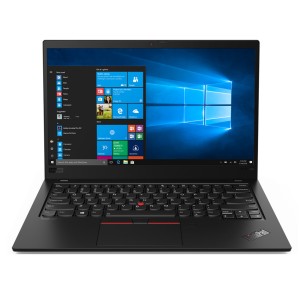
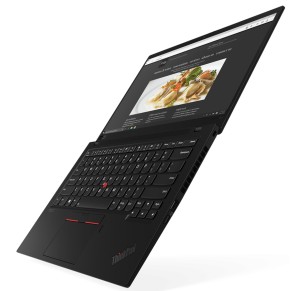
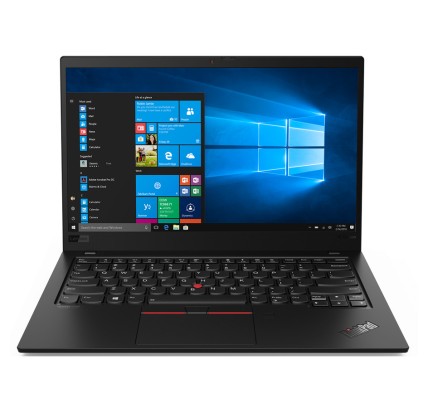
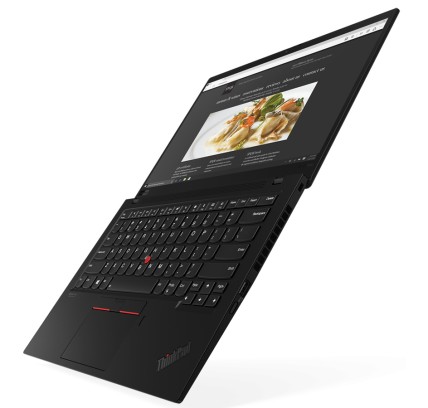
In this category you will find refurbished Lenovo ThinkPad X1 Carbon laptops aimed at mobility, remote work and professional use. The X1 Carbon is usually a particularly good fit when you want a 14" machine focused on productivity and portability, without giving up a configuration that handles everyday work well. As refurbished stock changes, here you can compare units by processor, RAM, SSD, screen, keyboard and condition/grade, subject to availability. Before buying, always review each unit listing to confirm the exact configuration, the ports, whether a charger is included and the applicable warranty.
How to choose a refurbished ThinkPad X1 Carbon
- CPU (generation and range): prioritise a better processor if you multitask, have constant video calls or use demanding tools.
- RAM: 8 GB can serve for basic use; 16 GB usually gives more headroom for everyday work and multitasking.
- SSD: choose an SSD as your baseline for fast start-up and a better response in applications and projects.
- Screen (14" and resolution): confirm the resolution and the panel if you spend long hours working with documents or design.
- Keyboard (language/layout): check whether it is original or adapted (as per the listing) to avoid surprises when typing.
- Connectivity: check the ports (USB/USB-C, video and so on depending on model) if you are going to use an external monitor, a dock or peripherals.
- Condition/grade: validate the stated cosmetic/functional condition; with refurbished machines it can vary from unit to unit.
- Warranty and contents: confirm in the listing the exact warranty and what is included (charger and so on).
ThinkPad X1 Carbon by type of use
X1 Carbon for professional mobility
If you move between the office, home and meetings, a refurbished X1 Carbon can be a very comfortable option thanks to its focus on portability. Match your purchase to your routine: enough RAM for multitasking and an SSD so you can work smoothly from day one.
X1 Carbon for remote work and video calls
For remote work, it is worth prioritising a balanced configuration (CPU plus RAM plus SSD) and reviewing the connectivity if you are going to use an external monitor or a docking station. The listing will tell you the exact ports and the real configuration.
X1 Carbon for students and advanced productivity
For studying with multitasking (browser plus documents plus an online class plus apps), a refurbished X1 Carbon can be a good fit if you choose the right memory and SSD. If your use is more basic, do not over-specify: filter and compare on your real needs.
X1 Carbon for business and hybrid working
In business environments, the X1 Carbon is often used as a main laptop for hybrid work. Before deciding, review the keyboard, the connectivity and the exact configuration so that it fits your environment (monitors, network, peripherals).
When should you compare with other ThinkPad models or a workstation?
If you need more screen, more specific ports or a different focus, you may want to compare with the general ThinkPad category. And if your workload is technical (CAD, 3D, heavy editing), also consider a refurbished workstation.
Benefits and confidence
- Choosing on criteria: compare CPU, RAM, SSD, screen and keyboard according to your use, not on assumptions.
- Rotating stock: the units change; the product listing is the reference for the configuration.
- Clearer compatibility: review the ports and connectivity if you are going to set up a desk with a monitor and peripherals.
- Buy carefully: the warranty, included accessories and condition/grade should be confirmed unit by unit.
- A quick decision: filter by RAM/SSD/screen and narrow the options to the configurations that really suit you.
Frequently asked questions
Which refurbished ThinkPad X1 Carbon suits me for business?
For business, it is usually a good idea to prioritise an SSD, RAM suited to multitasking and a processor that matches your working day (meetings, management tools, a browser). If you work with several applications at once, 16 GB usually offers more headroom. Always review the listing to confirm the configuration and the exact warranty.
How much RAM do I need in a refurbished ThinkPad X1 Carbon?
For office software and browsing, 8 GB can be enough in many cases. If you have frequent video calls, work with several apps open or multitask continuously, 16 GB is usually more comfortable. Because refurbished stock changes, always confirm the exact RAM in the unit listing.
Is it worth prioritising an SSD in a refurbished X1 Carbon?
Yes, in general it is one of the most noticeable improvements for everyday use: faster start-up and a better response when opening programs. If you need more capacity, review the options available unit by unit or the possibility of an upgrade (depending on model). The listing is the reference for deciding.
What should I review in the listing before buying a refurbished ThinkPad X1 Carbon?
Check the model/generation, processor, RAM, SSD, screen (resolution where stated), keyboard, ports, condition/grade, whether a charger is included and the warranty. If you are going to use a monitor or a dock, review the specific connectivity. The product listing is the main reference before buying.
Is a refurbished X1 Carbon a good option for students?
It can be, if you are after a 14" laptop focused on mobility and productivity. What matters is matching the configuration to your real use: an SSD as the priority and enough RAM for classes, assignments and multitasking. Before deciding, always review the listing of the available model.
Can I use a refurbished ThinkPad X1 Carbon with an external monitor?
In many cases yes, but it depends on the ports of the specific model. Before buying, review in the listing which connections it includes (USB-C/USB, video outputs and so on depending on the unit) and whether you need an adapter or a docking station. That way you make sure of compatibility with your monitor and peripherals.
Do refurbished X1 Carbon laptops include a charger, and what warranty do they have?
The included contents and the warranty can vary depending on the unit and the commercial terms in force. It is not safe to assume either. Before buying, review each X1 Carbon listing to confirm whether a charger is included, the condition of the machine and the exact warranty applicable to that product.
You may also be interested in