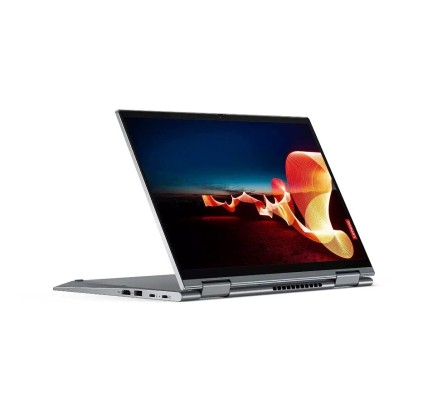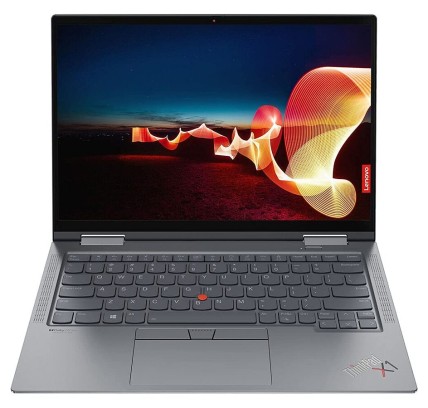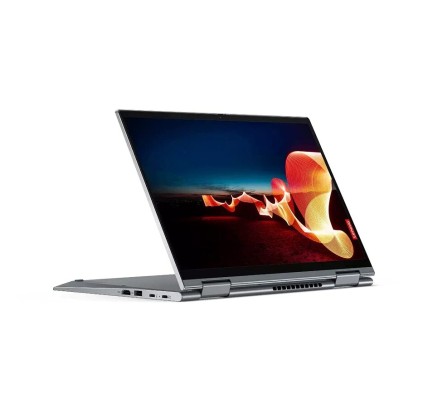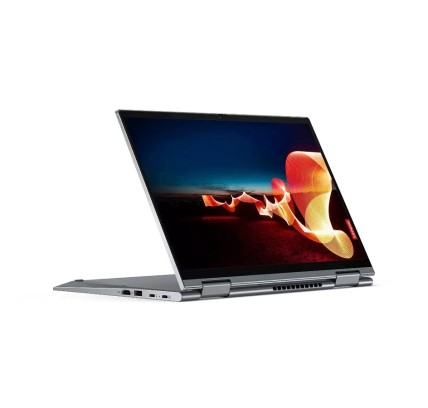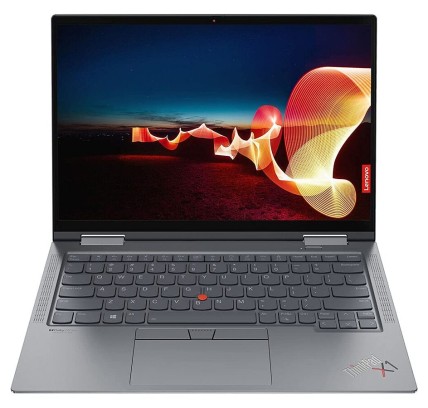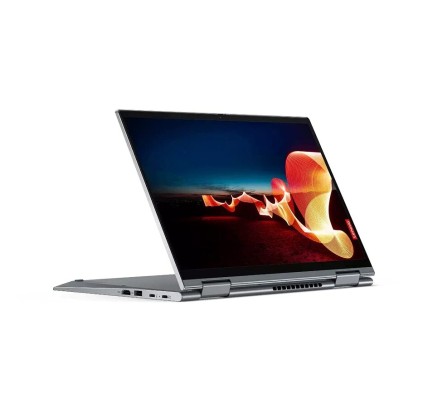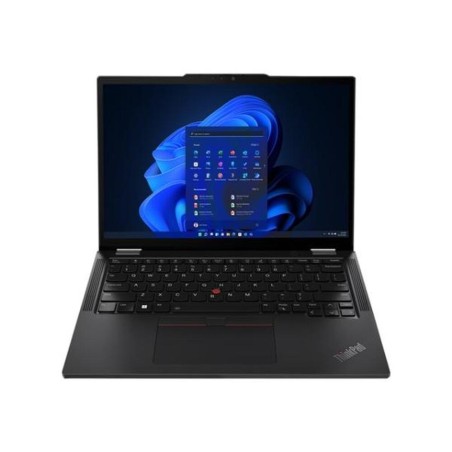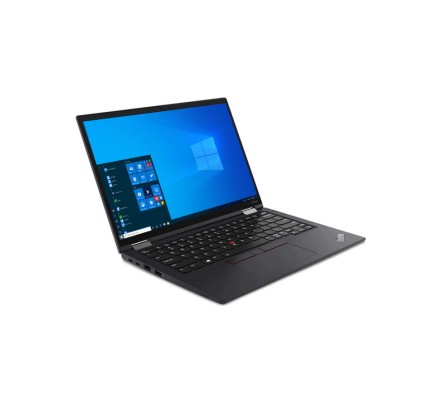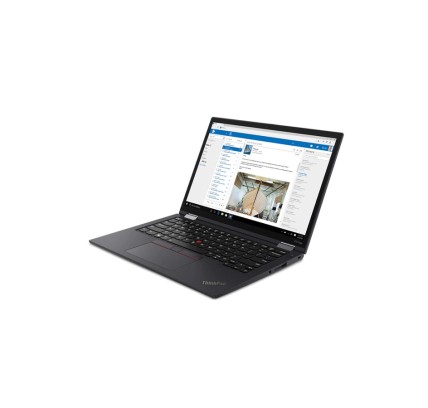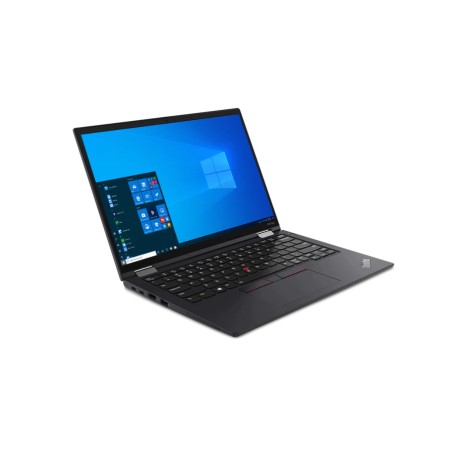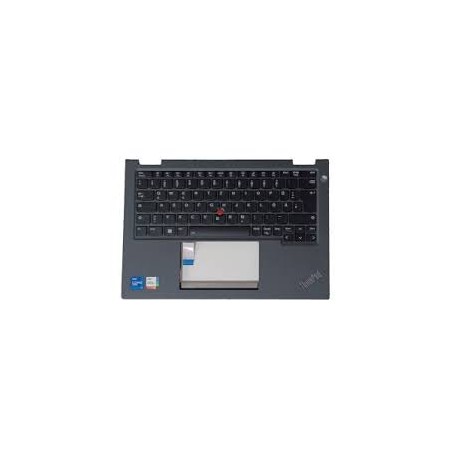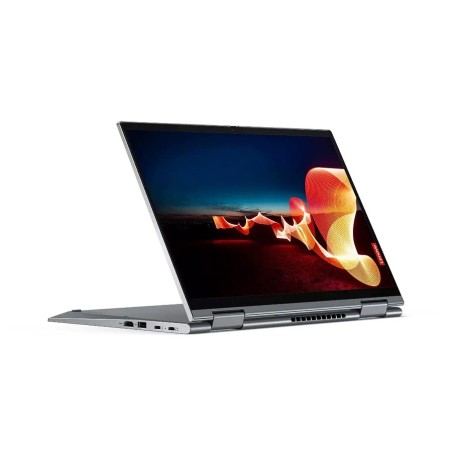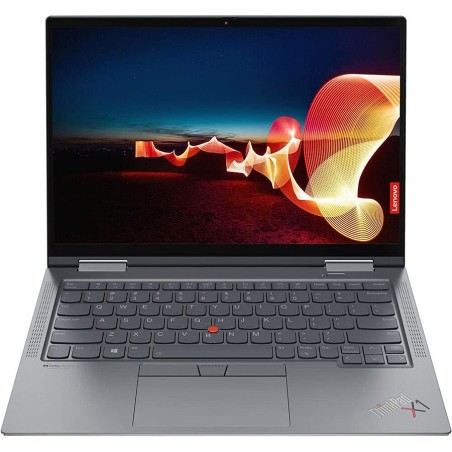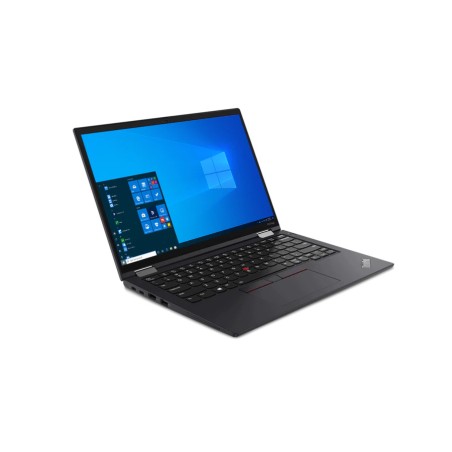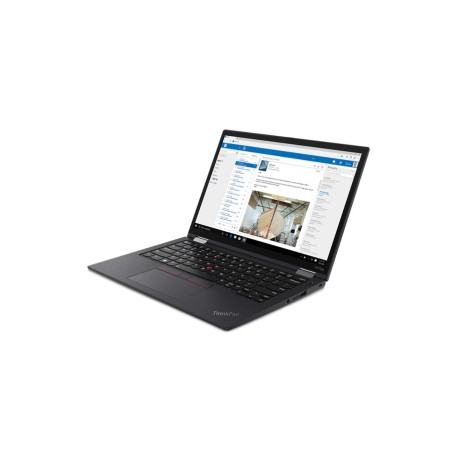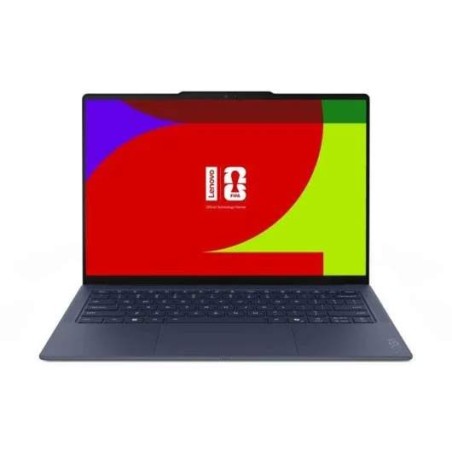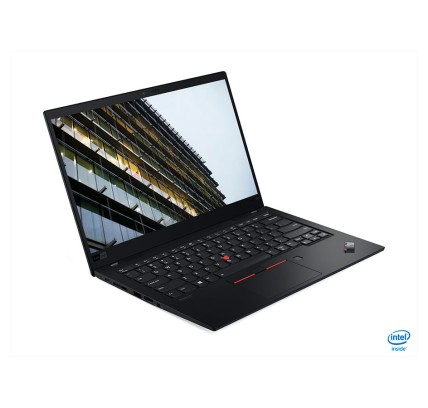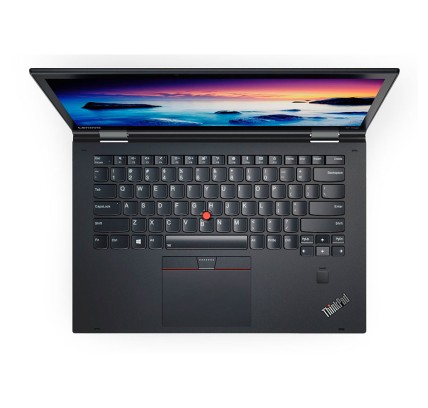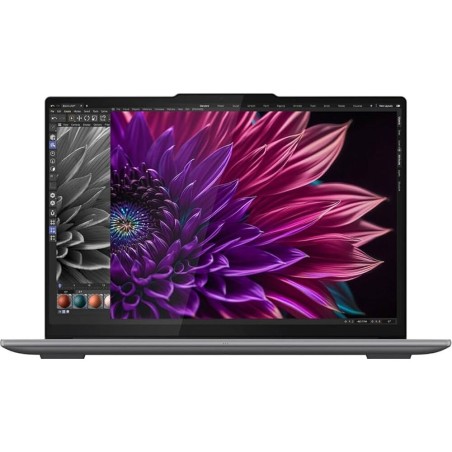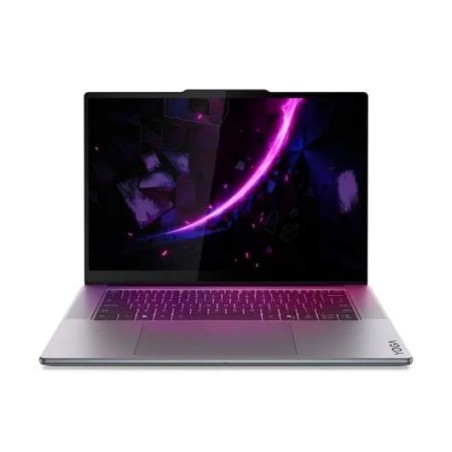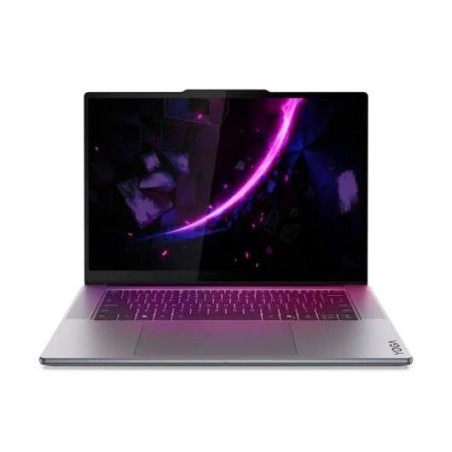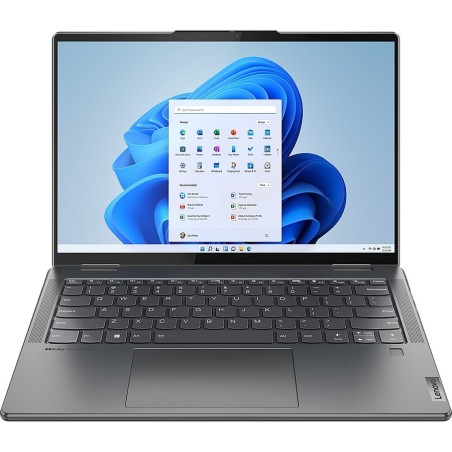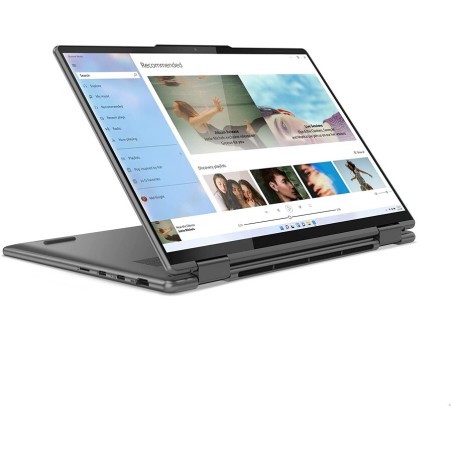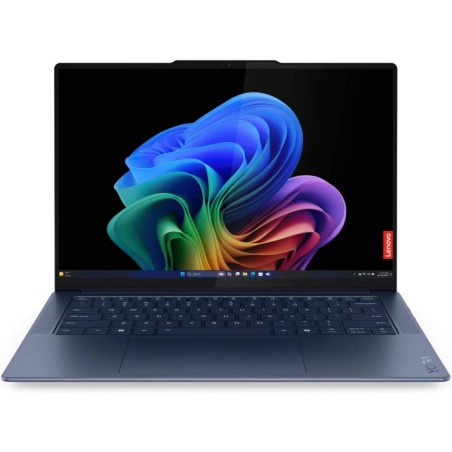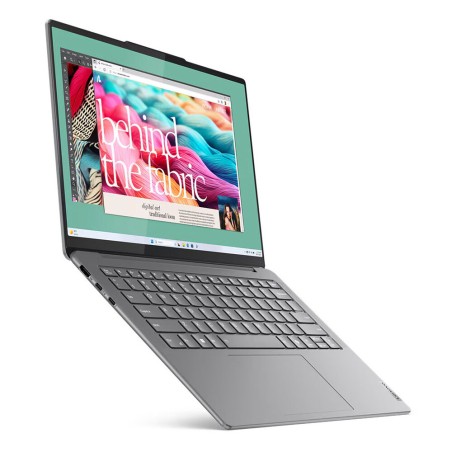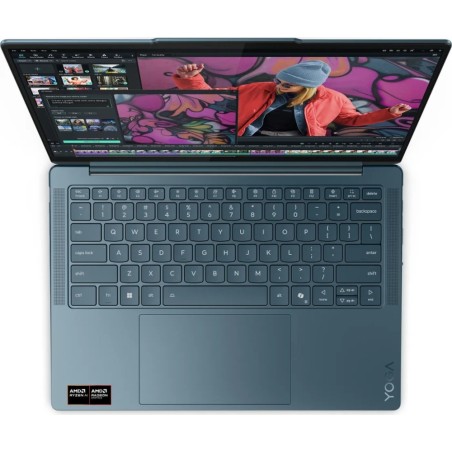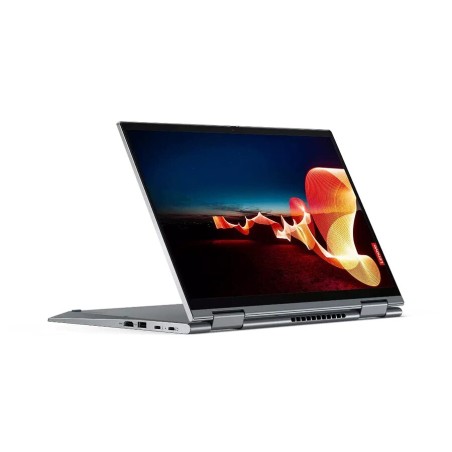
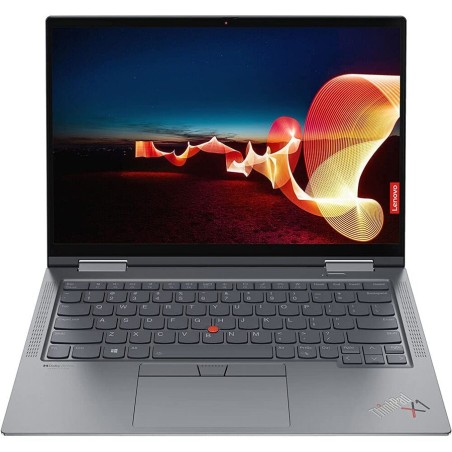
Original keyboard: QWERTY in Norwegian Lenovo X1 Yoga G6 business convertible laptop with Intel Core i5-1145G7 processor running at 2.6 GHz, four cores and eight threads, delivering...
€407.36Price
ENVIAMOS A TODA EUROPA CONTINENTAL
44 products
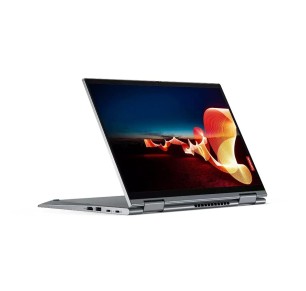
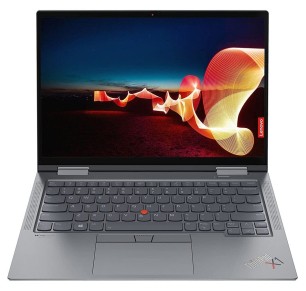
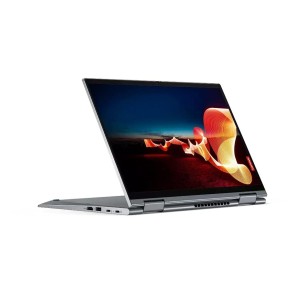
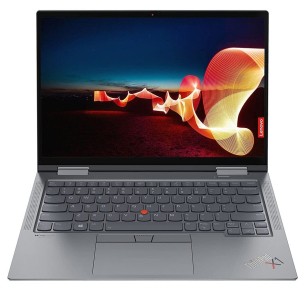
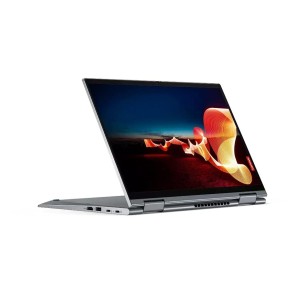
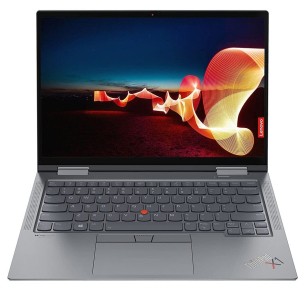
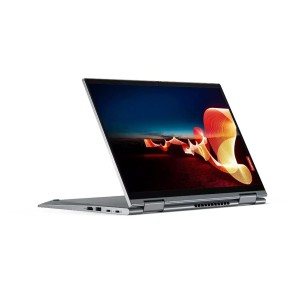
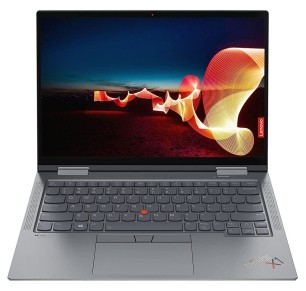
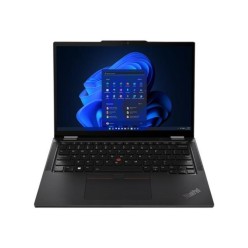
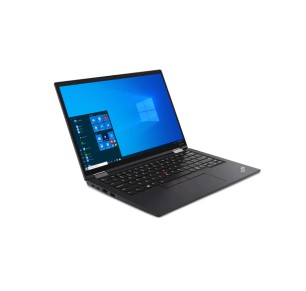
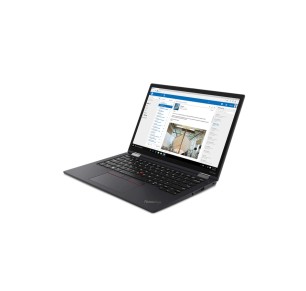
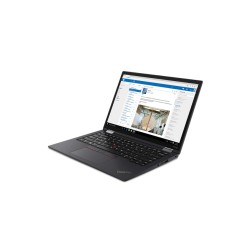
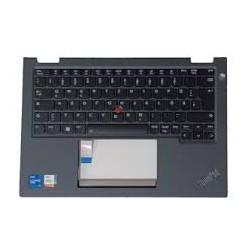
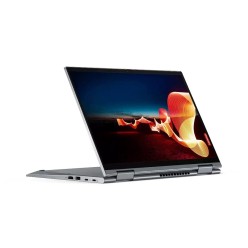
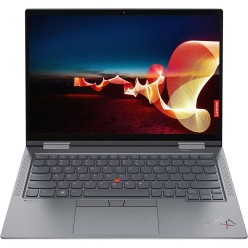
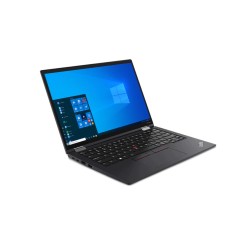
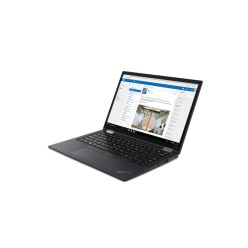
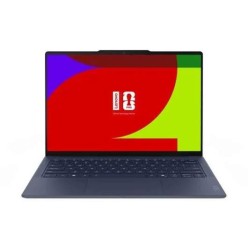
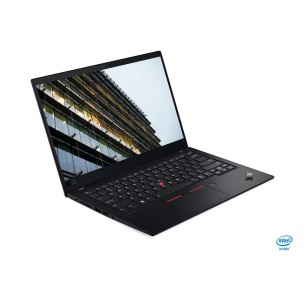
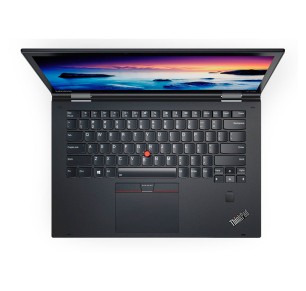
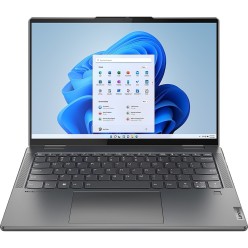
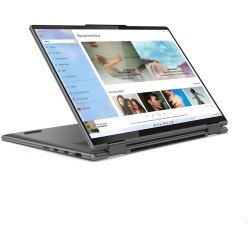
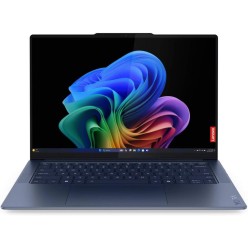
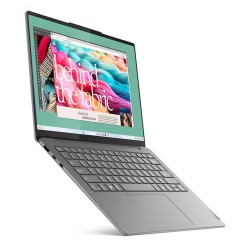
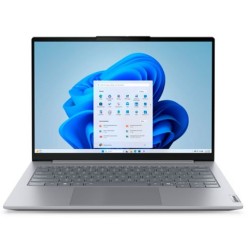
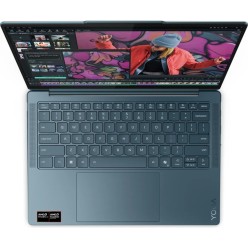

In this category you will find refurbished Lenovo Yoga laptops aimed at mobility, classes, remote work and flexible use. The Yoga range is usually 2-in-1, with a convertible form factor (a 360-degree hinge, for example, depending on the model), which lets you use the machine as a laptop or in modes that are more comfortable for meetings and travel. Here you can compare units by processor, RAM, SSD, screen, keyboard and condition/grade, subject to availability. Before buying, always review each unit listing to confirm the exact configuration, the ports, the screen (touch where stated) and the applicable warranty.
For notes, documents, a browser and online classes, a refurbished Lenovo Yoga can be a versatile option if you choose a balanced configuration. An SSD as the priority and enough RAM usually make the difference in everyday use. Always review the listing to confirm the screen, keyboard and connectivity.
If you alternate between home, the office and travel, the convertible form factor can help in meetings and tight spaces. Before buying, review the screen size, the ports and whether a charger is included (where stated). With refurbished machines, the listing is the real reference.
If you are going to use a monitor, keyboard and mouse, it is worth checking the video outputs and the USB/USB-C ports of the specific model. In some cases you may need an adapter or a dock, so confirm the exact connectivity in the product listing.
The convertible mode can be useful for presentations and meetings, but what matters is that the configuration fits your routine (RAM, SSD, CPU and screen). If a touchscreen or compatible accessories interest you, check it in the listing.
If you prioritise a more business-oriented approach or need other Lenovo series, also compare with the general ThinkPad category. And if all you are after is a 2-in-1 form factor with no preference of family, review the general category of refurbished 2-in-1 laptops to widen your options.
For study or remote work, it is worth prioritising an SSD and RAM suited to multitasking. If you make video calls and work with several apps open, 16 GB usually gives more headroom. Review the listing to confirm the CPU, screen, keyboard, ports and exact warranty of each unit.
It means the machine can be used in different modes (as a laptop and in other modes) thanks to its design, normally with a hinge that allows more flexibility. As this can vary by model and generation, always review the listing to confirm the exact convertible format and the screen features.
For browsing, documents and basic tasks, 8 GB can be enough in many cases. If you work with video calls, several applications and frequent multitasking, 16 GB is usually more comfortable. Because refurbished stock changes, always confirm the exact RAM in the listing.
In most cases, yes. An SSD improves system start-up and the overall response of the machine, which is very useful for study and everyday work. If you need more capacity, review the available configurations or any possible upgrades according to the specific model (where it is stated in the listing).
It is not safe to assume so. Although Yoga is usually associated with a convertible form factor, the presence of a touchscreen can vary by model and configuration. Before buying, review the product listing to confirm whether the screen is touch-enabled, along with its size and resolution.
Review the exact model, CPU, RAM, SSD/HDD, screen (size/resolution and whether it is touch-enabled where stated), keyboard, ports, condition/grade, whether a charger is included and the warranty. If you are going to use an external monitor or a dock, confirm the specific connectivity. The listing is the main reference.
Yes, in many cases, but it depends on the ports of the specific model. Review in the listing which connections it includes (USB/USB-C and video outputs) and whether you need an adapter or a docking station. This is key to making sure of compatibility with your monitor, keyboard and mouse.